
Have you ever visited a website and been mesmerized by the dynamic, eye-catching slides that effortlessly convey a story or message? Chances are, you were looking at a layer slider in action.
If you’re eager to transform your WordPress site into an engaging visual experience, understanding what a layer slider is could be your golden ticket. This blog post will take you on a journey through the world of layer sliders in WordPress, revealing how they can captivate your audience and elevate your website’s appeal.
By the end of this read, you’ll be equipped with the knowledge to make your website not just a place visitors land on, but a destination they remember. Let’s dive in and unlock the potential of layer sliders for your site!
Credit: www.isitwp.com
Layer Slider Basics
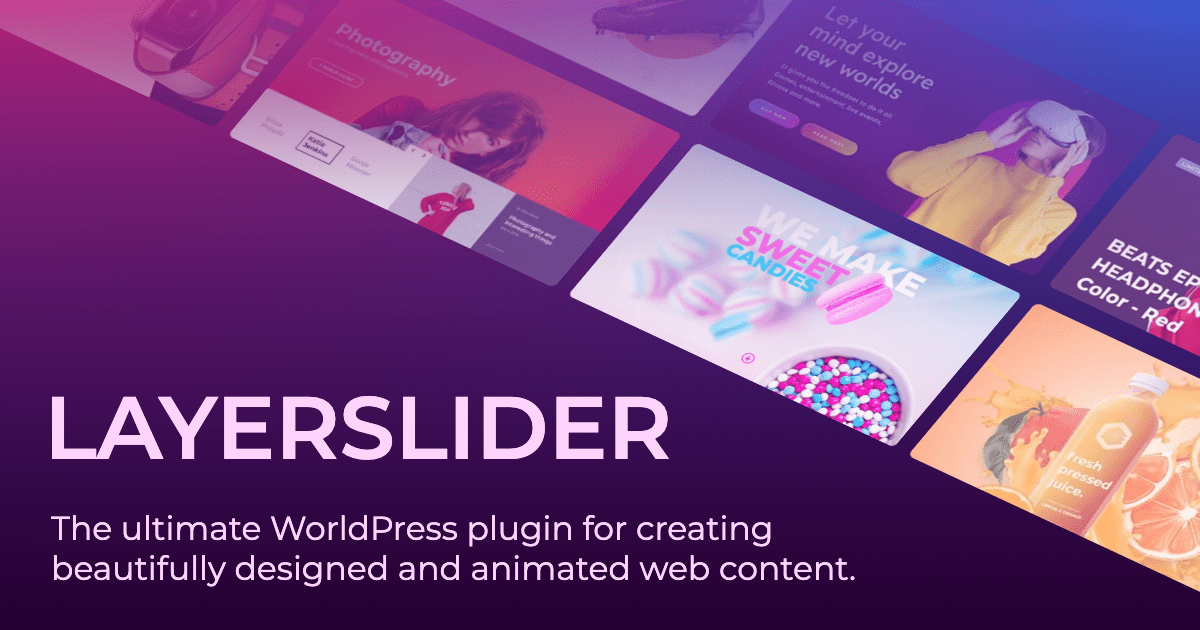
Layer Slider is a popular tool in WordPress. It helps make websites look cool. This tool can show pictures and text. They move in fun ways. You can make slideshows with it. These slides can tell stories. They catch the eye. They make visitors stay longer.
This tool is easy to use. No coding skills needed. Just drag and drop. Choose from many effects. Add animations to make it lively. Change colors and fonts. Make each slide unique. It works on phones and tablets too. This keeps your site neat and tidy.
Features And Capabilities
Customization Options are vast in Layer Slider. Users can change many things. Colors, fonts, and sizes can be adjusted. Choose from different templates. Make your slider unique.
Animation Effects bring life to the slider. Slides can move in and out. Fade effects are also available. These effects add style. They keep visitors engaged.
Responsive Design ensures compatibility. Layer Slider works on all devices. It fits well on phones, tablets, and desktops. No distortion occurs. Everything stays clear and sharp.
Setting Up Layer Slider
First, download the Layer Slider plugin. Go to your WordPress dashboard. Click on “Plugins,” then “Add New.” Upload the plugin file you downloaded. Click “Install Now.” Once installed, click “Activate.” Your Layer Slider is ready. Follow these steps for a smooth installation.
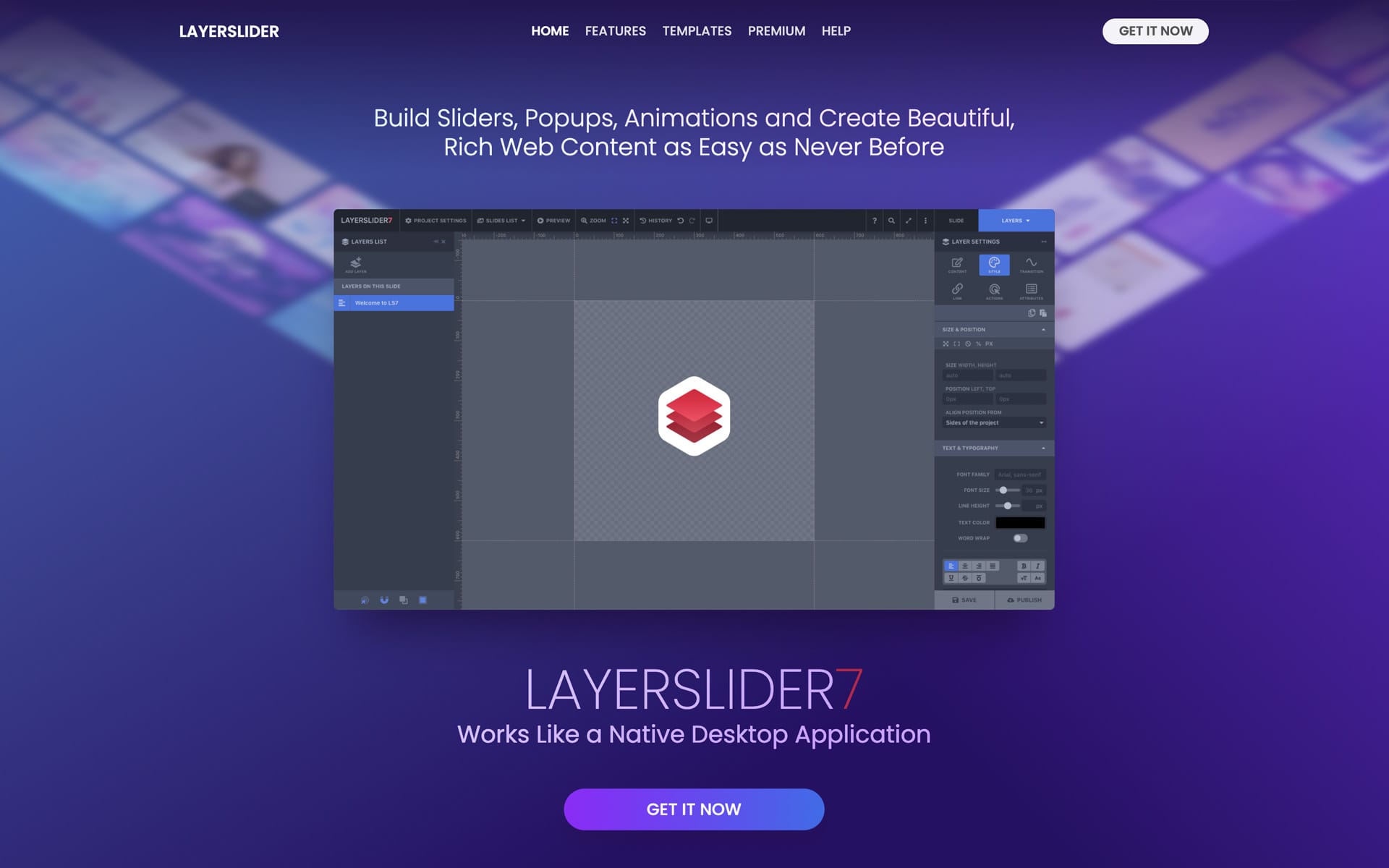
Navigate to the Layer Slider menu. Click “Add New Slider.” Name your slider clearly. Choose a suitable size for your slider. Add your images or videos. Arrange them in order. Customize transitions and effects. Save your changes. Preview your slider to see how it looks. Make adjustments if needed. Your slider is now ready to use.
Credit: layerslider.com
Designing Effective Slides
Good slides need great images. Pick clear and colorful pictures. They make your slides pop. Text must be short and easy to read. Keep it simple. Readers can understand better this way. Match your images with your text. They should tell the same story. This makes your slide look neat and professional.
Layers make your slides look cool. You can stack images and text. This adds depth to your slides. Use layers to show more details. Make sure layers do not overlap too much. People need to see everything clearly. Adjust the transparency if needed. This helps layers blend well together.
Integrating With WordPress
Layer Slider helps make websites look cool. It shows sliding pictures and words. It works with WordPress easily. You can put sliders on posts and pages. This makes your site more fun. People like to see moving things. It grabs their attention fast.
Embedding In Posts And Pages
Sliders can go on posts and pages. You just pick where you want them. This is done with simple steps. Your site will look more lively. Adding sliders is easy and quick. It makes your content pop. Visitors will stay longer.
Utilizing Shortcodes
Shortcodes help add sliders. They are small bits of code. You copy and paste them. It’s like magic for your site. Shortcodes make things easier. You don’t need to know coding. Just use them to make sliders show up. Your site will look cool and modern.
Advanced Techniques
A Layer Slider in WordPress is a tool for creating dynamic slideshows. It allows users to add animations, transitions, and interactive content. Enhance your website’s visual appeal by using Layer Slider’s customizable features. Perfect for showcasing images, videos, and text in an engaging way.
Adding Multimedia Elements
Layer Slider in WordPress can show videos, images, and audio. Use these elements to make your site fun. Drag and drop features make it simple to add multimedia. A video can make your slider exciting. Music or audio can add mood. Images can tell a story. With multimedia, your slider becomes interactive. Visitors will love it.
Implementing Custom Css
Custom CSS helps change the look of your slider. It is like painting your slider with colors. You can make text bold or add shadows. Change the background with CSS code. Make borders or add animations. With CSS, your slider can have a unique style. It will stand out and look cool.
Troubleshooting Common Issues
A Layer Slider in WordPress enhances web design with dynamic image transitions. Users often face issues like plugin conflicts or outdated software. Solutions include updating plugins, checking compatibility, and adjusting settings for smooth functionality.
Compatibility Problems
Layer Slider might not work with some themes. Check theme settings first. Update plugins regularly. Outdated plugins can cause problems. Conflict with other plugins is common. Disable other plugins to test. Enable them one by one. Find which plugin causes the issue. Browser compatibility is also important. Some features might not work in older browsers. Always use the latest browser version. WordPress version matters too. Ensure WordPress is up-to-date.
Performance Optimization
Layer Slider can slow down the site. Optimize images used in sliders. Smaller images load faster. Reduce the number of layers in sliders. Fewer layers mean faster load times. Limit animations to essential ones. Too many animations can slow down performance. Check server response time. A slow server affects slider speed. Consider using a caching plugin. Caching improves speed and performance.
Credit: support.undsgn.com
Enhancing User Experience
Layer Sliders can make websites look great. They help pages load faster. When a page loads fast, users stay longer. Fast websites keep people happy. They do not like waiting. Waiting can make them leave.
Layer Sliders use smart tricks to load fast. They load parts of the page first. Users see something quickly. It feels like the site is fast. Speed is important for all users.
Accessibility means everyone can use the site. Layer Sliders help with this. They work well with screen readers. People who can’t see well can use the site. Everyone should have a good experience.
Popular Use Cases
Layer Slider in WordPress helps create engaging slideshows for websites. It supports animations, transitions, and multimedia elements. This tool enhances user interaction and visual appeal, making content more dynamic.
Business Websites
Business websites often use Layer Slider for engaging visuals. These sliders showcase products and services. They grab visitor attention quickly. Easy navigation is crucial for user experience. Layer Slider helps guide visitors effectively. It can highlight key business achievements. This makes information accessible and attractive. Animations can be added to enhance appeal. Users can stay informed without much effort. It creates a professional look for any site.
Creative Portfolios
Creative portfolios use Layer Slider for dynamic displays. Artists can exhibit their work beautifully. Designers often use it for showcasing projects. It allows visual storytelling with ease. Different layers can add depth to presentations. Visitors can enjoy a unique browsing experience. Creative work becomes more memorable. It helps artists stand out in crowded spaces. Users can explore diverse creations smoothly. Layer Slider adds a touch of creativity to portfolios.
Alternatives To Layer Slider
A Layer Slider in WordPress creates engaging sliding images or content on websites. Explore alternatives like Smart Slider 3, MetaSlider, and Soliloquy. These options offer user-friendly interfaces and various customization features, enhancing website visuals without complexity.
Comparing Slider Plugins
Layer Slider is popular. But many plugins exist. Each has pros and cons. Some plugins are easy to use. Others offer more features. Smart Slider is user-friendly. It creates responsive sliders. Meta Slider is simple but lacks advanced options. Soliloquy is fast. It works well with images. But it costs more. Slider Revolution offers many effects. It is complex for beginners. Royal Slider supports video and HTML content. But it needs more customization.
Pros and Cons help choose the right plugin. Some are free. Others need payment. Free plugins may have limited features. Paid plugins offer support and updates. Choose based on needs and budget. Each plugin has its strengths. Some focus on speed. Others focus on design.
“`Frequently Asked Questions
What Is A Layer Slider In WordPress?
A Layer Slider in WordPress is a powerful plugin for creating responsive sliders. It allows users to create stunning animations and transitions using layers. You can add text, images, and videos to create interactive presentations. It’s widely used for enhancing website visuals and improving user engagement.
How Do I Install Layer Slider Plugin?
Installing the Layer Slider plugin is simple. Navigate to your WordPress dashboard, click on ‘Plugins,’ then ‘Add New. ‘ Search for ‘Layer Slider,’ click ‘Install,’ and activate the plugin. After activation, you can access its features in the dashboard.
Can Layer Slider Improve My Site Design?
Yes, Layer Slider can significantly enhance your site design. It allows you to create visually appealing sliders with animations. This can improve user engagement and make your site more interactive. Creative use of sliders can also highlight key content effectively.
Is Layer Slider Compatible With All Themes?
Layer Slider is compatible with most WordPress themes. However, it’s essential to check compatibility before installing. Some themes may require additional tweaks for optimal slider performance. Always ensure your theme supports the latest version of Layer Slider for seamless integration.
Conclusion
Layer Slider in WordPress offers dynamic design options. It enriches websites with interactive visuals. Users can create engaging content without coding. Easy to use with customizable features. Perfect for beginners and advanced users alike. It enhances website appeal and functionality.
Helps in creating a visually appealing experience. Boosts user engagement through interactive elements. A valuable tool for web designers and bloggers. Explore its features to make your site stand out. Consider integrating a layer slider for improved aesthetics. Elevate your WordPress site with creative sliders.
Enjoy crafting unique designs effortlessly.


