
Ever wondered what makes your WordPress site more discoverable by search engines? One crucial element is meta data, but what exactly is it?
If you’ve found yourself scratching your head over this term, you’re not alone. Meta data might sound like tech jargon, but it’s incredibly important for anyone who wants to improve their website’s performance. Imagine your website as a book. Meta data is like the book’s summary, helping search engines understand what’s inside.
Without it, your content could get lost in the vast sea of the internet. By understanding and leveraging meta data, you can enhance your site’s visibility and attract more visitors. Ready to uncover the secrets of meta data and how it can transform your WordPress site? Keep reading to discover how these tiny snippets of information hold the power to make or break your online presence.
Credit: www.wpbeginner.com
Meta Data Basics
Meta data is information about other data. It helps describe a page. For example, meta data can tell a page’s title. It can also describe a page’s author. This information is not visible on the page itself. But it helps search engines understand the page. So, meta data is very important.
In WordPress, meta data helps your website in many ways. It helps search engines find your pages. This can make your site more visible online. Meta data also helps organize your site. It makes your content easier to find. Users can quickly understand the page’s topic. So, using meta data is very useful.
Credit: wordpress.org
Types Of Meta Data
Post Meta stores extra details about a blog post. Examples include the author name, publish date, and categories. These details help in organizing and searching posts. Plugins often use Post Meta to add features. For instance, SEO plugins can store keywords. This helps improve search engine results. Keeping Post Meta updated is important. This ensures your posts display correctly.
User Meta stores extra info about users. This can include profile details, like age or location. It helps when managing user roles. User Meta is useful for personalizing user experiences. For example, it can store preferences for site themes. Plugins can access User Meta to offer tailored content. Properly managing User Meta improves user satisfaction.
Comment Meta adds extra info to comments. This can be like the user’s IP address or comment status. It helps in managing and moderating comments. Comment Meta is important for tracking spam. Plugins use Comment Meta to filter and organize comments. Ensuring Comment Meta accuracy improves site discussions.
Managing Meta Data
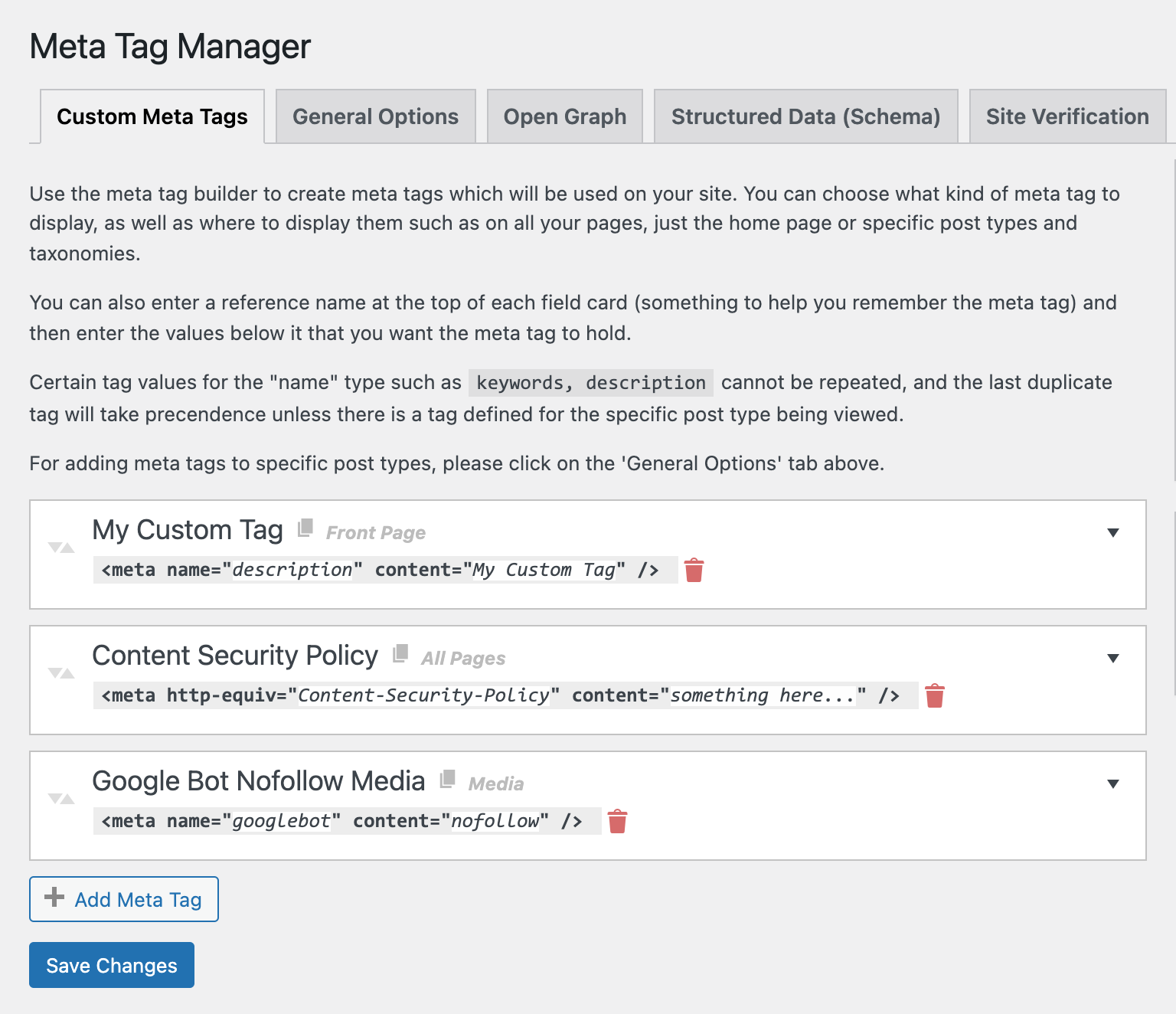
Meta data gives extra information about your content. WordPress lets you add meta data easily. Use plugins to add meta data. Choose a plugin that suits your needs. Install the plugin and activate it. Go to your post editor. Find the meta data section. Enter the details. Save your changes. Your meta data is ready.
Editing meta data is simple. Open the post editor in WordPress. Locate the meta data area. Change the information as needed. Double-check your edits. Save the changes when done. Your updated meta data is now live. Keep your meta data accurate and current.
Remove meta data if not needed. Open the post editor. Find the meta data section. Clear the content inside. Make sure you want to delete it. Save the changes to apply. Deleted meta data is gone from your post. Manage your meta data with care.
Using Meta Data For Seo
Meta tags are short bits of text. They describe your page. Search engines use these tags. They help understand your page content. This helps in ranking. Higher ranking means more visitors.
Using keywords in meta tags is smart. They should match your content. Do not overstuff with keywords. This can lower your page rank. Keep it simple and clear.
Good meta tags improve search visibility. People find your page easier. Always write clear and honest descriptions. This attracts the right audience.
Plugins For Meta Data
Meta data in WordPress refers to information that helps search engines understand content. Plugins can simplify adding meta titles, descriptions, and tags. These tools enhance SEO by organizing data effectively, making it easier for users to find relevant content online.
Popular Meta Data Plugins
Many plugins help with meta data in WordPress. Yoast SEO is a favorite choice. It helps you with meta titles and descriptions. All in One SEO Pack is another great option. It offers simple settings for beginners. Rank Math is popular too. It provides many features for free. SEOPress is a good choice for advanced users. It supports custom fields and Google Analytics. These plugins make managing meta data easy.
Choosing The Right Plugin
Choosing the right plugin is important. Think about your needs first. Beginners should look for easy-to-use plugins. Advanced users might need more features. Check plugin reviews and ratings. They show how good a plugin is. Consider the plugin’s update history. Regular updates mean good support. Free plugins are great, but paid ones offer extra features. Pick the plugin that suits your site best.
Credit: www.webtoffee.com
Custom Meta Data
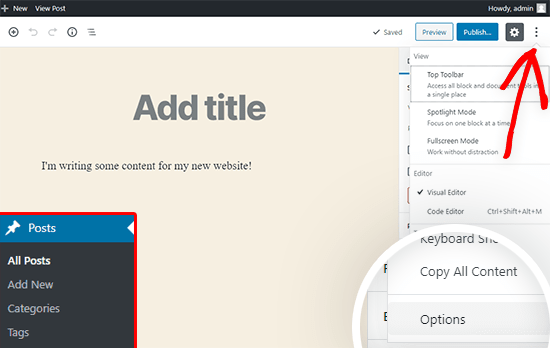
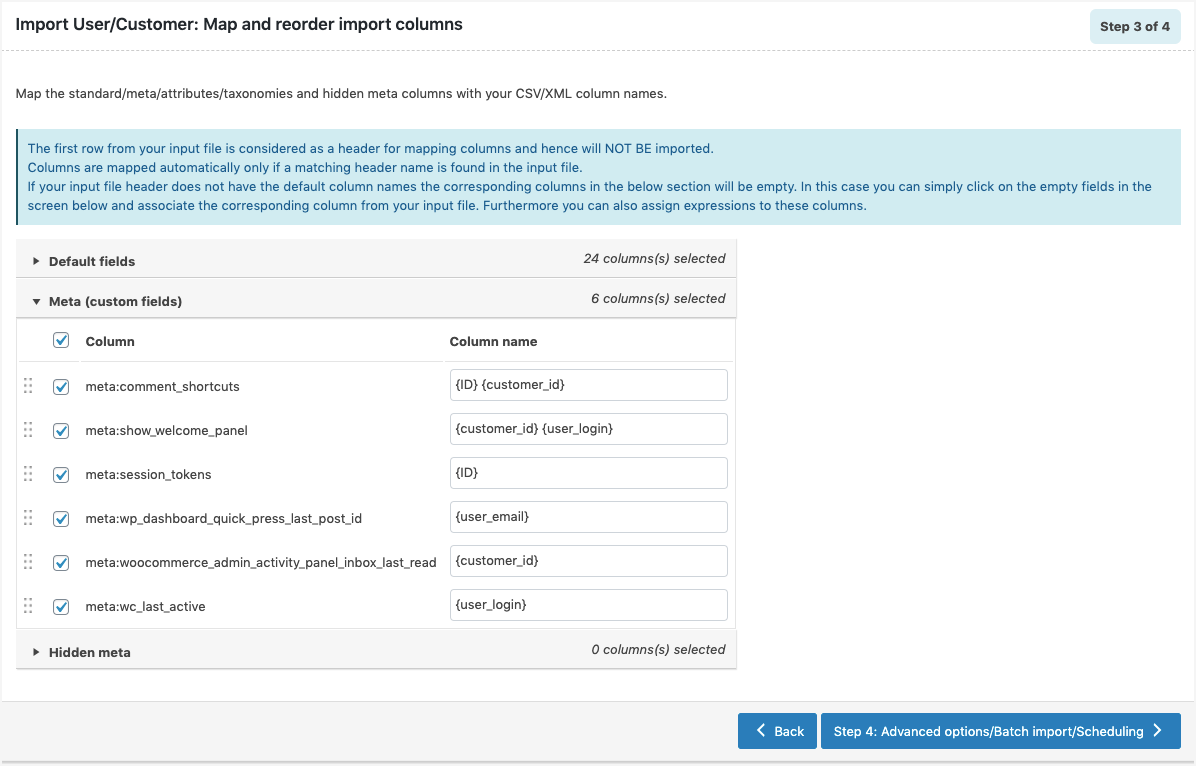
Custom fields help add extra info to posts. They store unique data. Fields can be numbers or text. You choose what fits your needs. Use custom fields to make posts special. They are easy to create in WordPress. Click on “Screen Options”. Then, check the “Custom Fields” box. Now, find them below your post editor. Add a name for your field. Next, give it a value. Save your changes. Your custom data is now part of your post. It makes content rich and diverse.
Advanced techniques make custom data more useful. Use plugins for more control. Plugins like “Advanced Custom Fields” are popular. They offer more options. You can add images, links, and more. Plugins help organize data better. They provide templates and layouts. This makes your data look neat. Use code to display custom fields. PHP code can show fields in themes. It gives you more power. Advanced customization gives your site a unique touch.
Troubleshooting Meta Data Issues
Meta data in WordPress refers to information that describes and organizes your site’s content. It includes titles, keywords, and descriptions, impacting search engine visibility. Troubleshooting issues involves checking plugins, ensuring correct settings, and updating themes to enhance site performance.
Common Problems
Meta data not showing in search results. This can be a big problem. It might be due to plugins. Outdated plugins often cause issues. Check and update your plugins. Another problem could be improper settings. Always review meta data settings in your WordPress dashboard.
Solutions And Tips
Start by clearing your cache. This simple step often fixes issues. Use an SEO plugin like Yoast. It helps manage meta data easily. Keep your WordPress updated. Updates fix many bugs. Always ensure your themes and plugins are compatible. Seek help from forums if needed. They are great resources for tips.
Frequently Asked Questions
What Is Metadata In WordPress?
Metadata in WordPress refers to data providing information about other data, enhancing content organization. It includes details like author, date, and categories, aiding in search engine optimization. Metadata improves user experience by making content easily searchable and categorized.
How Does Metadata Affect Seo In WordPress?
Metadata significantly impacts SEO by enhancing content visibility and relevance. It includes meta titles and descriptions, which search engines use to understand content. Properly optimized metadata can improve search rankings, attract more visitors, and increase engagement by accurately reflecting the content’s topic.
Can I Customize Metadata In WordPress?
Yes, you can customize metadata in WordPress using plugins or themes. Tools like Yoast SEO allow you to edit meta titles and descriptions easily. Customizing metadata helps improve search engine visibility and user experience by accurately describing your content to potential visitors.
Why Is Metadata Important For WordPress Sites?
Metadata is crucial for WordPress sites as it organizes content, improves SEO, and enhances user experience. It provides essential information like author and date, aiding search engines in indexing content accurately. Proper metadata ensures better search rankings and helps users find relevant content swiftly.
Conclusion
Understanding meta data in WordPress is essential for site management. It helps improve your site’s visibility and user engagement. Meta data includes titles, descriptions, and keywords. These elements guide search engines to your content. They also inform visitors about your page.
Keep your meta data updated and relevant. This ensures better rankings and more traffic. With this knowledge, you can enhance your WordPress site’s performance. Remember, small changes can lead to significant results. Pay attention to details. Your site’s success depends on it.
Stay informed and keep optimizing. Your efforts will pay off in the long run.


