
Are you looking to showcase your sports achievements in a way that captures attention and leaves a lasting impression? A well-crafted portfolio can be your secret weapon.
With the right Sports WordPress theme, you can effortlessly highlight your skills, victories, and milestones. Imagine a digital space where your passion for sports shines through every pixel, making it impossible for viewers to look away. In this guide, we’ll walk you through the steps to create a compelling sports portfolio using a WordPress theme.
Whether you’re an athlete, coach, or sports enthusiast, you’ll discover how to transform your online presence and make it as dynamic and inspiring as your athletic journey. Ready to get started? Let’s dive into the world of sports-themed web design and unlock your portfolio’s full potential.
Choosing The Right Theme
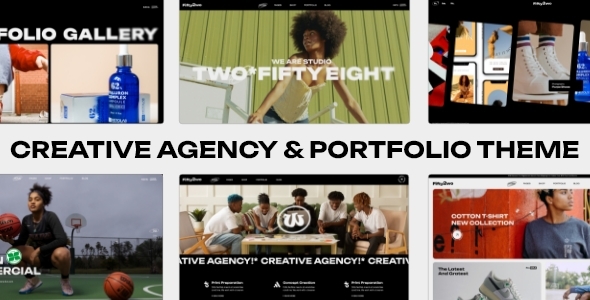
A responsive design is very important. It makes sure your site looks good on all devices. Phones, tablets, and computers. All should show your site well.
Customization options let you make the theme your own. Change colors, fonts, and layouts. Make the site look special. Add your own style.
Look for themes with easy-to-use settings. They help you change things quickly. No need for coding skills. Just a few clicks to change the look.
Credit: themeforest.net
Installing The Sports Theme
First, go to your WordPress dashboard. Locate the Appearance section. Click on Themes. Press the Add New button. Search for the Sports theme in the search bar. You can view the theme details. Click Install to download the theme. Once installed, click Activate to apply.
Customize the theme from the Customize option under Appearance. You can change colors, fonts, and images easily. Make sure you save your changes. Check your site to see how it looks. Your theme is now ready!
Sometimes themes do not install. Check your internet connection. Your WordPress version might be old. Update it if needed. File permissions might block the installation. Check these settings. Clear your browser cache. Try to install again. Contact support if issues persist.
Setting Up Your Portfolio
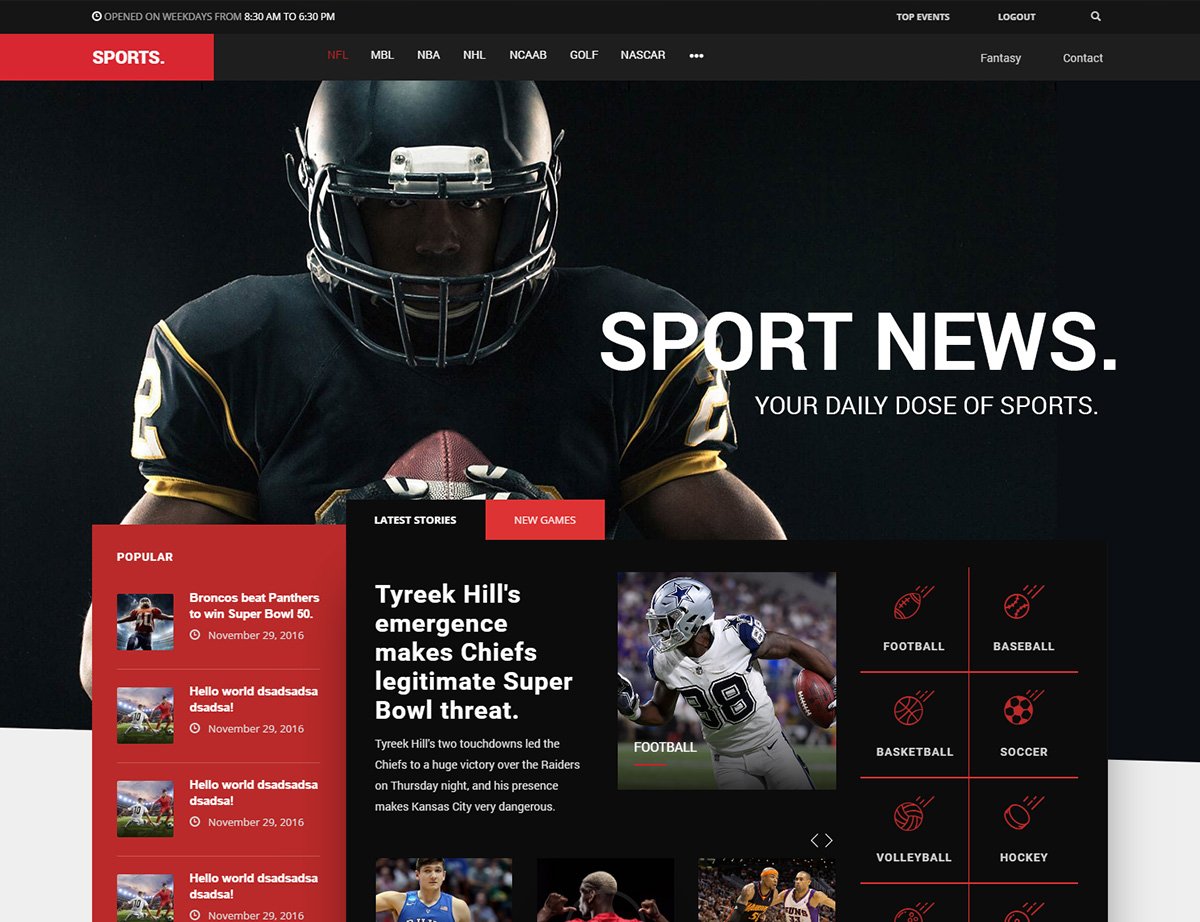
Begin by selecting a theme that fits your sports portfolio. Go to the dashboard and find the Pages section. Click on Add New to create a fresh page. Name it something simple like “My Portfolio”. Choose a layout that showcases your work. Save your changes after reviewing.
Use high-quality images and videos to tell your story. Click on the Add Media button to upload files. Write a brief description for each item. Keep your text clear and simple. Ensure your content matches your theme. This makes your portfolio look professional.
Arrange your items in an easy-to-follow order. Use categories to group similar items. This helps visitors find what they need. Consider using tags for more specific details. Keep your portfolio neat and tidy. This improves viewer experience.
Credit: hogash.com
Customizing The Appearance
Theme options let you change your site’s look. They offer a simple way to select different layouts. You can also choose from various pre-set styles. These options make your site unique and fit your needs. No coding needed. Just point, click, and see changes in real-time.
CSS helps to make your site special. Change fonts, colors, or spacing. Even small tweaks make a big difference. Use custom CSS to add personal touches. This gives your site a unique look. But be careful with too many changes. Keep it simple and neat.
Fonts and colors set your site’s mood. Choose easy-to-read fonts for all users. Use colors that match your brand. Too many colors can be confusing. Stick to a simple color palette. This keeps your site looking clean. Make sure text is clear against backgrounds.
Enhancing User Experience
Easy navigation makes users happy. Keep the menu simple and clear. Use short words for menu items. Ensure all pages are a click away. This saves users time and effort.
Many users visit from phones. Make sure your site is mobile-friendly. Use responsive design. Check that buttons are easy to tap. Test your site on different devices.
Slow sites lose visitors. Speed up your site for a better experience. Compress images to make them smaller. Limit the use of large files. Use a fast web host to keep things quick.
Credit: elements.envato.com
Seo And Marketing Strategies
Use the right keywords for your sports theme. Place them in titles and descriptions. Make sure they fit naturally in sentences. Choose words people search for often. This helps your site show up in search engines.
Connect your website to social media platforms. Add links to Facebook, Twitter, and Instagram. Share updates and news on these platforms. This keeps your audience engaged. They will return to your site for more content.
Set up analytics tools on your website. Google Analytics is a good choice. Track which pages get the most visits. See how visitors find your site. Use this data to improve your content and strategy.
Maintaining And Updating
Regular backups keep your data safe. Save copies of your site often. Use plugins for easy backup. This protects against data loss. Backup files should be stored securely. Consider cloud storage for safety. Test backups regularly to ensure they work.
Updates keep your site secure and fast. New versions fix bugs and improve features. Regular updates prevent security risks. Always update themes and plugins promptly. Automated updates can save time. Check compatibility before updating. Updated software ensures smooth performance.
Security is vital for your site. Watch for threats constantly. Use security tools and plugins. Scan your site often for issues. Set alerts for suspicious activities. Strong passwords protect your site. Consider two-factor authentication. Stay informed about new threats.
Frequently Asked Questions
What Is A Sports WordPress Theme Portfolio?
A Sports WordPress theme portfolio showcases your sports-related work. It highlights achievements, projects, and multimedia content. You can display images, videos, and descriptions effectively. This helps to engage visitors and potential clients. A well-organized portfolio enhances your website’s appeal and professionalism.
How Do I Customize A Sports Theme Portfolio?
Customizing a sports theme portfolio is easy with WordPress. Use the built-in theme customizer to adjust layouts and styles. You can add custom images, videos, and text. Many themes also offer drag-and-drop builders. This enables you to create a unique and engaging portfolio.
Can I Add Videos To My Sports Portfolio?
Yes, adding videos to your sports portfolio is possible. Most WordPress themes support video embedding. You can upload videos directly or use platforms like YouTube and Vimeo. Videos enhance your portfolio by showcasing dynamic content. This can boost visitor engagement and interest.
How To Make My Sports Portfolio Mobile-friendly?
To make your sports portfolio mobile-friendly, choose a responsive theme. Responsive themes automatically adjust to different screen sizes. Test your site on various devices to ensure compatibility. Optimize images and videos for faster loading. This improves user experience and search engine rankings.
Conclusion
Building a sports portfolio on WordPress is simple with the right theme. Choose a theme that fits your style and needs. Customize your site with easy-to-use features. Highlight your sports achievements and past projects. Use engaging images and clear text.
Update your portfolio regularly to keep it fresh. Connect with your audience through comments and social media links. A well-designed portfolio showcases your skills effectively. Start today and make your sports journey shine online.


