
Are you ready to give your WordPress website a fresh, captivating look? Choosing the right theme can make all the difference.
It’s more than just aesthetics; it’s about creating an experience that keeps your visitors coming back. But with countless themes out there, how do you find the one that perfectly matches your vision and needs? This article is your ultimate guide to finding the ideal WordPress theme.
You’ll discover simple steps, clever tips, and secret shortcuts that will help you zero in on the perfect design. By the end, you won’t just have a theme; you’ll have a powerful tool to engage your audience and elevate your brand. Ready to dive in? Let’s find the theme that brings your website to life!
Choosing The Right Theme
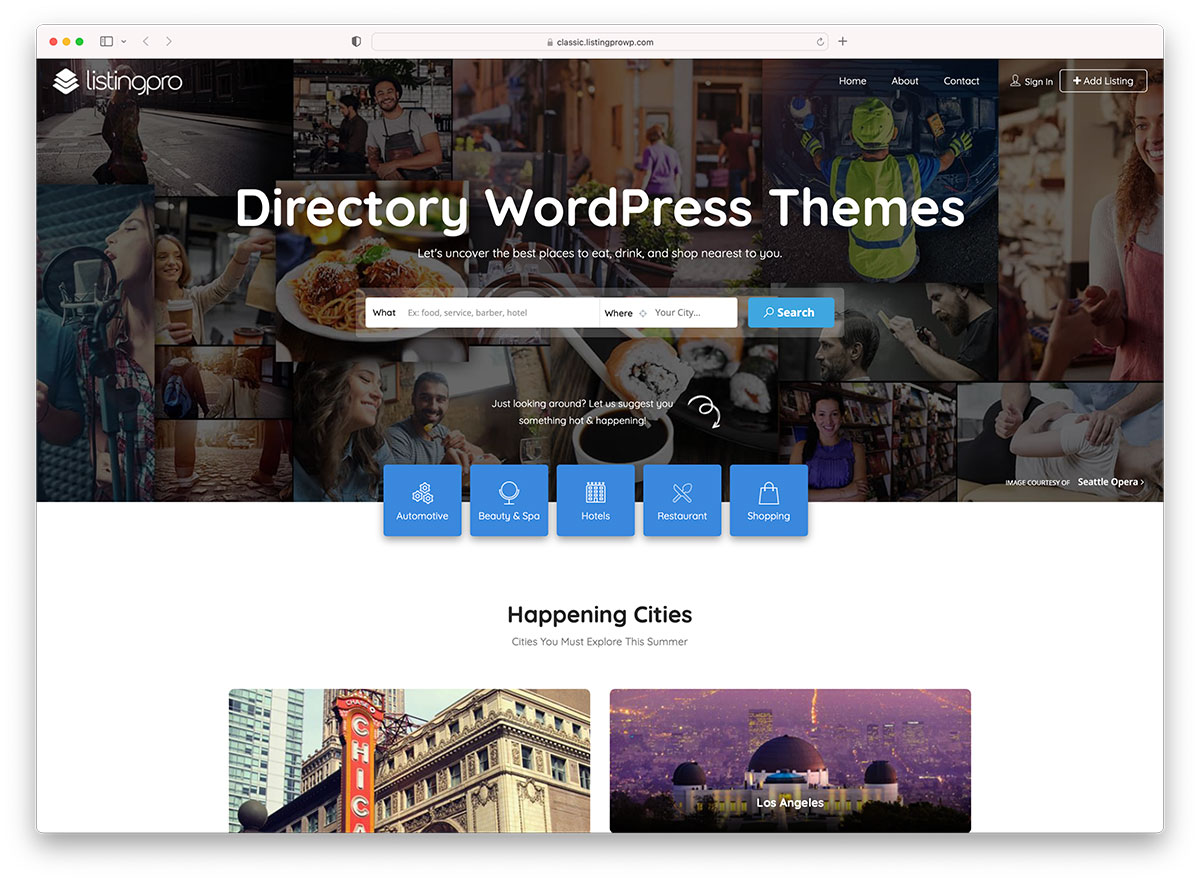
Identify your needs first. Do you want a blog or a store? Knowing this helps you choose better. Think about the features you need. List them down. This will guide your search.
Consider your audience. Who will visit your site? Younger people might like bright colors. Older people may prefer simple designs. Always think about who will read your content. This helps in making your site friendly for them.
Define your style. What colors do you like? What is your favorite font? A unique style makes your site special. Keep it simple. Too many colors can confuse visitors. Choose a theme that reflects you.
Credit: colorlib.com
Exploring Theme Marketplaces
The WordPress.org Directory is a popular place for themes. Here, users find thousands of free options. It is easy to search and filter themes by features, ratings, and popularity. Every theme is checked for quality and safety. This means users can trust them. Themes from the directory are also easy to install and use. Many users start their search here because it is reliable and free.
Premium theme providers offer paid themes. These themes have unique designs and extra features. Providers like ThemeForest and Elegant Themes are popular choices. Users can expect regular updates and support. This helps in fixing any issues quickly. Premium themes are often more advanced. They suit websites needing special features or designs. Users usually pay a one-time fee for these themes.
Third-party marketplaces sell themes from different creators. They offer both free and paid options. Sites like Envato and Mojo Marketplace are common examples. Users find a variety of designs here. Many third-party themes are customizable. This helps users make unique websites. These marketplaces have themes for different needs. Users can search by category, style, or price. It makes finding the right theme easier.
Evaluating Theme Features
A theme should look good on all devices. This is called responsive design. The site must adjust to phones, tablets, and computers. A good theme helps users have a better experience. Users can see all content without any problems. This keeps them on your site longer.
Themes should allow easy changes. Look for themes with many customization options. You can change colors, fonts, and layouts. These options help make the site your own. No coding should be needed. This saves time and effort. A theme that is easy to change makes your site unique.
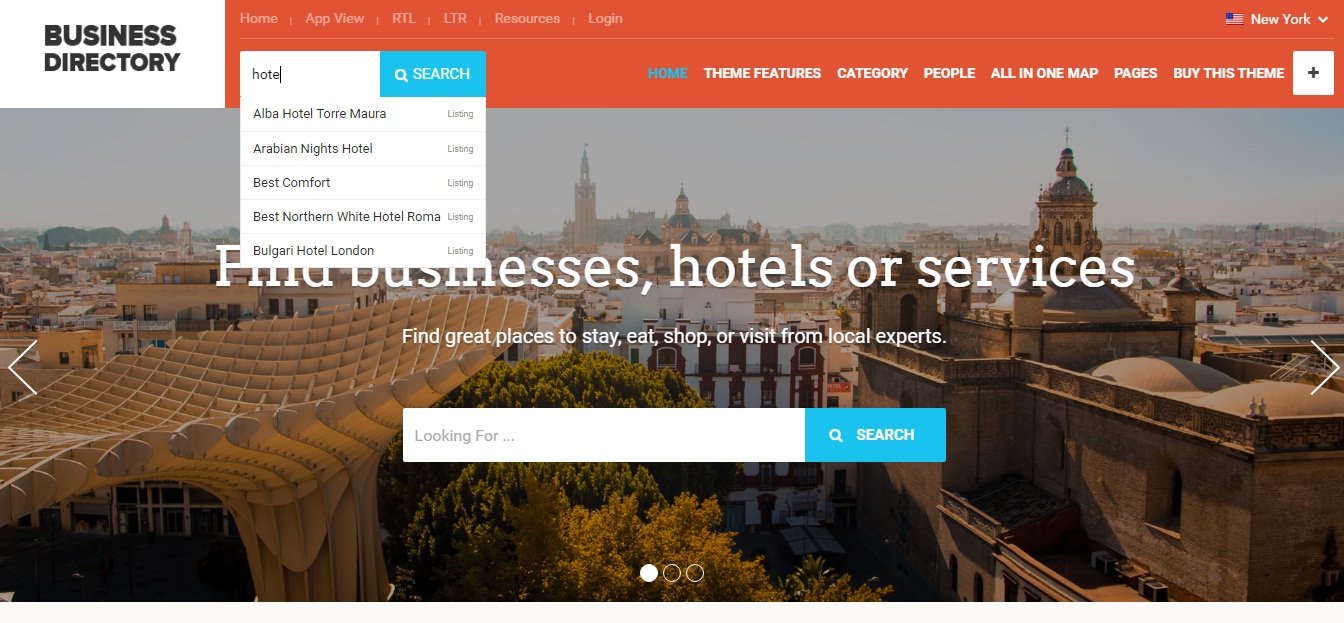
SEO-friendly themes help your site rank better. They have clean code and fast loading times. Search engines like Google prefer these sites. Look for themes that support SEO plugins. They help improve your site’s visibility. An SEO-friendly theme is a good choice for more traffic.
Credit: www.searchiq.co
Reading Reviews And Ratings
Reviews and ratings can help find the best themes. People share their thoughts about themes. This is called User Feedback. It shows if users are happy or not. A high rating means many people like it. Low ratings might mean problems.
Expert Opinions are also important. Experts know a lot about themes. They give advice on which themes work well. Experts can spot good or bad things in themes. This helps make good choices.
Testing a theme before using it is smart. This is called Demo Testing. It shows how the theme looks and works. Try clicking around to see if it’s easy to use. This helps avoid bad themes.
Testing Theme Compatibility
Themes must work well with popular plugins. This ensures functionality. Check if it supports SEO plugins. Also, confirm compatibility with security plugins. These plugins protect your site. Themes should have seamless integration. This helps in maintaining site health.
A theme should display correctly in all browsers. Test in Chrome, Firefox, and Safari. Ensure the theme looks good everywhere. This keeps users happy. Consistent experience is key. Avoid themes that fail these checks.
Fast themes are crucial. Quick loading enhances user experience. Slow themes frustrate users. Test theme speed using tools. Google PageSpeed Insights is useful. Aim for themes with high scores. Performance impacts SEO. Choose wisely for better results.
Considering Support And Updates
Developer support is very important. It helps solve theme problems. Good support makes users happy. Check if the developer answers questions fast. Look for support options. These include email and chat.
Regular updates keep themes fresh. They fix bugs and add features. Updates make themes safe. Check how often themes get updates. More updates mean better themes. Old themes might not be safe.
Community forums are useful. They have many users. Users share tips and tricks. Forums offer extra help. Check if the theme has a forum. A big community can solve many problems.
Credit: www.inmotionhosting.com
Frequently Asked Questions
What Are Popular Sources For WordPress Themes?
Popular sources for WordPress themes include the official WordPress Theme Directory, ThemeForest, and Elegant Themes. These platforms offer a wide variety of themes. They cater to different niches and design preferences, ensuring you’ll find something suitable for your website’s needs.
How To Choose A WordPress Theme?
Choose a WordPress theme by considering your website’s purpose, design preferences, and functionality needs. Look for themes with positive reviews and reliable support. Ensure it’s responsive and compatible with your plugins. Test its speed and SEO friendliness before finalizing your choice.
Can I Customize WordPress Themes Easily?
Yes, most WordPress themes allow easy customization. Use the built-in customizer or page builders like Elementor or WPBakery. These tools help modify layouts, colors, and fonts. Choose themes with flexible customization options to match your brand’s style effectively.
Are Free WordPress Themes Reliable?
Free WordPress themes can be reliable if sourced from reputable places. The WordPress Theme Directory offers vetted themes with regular updates. Ensure the theme has positive reviews and active support. Free themes may lack advanced features, but they’re suitable for basic needs.
Conclusion
Finding the right WordPress theme can seem tricky. Start with clear goals. Know your site’s purpose and audience. This helps in choosing the right design. Consider theme features and customization options. A responsive design is vital. Check reviews for user experiences.
This ensures reliability and support. Remember, a good theme blends style and functionality. Your site should look great and work well. Take your time. Explore different themes. Make sure it fits your vision. Happy theme hunting!


