
Are you wondering who can actually host a GoDaddy domain? Maybe you’ve bought a domain but aren’t sure if you have to use GoDaddy’s hosting or if you can choose someone else.
Understanding your options can save you money and give you more control over your website. You’ll discover exactly who can host your GoDaddy domain and how to make the best choice for your needs. Keep reading to unlock the secrets that many domain owners don’t know!
Credit: knowledge.hubspot.com
Godaddy Domain Hosting Basics
Understanding GoDaddy domain hosting basics helps you manage your website better. Many people buy domains but do not know who can host them. GoDaddy offers both domain registration and hosting services. This makes it easy to keep everything in one place.
Knowing the difference between a domain and hosting is key. Also, it helps to understand how domain hosting works. These basics give you control over your website’s online presence.
Domain Vs Hosting
A domain is your website’s address on the internet. It is what people type to visit your site, like www.example.com. Hosting is where your website files live. It is a server that stores all your content.
You need both to have a website online. The domain directs visitors to the hosting server. They work together but serve different purposes. GoDaddy lets you buy a domain and choose hosting plans separately.
How Domain Hosting Works
Domain hosting connects your website address to your server. When someone types your domain, the hosting server shows your site.
GoDaddy manages this by linking your domain to your hosting account. It uses DNS (Domain Name System) to direct traffic. This system translates your domain name into an IP address.
With GoDaddy, you can host your domain on their servers or use another host. You control where your site is stored and who manages it. This flexibility helps you choose the best option for your needs.
Hosting Directly With Godaddy
Hosting directly with GoDaddy offers a simple way to get your website online. If you already own a domain from GoDaddy, you can choose their hosting services for easy management. This option keeps your domain and hosting under one roof.
GoDaddy makes setting up hosting easy for beginners and small businesses. They provide different plans to fit various needs and budgets. This helps you find the right hosting service without hassle.
Godaddy Hosting Plans
GoDaddy offers several hosting plans. Shared hosting is best for small sites and blogs. It shares server resources with other users to keep costs low. For more power, there is VPS hosting. It gives dedicated resources for better performance. GoDaddy also provides dedicated servers for large websites. These servers are powerful and fully yours. WordPress hosting is another popular option. It is optimized for WordPress sites and comes with easy setup.
Benefits Of Godaddy Hosting
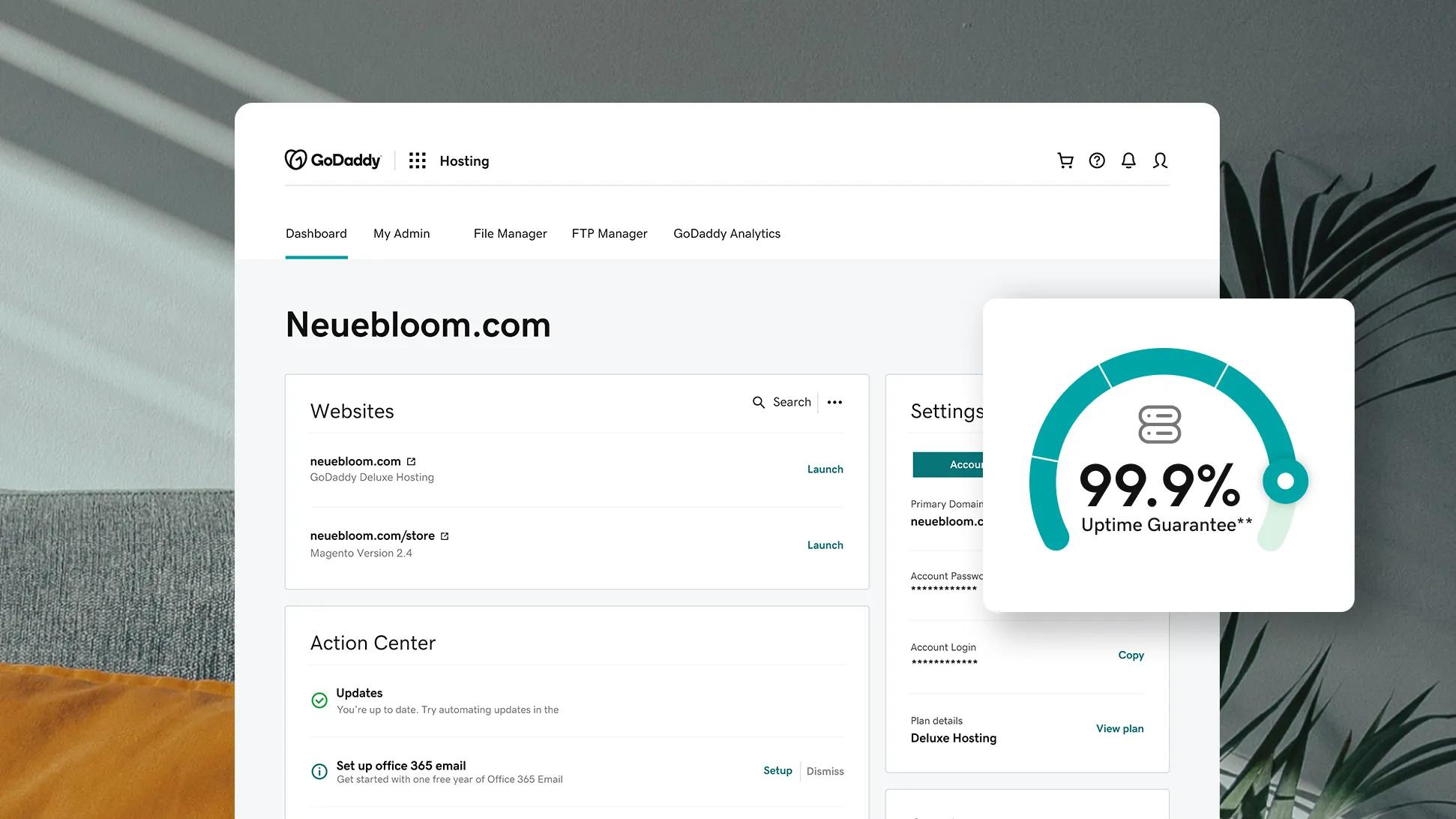
Hosting with GoDaddy keeps domain and hosting together. This reduces technical steps for beginners. They offer 24/7 customer support to help anytime. GoDaddy also has a user-friendly control panel. You can manage files, emails, and databases easily. Their hosting plans include free SSL certificates. This helps keep your website secure and trusted. The uptime guarantee is good, ensuring your site stays online most of the time.
Limitations To Consider
GoDaddy hosting can be pricier than some competitors. Renewal fees may increase after the first term. Shared hosting may slow down if your site grows large. Some advanced features are limited on basic plans. Email hosting may require extra cost. Backup options are available but might not be automatic. Make sure to review the plan details before choosing.
Popular Third-party Hosting Providers
Many website owners choose third-party hosting providers to host domains bought from GoDaddy. These hosts offer various plans and features to suit different needs. They manage the server space and keep your site running smoothly. Below are some popular third-party hosting providers to consider.
Bluehost Features And Pricing
Bluehost is popular for its easy setup and user-friendly interface. It offers free domain registration for the first year. Plans include free SSL certificates and 24/7 customer support. Prices start low, making it a good choice for beginners. Bluehost also provides one-click WordPress installation and reliable uptime.
Siteground Advantages
SiteGround stands out with excellent customer service and fast site speed. It uses secure servers and daily backups. SiteGround offers free SSL and a built-in caching system. Its plans include managed WordPress hosting options. This provider is known for strong security features and easy-to-use tools.
Hostgator Overview
HostGator delivers affordable hosting with flexible plans. It offers unlimited bandwidth and storage on many plans. HostGator provides a website builder and free site migration. Customers get 24/7 support via phone and chat. Its user-friendly control panel helps beginners manage their sites easily.
Credit: www.godaddy.com
Factors To Choose The Right Host
Choosing the right host for your GoDaddy domain is important. The host affects your website’s speed, security, and availability. Picking a good host can help your site run smoothly and avoid downtime. Several key factors matter most when selecting a host. These factors ensure your website works well and meets your needs.
Performance And Uptime
Performance means how fast your website loads. Visitors prefer sites that open quickly. A slow site can lose visitors and hurt your reputation. Uptime is the time your site stays online without problems. A host with high uptime keeps your site available almost all the time. Look for hosts that offer at least 99.9% uptime. This ensures your site rarely goes offline.
Customer Support
Good customer support helps solve problems fast. Look for hosts with 24/7 support by phone, chat, or email. Quick help reduces downtime and stress. Support teams should be easy to reach and friendly. Choose a host with a strong support reputation. This saves time and keeps your site running smoothly.
Pricing And Renewal Fees
Pricing is important but not the only factor. Compare initial costs and renewal fees. Some hosts offer low prices at first but charge more later. Check if any extra costs apply, like for backups or SSL certificates. Pick a host with clear, fair pricing. This helps avoid surprise fees in the future.
Ease Of Use
Ease of use means how simple the hosting service is. A good host offers an easy control panel for managing your domain and website. Look for one-click installs for popular apps like WordPress. Clear instructions and simple tools save time. Choose a host that matches your technical skills and needs.
Steps To Point Your Domain To A Host
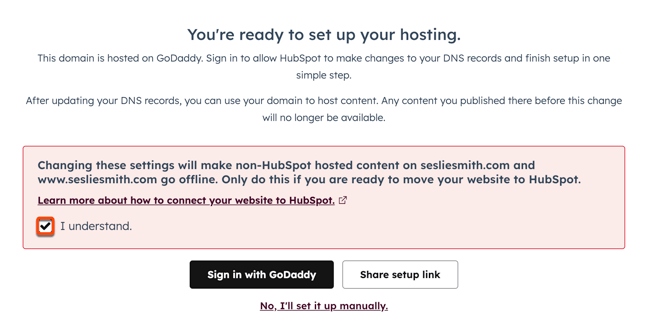
Pointing your GoDaddy domain to a web host is a key step to get your website online. This process connects your domain name to your hosting service. It lets visitors find your website by typing your domain in their browsers.
The steps are simple but important. You need to update your domain’s settings at GoDaddy to show the right host. This includes changing nameservers and DNS settings. Then, you wait for these changes to take effect worldwide. Each part is important to make your website live.
Updating Nameservers
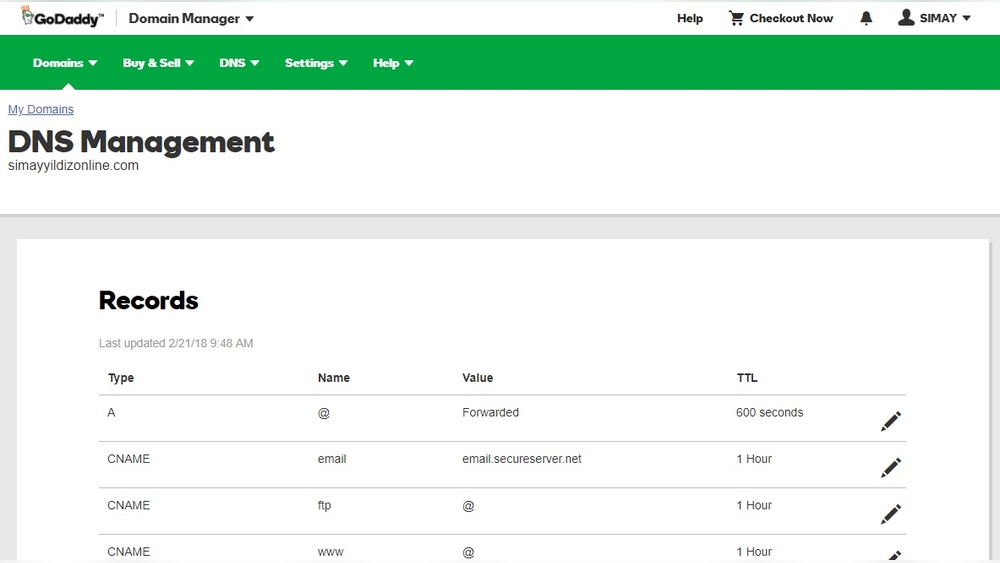
Nameservers tell the internet where to find your website. Your host gives you new nameservers. Log in to your GoDaddy account. Find your domain and select the option to change nameservers. Enter the nameservers from your host. Save the changes. This step points your domain to your hosting provider.
Configuring Dns Settings
DNS settings control how your domain works. You can add or edit records like A, CNAME, or MX records. These records help direct traffic and emails properly. Access DNS management in your GoDaddy account. Add the records your host provides. Check each entry carefully to avoid errors.
Propagation Time
After updating nameservers or DNS, changes do not happen instantly. It takes time for the internet to update worldwide. This period is called propagation. It can last from a few minutes to 48 hours. During this time, your website might not be visible to everyone. Be patient and check your site regularly.
Tips For Managing Multiple Domains
Managing many domains can get confusing fast. Keeping track of each domain’s details is key. This helps avoid mistakes and saves time. Use clear methods to stay organized and efficient.
Centralized Management Tools
Centralized tools let you control all your domains in one place. This reduces the need to log into many accounts. You can update settings, DNS, and contact info easily. Look for platforms that support bulk actions for faster work.
Renewal And Expiration Tracking
Tracking renewals avoids losing domains by accident. Set reminders before a domain expires. Many services offer automatic renewal options. Check each domain’s renewal date regularly to stay ahead. This keeps your domains active without extra hassle.

Credit: www.godaddy.com
Frequently Asked Questions
Who Can Host A Godaddy Domain?
Anyone with a GoDaddy domain can host it on GoDaddy or any other hosting provider. You just need to update the domain’s DNS settings to point to the hosting server. This flexibility allows you to choose the best hosting service for your website needs.
Can I Host A Godaddy Domain On Another Platform?
Yes, you can host your GoDaddy domain on other platforms like Bluehost or SiteGround. You only need to change the domain’s DNS records to your chosen host’s servers. This makes it easy to manage your domain and hosting separately for more control.
Do I Need Godaddy Hosting For My Godaddy Domain?
No, owning a GoDaddy domain doesn’t require you to use GoDaddy hosting. You can select any hosting provider that fits your requirements. Just ensure your domain’s DNS is configured correctly to connect with your hosting service.
How Do I Link Hosting To My Godaddy Domain?
To link hosting, update your GoDaddy domain’s DNS settings with your hosting provider’s nameservers. This directs web traffic to your hosting server. The process is simple and usually guided by both GoDaddy and your host’s instructions.
Conclusion
Anyone can host a GoDaddy domain with the right steps. Choose a hosting provider that fits your needs. Connect your domain to the hosting service easily. Manage your website through simple tools available. Hosting a domain gives you control and flexibility.
Remember, good hosting helps your website run smoothly. Start with clear goals for your online presence. Hosting your GoDaddy domain is straightforward and affordable. Your website can grow with the right hosting choice. Take action today and bring your site online.


