
Are you wondering what really happens when you connect your domain to Leadpages? You might be asking yourself, “Does Leadpages actually host my website?” It’s a common question, and the answer can change how you manage your online presence.
Understanding this can save you time, avoid confusion, and help you make smarter decisions for your business. Keep reading to uncover the truth behind domain connections and hosting with Leadpages—so you know exactly what to expect and how to get the most out of your setup.
How Domain Connection Works
Connecting your domain to Leadpages lets you use your own web address for landing pages. This process links your domain name with Leadpages’ platform. It does not mean Leadpages hosts your domain itself. Understanding how domain connection works helps you set up your site smoothly.
Types Of Domain Connections
You can connect your domain in two main ways. First, by using a subdomain, like pages.yourdomain.com. Second, by pointing your main domain, such as yourdomain.com, directly to Leadpages. Each type has different setup steps and uses.
Subdomains keep your main website separate. You can create multiple landing pages under different subdomains. Using the main domain replaces your current website address with Leadpages content.
Steps To Connect Your Domain
Start by choosing the domain connection type. Next, log into your domain registrar account. Change the DNS settings as Leadpages instructs. This might involve adding CNAME or A records.
After updating DNS, go to your Leadpages dashboard. Enter your domain name in the domain connection section. Leadpages will verify the changes. This process can take a few hours to complete.
Leadpages Hosting Explained
Understanding how Leadpages handles hosting can clear up many common questions. Many wonder if Leadpages hosts your site when you connect your domain. The answer lies in what Leadpages offers as part of its platform. This section breaks down the hosting details so you know exactly what to expect.
What Leadpages Hosts
Leadpages hosts the landing pages you create using their builder. These pages live on Leadpages’ secure servers. This means Leadpages manages the technical side, such as site speed and uptime. Your visitors see the pages directly from Leadpages’ hosting.
Leadpages also handles SSL certificates for security. This keeps visitor data safe on your landing pages. You do not need separate hosting services for these pages. The platform takes care of all hosting needs for the pages built inside Leadpages.
Limitations Of Leadpages Hosting
Leadpages hosting only covers the landing pages on their platform. It does not host your entire website. If you have a full website, you still need separate hosting. Leadpages is not a web host like traditional providers.
You cannot upload custom files or scripts outside Leadpages’ builder. The hosting is designed for simplicity and speed, not full website control. Some advanced features or customizations may not be possible. Knowing these limits helps avoid surprises after connecting your domain.
Impact On Your Domain
Connecting your domain to Leadpages affects how your site works online. It changes some settings but does not move where your domain is hosted. Understanding these changes helps you keep control and avoid problems.
Dns Settings And Control
DNS settings tell the internet where to find your website. When you connect your domain to Leadpages, you update these settings. This usually means changing the CNAME or A record to point to Leadpages servers.
You still control your DNS through your domain provider. Leadpages does not take over your DNS management. You can change or update settings anytime in your domain account.
Who Manages Your Domain
Your domain stays managed by the company where you bought it. Leadpages does not host or manage your domain name. It only hosts your landing pages and tracks visitors.
You keep full control over your domain registration, renewal, and settings. Leadpages only handles the content you create on their platform. Your domain ownership remains with you and your provider.
Credit: support.leadpages.com
Common Misconceptions
Many people get confused about what happens when they connect their domain to Leadpages. This confusion often leads to wrong ideas about domain registration and hosting. Clearing these up helps users understand how Leadpages works with their domain.
Leadpages As A Domain Registrar
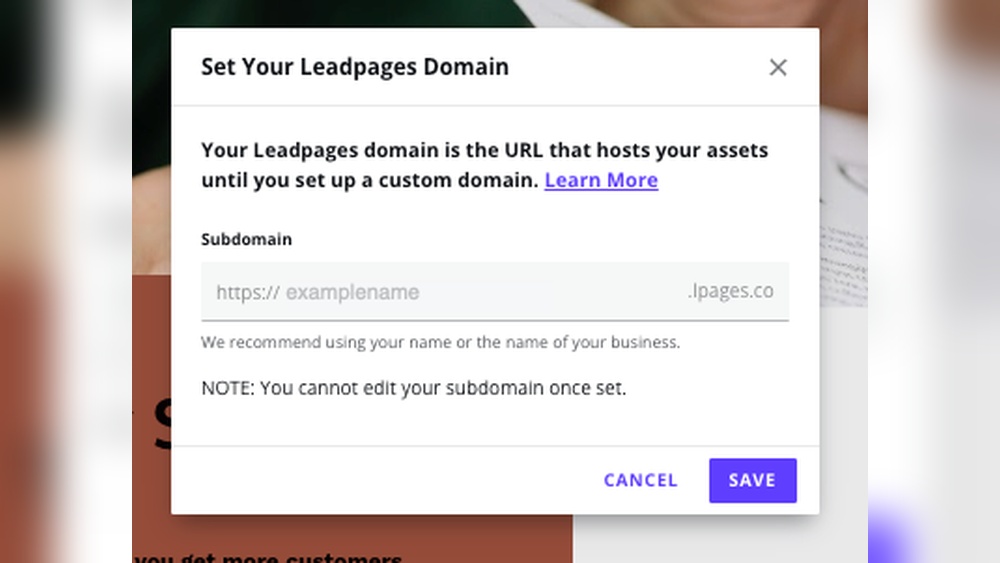
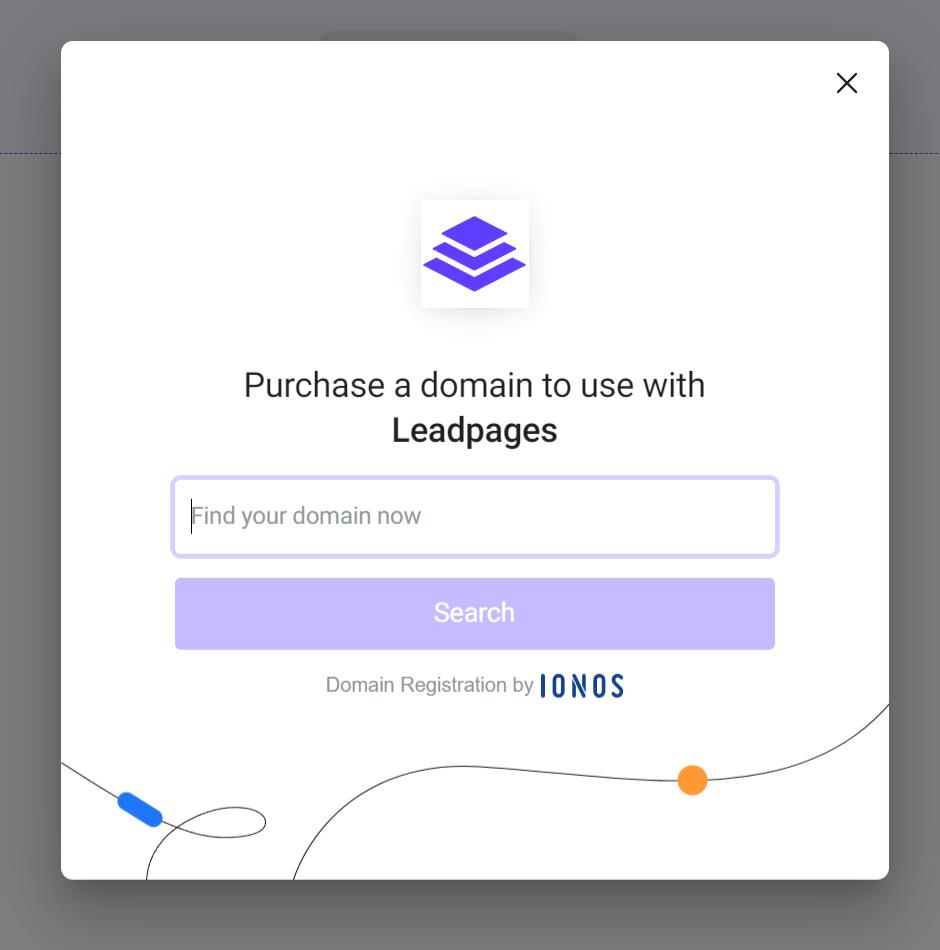
Leadpages is not a domain registrar. It does not sell or register domain names. You must buy your domain from a domain registrar like GoDaddy or Namecheap. After buying, you can point your domain to Leadpages. This lets Leadpages show your site, but it does not mean Leadpages owns your domain.
Hosting Vs Domain Ownership
Hosting and domain ownership are different things. Hosting means storing your website files on a server. Domain ownership means having control over your web address. Leadpages hosts your landing pages, but you still own your domain. You control your domain settings through your registrar, not Leadpages.
Benefits Of Connecting Domains To Leadpages
Connecting your own domain to Leadpages offers many important benefits. It makes your online presence stronger and more trustworthy. Visitors see your website as part of your brand, not just a third-party page. This connection helps you build a better relationship with your audience and improves how people interact with your site.
Branding And Professionalism
Using your own domain shows professionalism. It gives your site a unique identity linked directly to your brand. Visitors remember your domain name easily. This builds trust and makes your business look more credible. A custom domain looks cleaner than a generic Leadpages URL. It helps your marketing efforts by keeping your brand visible everywhere.
Improved User Experience
A connected domain improves how visitors navigate your site. It creates a smooth, seamless browsing experience. Users feel more comfortable exploring your pages. Fast loading times and clear URLs reduce confusion. A custom domain also helps with search engine rankings. This means more people can find your site through Google and other search engines.
Credit: support.leadpages.com
Troubleshooting Domain Connection Issues
Connecting your domain to Leadpages can sometimes cause issues. These problems may stop your website from showing correctly. Troubleshooting helps find and fix these problems fast. This section guides you through common errors and tells you when to get support.
Common Errors And Fixes
One common error is incorrect DNS settings. Check your A record or CNAME record carefully. Make sure they match Leadpages’ instructions exactly.
Another issue is DNS propagation delay. Changes can take up to 48 hours to update worldwide. Be patient and check again after some time.
Sometimes, your SSL certificate might not work right away. This can cause security warnings. Ensure SSL is enabled in Leadpages and your domain provider.
Clear your browser cache if your site does not load properly. Old data might cause display problems.
When To Contact Support
Contact support if your domain still does not connect after 48 hours. Also reach out if you see error messages you cannot fix.
Support helps with complex DNS issues or SSL problems. They can check your account and settings directly.
Keep your domain provider details ready. It helps support solve your problem faster.
Credit: support.leadpages.com
Frequently Asked Questions
Does Leadpages Host My Website After Domain Connection?
No, Leadpages does not host your website. It only manages your landing pages. Your domain remains hosted by your domain provider or web host.
Can I Use My Custom Domain With Leadpages?
Yes, you can connect your custom domain to Leadpages. This allows your landing pages to appear under your own domain name.
What Happens To My Dns Settings When Connecting Domain?
You need to update your DNS settings. Leadpages provides specific records to add for proper domain connection and page display.
Is Ssl Included When I Connect My Domain?
Yes, Leadpages offers free SSL certificates. This ensures your landing pages are secure and display with HTTPS after domain connection.
Conclusion
Connecting your domain to Leadpages does not mean Leadpages hosts your site. Your domain stays with your registrar. Leadpages only displays your landing pages using their platform. You control your domain settings and hosting separately. This setup keeps things simple and flexible.
You get the benefit of Leadpages tools without moving your entire site. It helps you keep full control over your web presence. Understanding this clears up any confusion about hosting. Now, you can confidently connect your domain and use Leadpages effectively.


