
Have you ever stumbled upon a beautifully designed website and wondered about the secret behind its stunning appearance? Often, the magic lies in the WordPress theme that powers it.
As someone looking to create a captivating online presence, understanding what a WordPress theme is could be your ticket to transforming your site from ordinary to extraordinary. Imagine having the power to change your website’s look, feel, and functionality with just a few clicks.
Intrigued? Keep reading to uncover the mysteries of WordPress themes and discover how they can make your website a standout success. Whether you’re a seasoned blogger or a business owner, this could be the game-changer you’ve been searching for.
WordPress Theme Basics
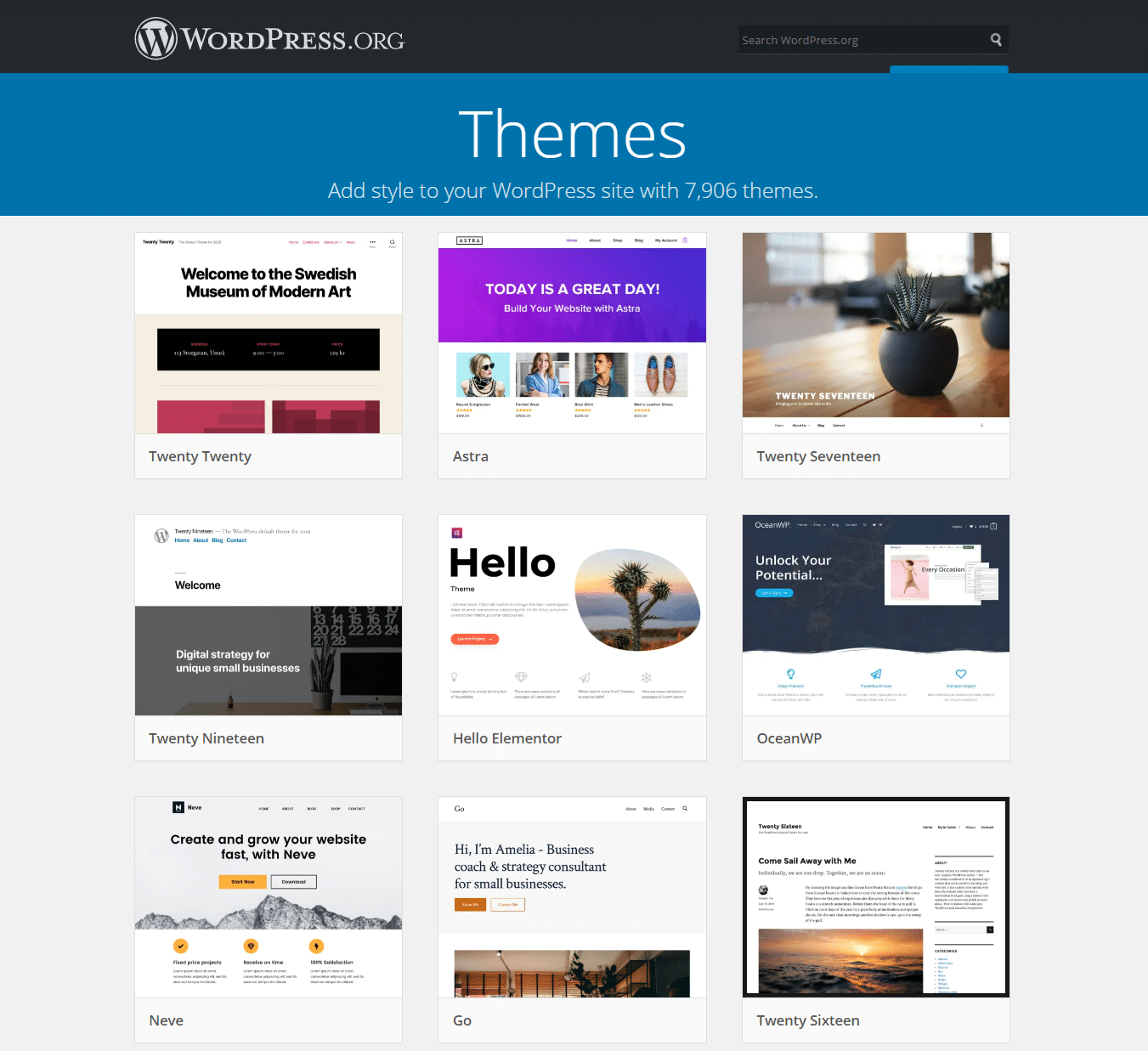
A theme is a tool that changes how a website looks. It controls the design of the site. It also affects colors, fonts, and layout. Themes make websites look nice and work well.
Themes are very important for websites. They help make websites unique. Themes can improve user experience. They make sites easy to navigate. A good theme is key for a good website.
Credit: kinsta.com
How Themes Work
WordPress themes have a special structure. They use different files to control how your site looks. Each theme has files like style.css and functions.php. These files help decide colors and fonts.
The style.css file sets the design. It tells the site what colors to use. The functions.php file adds more features. It can make your site do new things. Themes also have template files. These files are for pages and posts.
WordPress uses a template hierarchy to display pages. This hierarchy is like a map. It helps WordPress know which file to use first. If it can’t find one file, it uses another. This makes your site show the right design.
Each template file has a job. Some files are for the homepage. Others are for single posts. The hierarchy tells WordPress which file to pick. Themes use this system to make sites look nice and work well.
Choosing The Right Theme
Picking a WordPress theme can be fun. Look at the design. Is it pretty? Does it match your style? Next, check the features. Does it have what you need? Think about the speed. Slow themes can be a problem. Always check if the theme is responsive. This means it works well on phones and tablets. Finally, read the reviews. What do others say?
Free themes cost nothing. They are simple and easy to use. But they may have fewer features. Premium themes cost money. They offer more options and better support. They may have extra features. Think about your needs. Free is good for beginners. Premium is best for more options.
Customizing Themes
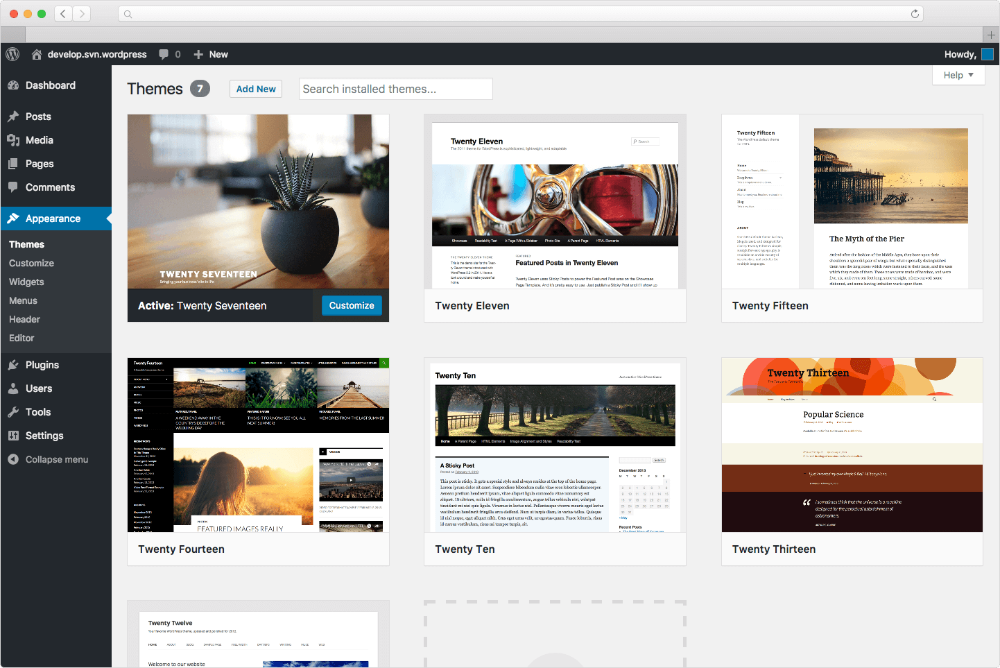
The WordPress Customizer helps you change your theme easily. You can adjust colors and fonts with simple clicks. It’s like painting a picture. You see changes in real-time. This means you watch updates as you make them. No need to save and refresh. It’s easy and fun. You can also add logos or background images. Make your website look unique. Try different settings. Experiment with styles. Find what fits best. You can always change back if needed.
A child theme is like a copy of the main theme. It lets you change things without messing up the original. This is helpful if updates happen. Your changes stay safe. You can add new styles or features. Create a new look. It’s like having a safety net. Play with designs. Learn without fear. Keep the main theme clean. Use a child theme for custom work. Protect your hard work. Stay creative and safe.
Popular WordPress Themes
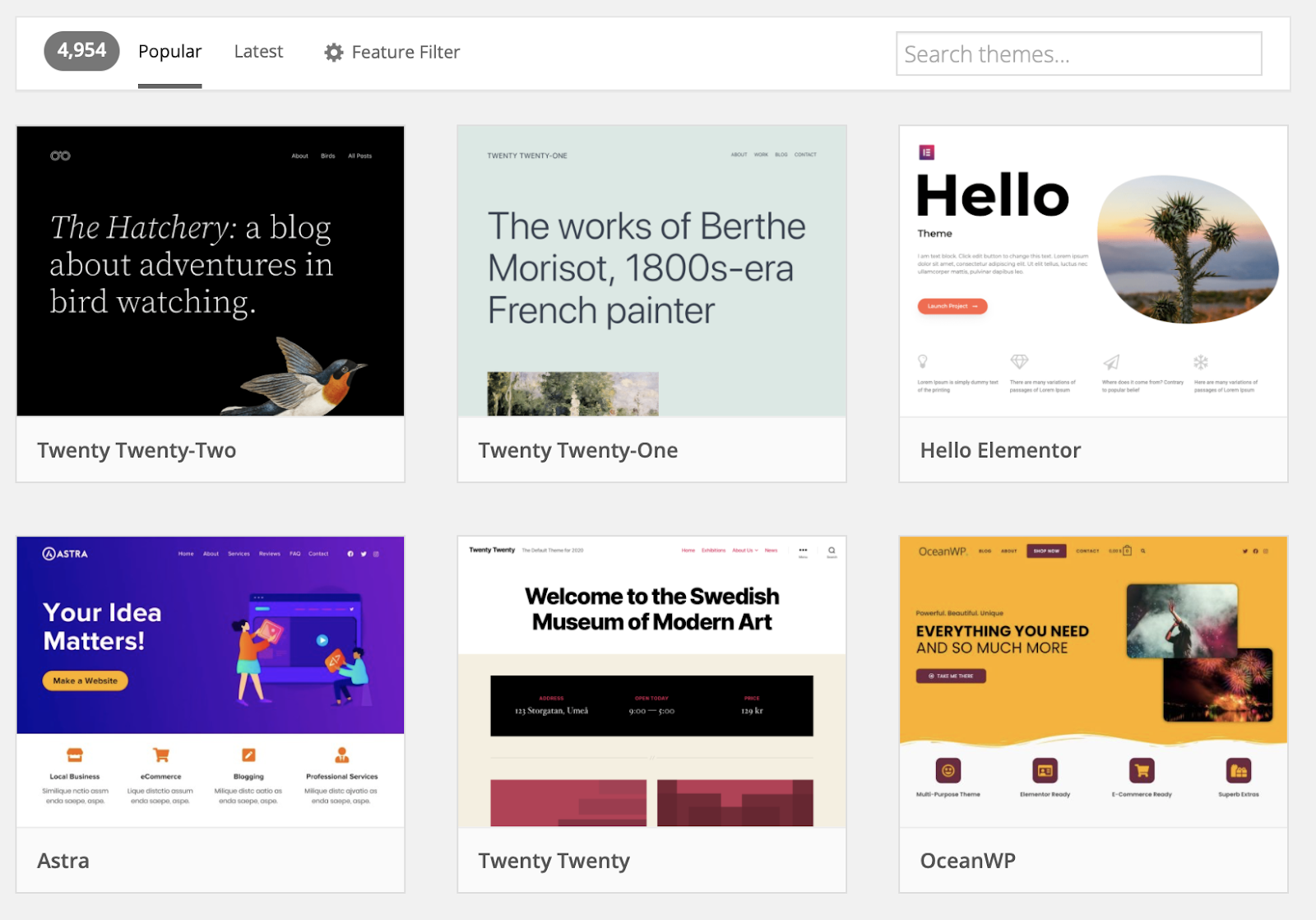
Many people use free WordPress themes for their sites. These themes offer basic features and are easy to use. Astra is a popular choice. It is fast and supports many plugins. OceanWP is another favorite. It has many customization options. Neve is simple and works well on mobile devices. These themes help beginners start quickly.
Premium themes provide more features and support. Divi is known for its drag-and-drop builder. It makes designing easy. Avada is flexible and has many options. It suits different types of websites. Enfold is user-friendly and includes lots of demos. These themes are ideal for advanced users who want more control.
Credit: elementor.com
Theme Security And Maintenance
WordPress themes need regular updates for safety. Updates fix bugs and protect against hackers. They make your site run smoothly. Developers release updates often. Always update your theme promptly. This keeps your site safe and fast.
Use strong passwords for your WordPress site. This keeps hackers out. Install security plugins to add extra layers of safety. Back up your site often. If something goes wrong, you can restore it. Check your theme’s settings. Make sure everything is secure. Always stay informed about security news. This helps keep your website safe.
Future Of WordPress Themes
WordPress themes are changing fast. Many new trends are coming. Themes are getting more customizable. Users can change colors and fonts easily. Themes are also becoming more responsive. They work well on phones and tablets. Accessibility is also improving. Themes are easier to use for everyone.
Minimalist designs are popular. Simple looks attract users. They focus on content. Eco-friendly themes are also rising. These themes use less energy. They are good for the environment. Dark mode is another trend. It saves battery and looks cool.
Full site editing changes how themes work. Users get more control. They can edit headers and footers. This makes designing websites easy. Block-based themes are important. They use blocks to build pages. This gives users freedom. They can create unique layouts.
Full site editing is user-friendly. Beginners can design websites. It saves time and effort. Developers can focus on advanced features. Everyone can make beautiful websites.
Credit: docs.presscustomizr.com
Frequently Asked Questions
What Is A WordPress Theme?
A WordPress theme is a collection of files. It determines the design and functionality of your website. Themes include templates, stylesheets, and sometimes images. They can be customized to suit your needs. WordPress themes help create visually appealing and user-friendly websites.
How Do WordPress Themes Work?
WordPress themes work by modifying your website’s appearance. They use templates and stylesheets to control layout and design. Themes separate content from presentation, allowing easy customization. You can switch themes without altering your site’s content. This flexibility makes WordPress popular among website creators.
How To Choose A WordPress Theme?
To choose a WordPress theme, start by identifying your website’s purpose. Consider design, functionality, and responsiveness. Read reviews and check theme ratings. Ensure the theme is regularly updated and supported. Test its compatibility with popular plugins. Choosing the right theme enhances your site’s user experience.
Can I Customize My WordPress Theme?
Yes, you can customize your WordPress theme. Use the built-in WordPress Customizer for basic changes. Many themes support additional customization options. You can modify colors, fonts, and layouts. For advanced changes, you may need to edit code. Always back up your site before making significant modifications.
Conclusion
Choosing the right WordPress theme is crucial for your website. It impacts design, functionality, and user experience. Themes affect how visitors interact with your site. They also influence load speed and SEO. Consider your site’s purpose and audience. Look for themes that match your brand.
Ensure they are responsive and mobile-friendly. Check for customization options and support. A well-chosen theme enhances your site’s appeal. It attracts more visitors and keeps them engaged. So, take your time. Choose wisely. Your website’s success depends on it.


