Are you wondering if you can manage more than one website from a single WordPress account? If you’ve ever thought about expanding your online presence but worried about juggling multiple logins or paying extra fees, this question is crucial.
Imagine having all your websites organized in one place, saving you time and effort. You’ll discover how WordPress handles multiple sites, what options you have, and the best way to keep your digital projects running smoothly. Keep reading to unlock the secrets to managing multiple websites with ease.
WordPress Account Basics
WordPress is a popular tool for building websites. It allows users to create and manage sites with ease. Understanding how WordPress accounts work helps manage one or more websites effectively.
Users can choose different setups depending on their needs. Some want a single website, while others may need multiple sites under one account. Knowing the difference is important.
Single Site Vs Multisite
A single site setup hosts one website on a WordPress account. It is simple to manage and perfect for beginners.
Multisite allows managing many websites from one WordPress dashboard. It saves time by controlling all sites in one place. Great for businesses or bloggers with several sites.
Multisite requires more technical knowledge to set up and maintain. Each website can have its own themes and plugins, but all share the same server resources.
WordPress.com Vs WordPress.org
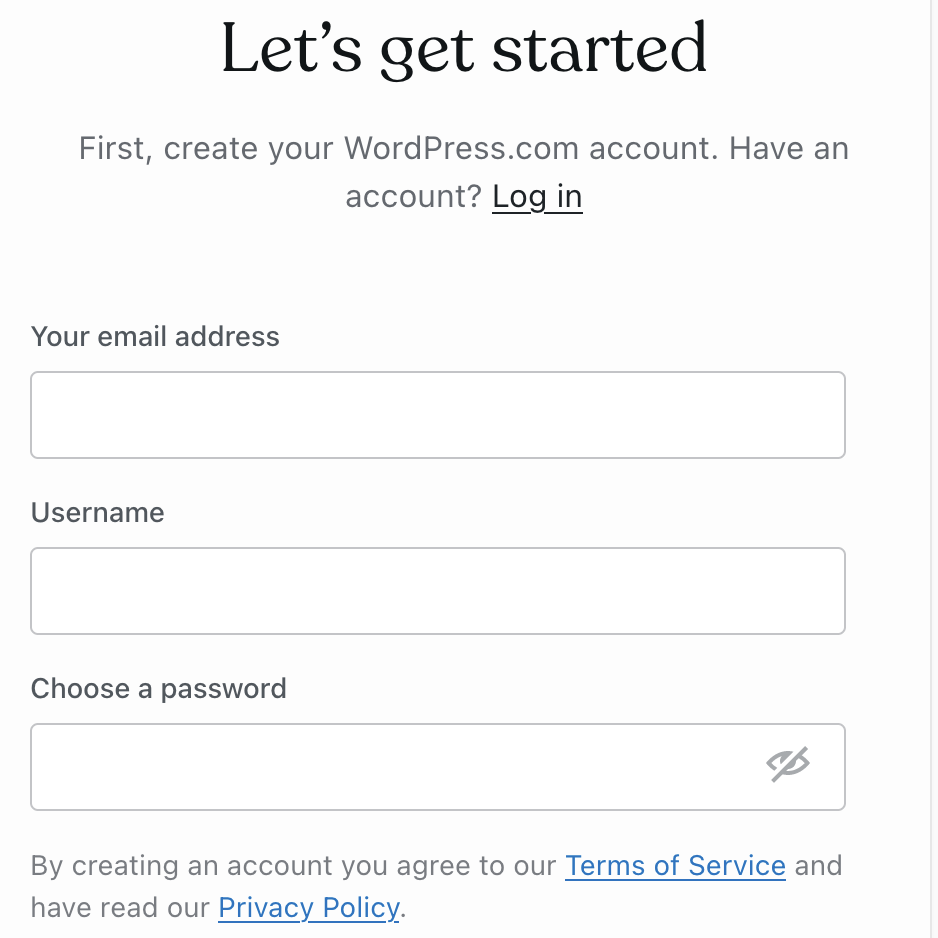
WordPress.com is a hosted platform. It manages the hosting and technical details for you. Users create websites directly on the WordPress.com platform.
WordPress.org offers free software to download and install on your own server. It gives full control over the website and its features.
WordPress.org supports multisite networks easily. WordPress.com limits multisite options unless using a business plan.
Choosing between the two depends on control, cost, and technical skill.
Credit: www.elegantthemes.com
Setting Up Multiple Sites
Setting up multiple websites on one WordPress account saves time and effort. It helps you manage all your sites from one place. This method is perfect for bloggers, businesses, or anyone with more than one website. WordPress offers features and tools to make this setup easy and efficient.
Using WordPress Multisite Feature
WordPress Multisite lets you run many websites under one dashboard. It is built into WordPress but needs activation. After enabling, you can create new sites quickly. Each site can have its own themes and plugins. You control all sites with one admin account. This feature is ideal for networks or groups with related sites.
Installing Plugins For Multiple Sites
Plugins help add features to your WordPress sites. Some plugins work well with multisite setups. They allow you to manage multiple sites’ functions easily. You can install a plugin once and use it on all sites. This saves time and keeps your sites consistent. Choose plugins that support multisite for the best results.
Domain Management
Managing domains is key to running multiple websites on one WordPress account. Domains help visitors find your sites easily. Proper domain management keeps your online presence organized and professional.
Each website needs a clear domain structure. This structure can involve different domain names, subdomains, or folders. Choosing the right setup improves user experience and SEO performance.
Mapping Domains To Sites
Mapping domains means linking a domain name to a specific site in your WordPress account. You can use domain mapping to give each website a unique address.
This process involves pointing your domain’s DNS records to your WordPress server. After mapping, visitors see the correct domain in their browser address bar.
Domain mapping keeps your sites separate and easy to access. It also helps with branding and search engine visibility.
Managing Subdomains And Subdirectories
Subdomains are prefixes added to your main domain, like blog.yoursite.com. They act as separate sites under one domain. Subdirectories are folders within your main domain, like yoursite.com/blog.
Subdomains work well for distinct sites or services. Subdirectories suit blogs or sections within the main site.
WordPress lets you create and manage both easily. Choose based on your site’s structure and goals.
Hosting Considerations
Hosting plays a big role in managing multiple websites on one WordPress account. The type of hosting you choose affects speed, security, and site management. It also controls how many websites you can run smoothly from one place. Knowing hosting limits helps in planning your websites better.
Shared Hosting Limitations
Shared hosting is the cheapest option available. Many websites share the same server resources. This can slow down your sites if traffic grows. Shared hosting often limits the number of websites you can add. It may also restrict storage and bandwidth. Security can be weaker because of many users on one server. This type fits small websites or beginners only.
Choosing The Right Hosting Plan
For multiple websites, consider a hosting plan with more resources. VPS or cloud hosting gives better control and speed. These plans allow more websites without slowing down. Storage space and bandwidth are usually higher. Security features are stronger to protect your sites. Look for plans that offer easy site management tools. This helps keep all your websites organized in one place.
Managing Multiple Websites
Managing multiple websites in one WordPress account can be simple with the right approach. It saves time and effort. You do not need to log in and out of different sites.
Organizing your websites well helps keep everything clear. You can update all sites quickly and avoid mistakes. Let’s explore some tips to manage multiple sites smoothly.
Centralized Dashboard Tips
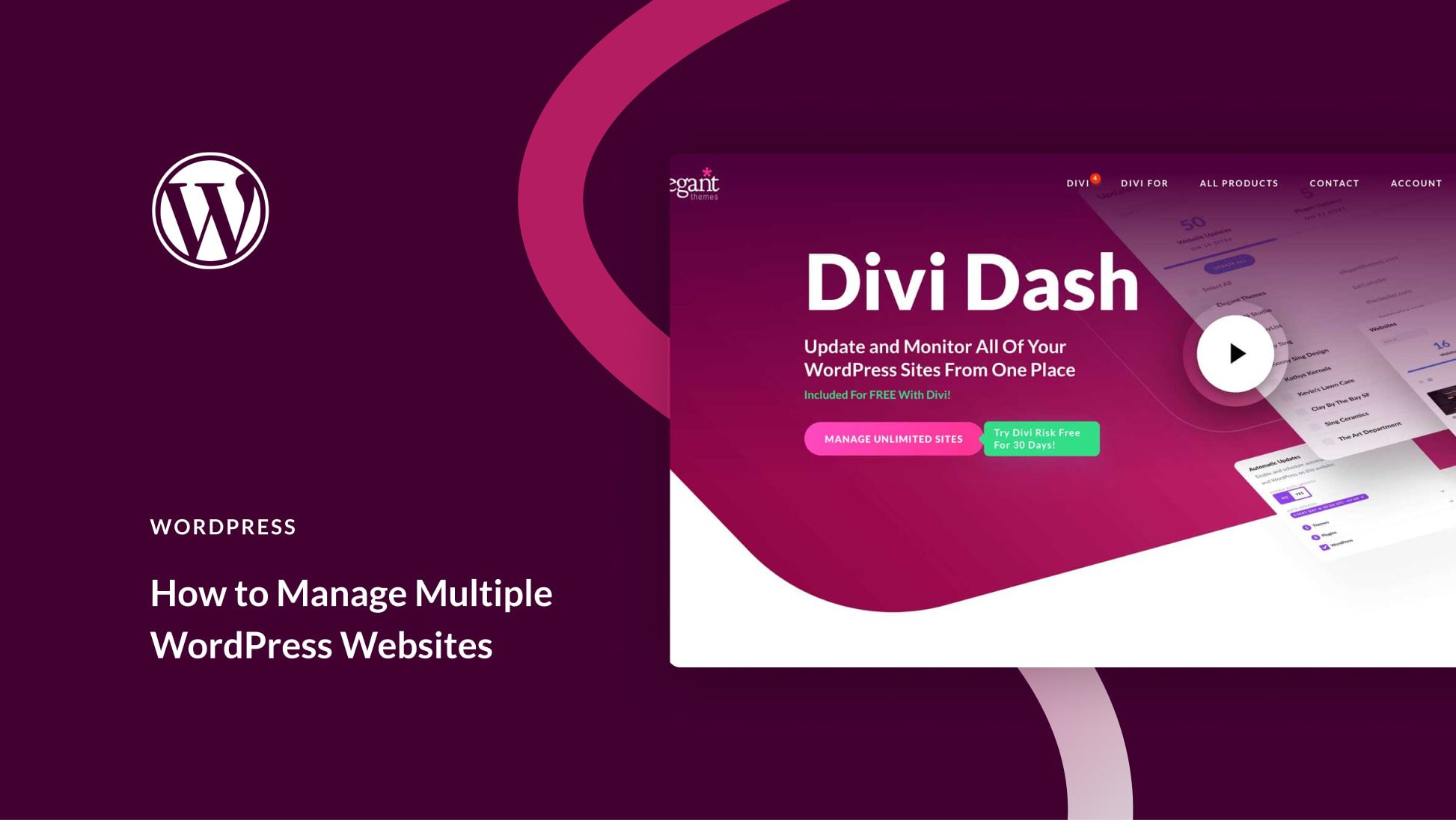
A centralized dashboard lets you control all sites in one place. It shows updates, comments, and new posts for each site. You can install plugins and themes across sites easily.
Use plugins like ManageWP or MainWP to get a single dashboard. These tools save time and help you keep sites secure. Check each site’s status daily to avoid issues.
User Roles And Permissions
Assign user roles carefully to keep your sites safe. Give each person only the access they need. For example, authors can write posts but cannot change settings.
Use WordPress’s default roles or custom ones to fit your team. This control helps prevent errors and protects your sites from unwanted changes.
Credit: wordpress.com
Performance And Security
Managing multiple websites on one WordPress account brings unique challenges. Performance and security are the top concerns. Each site must run fast and stay safe. Poor speed or weak security affects user experience and site credibility. Careful planning keeps all sites smooth and protected.
Optimizing Speed Across Sites
Multiple sites share the same server resources. This can slow down load times. Using a good hosting plan with enough power helps. Caching plugins reduce the time to load pages. Compressing images lowers data size without losing quality. Regular updates keep sites running efficiently. Avoid heavy plugins that consume too much memory. Monitor site speed and fix issues quickly.
Securing Multiple Sites
One weak site can put all others at risk. Use strong, unique passwords for each site. Enable two-factor authentication for added safety. Keep WordPress, themes, and plugins up to date. Install security plugins to scan for threats. Limit login attempts to block hackers. Regular backups protect data in case of attacks. Separate user roles to control access on each site.
Common Challenges
Managing multiple websites on one WordPress account can bring many benefits. Yet, it also comes with some common challenges. These challenges can affect your site’s performance and security. Understanding them helps you prepare and avoid problems. Below are two key areas where users often face difficulties.
Troubleshooting Multisite Issues
Setting up multiple websites using WordPress multisite can cause technical issues. Network setup errors are frequent. These include problems with domain mapping and site URLs. Plugins and themes may not work well across all sites. Conflicts can slow down or break websites. Users might find it hard to identify which plugin causes errors. Debugging becomes complex with many sites sharing the same resources. Regular updates can also trigger compatibility problems.
Backup And Recovery Strategies
Backing up multisite networks is more complex than single sites. A single backup must cover all websites in the network. Missing any part can lead to incomplete recovery. Restoring one site without affecting others is tricky. Users need reliable tools that support multisite backups. Regular backup schedules reduce data loss risks. Testing recovery procedures ensures backups work correctly. Without proper planning, recovery may take longer and cause downtime.
Cost Implications
Managing multiple websites on one WordPress account affects your costs. Knowing the cost implications helps plan your budget wisely. Expenses depend on hosting, themes, plugins, and site traffic. Each site adds to your total cost, but costs vary widely.
Budgeting For Multiple Sites
Start by estimating how many sites you want. Each site needs storage and bandwidth. More sites mean higher hosting fees. Some hosts charge per site, others offer a flat rate for multiple sites. Think about domain names too. Each domain usually costs extra per year. Also, consider premium themes or plugins for each site. These add to your monthly or yearly budget. Track all these costs to avoid surprises.
Free Vs Paid Options
WordPress offers free themes and plugins that reduce costs. Free options work well for simple sites. Paid themes and plugins offer more features and support. They improve site design and functionality. Paid hosting plans often provide better speed and security. Free hosting might limit your traffic and storage. Free domains often include WordPress branding. Paid domains look more professional without extra branding. Decide what fits your budget and site goals.

Credit: www.youtube.com
Frequently Asked Questions
Can I Manage Multiple Websites From One WordPress Account?
Yes, you can manage multiple websites using WordPress Multisite. It lets you create and control several sites from a single dashboard efficiently.
Does WordPress Multisite Require Extra Hosting Resources?
WordPress Multisite uses shared resources on your hosting. Ensure your hosting plan supports multiple sites to avoid performance issues.
Can I Use Different Themes On Each WordPress Site?
Yes, WordPress Multisite allows different themes for each site. This helps maintain unique designs across your multiple websites.
Is It Possible To Have Separate Plugins Per Site?
Plugins are installed network-wide but can be activated individually for each site. This gives flexibility in functionality per website.
Conclusion
Managing multiple websites on one WordPress account is possible and practical. WordPress makes it simple to handle several sites in one place. This saves time and effort for site owners. You can customize each website to meet different needs. Just watch your hosting limits to keep things running smoothly.
Start small, then grow your online presence step by step. Multiple websites can help you reach more people without extra hassle. Choose what works best for your goals and enjoy building your sites.