
Imagine you’ve just crafted the perfect blog on your private WordPress site. The content is spot-on, the visuals are stunning, and you’re eager to share it with a select group of readers.
But then a question pops up: what’s the limit on private WordPress viewers? You’re not alone in wondering this, and it’s more important than you might think. Knowing this limit can help you manage your audience effectively and ensure the right people have access to your exclusive content.
In this blog post, we’ll dive into everything you need to know about viewer limits on private WordPress sites. By the end, you’ll have a clear understanding of how to tailor your content-sharing strategy to fit your needs perfectly. Are you ready to discover how to make the most of your private WordPress site? Let’s find out!
Private WordPress Sites
Private WordPress sites have special viewer limits. Only invited users can see these sites. This keeps the site secure and exclusive. You control who gets access. It is perfect for small teams or groups. It allows you to share private content safely.
Inviting users is easy. You send them an email invitation. They must accept to view your site. You can limit the number of viewers. This ensures only trusted individuals have access. It is a great way to manage private information. Protects your data from unwanted visitors.
Understanding User Roles
Administrators have full control. They manage settings and users. Create, edit, or delete any content. Power to change themes and plugins. Complete access to all parts of the site. Protect your site with trusted admins. Too many admins can be risky.
Editors manage posts and pages. They edit and publish content. Authors write and publish their posts. No control over other settings. Editors can edit posts from others. Authors have less power than editors.
Subscribers have the least power. They can read content. No editing or creating posts. Their role is simple. Mostly used for reading and commenting. Perfect for regular visitors. They enjoy the site without changes.
Private Site Features
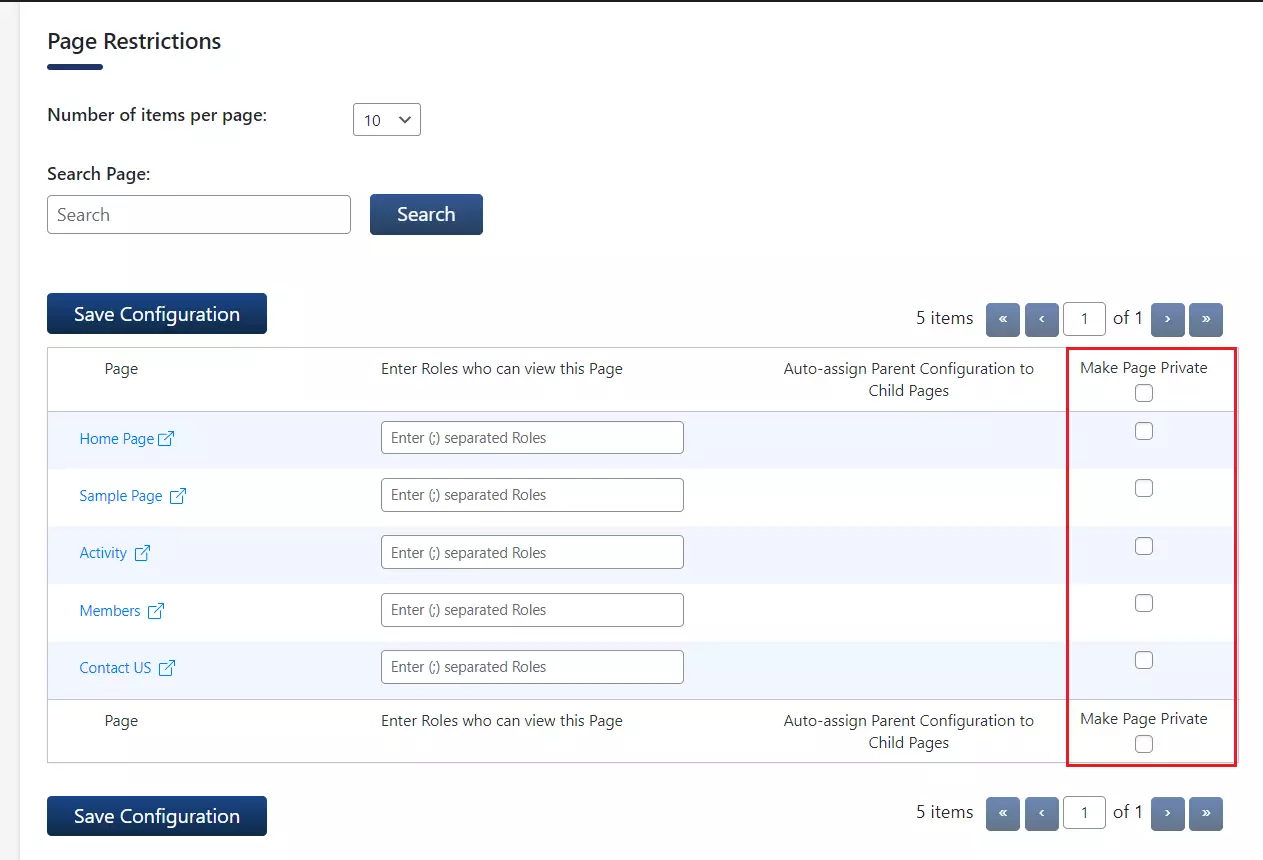
Private WordPress sites offer special features for users. One of these features is content visibility options. You can choose who can see your posts. Only selected people can view them. This keeps your content safe and private.
Another option is password protection. You can set a password for your posts. This means only people with the password can read them. It’s a simple way to keep your content secure. You have the control. It helps keep your site private and safe from unwanted visitors.
Credit: plugins.miniorange.com
Viewer Limitations
WordPress.com and WordPress.org are very different. WordPress.com offers a hosted solution. On this platform, private sites have a viewer limit. Only 35 people can view your private site at one time. This limit keeps your site secure and personal.
WordPress.org is self-hosted. There is no limit on private viewers. You can have as many viewers as you like. This flexibility is great for larger groups or teams. But it requires more setup and maintenance.
Subscription plans affect viewer limits on WordPress.com. Free and basic plans have stricter limits. Higher plans offer more features and fewer limits. These plans can increase the number of viewers. Always check the details before choosing a plan.
Managing Viewer Access
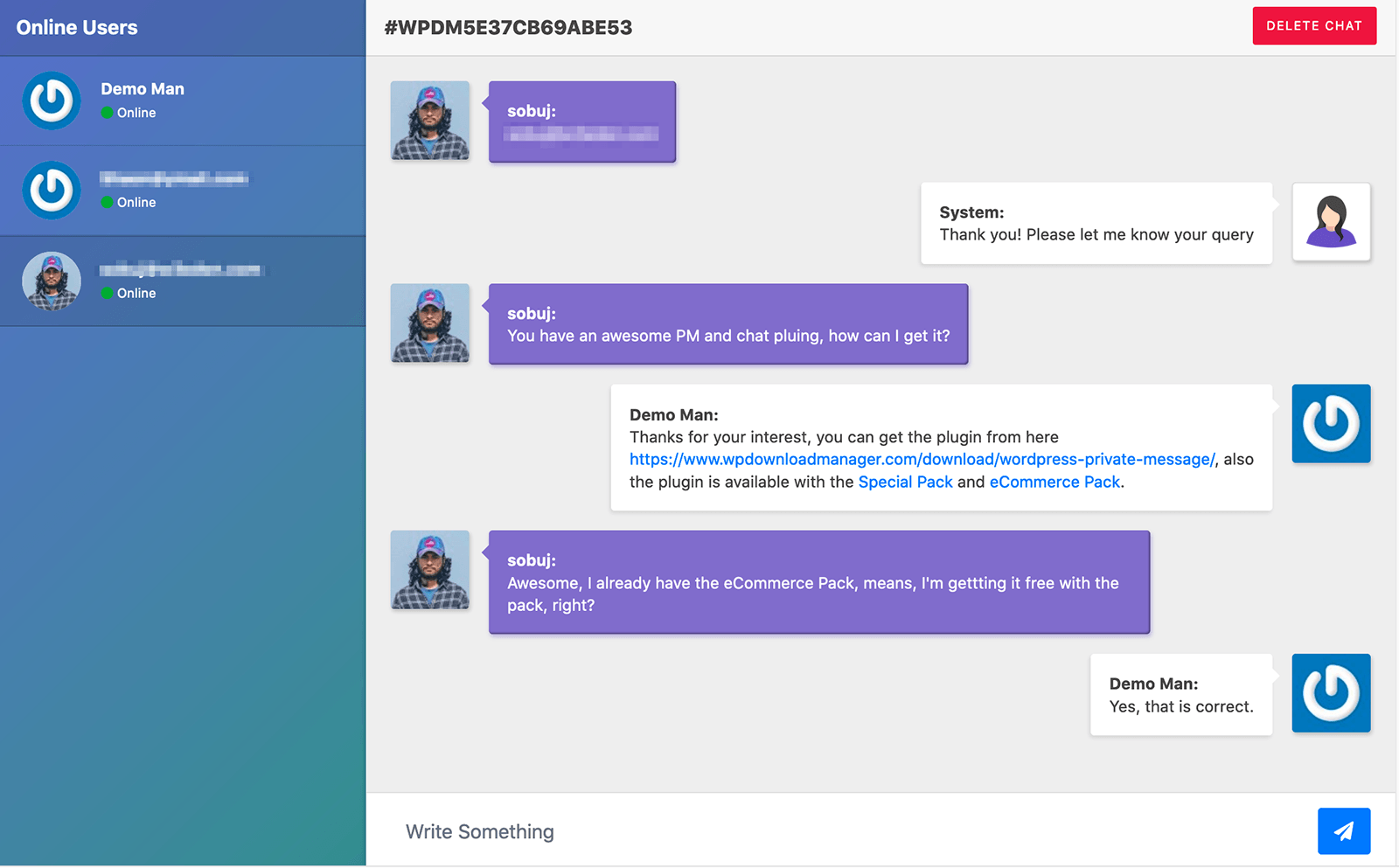
Private WordPress sites allow only selected viewers. You can invite viewers by sending them invitation links. This helps control who sees your content. Make sure to check email addresses carefully. Mistakes can allow strangers access. Consider using a plugin to manage invites. It can automate some tasks. This saves time and reduces errors.
Monitoring who visits your site is important. Use tools to track viewer activity. These tools show you which pages are viewed most. They can also show how long viewers stay. Keeping an eye on this data helps you make better decisions. You can improve your content based on viewer interest. Ensure your site stays secure by checking viewer logs regularly.
Credit: www.wpdownloadmanager.com
Customizing Privacy Settings
Plugins help make your WordPress site private. They control who sees your content. Private sites need strong privacy settings. Some plugins offer password protection. Others restrict access to specific users. Security plugins guard your site from unwanted visitors. They keep your information safe. Choose plugins that fit your needs. Pick those that are easy to use. Make sure they are updated regularly.
Managing users is important for privacy. User roles decide what each person can see. Admins have full access. Editors can change posts. Subscribers only read content. Set roles carefully. Make sure your users know their limits. Use plugins to manage roles. They offer more control. Limit user numbers to avoid confusion. Keep track of who joins your site. Update user lists often.
Scenarios For Viewer Limits
Small community blogs often have limited viewers. These blogs might be for family or friends. They may share personal stories or hobbies. The viewer limit ensures privacy. Only invited people can see the posts. This makes the blog feel safe and cozy. Everyone knows each other. It’s like a small online gathering. The blog owner controls who can view. This keeps unwanted eyes away.
Corporate intranets are different. They serve many employees. These platforms have more viewer limits. Access is granted based on role. Employees see information needed for work. Sensitive data stays protected. The viewer limit ensures only authorized access. It helps in organizing communication. Important updates reach everyone. But confidential info remains secure. This maintains trust within the company.

Credit: www.interserver.net
Frequently Asked Questions
What Is The Limit On Private WordPress Viewers?
Private WordPress sites can have up to 35 viewers. This limit applies to users with viewing permissions. If you exceed this limit, consider upgrading your plan. An upgraded plan may allow for more viewers or offer additional features.
How To Manage Private WordPress Viewers?
You can manage viewers through your WordPress dashboard. Navigate to “Users” and then “Add New” to invite viewers. Ensure each viewer has the right permissions. Regularly review and update viewer access to maintain site security.
Can You Increase WordPress Private Viewer Limit?
Yes, upgrading your WordPress plan can increase the viewer limit. Higher-tier plans often offer more flexibility and additional features. Check with WordPress support for plan details. Consider your site’s needs before upgrading.
Are There Alternatives To Private WordPress Sites?
Yes, you can use membership plugins for controlled access. Plugins like MemberPress or Restrict Content Pro offer advanced options. They allow you to manage user roles and permissions effectively. Consider these tools if you need more flexibility.
Conclusion
WordPress private viewers have a limit of 35 people. This restriction ensures privacy for your content. Consider audience size before choosing a private setting. Check your plan details for viewer count specifics. Understanding these limits helps manage your WordPress site effectively.
Adjust settings as your audience grows. A larger audience might need a public site. Always prioritize user experience and privacy. These steps ensure your content reaches the right people. Happy blogging!


