
Are you planning to launch a website using WordPress? Choosing the right web hosting is crucial for your site’s success.
Imagine your website as a digital storefront. The foundation supporting it determines how smoothly it runs and how easily your visitors can find what they’re looking for. WordPress web hosting is like choosing the perfect location for your business—it affects speed, security, and overall performance.
But with so many hosting options available, how do you know which one is right for you? This guide will walk you through everything you need to know about WordPress web hosting. You’ll discover tips, tricks, and insights that can make or break your website’s performance. Keep reading to unlock the secrets of an efficient, reliable, and user-friendly WordPress site.
WordPress Hosting Essentials
Choosing the right WordPress hosting is very important. It affects your site’s speed and security. A good host offers fast loading times. They also have strong security features. This keeps your site safe from hackers.
Some hosts offer easy installation. This means you can start your site quickly. They also provide backups. This means your site data is safe. If something goes wrong, you can restore it. Look for hosts with good customer support. They help if you have issues.
Many hosts offer different plans. Choose one that fits your needs. Check for reliable uptime. This means your site stays online. A good host can make a big difference. Choose wisely for better performance.
Credit: www.formget.com
Types Of WordPress Hosting
Shared hosting is budget-friendly. Many websites use one server. Resources are shared among websites. It’s good for small blogs. But, it can be slow. If one site is busy, others get slow. Security can be a concern. It’s simple to start with shared hosting.
Managed hosting is for busy sites. Experts handle technical stuff. It’s fast and secure. You get support all the time. It costs more than shared hosting. Updates are automatic. You don’t need to worry about maintenance.
VPS hosting is like having your own space. A server is divided into parts. Each part works separately. More control over settings. Good for growing sites. It’s a bit costly. But, you get better performance. Security is better than shared hosting.
Dedicated hosting means one server for you. No sharing with others. High performance and top security. Best for big websites. It’s the most expensive option. You need some technical skills. Perfect for sites with high traffic.
Key Features To Consider
Website speed is crucial. Fast sites keep visitors happy. Slow sites lose traffic. Ensure hosting providers offer high-performance servers. Check their speed metrics. Look for SSD storage. SSDs are quicker than traditional hard drives. This boosts loading times. A content delivery network (CDN) can help. CDNs distribute content globally. This reduces load time.
Security is vital. Choose hosts with strong security features. Look for SSL certificates. SSL keeps data safe. Firewalls are important too. They block harmful traffic. Regular security updates are necessary. Updates fix vulnerabilities. Daily backups protect your data. If something goes wrong, you can restore it.
Scalability matters as your site grows. Opt for hosts that offer flexible plans. You might need more resources later. Ensure the host supports easy upgrades. This allows seamless transition. A scalable host handles traffic spikes. You won’t face downtime during busy periods.
Reliable support is essential. Problems can arise anytime. Choose hosts with 24/7 support. Check if they offer live chat. Live chat resolves issues quickly. Email support is helpful too. Ensure staff are knowledgeable. Good support saves time and stress.
Benefits Of Managed WordPress Hosting
Managed WordPress hosting helps keep websites fast and safe. Experts handle many tasks for you. They update your website and keep it secure. No need to worry about backups or plugins.
Your website will load faster. This is important for visitors. Slow websites can make people leave. Managed hosting uses the best servers. They make sure your site runs well. No need to fix technical problems by yourself.
Support is always available. If something breaks, help is near. Experts answer questions quickly. This gives you more time to focus on your content. Managed hosting helps reduce stress and saves time.
Comparing Popular WordPress Hosts
Bluehost is a popular choice for WordPress hosting. They offer affordable plans and good customer support. Many people like their easy setup process. They also provide a free domain for the first year. Their servers are reliable and fast, which keeps websites running well. Security features like SSL are included, protecting your website. Bluehost is often recommended for beginners because of its user-friendly interface.
SiteGround is known for its excellent support. Their team is available 24/7 to help. They offer high-speed servers and strong security. SiteGround provides daily backups to keep data safe. They have a custom dashboard that many find easy to use. SiteGround is a bit more expensive than some options. But, many say the quality is worth the price.
WP Engine is a premium hosting service. They focus on speed and security. WP Engine offers automatic updates and daily backups. Their support team is highly trained. WP Engine is great for big websites with lots of traffic. The service is more expensive compared to others. But, many think the performance is very good.
Kinsta uses Google Cloud Platform for hosting. This means fast speeds and strong security. They offer daily backups and free migrations. Kinsta has a simple dashboard that is easy to use. Their support team is friendly and helpful. Kinsta is costly, but many say the features are excellent.
Setting Up WordPress On Your Host
First, download the WordPress files from the official site. Then, upload them to your web host using an FTP client. After uploading, create a database on your web host. Save the database name, username, and password. These are important. You will need them later. Open the WordPress setup page in your browser. Fill in the database details. Click install. Wait for the installation to finish. Now, you have WordPress on your site.
Log into your WordPress dashboard. Go to settings. Set your site title and tagline. Choose a time zone. Set your preferred date format. Enable or disable comments. Choose a permalink structure. This affects how URLs look. Save your changes. Check your site to see the changes. Keep settings simple at first. You can change them later if needed.
Common Challenges And Solutions
Traffic spikes can slow down websites. Slow sites frustrate users. Upgrade hosting plans to handle more visitors. Use content delivery networks to spread traffic load. Optimize images and reduce file sizes. These steps keep sites fast during busy times.
Plugins sometimes clash with each other. Conflicts can break site features. Disable plugins one by one to find the problem. Check for updates regularly. Updates fix bugs and improve compatibility. Use fewer plugins to reduce risk of conflicts.
Slow performance annoys users. Check server response times. Optimize databases to speed up queries. Use caching to store data temporarily. Minimize CSS and JavaScript files. These actions help improve site speed and user satisfaction.
Tips For Optimizing WordPress Hosting
Caching boosts website speed. It stores frequent data for quick access. Use plugins like W3 Total Cache. They are easy to set up. Faster sites are good for SEO. Users enjoy quick sites.
Optimize databases regularly. Clean old data to save space. Use plugins like WP-Optimize. They help manage your database. A tidy database runs faster. Speed is key for performance.
Compress images for better loading times. Large images slow websites down. Use tools like TinyPNG or Smush. They shrink image sizes without losing quality. Smaller images load quicker. Fast loading images improve user experience.
Future Trends In WordPress Hosting
Cloud hosting is growing fast. It offers more speed and reliability. Websites can handle more traffic with ease. Cloud hosting uses many servers. This means less downtime. It is also more secure. Your data stays safe. Many people trust cloud hosting. It is a top choice for businesses.
AI helps in managing servers better. It can predict problems before they happen. This keeps websites running smoothly. Machine learning improves security too. It spots threats quickly. AI tools can also give users a better experience. They make websites load faster. Many websites now use AI for better results.
Credit: www.bluehost.com
Credit: www.hostpapa.com
Frequently Asked Questions
How To Choose Hosting For A WordPress Website?
Choose a reliable host with fast loading speeds and excellent customer support. Ensure compatibility with WordPress. Check for uptime guarantees and security features. Look for scalability options for future growth. Compare prices and features to fit your budget.
How Does WordPress Hosting Work?
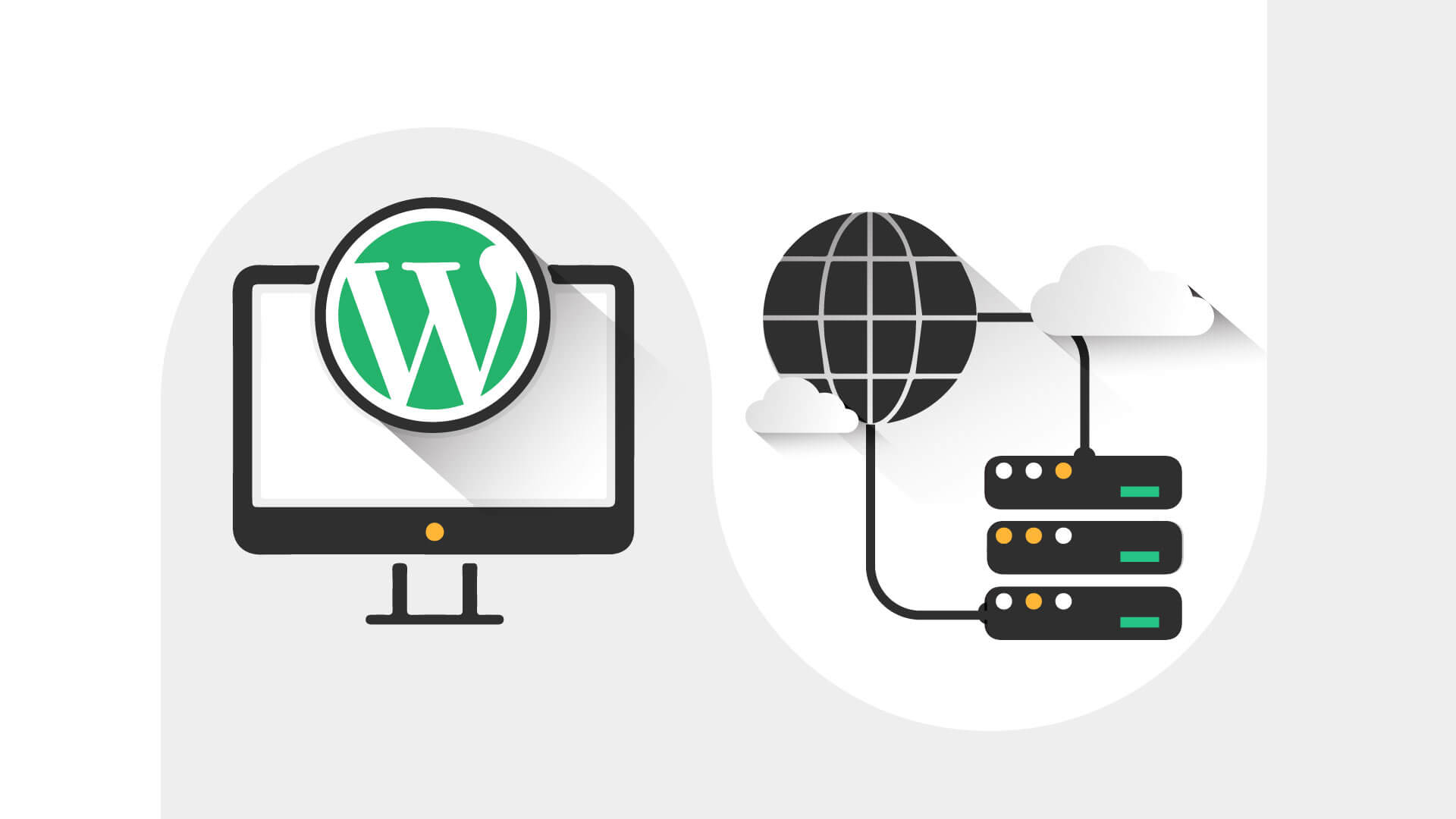
WordPress hosting optimizes servers for WordPress performance. It offers automatic updates, enhanced security, and faster loading times. Managed WordPress hosting includes specialized support and features. Shared hosting allows multiple websites on one server. Choose based on website needs, budget, and technical expertise.
What Is The Best Hosting For WordPress Beginners?
Bluehost is ideal for WordPress beginners. It offers a user-friendly interface, reliable performance, and 24/7 support. Recommended by WordPress. org, it provides easy installation and affordable plans. Its features make it perfect for starting your WordPress journey smoothly.
What Is The Difference Between WordPress And WordPress Hosting?
WordPress is a content management system (CMS) for building websites. WordPress hosting provides optimized server space for WordPress sites, ensuring better performance and security. Both are essential for managing and displaying content effectively online.
Conclusion
Choosing the right WordPress hosting is important. It affects your website’s speed and security. Consider your needs first. Look at storage, bandwidth, and support. Compare different providers carefully. Check user reviews and pricing plans. Think about future growth. A good host makes your site run smoothly.
It can help your business succeed online. Start with a basic plan if unsure. Upgrade as your site grows. Reliable hosting saves you time and headaches. It keeps visitors happy. Ultimately, a wise choice in hosting boosts your website’s performance.
So, make an informed decision today.


