
Have you ever stumbled upon a WordPress site and found yourself captivated by its design? Perhaps you’re wondering, “What theme is this WordPress site using?”
You’re not alone. Whether you’re a seasoned blogger or just starting out, discovering the perfect theme can transform your website from ordinary to extraordinary. Imagine the ease of knowing which themes make other sites shine, so you can apply them to your own project.
This knowledge can save you hours of trial and error. In this guide, we’ll unravel the mystery behind identifying WordPress themes, equipping you with the tools to enhance your website’s appeal. Stick around, and you’ll soon be on your way to crafting a site that captivates and converts.
Identifying WordPress Themes
Many tools help find a WordPress theme. These tools scan the site. They show the name of the theme. Some tools are free. Others might cost money. WPThemeDetector is a popular choice. WhatTheme is another option. Both are easy to use. Simply enter the site’s URL. The tool will do the rest. Results come quickly. These tools save time and effort.
You can find theme info yourself. First, right-click on the site. Choose “View Page Source” to see the code. Look for a line with “wp-content/themes”. The name after this is the theme name. It is not hard to find. With practice, it becomes easy. This method costs nothing. Many people use it. Try it next time you visit a WordPress site.

Credit: themeforest.net
Popular WordPress Themes
Many WordPress themes offer customizable layouts. Users can change colors and fonts easily. Some themes come with pre-designed templates. These make building a site faster. Themes often include responsive design. This means sites look good on phones and computers. Some themes have SEO tools. These tools help sites rank better on search engines. Many themes support multilingual features. This is useful for global audiences. Themes may also offer e-commerce capabilities. This helps users sell products online.
Themes can be minimalist or colorful. Minimalist themes focus on clean lines. They use simple colors. Colorful themes use bright designs. They often have unique layouts. Some themes are business-focused. These themes offer professional layouts. Other themes are creative. They feature bold graphics. Users may prefer themes with easy navigation. These themes help visitors find information quickly. Themes can also be modern or classic. Modern themes include trendy designs. Classic themes have timeless styles.
Why Choose A Specific Theme
A specific theme offers many customization options. You can change colors and fonts. Add widgets and sidebars. Make the site feel unique. It’s like decorating your own room. Themes give you control over design.
Good themes help with performance. They load fast. This keeps visitors happy. Fast sites rank better on search engines. Themes also help with SEO. They are coded well. Search engines like well-coded sites. A good theme is like a strong foundation. It supports your site.

Credit: themeforest.net
Changing WordPress Themes
First, back up your site. This keeps your data safe. Next, go to your WordPress dashboard. Click on Appearance and then Themes. Choose a new theme. Click Activate to apply it.
Always check your site after changing the theme. Ensure everything looks good. Some items may move or disappear. Fix these by adjusting settings. Plugins may need updates too.
Themes can change your site’s look. Text, images, and layout might shift. Some themes use different fonts. Others have unique color schemes. Always review your content after a change. Check if your menus and widgets are visible. Missing items can confuse visitors.
Keep your site fresh. Update your theme regularly. This helps with security and keeps your site looking modern. Happy blogging!
Tips For Selecting Themes
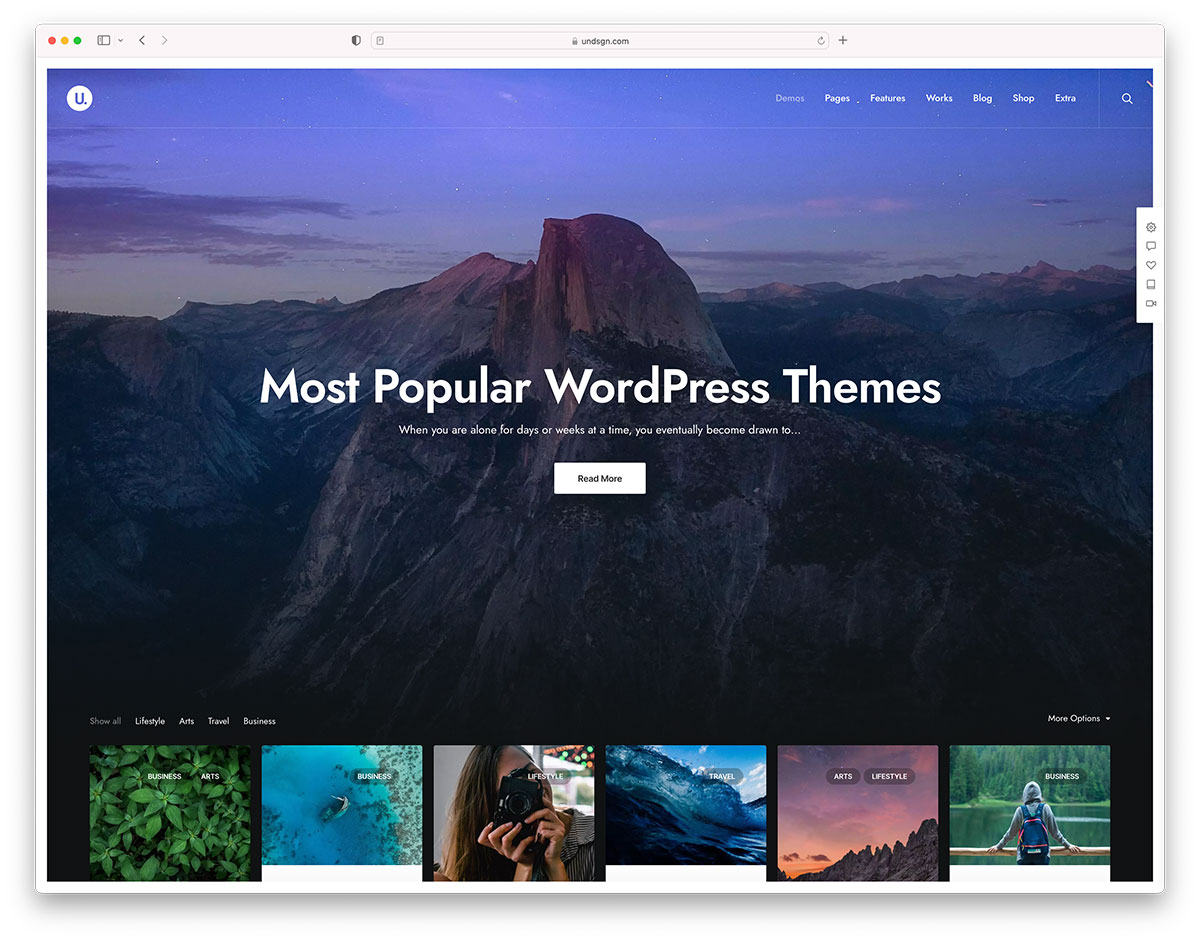
Think about your site’s purpose. Is it for a blog, store, or portfolio? Each type needs a different design. Look at colors and fonts. Do they match your brand? Check for responsive layouts. They should look good on phones and computers. Think about the loading speed. Faster sites keep visitors longer. Consider customizing options. Some themes allow easy changes. Others do not. Choose a theme that suits your needs.
User experience is very important. Your site should be easy to navigate. Visitors should find what they need fast. Check the menu structure. It should be clear and simple. Make sure the theme supports readable fonts. Large enough to read easily. Look for interactive elements. These can keep users engaged. Think about accessibility. Everyone should use your site, including those with disabilities.
Credit: colorlib.com
Frequently Asked Questions
How Do I Identify A WordPress Theme?
To identify a WordPress theme, use online tools like “What WordPress Theme Is That. ” These tools scan the site and reveal the theme name. Alternatively, check the site’s source code for theme details. Look for the “style. css” file in the WordPress theme directory.
Can I Find The Theme Without Tools?
Yes, you can manually find the theme without tools. View the site’s source code and locate the “style. css” file. This file contains the theme name and version. You can also inspect elements to identify theme-specific styles and scripts.
Why Know The Theme Of A WordPress Site?
Knowing a site’s WordPress theme helps replicate its design and functionality. It provides insights into the theme’s features and customization options. This information can guide your own website development and theme selection process.
Are All WordPress Themes Easily Detectable?
Most WordPress themes are detectable, but some might be hidden. Advanced methods like theme customizations or modifications can obscure the theme. However, tools and manual checks often reveal the theme or its elements.
Conclusion
Finding the right WordPress theme can be tricky. Themes shape your site’s look. They affect performance too. So, identifying the theme is key. Use online tools for quick results. Check the site’s source code for clues. These methods save time and effort.
With practice, you’ll spot themes easily. This helps tailor your own site. Better design choices. Enhanced user experiences. Start exploring today. Discover new themes. Perfect your WordPress site. Keep learning. Keep improving. Enjoy the process.


