
Are you tired of hearing about WordPress every time you search for website building options? You might be wondering if there are other platforms that could better suit your needs.
Whether you’re planning to start a personal blog, launch an online store, or create a portfolio, the right website builder can make all the difference. Imagine finding a tool that aligns perfectly with your vision, saving you time and effort while enhancing your online presence.
You’ll discover a world beyond WordPress. We’ll explore various website builders, each with unique features and advantages. By the end, you’ll have a clearer picture of your options and feel empowered to choose the best platform for your project. Dive in, and let’s uncover these hidden gems together!
Static Site Generators
Static site generators create simple websites. Popular choices are Jekyll, Hugo, and Gatsby. These tools convert text files into web pages. Designers use them for blogs and portfolios. They are fast and easy to set up. They do not need a database. They are also secure and cost-effective.
Static sites are very fast. They load quickly because they use fewer resources. They are secure. Hackers find it hard to break into static sites. These sites are cheap to host. Hosting costs are lower than dynamic sites. They are simple to maintain. Updates are easy and do not break the site.
Static sites are great for small projects. Use them for blogs, portfolios, and landing pages. They fit projects with few updates. Choose static sites if speed is important. They work well for sites with low traffic. They are best for simple websites without user interaction.
Content Management Systems (cms)
Joomla is a popular CMS. It’s great for building websites. You can make blogs and online shops. It has many extensions and templates. These help you change the look of your site. You can use Joomla without coding. It is user-friendly and powerful.
Drupal is another CMS. It is known for flexibility. It suits complex sites. Users need to understand it well. Developers love its features. It is secure and reliable. Many large sites use Drupal. It supports many languages.
Squarespace is easy to use. It’s perfect for beginners. You can create beautiful sites with it. It has drag-and-drop features. It is not free, but offers templates. These templates are modern and stylish. Squarespace is ideal for personal sites.
Wix is a simple CMS. You can start free. It is best for small sites. Wix offers many design options. You can use its drag-and-drop tools. It makes creating websites easy. It suits small businesses and personal blogs.
E-commerce Platforms
Shopify makes selling online easy. It helps businesses open stores. Users can customize the store. It offers many themes. Shop owners can track sales. Shopify has many tools. It supports different payment options. Shopify is popular worldwide. Small and big businesses use it.
Magento is a powerful platform. It handles large inventories. Developers love its flexibility. Users can change many features. Magento offers many plugins. It is great for big businesses. Magento requires technical skills. It supports various languages. It grows with your business.
BigCommerce is a user-friendly choice. It offers many templates. Users can design beautiful stores. It supports mobile shopping. BigCommerce offers marketing tools. It is good for medium-sized stores. Users find it easy to use. BigCommerce offers strong security. It helps businesses sell more.

Credit: dapth.com
Website Builders
Weebly is easy for beginners. Drag and drop to make sites. Choose from many templates. It offers built-in e-commerce tools. You can sell things online. Weebly also gives you analytics. See how many people visit your site.
Zyro is known for its speed. Build websites fast with it. It has an AI writer to help with text. Choose a style and get content. Zyro also includes SEO tools. Improve your site’s search ranking easily. You can also add a store to sell products.
Custom Built Websites
Custom built websites offer unique designs. They fit your brand perfectly. You get more control over features. But they can be expensive. Building them takes more time. Maintenance is often complex. Highly skilled developers are needed. This can increase costs. They are less flexible than platforms like WordPress. Limited options for plugins may exist. Updates might require professional help. Custom sites are ideal for specific needs. But weigh the costs against the benefits.
HTML and CSS are basic. JavaScript adds interactivity. PHP or Python handle server tasks. SQL manages databases. React or Angular for rich interfaces. Node.js or Ruby for backend. Git helps in version control. Use Bootstrap for responsive designs. APIs connect services. Choose technologies based on project needs.

Credit: wordpress.com
Forums And Community Platforms
phpBB is a popular forum software. It lets people make online communities. Users can post messages and reply to others. It’s free and easy to use. Many websites use phpBB for forums. It has many customization options.
Discourse is a modern discussion platform. It is open-source and supports dynamic conversations. People can chat and share ideas. Discourse is great for community building. It works well on mobile devices. Many users like its clean interface.
Vanilla Forums offer simple forum tools. They are known for their flexibility. Users can create discussions and engage with others. Vanilla Forums are easy to set up. They support many themes and plugins. Perfect for small communities looking for simple solutions.
Blogging Platforms
Medium is a popular blogging platform. It is easy to use. Writers share their stories here. Medium has a clean design. Readers enjoy the simple layout. It helps writers reach a big audience. Medium handles all the technical parts. So, writers can focus on writing.
Ghost is another blogging platform. It is open-source. Ghost is great for professional bloggers. It offers a sleek design. Ghost is fast and secure. Many people use it for its speed. Ghost requires some tech knowledge. But it is powerful for serious bloggers.
Blogger is a free blogging service by Google. It is easy for beginners. People start blogs quickly. Blogger offers various templates. Users can customize their blogs. Blogger handles hosting for free. It is a simple way to start blogging.
Portfolio And Personal Sites
Behance is a popular platform for creative professionals. It allows artists to showcase their work online. This site is easy to use. Artists can upload their photos and designs. Other users can view and comment on projects. Behance is perfect for sharing ideas and getting feedback.
Adobe Portfolio helps users create beautiful websites quickly. You can choose from various templates. It’s part of Adobe Creative Cloud. Users can link their Behance projects to Adobe Portfolio. This makes it easy to keep everything in one place. Design is simple and clean.
Carbonmade offers an easy way to build online portfolios. It’s user-friendly with drag-and-drop features. People can customize their pages. Carbonmade supports images, videos, and text. It’s great for artists, designers, and illustrators. The platform makes sharing work simple and fun.
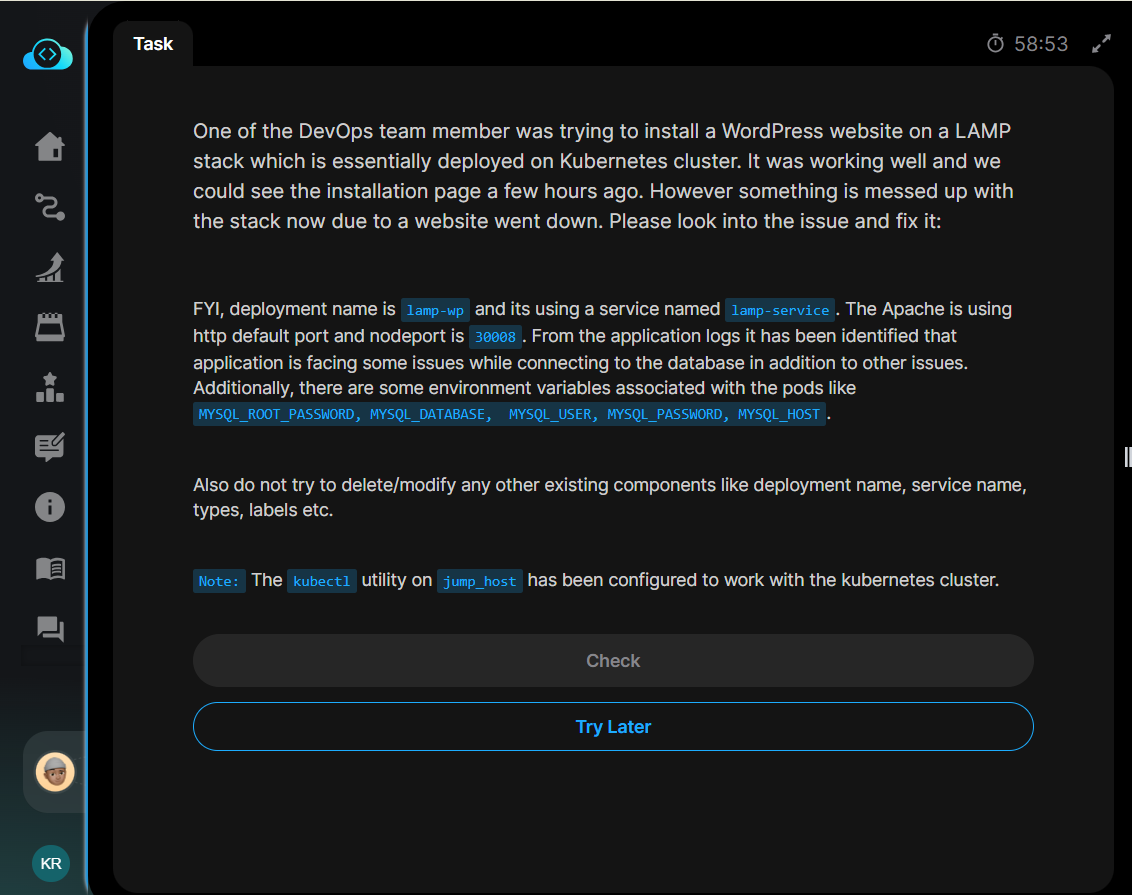
Credit: kodekloud.com
Frequently Asked Questions
What Are Popular Alternatives To WordPress?
There are several popular alternatives to WordPress. These include platforms like Wix, Squarespace, Joomla, and Drupal. Each offers unique features and customization options. Wix and Squarespace are user-friendly with drag-and-drop builders. Joomla and Drupal are more suitable for developers seeking advanced customization.
Is Wix Better Than WordPress?
Wix can be better for beginners due to its simplicity. It offers drag-and-drop functionality and all-in-one hosting. WordPress, however, is more flexible and scalable for complex sites. It has a vast plugin ecosystem. Choosing between them depends on your specific website needs and technical skills.
Can I Use Squarespace For Ecommerce?
Yes, Squarespace is suitable for eCommerce. It offers built-in tools for online stores. You can manage products, inventory, and orders easily. Squarespace provides beautiful templates to showcase products. It also supports multiple payment gateways. It’s a great option for small to medium-sized online businesses.
What Is Joomla Used For?
Joomla is a content management system used for creating dynamic websites. It’s suitable for complex websites and online applications. It offers extensive customization with various extensions and templates. Joomla is ideal for developers who need flexibility. It’s often used for corporate websites, portals, and eCommerce sites.
Conclusion
Exploring different website types opens diverse possibilities. Each platform has unique features. WordPress isn’t the only option. Squarespace offers intuitive design tools. Wix provides flexibility and ease for beginners. Joomla supports advanced users. Drupal excels in complex sites. Shopify is great for e-commerce.
Each platform serves different needs. Consider your goals and skills. Choose what suits your project best. It’s important to research carefully. This ensures the right fit for your website. Embrace the variety available today. You can create engaging, functional sites without WordPress.
Enjoy building your perfect online space.


