Have you ever wondered about the first page you see when visiting a WordPress site? Whether you’re setting up your own site or just curious, understanding the initial page is crucial.
This page is not just any page; it’s the gateway to your content, your brand, and your message. It’s where you make your first impression and capture attention. If you’ve ever found yourself asking, “What is the first page in a WordPress site called?
“, you’re in the right place. By the end of this article, you’ll know exactly what it’s called, why it matters, and how you can make yours stand out. Get ready to unlock the secrets of your WordPress site’s first impression and transform the way visitors perceive your online presence.
WordPress Home Page
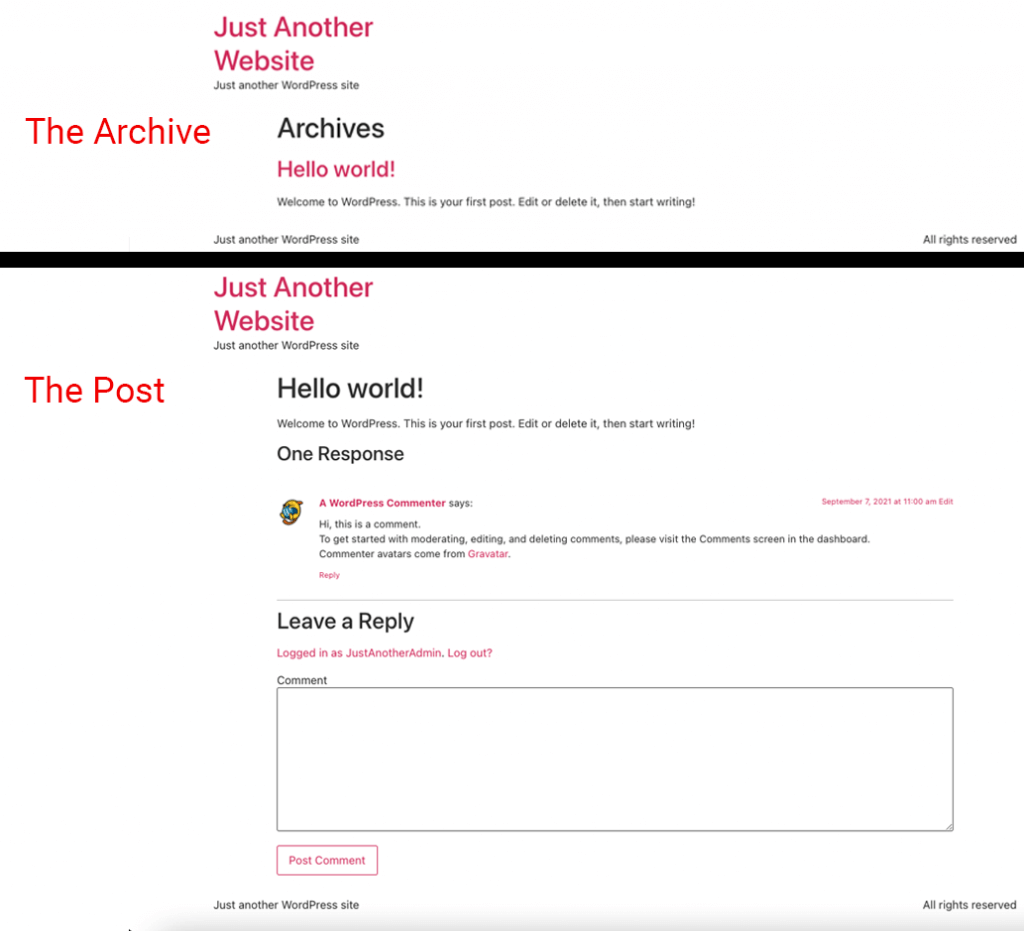
The first page on a WordPress site is the Home Page. It is often called the front page. This page is the main entry for visitors. It shows the most important content. Most blogs display recent posts here. Websites might show a static page instead. This page can be customized to suit your needs. Change the layout with widgets and plugins. Add or remove sections as needed. The goal is to make it attractive and useful. This page helps to grab the visitor’s attention. It sets the tone for the rest of the site.
Credit: elementor.com
Static Vs. Dynamic Home Page
A static home page shows the same content to everyone. It never changes unless you update it. This type of page is like a book cover. Visitors see the same cover each time. It is simple and easy to make. A dynamic home page changes often. It shows new content each time. It is like a news channel. Always updating with the latest stories. This page is more engaging.
Both types have their uses. Static pages are good for small sites. Dynamic pages are great for big sites. They keep visitors coming back. Choose the type that fits your needs best. Each serves a different purpose.
Setting The Front Page
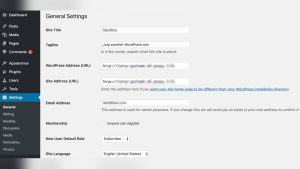
The front page is the first page visitors see. In WordPress, you can set this page using the settings menu. Go to Settings and click on Reading. Here, you can choose a page to show first. This will be your front page. Easy to do, and important for your site.
Using a static page keeps the same content at the top. Pick a page from your existing pages. Then, set it as the static front page. This helps to keep a consistent look. Visitors see the same page every time they visit. Simple and effective for many sites.
Importance Of The Home Page
The home page is the face of your website. Visitors see it first. A well-designed home page grabs attention. First impressions matter a lot. They set the tone for the user experience. The design should be clear and simple. It should load fast. A slow page can drive users away. Attractive images can help. But too many images can slow the page. Balance is key.
Search engines check the home page often. It should have important keywords. Good keywords help in search ranking. The page title should be clear. A strong title helps users find your site. Use simple words. They are easier to understand. Meta descriptions are also important. They provide a short summary. This helps search engines and users.
Designing The Home Page
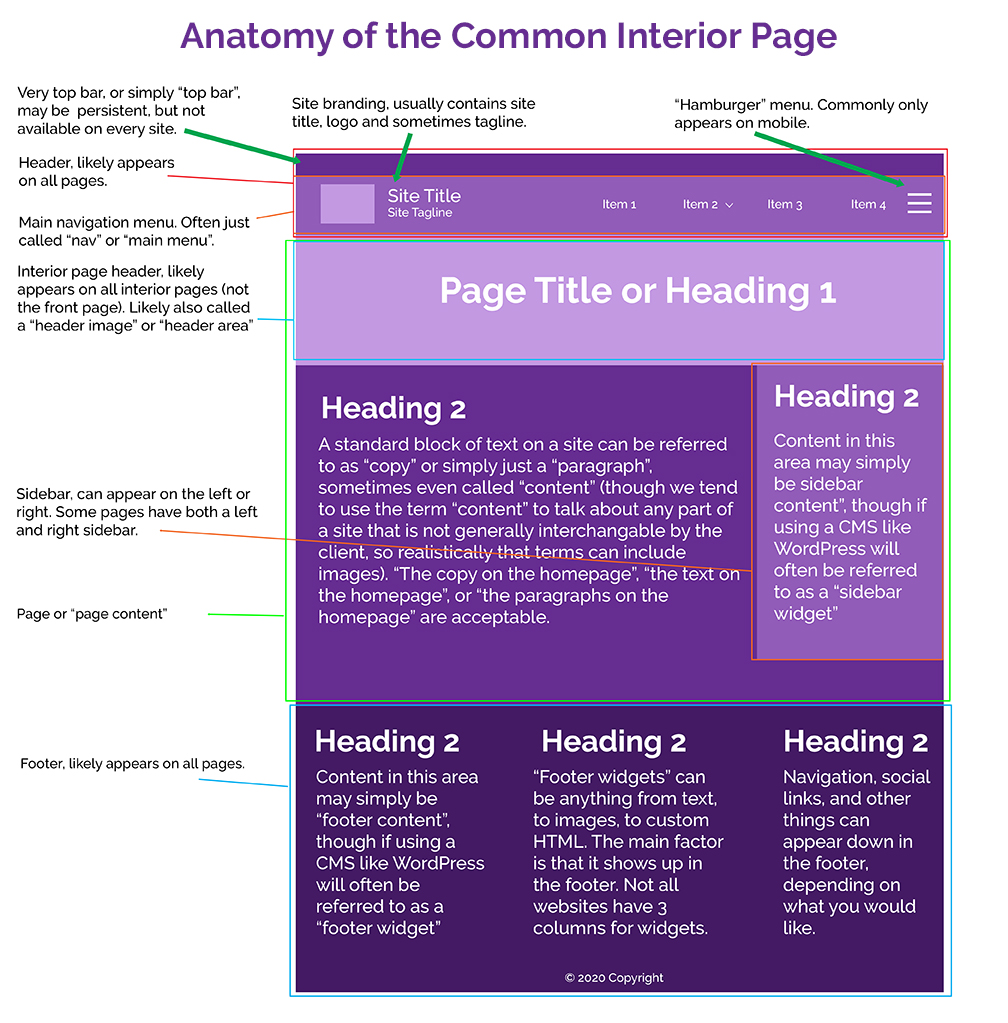
The home page is the first impression of your site. Picking the right theme is crucial. Themes decide how your site will look. Many themes are free, while some are paid. It’s important to choose a theme that fits your site’s purpose. Make sure the theme is easy to navigate. A clean and simple design often works best. Consider the color scheme and font style. These should be easy on the eyes. Themes should also be responsive. This means they look good on phones and computers. Check for reviews before choosing a theme. This can help you avoid problems later.
Page builders help you design your home page. They offer drag-and-drop features. This makes designing easy and fun. Beginners find page builders helpful. They do not require coding skills. You can add text, images, and buttons easily. Page builders often come with templates. These templates give you a starting point. You can then customize them to your liking. Make sure the page builder is compatible with your theme. This ensures everything works smoothly together. Popular page builders include Elementor and Beaver Builder. They provide many options to create a stunning home page.
Credit: www.hasoptimization.com
Common Features Of A Home Page
The navigation menu is crucial. It helps visitors find information quickly. Usually, it is at the top of the page. The menu includes links to important pages like ‘About Us’, ‘Contact’, and ‘Services’. Clear labels make it easy to understand. Sometimes, it has a drop-down for more options. A good menu improves user experience. It should be simple and organized.
Home pages often have featured content. This grabs attention immediately. It can be images, videos, or text. Featured content highlights important updates or promotions. It is usually placed prominently. Engaging visuals can enhance interest. Keeping content fresh is key. This ensures visitors return. Regular updates keep the page lively. Featured sections are central in design.
Tips For An Effective Home Page
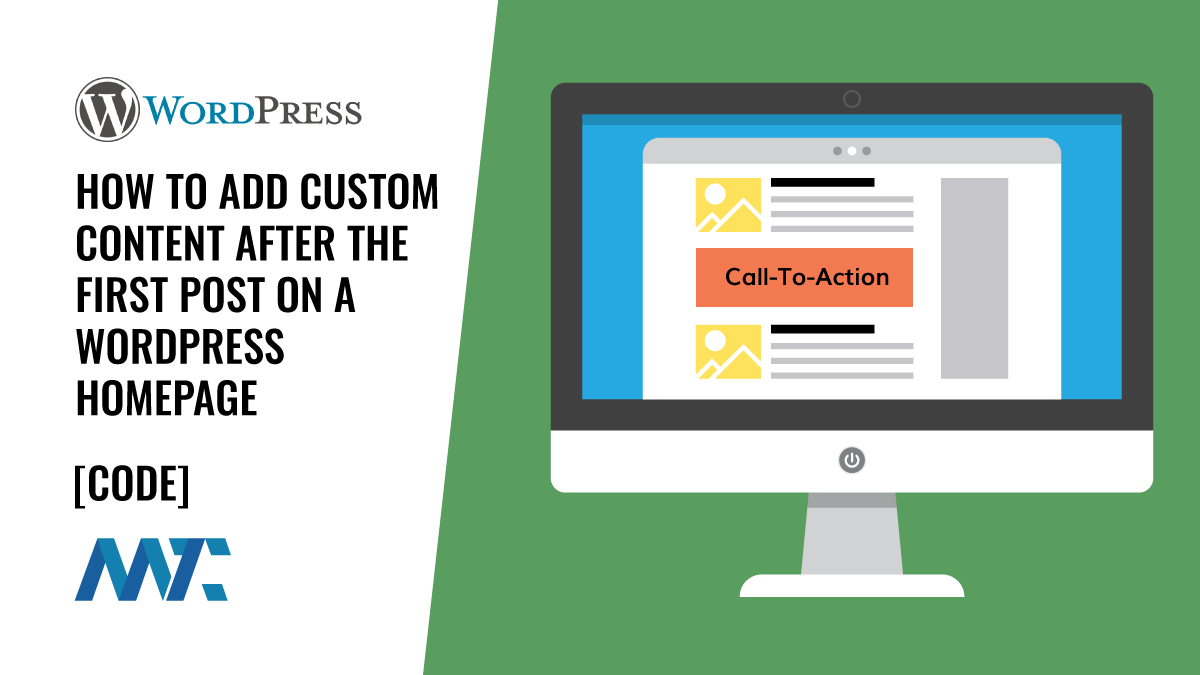
Keep your words short and easy to understand. People like to know what to do next. Simple buttons help them. Use clear words. Make sure people can find what they want quickly.
Pictures tell stories better than words. Use bright colors. Make sure images are not blurry. Photos should match your site’s theme. Kids like fun and colorful pictures.
Credit: martech.zone
Frequently Asked Questions
What Is The First Page In WordPress Called?
The first page in a WordPress site is often called the homepage. It serves as the main entry point for visitors. This page typically displays the site’s most important content. It can be customized to show recent posts, a static page, or a combination of both.
How Do I Set A Homepage In WordPress?
To set a homepage in WordPress, go to the dashboard. Click on “Settings,” then “Reading. ” Choose “A static page” and select your desired page as the homepage. Save changes to apply your settings. This allows you to control what visitors see first on your site.
Can I Customize My WordPress Homepage?
Yes, you can customize your WordPress homepage using themes and plugins. Themes offer various layout options and design elements. Plugins provide additional functionalities, like sliders or contact forms. You can also use the WordPress Customizer to change colors, fonts, and more, ensuring a unique look.
Why Is My WordPress Homepage Not Displaying?
If your WordPress homepage isn’t displaying, check your Reading settings. Ensure the correct page is set as the homepage. Clear your cache and refresh the page. If issues persist, deactivate plugins to identify conflicts. Contact your theme’s support if the problem continues.
Conclusion
The first page of a WordPress site is crucial. It’s called the homepage. It welcomes visitors and sets the tone. Think of it as your site’s front door. A well-designed homepage attracts and retains users. It showcases your brand and key information.
Easy navigation is essential here. Users should find what they need quickly. Remember, first impressions matter. Spend time crafting a user-friendly homepage. This effort builds trust and encourages exploration. Keep it simple, engaging, and informative. A strong homepage boosts your site’s success.