
Have you ever wondered what sets XAMPP apart from regular web hosting? Perhaps you’re trying to decide which option is best for your website needs.
This decision can be a bit overwhelming, especially if you’re new to web development or hosting services. Knowing the difference between XAMPP and web hosting is crucial for making an informed choice. XAMPP is a free, open-source platform that allows you to run and test your websites locally on your computer.
It’s like having a mini server right at your fingertips. But how does that compare to web hosting, where your website is stored on a remote server and accessible to anyone on the internet? This article will walk you through the key differences, benefits, and potential drawbacks of each option. By the end, you’ll have a clear understanding of which tool aligns best with your goals, whether you’re building a personal blog, launching a business website, or just experimenting with web development. Stick with us, and you’ll discover the right path to take for your online presence.
Credit: www.ionos.com
Xampp Basics
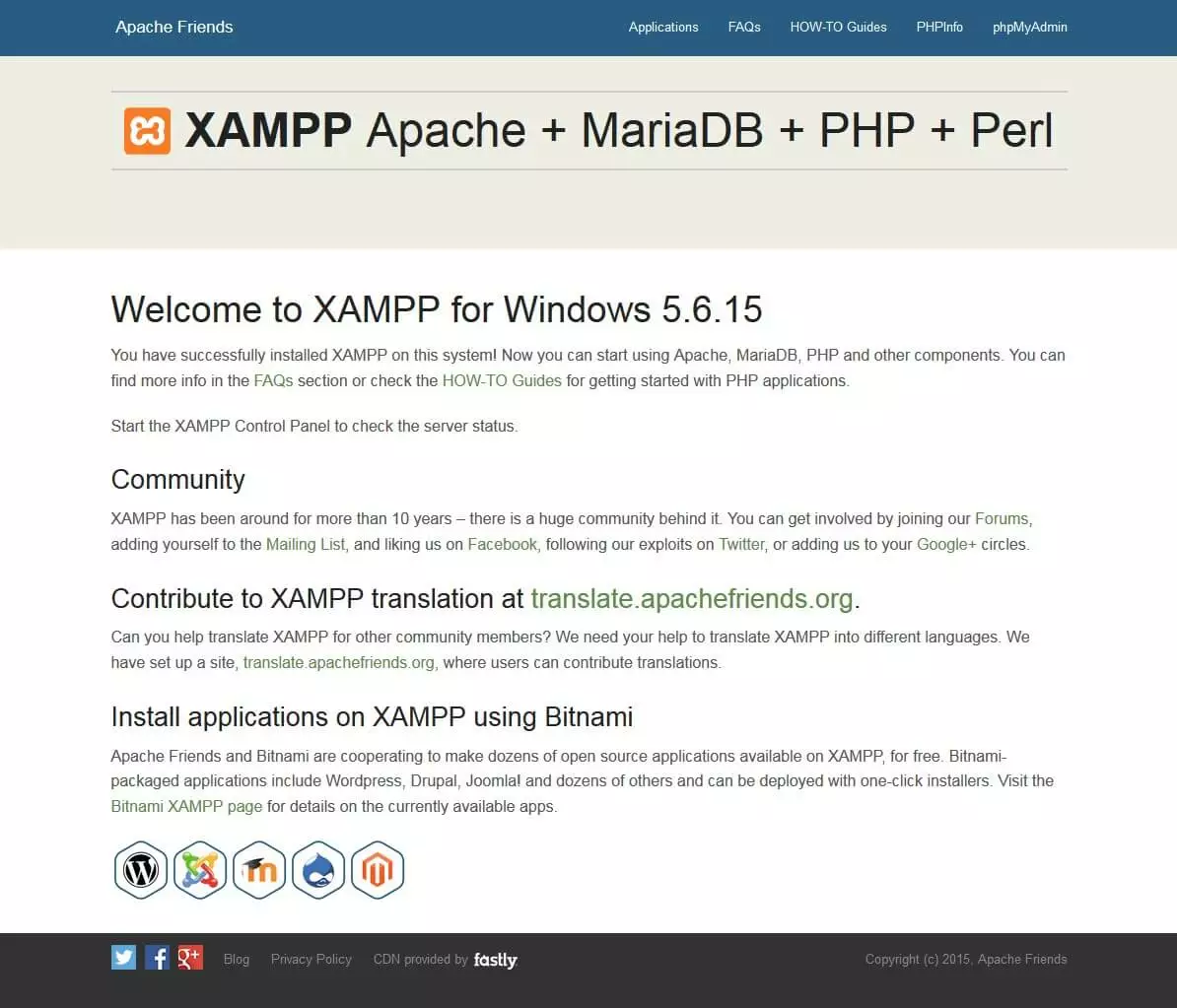
XAMPP is a free software package. It includes Apache, MySQL, PHP, and Perl. Apache is a web server. MySQL is a database system. PHP and Perl are programming languages. All these tools help in creating websites. They work together in XAMPP.
XAMPP installation is simple. Download the package from the website. Run the setup file. Follow the instructions on the screen. It installs on your computer. No need for internet during setup. Everything is local.
XAMPP creates a local environment. You can build and test websites. No need for an internet connection. Changes are seen quickly. It’s perfect for beginners. You can learn and experiment easily.
Credit: www.slideteam.net
Web Hosting Essentials
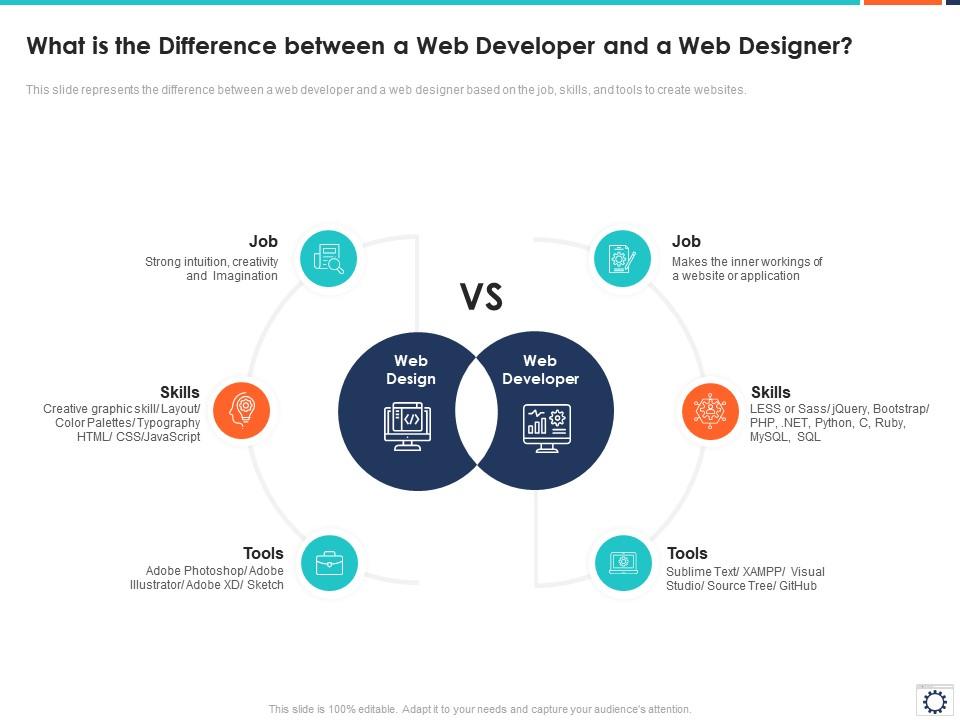
Understanding the difference between Xampp and web hosting is vital for managing websites. Xampp is a local server for testing, while web hosting makes your site accessible online. Each serves distinct purposes for web development and deployment.
Types Of Web Hosting
There are different types of web hosting for websites. Shared hosting is the most common. Many websites share one server in this type. It’s good for small sites. VPS hosting gives a bit more control. You share a server, but get your own space. Dedicated hosting offers a whole server just for you. It’s the best for big websites. Cloud hosting uses many servers. It makes sure your site stays up even if one server fails.
Key Features Of Web Hosting
Web hosting has important features. Storage space is one. It holds your website files. Bandwidth is another. It affects how fast people can see your site. Uptime means how often your site is online. More uptime is better. Security keeps your site safe. Backup ensures you don’t lose data. Customer support helps when you have questions. Choose hosting with good features.
Setting Up A Hosting Account
Setting up a hosting account is simple. First, choose a hosting plan. Next, sign up with your email. After that, pick a domain name. This is your website’s address. Pay for the hosting plan. Finally, log in to your account. Use the control panel to manage your site.
Key Differences
Xampp is a tool for local use. It works on your computer. Web hosting is online. It runs on a server. Xampp is for testing. Web hosting is for real websites. Xampp is free. Web hosting costs money. Xampp is easy to install. Web hosting needs setup.
Xampp is private. Only you can see it. Web hosting is public. Everyone can see it. Xampp has less security. Web hosting has more security. Xampp is for learning. Web hosting is for business. Xampp is not safe for important data. Web hosting keeps data safe.
Xampp works fast for small tasks. Web hosting can handle big tasks. Xampp uses less resources. Web hosting uses more resources. Xampp is for small projects. Web hosting grows with needs. Xampp is limited. Web hosting scales up easily.
Use Cases For Xampp
XAMPP is a powerful tool for testing websites on your own computer. It helps in setting up a local server. This allows developers to try out new features safely. No need for an internet connection. Mistakes can be fixed before going live. It helps save time and effort.
XAMPP is great for learning website coding. Students can try new things without fear. Experimentation becomes easy. Mistakes are part of the process. XAMPP provides a safe place for this. It makes learning fun and effective.
Building websites offline is possible with XAMPP. Work on your projects anytime. No internet needed. Changes can be made quickly. Testing becomes simple. It is a practical tool for developers everywhere.
Use Cases For Web Hosting
XAMPP serves as a local server for testing websites on your computer. Web hosting makes your website accessible on the internet. XAMPP is perfect for development; web hosting is essential for public access.
Live Website Deployment
Web hosting makes websites live on the internet. It gives a place for your website files. People can visit your site anytime. Without hosting, sites stay hidden. Hosting shows your content worldwide. This is important for businesses and creators. A hosted site is a public site.
E-commerce And Business Sites
Businesses need reliable web hosting. It helps sell products online. Customers find stores easily. Hosting keeps sites running smoothly. It supports payment systems and secure transactions. This builds trust with customers. Companies use hosting for their online presence.
Handling Web Traffic
Web hosting manages high traffic. It handles many visitors at once. This stops sites from crashing. Hosting uses strong servers for smooth browsing. It helps sites load quickly. This keeps visitors happy. Slow sites lose visitors fast. Good hosting is important for busy sites.

Credit: www.zibtek.com
Pros And Cons
XAMPP is easy to install and use. It includes all needed software. You can test websites locally before going live. This saves time and money. XAMPP is free, which is great for beginners. It supports multiple operating systems. This makes it flexible for developers.
XAMPP is not for live websites. It’s only for local testing. It can be slow for large projects. Security is a concern. It does not provide advanced security features. XAMPP is not a replacement for real web hosting. Support is limited. Users rely mostly on community help.
Web hosting makes your site live on the internet. It offers better security features. Hosting providers give 24/7 support. You get regular backups and updates. Hosting offers different plans for different needs. It is scalable, so it grows with your site.
Web hosting can be expensive. Costs add up over time. It requires a monthly or yearly fee. Some plans have limited resources. This can affect website performance. Migration can be complex between hosts. Downtime might occur during maintenance. This affects site availability.
Choosing The Right Option
Budget plays a big role. Xampp is free. Web hosting often costs money. Think about how much you can spend. Do you need extra features? Hosting can offer more. Xampp is local. Hosting is online.
Understanding your needs is crucial. Xampp suits small projects. Web hosting is better for larger websites. Consider the traffic to your site. More visitors need more resources. Xampp is simple. Hosting can be complex.
Scalability matters. Xampp is limited to your computer. Web hosting can grow with your site. Choose hosting for bigger plans. Xampp is good for learning. Hosting is good for businesses.
Frequently Asked Questions
Is Xampp A Web Host?
XAMPP is not a web host. It is a free software package for local web development. Use it to create a local server environment on your computer. XAMPP includes Apache, MySQL, PHP, and Perl, making it perfect for testing and development.
It does not provide online hosting services.
What Is The Difference Between Localhost And Web Hosting?
Localhost is a local server used for development and testing. Web hosting provides online servers to make websites accessible globally. Localhost is private, while web hosting is public. Localhost is free, but web hosting typically incurs costs. Localhost uses local resources; web hosting uses server resources.
Why Not To Use Xampp?
XAMPP is not suitable for production due to security vulnerabilities. It lacks secure features like SSL. It’s designed for development, not live servers. Performance issues may arise under heavy traffic. Its default settings are not optimized for production environments.
What Is The Purpose Of Xampp?
XAMPP serves as a free, open-source web server solution stack. It simplifies local web development by bundling Apache, MySQL, PHP, and Perl. Ideal for testing and deploying websites on a local server, it offers an easy setup for developers. Its cross-platform compatibility enhances its usability for various operating systems.
Conclusion
Understanding XAMPP and web hosting is crucial for beginners. XAMPP lets you build and test websites locally. It’s perfect for learning and development. Web hosting makes your site live on the internet. It offers public access and professional features. Choosing depends on your needs.
Local testing or public hosting? Consider your goals and resources. Each has its unique benefits. Both play vital roles in web development. Explore them to decide what’s best for your project. Remember, the right choice boosts your online presence and efficiency.


