
Imagine a tool that could transform your WordPress site into a powerhouse of engaging content. That’s exactly what Slideshare can do for you.
You’ve probably heard of Slideshare as a platform for sharing presentations, but did you know it can seamlessly integrate with your WordPress site? If you’re looking to captivate your audience and keep them coming back for more, understanding how Slideshare works within WordPress is your first step.
You’ll discover how to easily embed presentations, infographics, and documents, turning static pages into dynamic storytelling experiences. By the end of this article, you’ll know exactly how to leverage Slideshare to enhance your site’s appeal and provide more value to your visitors. Don’t miss out on the chance to elevate your content strategy; dive in to learn more!
Credit: embedpress.com
What Is Slideshare
Slideshare is a platform to share presentations online. You can upload slides and share them with others. It’s like YouTube but for slides. People use it for business, education, and fun. You can find many topics there. From science to cooking, it’s all there.
Slides are easy to view on computers or phones. You don’t need special tools to see them. Just open a web browser and start. Many people use Slideshare to learn new things. It’s a free resource with lots of information.
Benefits Of Using Slideshare
Slideshare helps share presentations easily. People can view them on your WordPress site. This tool supports images, videos, and infographics. It makes content more engaging. Users love visual content. It attracts more visitors to your site.
Slideshare is simple to use. Just upload and embed. No extra steps needed. This saves time and effort. It works well with WordPress. No coding required. Anyone can use it.
Slideshare helps with SEO. It boosts search ranking. More people find your site. It is a free tool. No cost to use. Great for small sites. Perfect for beginners.
Integrating Slideshare In WordPress
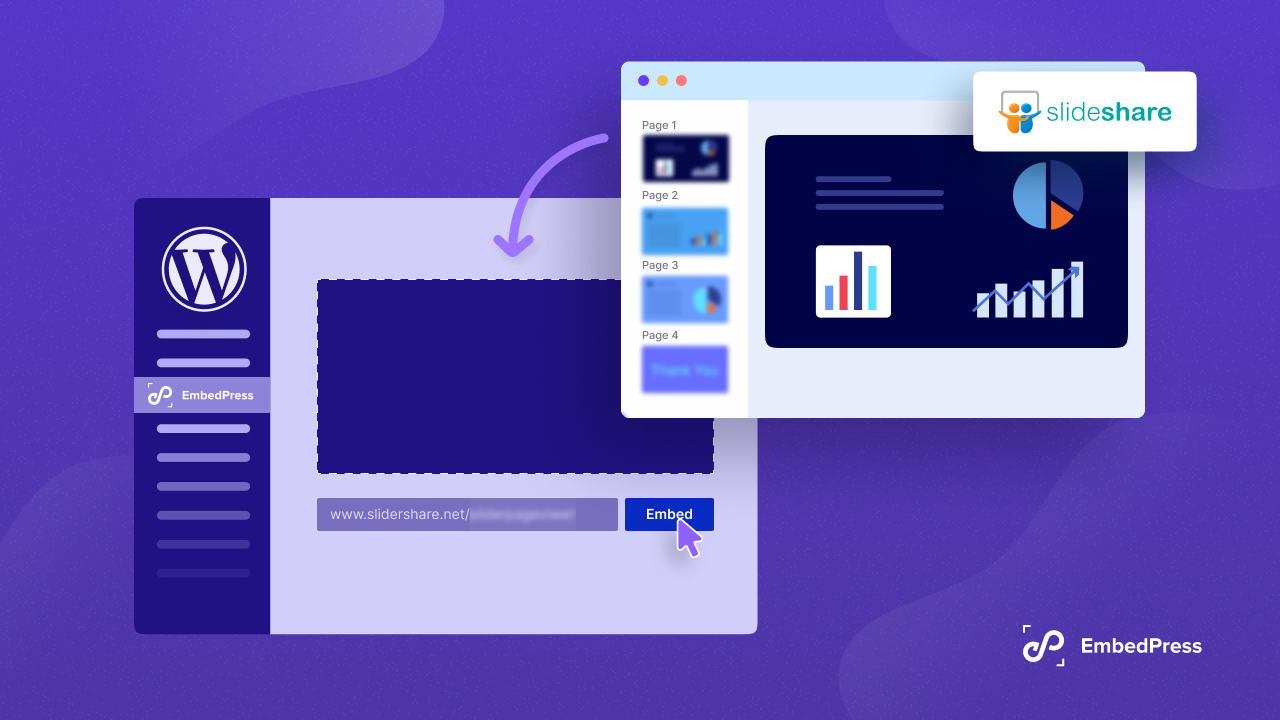
Slideshare is a tool for sharing presentations online. You can easily add presentations to your WordPress site. Just copy the Slideshare link. Paste it into your post. The presentation will show up. This method is simple. No technical skills needed. It’s a quick way to engage visitors.
Plugins make life easier. They help you add Slideshare to WordPress. Some plugins are free. Others might cost money. You install them from the WordPress dashboard. With a plugin, you don’t need to paste links. The plugin does the work. This saves time. It is easy to manage presentations with plugins.
Credit: www.youtube.com
Creating Effective Slideshare Content
Use clear and simple fonts. This makes text easy to read. Bold headings can grab attention. Keep slides clean. Too much information confuses viewers. Use images to tell a story. Pictures speak louder than words. Colors should match your topic. They set the mood for your presentation. Use bullet points to make lists clear. This helps people remember key points. Practice makes perfect. Rehearse your presentation to smooth out any rough spots.
Start with a strong introduction. This draws people in. Ask a question. It makes viewers think. Use short sentences. They are easier to follow. Interactive slides keep viewers interested. Add links for more information. This encourages exploration. Feedback is important. Ask for it at the end. This helps you improve.
Seo Advantages Of Slideshare
Slideshare can help improve your website’s SEO ranking. It does this by increasing backlinks to your site. Backlinks are links from other websites. They show search engines your site is important. This can boost your place in search results.
Slideshare content can also be shared on social media. This means more people see and visit your site. The more visitors, the better your SEO can be. Search engines notice when people like your content. They may rank your site higher as a result.
Slideshare is a tool that is easy to use. It helps to share your ideas with a bigger audience. This can make your site more popular and successful.

Credit: embedpress.com
Common Issues And Solutions
Facing issues while embedding Slideshare in WordPress? You’re not alone. Embedding problems often occur due to incorrect URLs. Always check the URL for errors. Use the full URL, not the short one. Sometimes, plugins cause conflicts. Try disabling plugins one by one. This helps find the troublesome one. Another fix is updating your theme. Themes can have old code. Updating might solve the issue. Ensure your WordPress is up to date. Older versions can have bugs. These simple checks often resolve embedding problems quickly.
Slow loading can frustrate users. Check your internet connection first. A slow connection affects loading times. Clear your browser cache if issues continue. This removes stored files that might cause problems. Sometimes, server issues play a role. Contact your hosting provider if needed. Reducing the number of slides can also help. Fewer slides mean faster loads. These steps can improve loading speed efficiently.
Best Practices For Sharing
Promoting Slideshare content needs a good plan. Share your SlideShare link on social media platforms. Use Facebook, Twitter, and LinkedIn for better reach. Add a short description to catch attention. Use keywords that are popular. This helps in getting more views.
Engage with your audience through comments. Respond to questions and feedback. This builds trust and connection. Encourage your audience to share your Slideshare content. This spreads your content further. Make sure your Slideshare content is easy to understand. Use simple language and clear visuals. This helps people to grasp the information quickly.
Keep track of your Slideshare analytics. Check which slides get more views. Improve those slides with better content and visuals. This enhances your overall presentation. Regular updates keep your content fresh. This attracts more views and engagement.
Future Of Slideshare In WordPress
Slideshare is a tool for sharing presentations. It helps display slides on websites. The future of Slideshare in WordPress looks promising. Many users find it useful to share content. Embedding slides in posts is easy and saves time. WordPress users enjoy adding slides for better engagement. It makes content more interactive for visitors. Sharing information visually is a smart choice. Effortless integration is key for success. Developers are working on new features. Updates will make Slideshare more user-friendly. This tool is becoming more popular with bloggers. People like how it simplifies sharing ideas. Visual content is important for any website today.
Frequently Asked Questions
What Is Slideshare In WordPress?
SlideShare in WordPress is a feature that allows users to embed SlideShare presentations directly into their WordPress posts or pages. It enhances content by providing visual and interactive slideshows. This integration helps in engaging the audience and improving the blog’s SEO by keeping visitors on the page longer.
How To Embed Slideshare In WordPress?
To embed SlideShare in WordPress, copy the URL of the SlideShare presentation you want to use. Then, paste it directly into your WordPress editor. WordPress automatically converts the URL into an embedded presentation. This method is simple and requires no additional plugins.
Why Use Slideshare For WordPress Blogs?
Using SlideShare in WordPress blogs enhances user engagement by providing interactive content. It helps in presenting complex information visually, making it easier for readers to understand. Additionally, it can improve SEO by increasing the time users spend on your page, signaling search engines of valuable content.
Can Slideshare Improve Seo On WordPress?
Yes, SlideShare can improve SEO on WordPress by increasing user engagement and time on page. When visitors spend more time interacting with embedded SlideShare presentations, search engines perceive your content as valuable. This can potentially boost your page rankings in search engine results.
Conclusion
Slideshare in WordPress makes content sharing simple. It boosts engagement on your site. Users can easily view presentations without leaving your page. This tool supports various formats like PDFs and PowerPoints. Embedding Slideshare is quick and easy. Just copy and paste the link.
It saves time and improves user experience. Slideshare enhances your content’s visual appeal. It offers a professional touch to your WordPress site. Explore this feature today for better content management. Keep your audience engaged. Happy sharing!


