
Imagine having a beautifully crafted WordPress site but struggling with the chaos of disorderly pages. You’re not alone in this.
Many WordPress users face the same challenge, often without even realizing it. If you’ve ever wondered how to bring structure to your site or make your content flow seamlessly, you’re in the right place. Page order in WordPress might just be the solution you need to take control of your website’s layout and enhance your visitors’ experience.
By understanding and utilizing page order effectively, you can guide your audience through your content effortlessly, making their journey smoother and more engaging. So, if you’re eager to transform your site’s organization and optimize its performance, keep reading to discover the power of page order in WordPress and how it can elevate your site’s functionality.
Page Order Basics
Page Order in WordPress helps arrange pages. It controls the sequence of pages. This is useful for organized websites. A lower number means the page appears first. A higher number pushes it back.
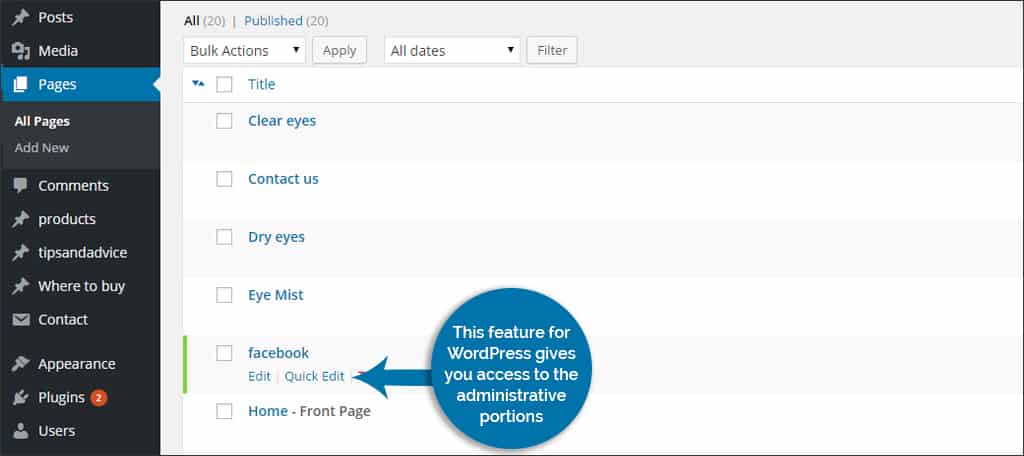
To set page order, go to the page editor. Find the “Page Attributes” section. Enter a number in the “Order” box. Save the changes. This number decides the page’s place.
Remember, only pages, not posts, use this feature. Posts are usually sorted by date. Page order gives you more control over page arrangement. It makes your site look neat and tidy.
Credit: www.greengeeks.com
Importance Of Page Order
Page order helps visitors find information easily. It organizes content on your site. Order affects how people view your website. A well-organized site makes visitors happy. They stay longer and explore more pages. This can improve your site’s performance. Good order also helps search engines. They understand your site better. This can help your site rank higher. Clear order guides visitors to important pages. It can lead to more interactions and conversions. Proper order is key for a user-friendly site. It makes navigation simple and intuitive.
Setting Up Page Order
To set page order, go to the WordPress dashboard. Find the Pages section and click Edit for your desired page. On the right side, look for Page Attributes. This is where you can make changes. It helps in organizing your pages. Easy to understand, right? You can change the order here.
The Order Field is key to organizing pages. Enter a number for each page in this field. Pages are shown in order by these numbers. Lower numbers appear first. Higher numbers appear later. This helps users find pages easily. Remember, each page should have a number. This is simple to use. Try it yourself!
Credit: 10up.com
Page Order Vs Menu Order
Page Order and Menu Order are two different settings. Page Order decides the sequence of pages in WordPress. Menu Order is the arrangement of items in the menu. Both affect the navigation of a website. Page Order is set for individual pages. Menu Order is controlled by the menu editor.
Page Order helps organize content. Menu Order helps users find pages easily. Page Order is set using numbers. Lower numbers appear first. Menu Order is set by dragging items in the menu editor.
Common Mistakes
Many make errors with page order in WordPress. One common mistake is not setting any order at all. Pages can look jumbled without a set order. Another mistake is using the wrong numbers for page order. Lower numbers show first, higher numbers show later. Some forget to update the order when adding new pages. This can make the site look messy. Organizing pages helps users find what they need. Remember, clear navigation keeps visitors happy. Also, don’t use the same number for different pages. This can confuse the site setup.
Best Practices
WordPress pages can be organized using page order. This makes navigation easier. Page order helps users find information quickly. Setting up a logical order is important. Each page should have a clear purpose. Use numbers to set the order. Lower numbers appear first. Higher numbers appear later. This keeps content organized.
Consistent naming helps users understand page topics. Keep names simple and clear. Avoid confusing names. Use names that match the content. This helps users know what to expect. Consistent naming supports better navigation.
Review the page order regularly. Make adjustments as needed. This ensures the site stays organized. Good page order improves user experience. Users appreciate well-organized sites. It helps them find what they need.
Plugins For Managing Page Order
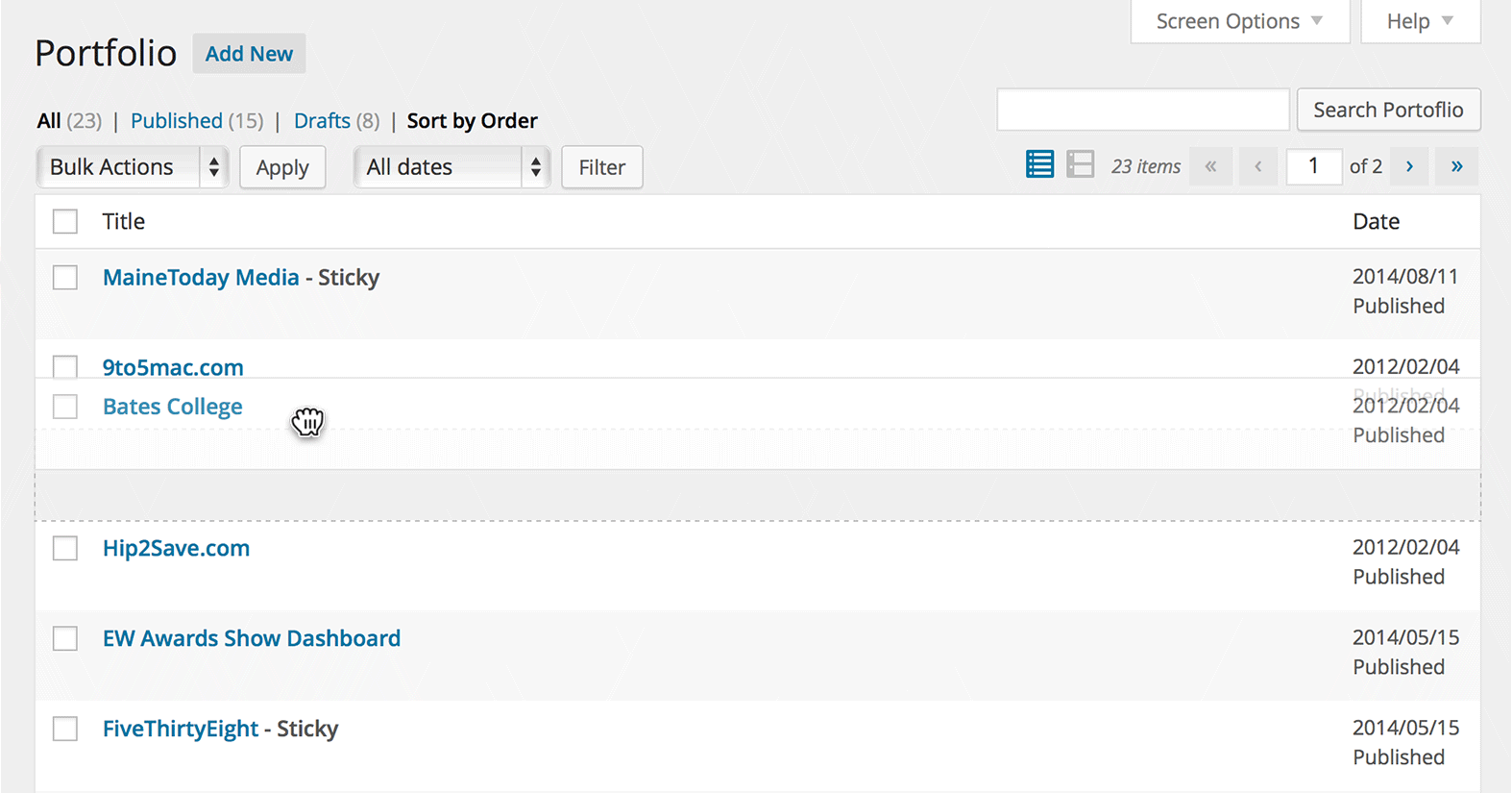
Some plugins help you change page order easily. They can make sorting pages simple. One popular choice is the Simple Page Ordering plugin. You can move pages by dragging them. It is like moving things on a table. Another tool is CMS Page Order. It also lets you drag pages. Both plugins save time. They make organizing pages fast.
Always check for updates. Plugins need regular updates to work well. Check user reviews too. Happy users often write good reviews. So, choose plugins with many stars. This way, your pages stay neat. Keep your site organized and easy to use.
Credit: barn2.com
Troubleshooting Issues
Page order might not work as expected. Sometimes, the pages don’t show in the right order. This can be confusing. First, check your page order settings. Make sure the numbers are correct. If the numbers are mixed up, the order will be wrong.
Another thing to check is the theme. Some themes do not support page order. This can cause problems. Try changing the theme if issues persist. Also, plugins might interfere. Disable plugins one by one. See if the problem goes away.
Remember to clear the cache. Sometimes, old data causes issues. Clear the cache to refresh the data. This might fix the problem. These steps should help in fixing page order issues.
Frequently Asked Questions
What Is Page Order In WordPress?
Page order in WordPress is a feature that allows you to arrange pages in a specific sequence. It helps organize content, especially when using a hierarchical structure. By assigning a numerical value to each page, you can control the display order in navigation menus or lists.
How Do I Change Page Order In WordPress?
To change page order, go to the Pages section in your WordPress dashboard. Edit the page you want to reorder and find the “Order” field in the “Page Attributes” box. Enter a numerical value to define its position. Lower numbers appear first.
Why Is Page Order Important In WordPress?
Page order is crucial for user experience and navigation. It ensures content is presented logically, improving site usability. Proper ordering helps visitors find information easily, enhancing engagement and retention. It also aids in maintaining a coherent site structure, benefiting both users and search engines.
Can I Use Plugins For Page Order Management?
Yes, plugins can simplify page order management in WordPress. Plugins like “Simple Page Ordering” offer drag-and-drop functionality to reorder pages effortlessly. They provide an intuitive interface, making it easier to manage page hierarchy and organization without altering numerical order fields.
Conclusion
Understanding page order in WordPress is essential for site organization. It helps in managing content flow and improving user navigation. A well-structured page order enhances the visitor experience. It also boosts the site’s SEO performance. Setting the right order is easy with WordPress.
Just use the built-in features. Experiment with different arrangements. See what works best for your audience. Keep pages logically arranged. Ensure they align with your site goals. This keeps your website user-friendly. Remember, a clear structure benefits both you and your visitors.
So, take time to plan your page order wisely.


