
Are you curious about the mysterious world of RSS feeds? If you’re a WordPress user, you’ve probably come across the term “RSS feed” without really knowing what it does.
Imagine having a tool that effortlessly keeps your audience updated with your latest content, all while boosting your website’s visibility. Sounds intriguing, right? Your WordPress RSS feed is a powerful ally in the quest to engage your audience and streamline content distribution.
You’ll discover exactly what a WordPress RSS feed is, how it functions, and why you should make the most of it to enhance your online presence. Stick around to uncover the secrets of unlocking your website’s full potential with just a few clicks.
Understanding Rss Feeds
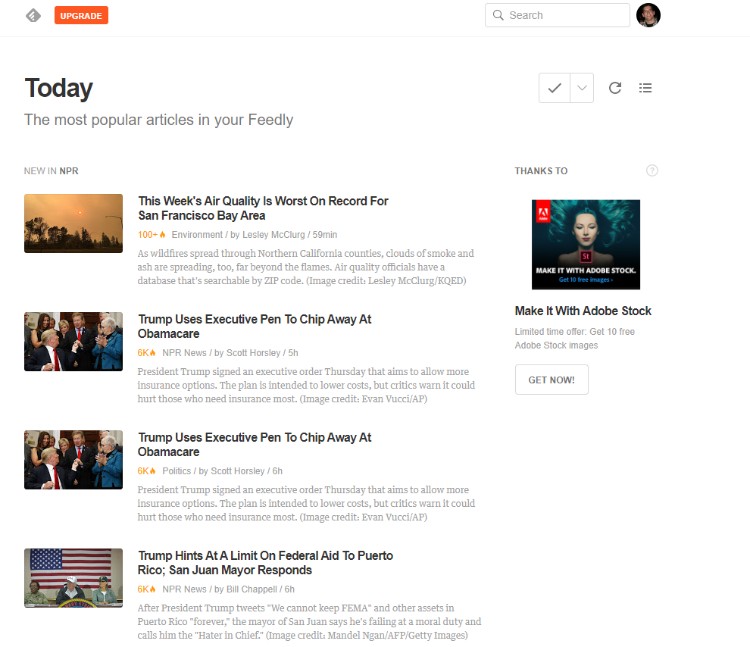
RSS stands for Really Simple Syndication. It’s a way to easily share updates. It helps in reading new content without visiting websites. RSS feeds collect updates in one place. This makes it easy to follow many sites. Users can see new posts in a feed reader.
RSS feeds bring more traffic to websites. They keep readers engaged. People get updates automatically. This means more visitors. Websites use RSS for better communication with their audience. It’s a tool for growing a site. RSS helps in building a strong online presence. Websites can reach a wider audience.
Credit: www.hostpapa.com
Locating Your WordPress Rss Feed
Your WordPress site has a default RSS feed. This URL helps readers follow your updates. The basic format is http://yourdomain.com/feed. Replace “yourdomain.com” with your own site’s address. This URL gives them access to your latest posts. Most WordPress sites use this format.
WordPress allows custom RSS feeds. Plugins help you create these feeds. They offer more control over content. You can choose specific categories. Or tags. Some users prefer custom feeds. They find them more useful. Plugins make creating feeds easy. They offer step-by-step help. This makes it simple for beginners.
Using Rss Feeds In WordPress
Themes make WordPress websites look good. Adding RSS feeds can make them even better. Most themes support RSS without issues. Check your theme settings. Look for RSS options. If they are not there, you might need a new theme. Some themes have special features for RSS. This can help your site. It makes sharing easy. Users can get updates in their reader. This is helpful for blogs and news sites.
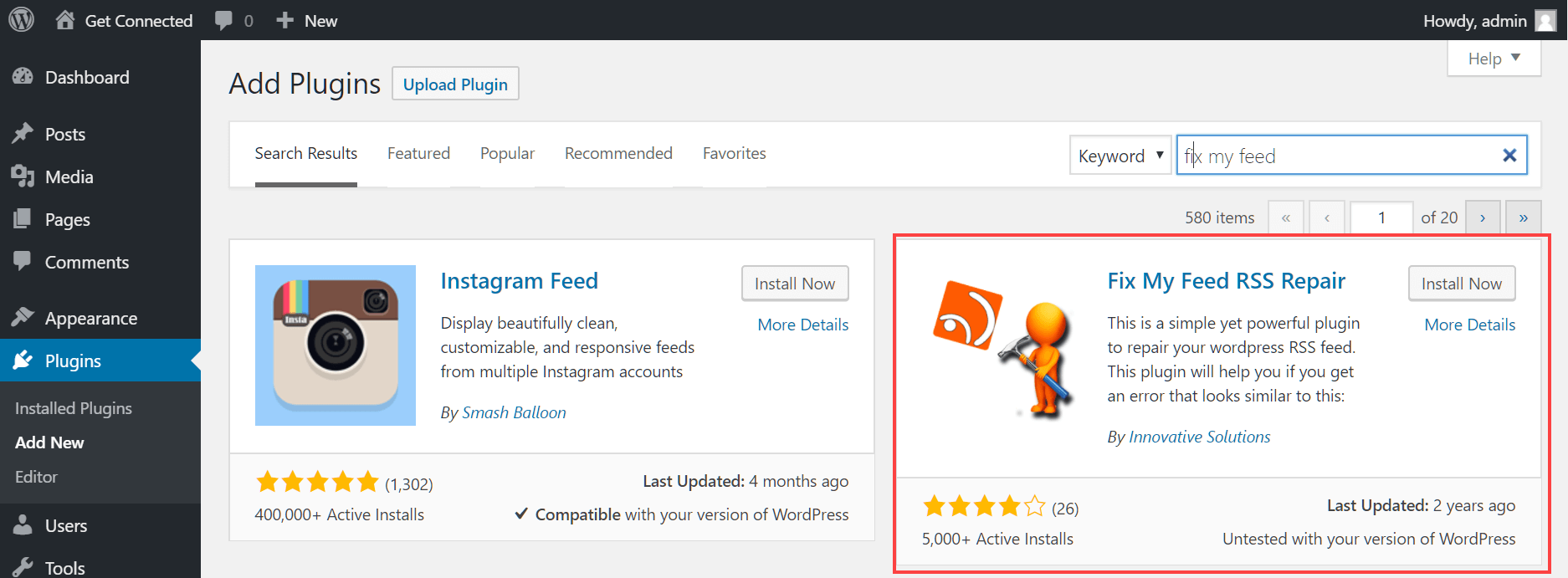
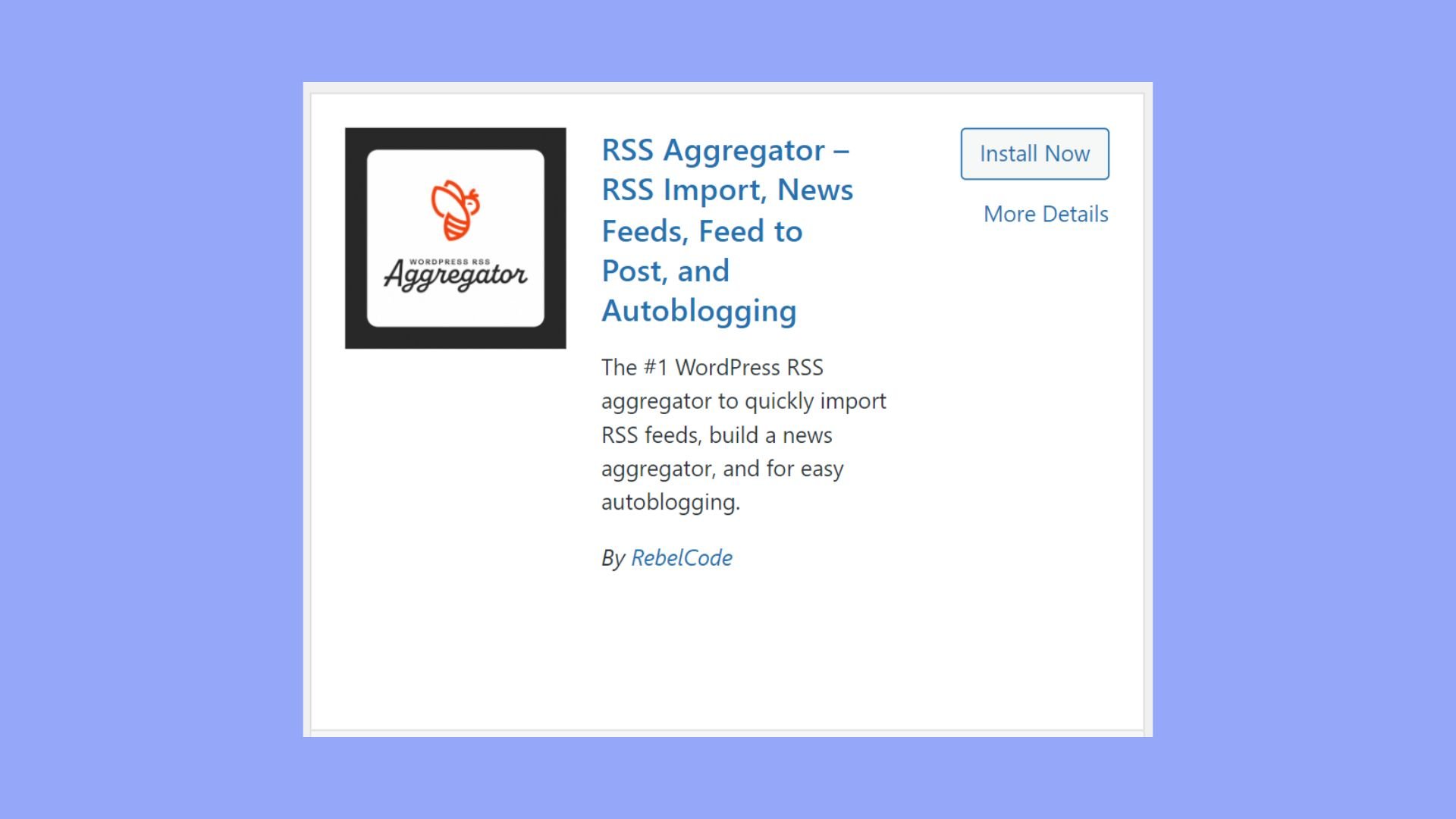
Plugins add extra features to WordPress. Some plugins focus on RSS feeds. They can make RSS feeds work better. Install a plugin with RSS support. This can give you more options. Plugins can help you customize feeds. They might let you add images or change styles. Choose a plugin that fits your needs. Read reviews before installing. This helps you find a good one. Good plugins make RSS feeds easy to use.
Benefits Of Rss Feeds For WordPress Sites
RSS feeds help share your content with more people. They make it easy for readers to find your latest posts. With RSS, your content reaches different platforms quickly. This means more eyes on your WordPress site. Blogs, news sites, and apps can use your feed. This spreads your message far and wide. It can bring new visitors to your website.
Subscribers use RSS feeds to stay updated. They get your new posts as soon as you publish them. This keeps them interested and engaged. Subscribers can read your posts in their favorite apps. This makes it easy for them to follow your content. Engaged readers often visit your site more. This can help your site grow.
Managing Your Rss Feed
Keep an eye on your RSS feed for changes. Use tools that track how often your feed gets viewed. Check for patterns and spikes in activity. This helps you understand what readers like. Adjust your content based on this data. Ensure your feed updates regularly. Fresh content keeps readers engaged.
Sometimes feeds have errors. Check if your links are working. Validate your feed with online tools. Look for broken elements in your feed. Fix any coding mistakes. Ensure images load properly. Keep your plugins updated. This prevents future problems. Ask for help if issues remain.
Credit: www.wpexplorer.com
Credit: 10web.io
Frequently Asked Questions
How Do I Find My WordPress Rss Feed?
To find your WordPress RSS feed, simply add `/feed` at the end of your site’s URL. For example, if your site is `example. com`, your RSS feed will be `example. com/feed`. This provides an XML file that users can subscribe to for updates.
Can I Customize My WordPress Rss Feed?
Yes, you can customize your WordPress RSS feed using plugins or by editing the theme’s functions. php file. Customization can include adding specific post types, categories, or even custom fields. Ensure you backup your site before making changes to the code.
Why Is My WordPress Rss Feed Important?
Your WordPress RSS feed is crucial for syndicating your blog content. It allows readers and apps to receive updates automatically. An RSS feed boosts engagement and helps in driving consistent traffic to your website by keeping subscribers informed about new posts.
How Do I Troubleshoot Rss Feed Issues?
To troubleshoot RSS feed issues, first validate your feed using online tools like W3C Validator. Check for plugin conflicts or theme errors. Disable plugins one by one to identify the issue. Updating your WordPress version can also resolve compatibility problems.
Conclusion
Understanding your WordPress RSS feed opens up many possibilities. It helps you share content effortlessly. Subscribers can access updates without visiting your site. RSS feeds are simple to set up. Enhance your blog’s reach with them. Consistent updates keep your audience engaged.
They ensure your content remains fresh and accessible. Start using RSS feeds today. Strengthen your connection with readers. It’s an effective tool for growth. Dive in and make the most of your WordPress RSS feed. Stay informed, stay connected. Let your content flow seamlessly to your audience.


