
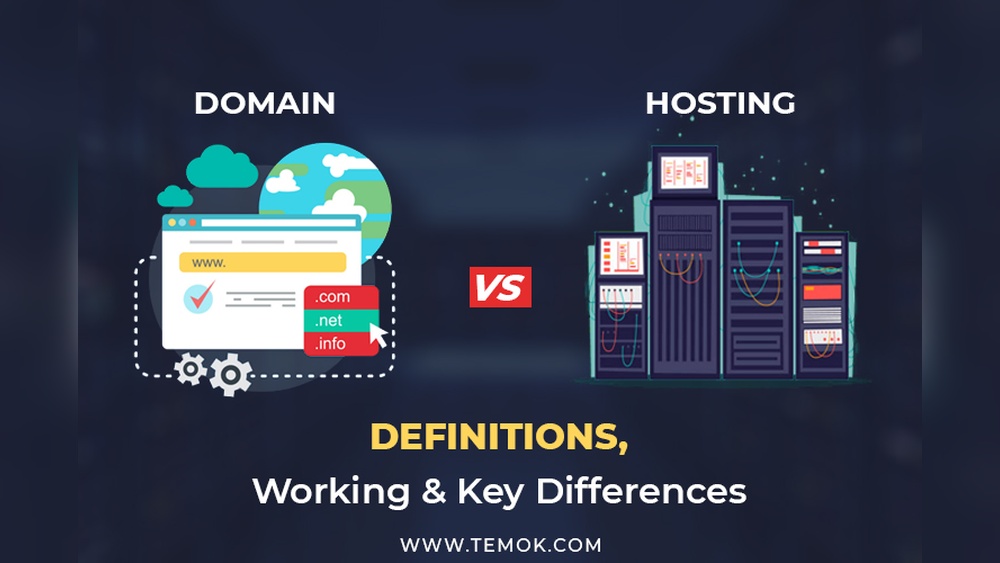
Have you ever wondered how websites appear on the internet? If you want to create your own website, understanding what domain and hosting mean is the first step.
These two simple terms hold the key to making your website visible to the world. Without them, your online presence just can’t happen. Keep reading, and you’ll discover exactly what domain and hosting are, why they matter to you, and how they work together to bring your ideas to life online.
This knowledge will give you the confidence to take control of your website’s future.
Credit: momentum3growth.com
Domain Basics
Understanding domain basics is the first step to building a website. A domain is the address people type to find your site online. It gives your website a unique identity on the internet. Domains help visitors reach your content quickly and easily. Choosing the right domain is important for your online presence.
What Is A Domain Name
A domain name is the web address you type in a browser. It represents your website in a simple way. Instead of typing complex numbers, people use domain names. For example, example.com is a domain name. It points to your website’s location on the internet.
How Domains Work
Domains connect users to websites through servers. When someone types a domain, the internet finds the correct server. This server holds your website files and shows them to visitors. Domain Name System (DNS) translates the domain into an IP address. This process happens within seconds to load your site.
Types Of Domain Extensions
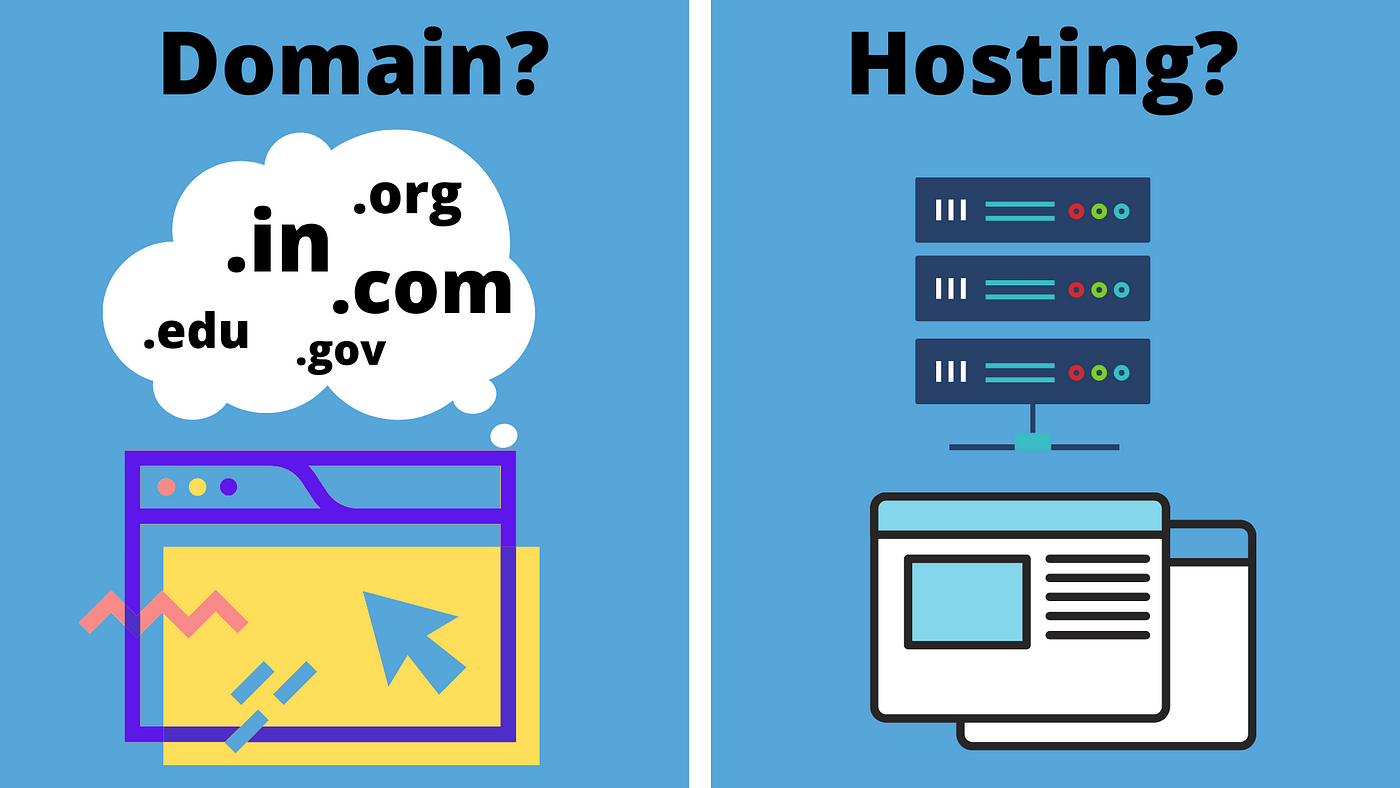
Domain extensions are the endings of domain names, like .com or .org. They show the type of website or its location. Common extensions include .net, .edu, and country codes like .uk. Choosing the right extension helps visitors understand your site’s purpose.
Choosing The Right Domain
Pick a domain that is short and easy to remember. Avoid complicated words or long names. Use keywords related to your website topic. Make sure the domain is unique and not already taken. A good domain builds trust and attracts more visitors.
Credit: www.wpbeginner.com
Hosting Fundamentals
Understanding hosting fundamentals is key to building a website. Hosting makes your website visible on the internet. It stores all your files and data securely. Without hosting, your site cannot be accessed by visitors.
What Is Web Hosting
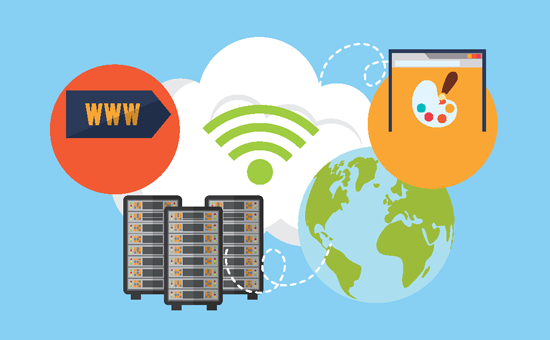
Web hosting is a service that stores website files. It keeps your site online 24/7. Hosting providers use powerful computers called servers. These servers deliver your website to visitors worldwide. You rent space on these servers to publish your site.
Different Hosting Types
Several hosting types fit different needs. Shared hosting shares server space with others. It is affordable but slower. VPS hosting offers a virtual server for more control. Dedicated hosting gives you a whole server. It is fast but costs more. Cloud hosting spreads your site across many servers for reliability.
How Hosting Supports Websites
Hosting keeps your website files safe and accessible. It ensures fast loading speeds for users. Hosting services offer security features to protect data. They also provide backups to prevent data loss. Good hosting improves user experience and SEO rankings.
Selecting A Hosting Provider
Choose a provider with reliable uptime and good speed. Look for easy-to-use control panels and customer support. Check if they offer backups and security tools. Consider pricing that fits your budget. Read reviews to find trustworthy hosting services.
Domain And Hosting Relationship
The relationship between a domain and hosting is the foundation of every website. A domain is like your website’s address. Hosting is the place where your website lives. Both work together to make your website accessible on the internet. Without one, the other cannot function properly.
Understanding how these two connect helps you manage your website better. This knowledge also avoids common mistakes when setting up a website. Let’s explore how domains and hosting relate to each other.
How Domains Connect To Hosting
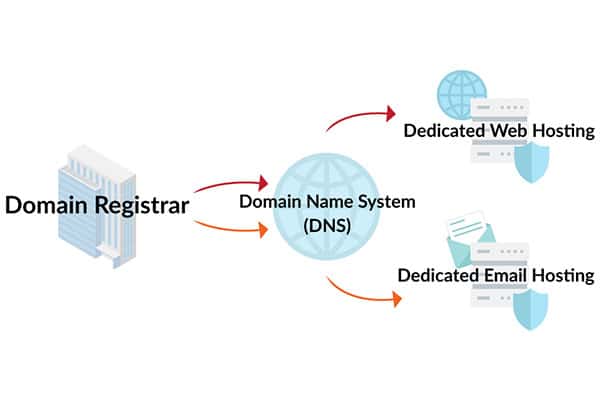
A domain points visitors to your hosting server. Think of the domain as a map. Hosting is the destination where the files are stored. When someone types your domain name, it directs them to your hosting server. The server then shows the website content to the visitor’s browser.
Dns And Its Role
DNS stands for Domain Name System. It acts like the internet’s phone book. DNS translates your domain name into an IP address. This IP address tells the internet where your hosting server is. Without DNS, the domain name cannot find the hosting server. It makes the connection between domain and hosting possible.
Managing Domain And Hosting Together
Managing both domain and hosting in one place simplifies website control. It reduces the chance of errors in pointing domain to hosting. Many providers offer packages with both services. This allows easy updates and renewals. Keeping domain and hosting linked ensures your website stays online without interruptions.
Setting Up Your Website
Setting up your website is the first step to go online. It starts with choosing a name and a place to store your site files. These two parts work together to make your website visible on the internet.
Below are the main steps to get your website ready for visitors.
Registering A Domain
A domain is your website’s address, like www.example.com. Pick a name that is easy to remember and spell. Use a domain registrar to buy your domain. Make sure it matches your brand or topic well.
Purchasing Hosting Services
Hosting is the space where your website lives online. Choose a hosting plan based on your website needs. Hosting providers store your files and keep your site running 24/7. Look for reliable and affordable hosting services.
Linking Domain To Hosting
Linking connects your domain name to your hosting account. This step makes your website accessible by typing the domain in a browser. Update the domain’s DNS settings with the hosting provider’s details. This process can take a few hours to finish.
Launching Your Website
After linking, upload your website files to the hosting server. Check all pages and links to ensure they work correctly. Test your website on different devices and browsers. Once everything looks good, your website is live for everyone to visit.
Common Mistakes To Avoid
Many beginners make simple mistakes when choosing a domain and hosting. These errors can cause problems later. Avoiding these common pitfalls saves time, money, and stress. Below are key mistakes to watch for.
Choosing Poor Domain Names
Pick a domain name that is short and easy to remember. Avoid long or complicated words. Stay away from numbers and hyphens. These make it hard for users to recall your website. Choose a name that matches your brand or business. This helps with recognition and trust.
Selecting Inadequate Hosting Plans
Don’t pick the cheapest hosting plan without checking its features. Cheap plans often have slow speeds and low uptime. They limit your website’s growth and performance. Check storage space, bandwidth, and customer support. Choose a plan that fits your current needs and future growth.
Ignoring Security Features
Security is vital for any website. Many ignore SSL certificates, backups, and firewalls. Without these, your site is vulnerable to attacks. Always select hosting with strong security tools included. Protect your website and visitors from threats.
Tips For Beginners
Starting with domain and hosting can feel confusing. Many beginners face questions about costs, upkeep, and support. Clear tips help avoid common mistakes. This guide shares simple advice for smooth setup and management.
Budgeting For Domain And Hosting
Plan your budget carefully. Domains cost around $10 to $15 per year. Hosting varies from a few dollars to more monthly. Choose a plan that fits your website needs and pocket. Avoid very cheap options that may lack quality.
Renewal And Maintenance
Keep track of renewal dates. Domains and hosting need regular payments to stay active. Set reminders to avoid service interruptions. Regular updates help keep your website safe and fast. Maintenance prevents future problems.
Using Support Resources
Use customer support when stuck. Many hosting providers offer chat, email, or phone help. Check tutorials and FAQs on their website. Support helps solve issues quickly. Don’t hesitate to ask questions early on.
Credit: sanitysoftwares.com
Frequently Asked Questions
What Is A Domain In Simple Terms?
A domain is your website’s address on the internet. It helps users find your site easily. Domains are unique and end with extensions like. com or. org.
How Does Web Hosting Work?
Web hosting stores your website files on a server. It makes your site accessible online 24/7. Hosting ensures fast loading and secure data storage.
Why Do I Need Both Domain And Hosting?
A domain directs visitors to your website. Hosting stores your website content. Both are essential for your website to be live and reachable online.
Can I Register A Domain Without Hosting?
Yes, you can register a domain separately. But without hosting, your website won’t be visible online. Hosting is needed to publish your site content.
Conclusion
Domain and hosting work together to put websites online. A domain is the website’s address people type. Hosting stores all the website’s files on a server. Both are needed to build a website that others can visit. Choosing the right domain and hosting helps your site run well.
Understanding these basics makes starting a website easier. Now, you know what domain and hosting mean. Time to start your own website journey. Simple and clear—just like this guide.


