
Imagine the moment you hit that “create” button and your WordPress site springs to life. You might wonder, what exactly happens in those few seconds?
You’ve just stepped into a world of endless possibilities. With the creation of your WordPress site, a digital ecosystem is born, bustling with components that make up your online presence. You’re not just building a website; you’re laying the foundation for your brand, your ideas, and your community.
This introduction to WordPress creation will unravel the intricate layers that make up your site, ensuring you understand every piece of the puzzle. Stay with us, because knowing what’s behind your WordPress site can empower you to craft a masterpiece that stands out in the vast digital landscape.
Domain And Hosting
A domain name is your website’s address on the internet. It should be easy to remember. Pick a name that reflects your site. Avoid long names. Keep it simple. Use keywords related to your content. Check if the name is available. Avoid using numbers and hyphens. Think about your audience. Make it catchy and meaningful.
Web hosting stores your website files. Choose a reliable hosting provider. Speed is important for users. Look for good customer support. Check the hosting plans. Some offer extra features. Compare prices and services. Read reviews before deciding. Understand the storage space you need. Security features matter for safety. Pick a plan that fits your budget.
Installation Of WordPress
Many hosting services offer one-click installers. These tools make installation easy. You click a button, and WordPress installs. It’s fast and simple. You don’t need to know coding. It’s great for beginners. Choose a host with this feature. This saves time and effort.
Some prefer installing WordPress manually. First, download WordPress from its official site. Then, upload the files to your web server. Use an FTP client like FileZilla. Next, create a database for WordPress. Access your host’s control panel. Find the database section. Set up a new database. Remember your database name, username, and password. Finally, visit your website URL. Follow the setup prompts. Enter your database details. Complete the setup.
Database Creation
The MySQL database is the heart of a WordPress site. It stores all site data. Posts, comments, and settings live here. Without it, the site won’t work.
MySQL organizes data in tables. Each table serves a purpose. Posts have their table. Users have theirs. This keeps things neat and tidy.
WordPress needs this database to run. It pulls data from here. Every page you see uses this data. This makes the site dynamic.
Setting up a database is crucial. First, a new database is made in MySQL. Then, tables are added. Each table holds specific data.
WordPress makes this easy. It can create tables automatically. This happens during installation. This saves time for the user.
Database setup needs care. Proper setup ensures the site works well. It also helps in keeping data safe. Regular checks are important.
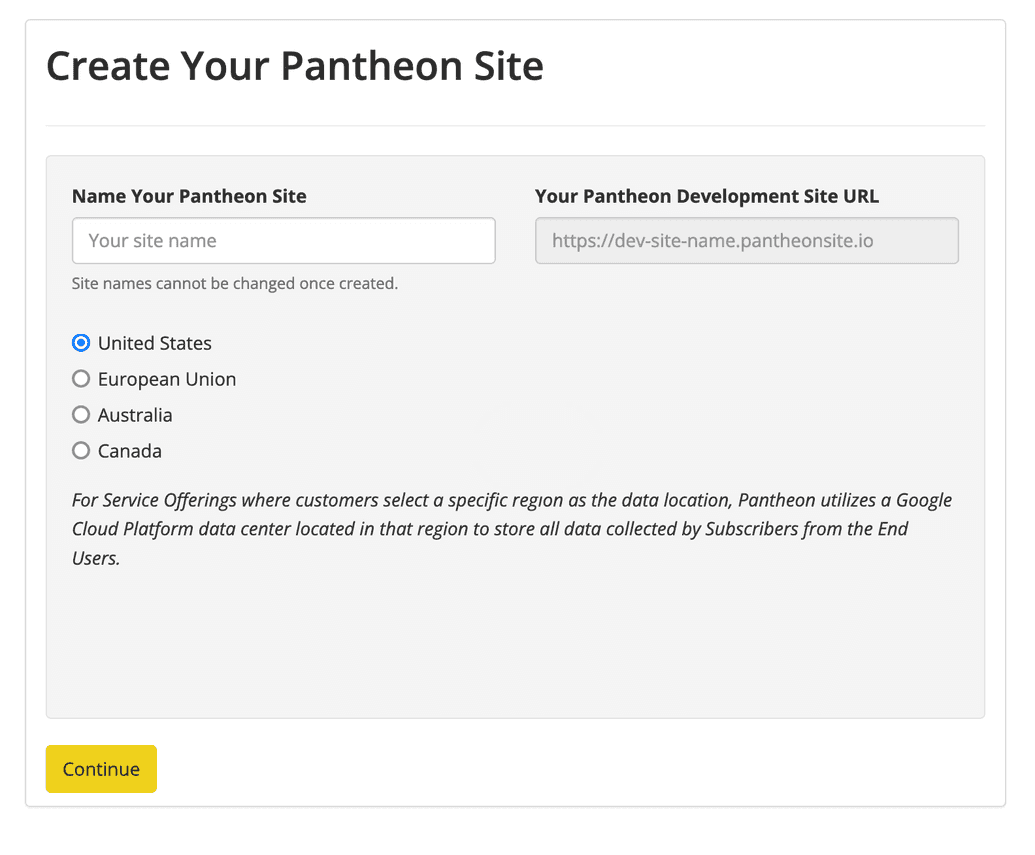
Credit: docs.pantheon.io
Default WordPress Files
Creating a WordPress site generates essential files that form its backbone. The wp-config. php file holds database settings crucial for operation. Core files like index. php and wp-content manage themes and plugins, ensuring functionality and design. This default structure is vital for a smooth user experience.
Core Files And Directories
A WordPress site has many important files. The core files are key. They make the site work. These files handle the main tasks. They are in the root folder. The main ones are index.php, wp-config.php, and .htaccess. These files keep the site running well. Directories like wp-content, wp-includes, and wp-admin store the themes and plugins. They hold all the important parts of the site.
Configuring Wp-config.php
The wp-config.php file is very important. It holds the site’s settings. It connects to the database. It also sets up security keys. This file is like the heart of the site. Making changes here needs care. Always keep a backup before changing it. The file should be kept safe. This helps protect the site from harm.
Theme Installation
Selecting a WordPress theme is an exciting step. Themes change the look of your site. Many themes are available for free. Some themes cost money. Choose a theme that matches your style. You might like simple themes. Some people prefer bright colors. Others want a clean look. Think about your website’s purpose. A business site needs a professional theme. A personal blog can be more fun.
Once a theme is chosen, you can change it. Use the WordPress customizer tool. This tool is easy to use. You can change colors. Add your own logo. Change the font style. You can also adjust the layout. Make sure your site looks good on mobile phones. Preview changes before publishing. Customize until it looks just right.
Plugin Setup
A WordPress site creation generates essential elements like a database and core files. These components form the backbone of the website. Each part ensures smooth operation and functionality. Together, they allow users to add content, manage plugins, and customize their site effectively.
Essential Plugins
Plugins add power to your WordPress site. They make it better. Some plugins are very important. Security plugins keep your site safe. SEO plugins help it show up in search results. Backup plugins save your data. Caching plugins make your site faster. These plugins are a must-have.
Plugin Management
Managing plugins is easy. First, find plugins in the WordPress library. Install them with one click. After installing, activate them. Check for updates often. Updates fix bugs and add new features. Deactivate plugins you do not use. Too many plugins can slow down your site. Keep your site running well by managing plugins wisely.
Creation Of Pages And Posts
Pages and posts are two different things. Pages are for static content. They are used for things like “About” and “Contact.” They stay the same for a long time.
Posts are dynamic and change often. They are for blog updates and news. Posts appear in the blog feed. They are shown in reverse order.
Pages do not have a date. Posts have a date. This shows when they were published. Pages do not have categories. Posts can have categories and tags. This helps in organizing content.
Pages are not part of the feed. Posts are part of the feed. This means posts are updated often. Pages stay the same for a long time.
User Management
Every user has a role. Roles are like jobs. Each role has permissions. Permissions decide what users can do. Admins can do everything. Editors can change posts. Authors can write posts. Contributors can suggest ideas. Subscribers can read posts. Roles keep the site safe.
Adding users is easy. Go to the dashboard. Click on Users. Then click Add New. Fill in the user’s details. Choose a role. Roles decide what new users can do. Click Add User. The user gets an email. They can now log in. This makes team work easier. Everyone has their own tasks.
Site Security Measures
Security plugins help keep your site safe from bad people. They stop hackers. They block viruses. Some popular plugins are Wordfence and Sucuri. These plugins check your site often. They alert you if something is wrong. Use strong passwords too. This makes it harder for hackers to break in.
Regular backups are very important. They save your site data. If your site breaks, you can restore it. Use backup plugins like UpdraftPlus. These plugins save your files. They store them safely. You can choose how often to back up. Daily backups are best. This keeps your data secure and ready.

Credit: elementor.com
Seo Optimization
SEO plugins are tools. They help your site rank better. They make it easy to add keywords. They help you write good titles. Good titles attract more visitors. Keywords make your content visible. Use plugins like Yoast SEO or All in One SEO. These plugins show you what to fix. They tell you how to improve your content. They are easy to use.
Write content that is clear. Use words people search for. This helps people find your site. Images should have alt text. Alt text describes the image. It helps search engines understand them. Make sure your site loads fast. Fast sites rank higher. Use short paragraphs. Short paragraphs are easier to read. Check your spelling. Mistakes can confuse readers. Regularly update your site. This keeps it fresh and engaging.
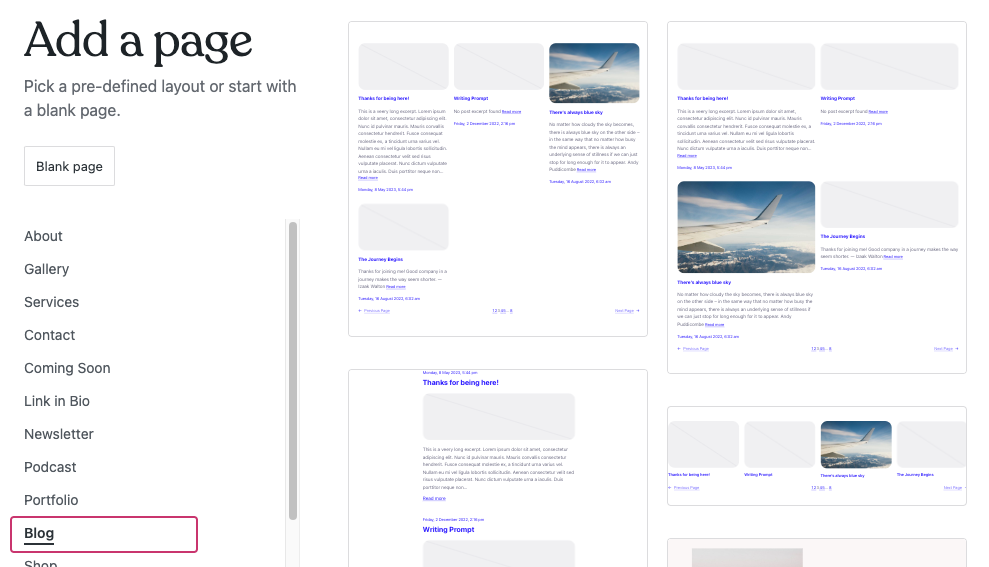
Credit: wordpress.com
Frequently Asked Questions
What Components Are Created With A WordPress Site?
When you create a WordPress site, essential components like the database, core files, themes, and plugins are established. The database stores your content, while themes and plugins enhance functionality and design. Additionally, WordPress generates default pages like posts and archives to organize your site’s structure efficiently.
How Does WordPress Manage Content?
WordPress manages content through a user-friendly admin interface. Users can create, edit, and delete posts and pages easily. It uses a database to store and organize content, allowing efficient retrieval. Categories and tags help categorize posts, making navigation and search seamless for visitors.
Can I Customize A WordPress Site?
Yes, WordPress offers extensive customization options. You can choose from thousands of themes to change the site’s appearance. Plugins enhance functionality, allowing you to add features like contact forms, SEO tools, and social media integration. Customization ensures your site aligns with your brand and meets your needs.
What Is The Role Of Themes In WordPress?
Themes in WordPress define the site’s design and layout. They control the visual appearance, including colors, fonts, and structure. Themes offer customization options, allowing users to tailor the site to their preferences. A good theme enhances user experience, ensuring the site is visually appealing and functional.
Conclusion
Creating a WordPress site brings many elements together. You get a domain, hosting, and a vast range of themes. Plugins enhance functionality, making your site versatile. Choose your design, add your content, and customize freely. WordPress sites are user-friendly and scalable.
They cater to both beginners and advanced users. With effort, you build a professional online presence. This platform offers endless possibilities for growth. Start small, dream big, and watch your site evolve. Your WordPress journey begins with just one click.
Explore the tools, and express your vision today.


