
Imagine capturing your audience’s attention with dynamic visuals that tell a story. You can do exactly that with a slideshow in WordPress.
Whether you’re showcasing your latest products, sharing memorable moments, or guiding visitors through a process, slideshows offer a powerful way to engage and communicate. But what exactly is a slideshow in WordPress, and how can you make the most of it for your website?
This article will break down everything you need to know, from the basics of creating a slideshow to tips for optimizing it for maximum impact. You’ll discover how a well-crafted slideshow can transform your website into a visual journey that keeps visitors hooked. Dive in, and unlock the potential of slideshows to elevate your WordPress site.

Credit: m.youtube.com
Slideshow Basics
A slideshow is a set of pictures shown one after another. It makes a website look lively and interesting. Each image can have a caption. Captions give more information. Slideshows can be controlled by users. Users can click to see the next image. The speed of change can be set by the website owner.
Slideshows help show many photos without using much space. They are great for showing products or artwork. They catch attention quickly. People stay on a page longer because of slideshows. They make information easy to understand. For example, they can show steps in a process. This makes learning fun and simple.
Benefits Of Using Slideshows
Slideshows make websites look more attractive. They use pictures and text together. This mix helps grab attention. Colors and movement catch the eye. People like to see things move. Pictures help tell a story. They show more than words alone.
Visitors stay longer on pages with slideshows. They click through the slides. Each slide can show new ideas. This keeps them interested. It makes them want to see more. Clicking also helps them find useful information faster. It is like a fun game for them.
Slideshows tell stories in a simple way. Each slide shows a part of the story. They guide the viewer step by step. Stories become clear and easy to follow. Pictures make the story feel real. Words give extra details. Together, they make a strong story.
WordPress Slideshow Plugins
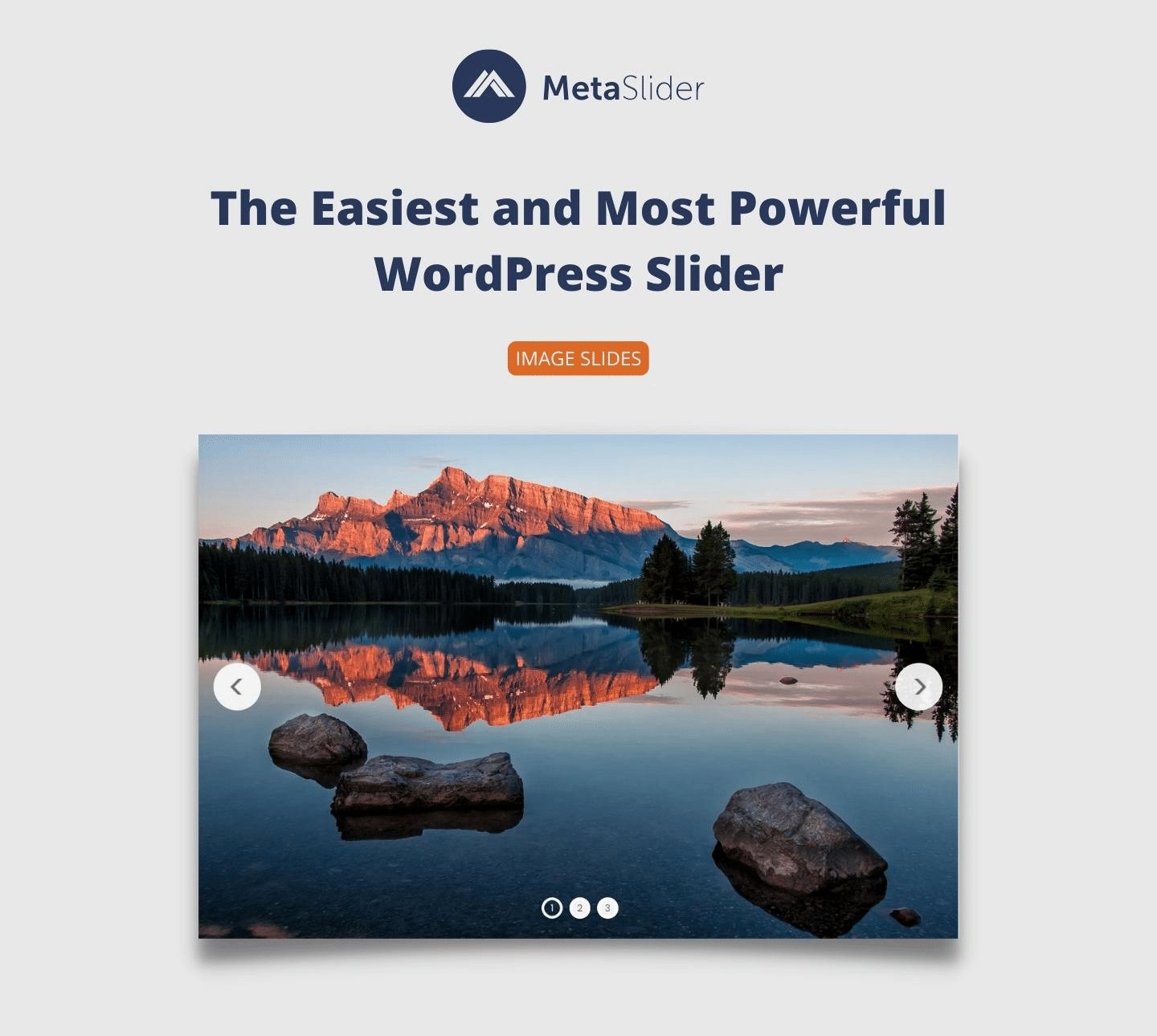
WordPress offers many plugins for slideshows. Some popular choices include Slider Revolution and Smart Slider 3. These plugins help create beautiful slideshows with ease. MetaSlider and Soliloquy are also great options. They provide simple interfaces for users. Many people like these plugins for their features.
Choose plugins with easy-to-use interfaces. Look for options like drag-and-drop editing. This makes design simple. Plugins should support responsive design. This helps slideshows look good on all devices. Check for features like custom animations. They make slideshows more engaging. Ensure the plugin offers good support. This is important for solving issues quickly.
Credit: wordpress.org
Creating A Slideshow
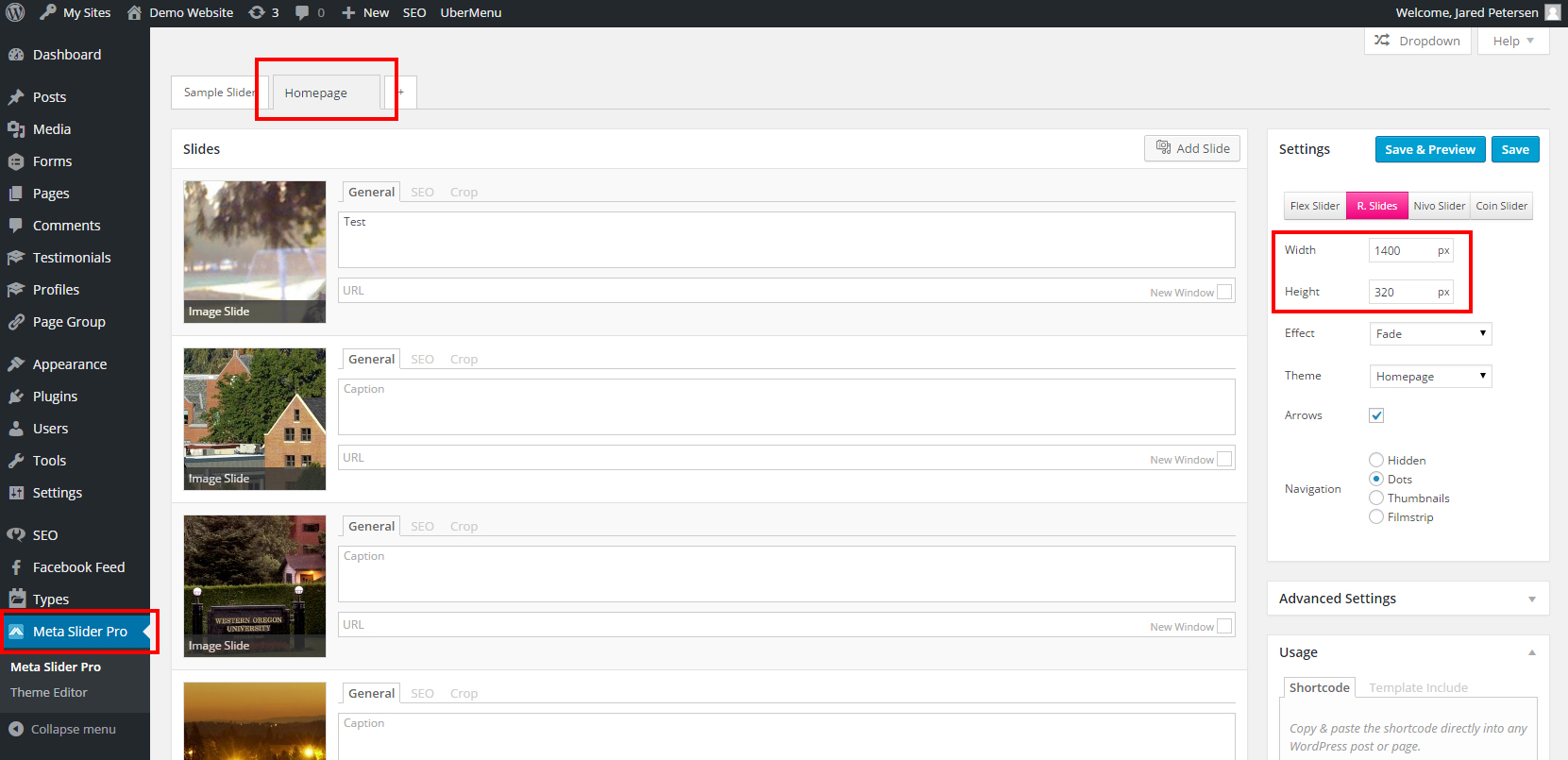
First, open your WordPress dashboard. Look for the “Add New” option. Click it to start. Choose a slideshow plugin. Popular ones are easy to find. Install your chosen plugin. Activate it after installation. Go to the plugin settings. Customize your slideshow settings. Set the transition style and speed. Save your settings. Add your slideshow to a page or post. Use the shortcode provided by the plugin.
Select images that are clear and bright. High-quality images look better. Make sure all images are the same size. This keeps the slideshow smooth. Avoid too many images. Five to ten is a good number. Use images that tell a story. They should match your content. Check the file size. Large files can slow down your site. Compress images if needed.
Customization Tips
Slideshow settings help to change how slides appear. You can choose the speed of the slides. This means how fast they change. You can also pick the transition style. Will slides fade or slide? It’s up to you. Change the order of slides if needed. Use arrows or dots for navigation. This makes slideshows easy to explore.
Text and captions add meaning to slides. Use short and clear words. Keep it simple for everyone to read. Captions explain what each slide shows. They help viewers understand more. Text can be bold for important parts. This makes them stand out. Add fun facts or stories. Make slideshows more interesting this way.
Credit: wou.edu
Common Slideshow Issues
Slideshows in WordPress can have problems. Images might not load. Check if the images are in the right place. Also, make sure they are the right size. Slides may not move automatically. Confirm the autoplay settings. This often fixes the issue. Text on slides may not show. Ensure the text color is different from the background. This makes it visible. Slideshows can be slow. Reduce the image file size. This helps the slideshow load faster.
Use updated plugins to avoid issues. Older plugins can cause problems. Test slideshows before going live. This catches any errors early. Keep backups of your site. If something breaks, you can restore it. Limit the number of slides. Too many slides can slow things down. Optimize images to ensure they load quickly. This keeps your site fast and smooth.
Best Practices
A slideshow in WordPress showcases images or content in a rotating sequence. Users can enhance website engagement by using slideshows to display portfolios, featured content, or visual stories. Plugins make it easy to customize transitions, durations, and styles, ensuring a seamless integration into any WordPress site.
Maintaining Optimal Performance
WordPress slideshows need to load fast. A slow slideshow frustrates users. Optimizing images is crucial. Use smaller images without losing quality. Plugins can help compress images. Limit the number of slides to keep speed high. Too many slides slow down the site. Check your slideshow regularly. Ensure it runs smoothly. Test it often for any issues.
Ensuring Mobile Responsiveness
Most users access websites on phones. A slideshow should fit all screens. Responsive design is key. Test slideshows on different devices. Phones, tablets, and computers need checking. Adjust settings for each device. Use plugins for mobile-friendly slideshows. They make slides fit well on small screens. Touch controls are helpful for phones. Users swipe to change slides. Make sure this feature works well.
Future Trends
Creating a slideshow in WordPress offers a dynamic way to showcase images, videos, or content. It enhances user engagement by providing visual appeal and interactive elements. Easily integrate slideshows using plugins or themes to display media in a structured, attractive format on your website.
Innovations In Slideshow Technology
Slideshows are getting smarter. They can now use AI to improve. This means slideshows can choose the best pictures for you. They can also add music that fits the mood. This makes your slideshow more fun to watch.
Another trend is 3D slideshows. These slideshows look cool and different. They make pictures pop out. This makes the slideshow more interesting.
Anticipated Developments In WordPress
WordPress is adding more tools for slideshows. They want to make it easier for users. New plugins will help you create slideshows fast. You can add effects with just a click.
Developers are working on mobile-friendly slideshows. They want slideshows to work well on phones. This is important because many people use phones to browse.
Frequently Asked Questions
How Do I Create A Slideshow In WordPress?
Creating a slideshow in WordPress is simple. Use a plugin like MetaSlider or Slider Revolution. Install the plugin, then upload your images. Customize settings such as transition effects, and display options. Finally, add the slideshow to your page using a shortcode or widget.
What Plugins Are Best For WordPress Slideshows?
Top plugins for WordPress slideshows include MetaSlider, Slider Revolution, and Smart Slider 3. These plugins offer robust features and customization options. They support responsive design, ensuring your slideshow looks great on all devices. Each plugin provides an intuitive interface, making slideshow creation easy.
Can I Use Videos In WordPress Slideshows?
Yes, you can use videos in WordPress slideshows. Many plugins support video integration. Upload your video file or embed it from platforms like YouTube or Vimeo. Ensure your video format is supported by the plugin. This enhances your slideshow by providing dynamic content.
Are WordPress Slideshows Mobile-friendly?
Most WordPress slideshow plugins are mobile-friendly. They use responsive design to ensure compatibility across devices. This means your slideshows will look great on smartphones, tablets, and desktops. Always check the plugin’s settings and preview on different devices to ensure optimal display.
Conclusion
Creating slideshows in WordPress enhances visual storytelling. They engage visitors. Slideshows organize images beautifully, capturing attention. Simple tools make designing slideshows easy. Choose plugins wisely. Customize to suit your website’s theme. Test your slideshow for responsiveness. Ensure it looks good on all devices.
A well-crafted slideshow boosts user experience. It keeps viewers interested longer. Consider your audience’s needs when designing. Slideshows enrich content, making it memorable. Try different styles to find what works best. With practice, you’ll create stunning slideshows. Transform your WordPress site into a visual wonderland.


