
Have you ever landed on a website and been greeted by a dynamic, eye-catching display of images or content? That captivating feature is often a slider.
If you’re using WordPress, you might be wondering how to incorporate this engaging element into your own site. You’re not alone! Sliders are a popular and versatile tool that can dramatically enhance your website’s visual appeal and user experience. But what exactly is a slider in WordPress, and how can it benefit you?
Understanding this could be the key to keeping your visitors hooked and encouraging them to explore more. Dive deeper with us as we unravel the magic of sliders and how they can transform your digital presence.
Slider Basics
A slider is a visual tool on a website. It shows images or text in a sequence. Each image or text piece is called a slide. Sliders are often on the homepage. They can show featured content or important messages.
Sliders make websites more attractive. They help grab attention quickly. Sliders can show multiple messages in one spot. They save space and keep the site neat. Users can see offers, news, or highlights without scrolling. A slider makes the site look modern and dynamic.
Credit: wordpress.org
Types Of Sliders
Image sliders display a series of pictures. Pictures change automatically or by user clicks. They are great for showing photo galleries. Users can see many images without scrolling. Websites use them to catch attention. Easy to set up and manage. They can fit any style or theme. Businesses use them to show products. Artists use them for portfolios.
Video sliders show short videos. Videos can play in order or by user action. They help show dynamic content. Users enjoy watching clips without pressing buttons. Websites use them for engaging visitors. They can show ads or tutorials. Creators like them for sharing stories. Easy to update with new videos. They make sites lively and interesting.
Content sliders present text and images together. They offer interactive content for users. Perfect for sharing news or updates. Users can flip through slides to read more. Websites use them for blogs or announcements. Easy to customize with different styles. Businesses use them to highlight services. Useful for presenting information in a neat way.
Popular Slider Plugins
Slider Revolution is a popular plugin. It lets you create beautiful sliders. These sliders are easy to make. You can add text, images, and videos. It’s simple to use. Many people love its features. It helps make websites look nice.
Soliloquy is another great plugin. It’s fast and user-friendly. You can make sliders quickly. It has a drag-and-drop builder. Adding images is easy. It works well on all devices. People like its speed and ease.
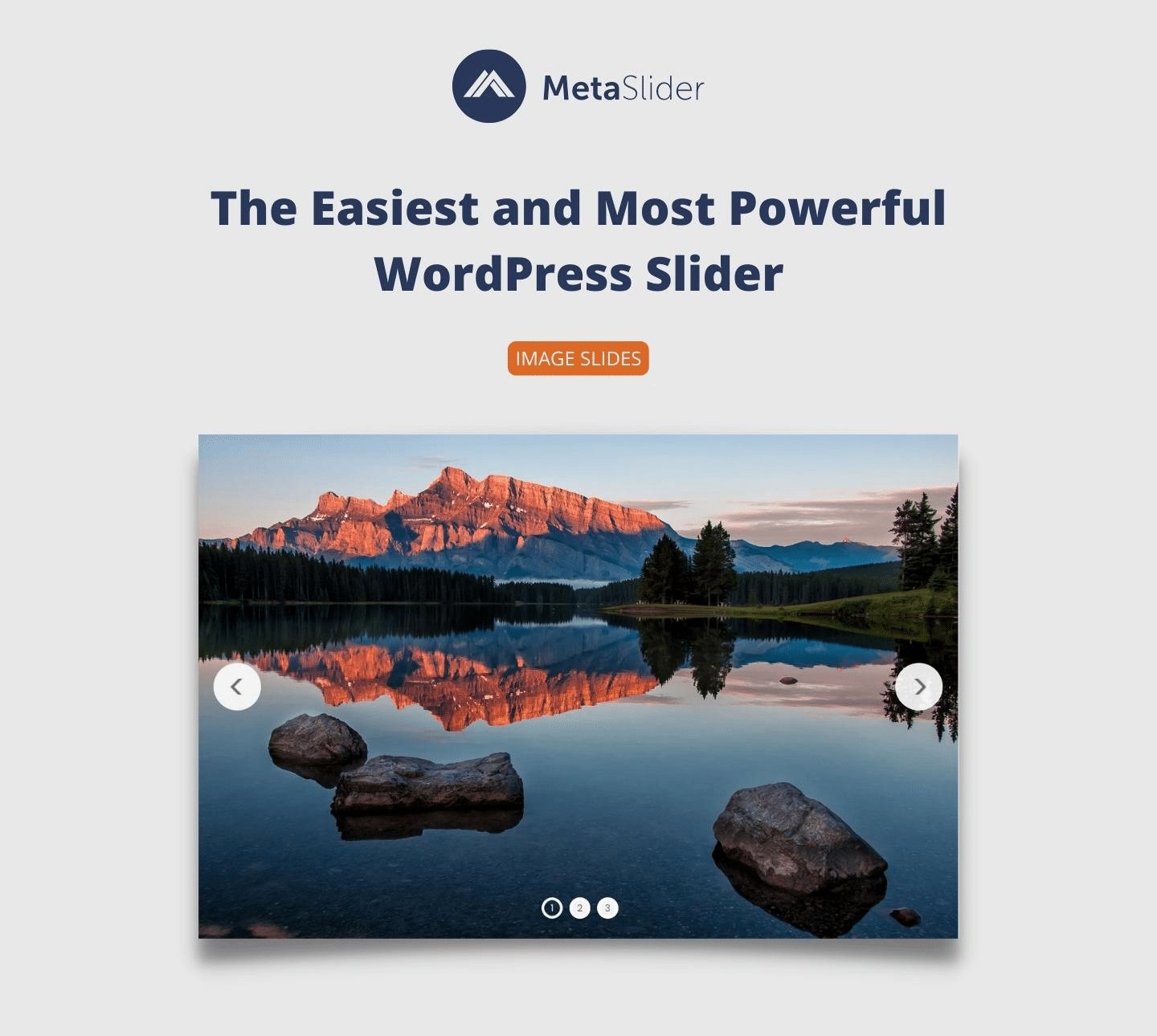
MetaSlider is also very popular. It offers four different slider types. You can choose the one you like. It’s simple to set up. You can add pictures and captions. Many users find it helpful. It’s a good choice for beginners.

Credit: wordpress.org
Benefits Of Using Sliders
Sliders make websites look beautiful. They show images in a smooth way. Pictures move from one side to another. This is called a slide show. It catches the eyes of visitors. People love looking at pretty images. Sliders make sites more attractive. They add color and style.
Sliders help people stay on websites longer. They show more information in less space. Users click on sliders to see more. This makes them interact. Interactive websites are fun. People enjoy clicking and discovering. It keeps them interested.
Sliders save space on websites. They hold many images. You don’t need a big space to show them. Slides move one by one. This is smart use of space. Websites look clean and tidy. Space is used wisely. It helps in organizing content.
Customizing Sliders
Sliders in WordPress offer many design choices. Choose different styles and layouts. Pick colors to match your site. Add text to make slides more interesting. Use bold fonts for important words. Add images for a visual touch. Create a slider that fits your brand.
Animation brings sliders to life. Choose from fade, slide, or zoom effects. Each effect adds a unique feel. Experiment with speed settings. Make animations quick or slow. Use effects to grab attention. Keep visitors engaged.
Sliders must work on all devices. Use responsive settings to ensure this. Adjust sliders for mobile screens. Ensure they look good on tablets too. Test on different sizes. Use settings to make sliders flexible. Keep them easy to view everywhere.
Best Practices
A simple slider is best for users. Too many slides can confuse. Use a few high-quality images. Each image should tell a story. Clear and short text works well. Avoid clutter. Keep the design clean. Less is more.
Slow sliders can annoy users. Optimize images for faster loading. Use small image sizes. Compress images without losing quality. Less slides mean faster speed. Choose a good slider plugin. Fast load time keeps users happy.
Make sliders easy to use for all. Use alt text for images. This helps users who can’t see. Ensure buttons are big and clear. Use simple labels. Let users control the slider. Do not auto-play slides. Accessibility matters for everyone.
Common Issues
Sliders can make your site slow. They often have big images. Big images take time to load. Users might leave if it takes too long. Choose images that are small but clear. Use tools to compress images. This helps the site load faster. A fast site keeps users happy.
Sliders may not look good on phones. Some parts might not show. Users need to scroll a lot. This is not fun. Use a slider that fits all screens. Test it on different devices. Make sure it looks nice everywhere. Happy users stay longer.
Not all sliders work with every theme. Some themes might break. This can make your site look bad. Pick a slider that matches your theme. Check if others had issues. Read reviews before picking a slider. A good match means fewer problems.
Future Trends
A slider in WordPress displays images or content in a moving slideshow format. It enhances website visuals and user engagement. Future trends suggest more interactive and customizable slider options, improving user experience.
Interactive Sliders
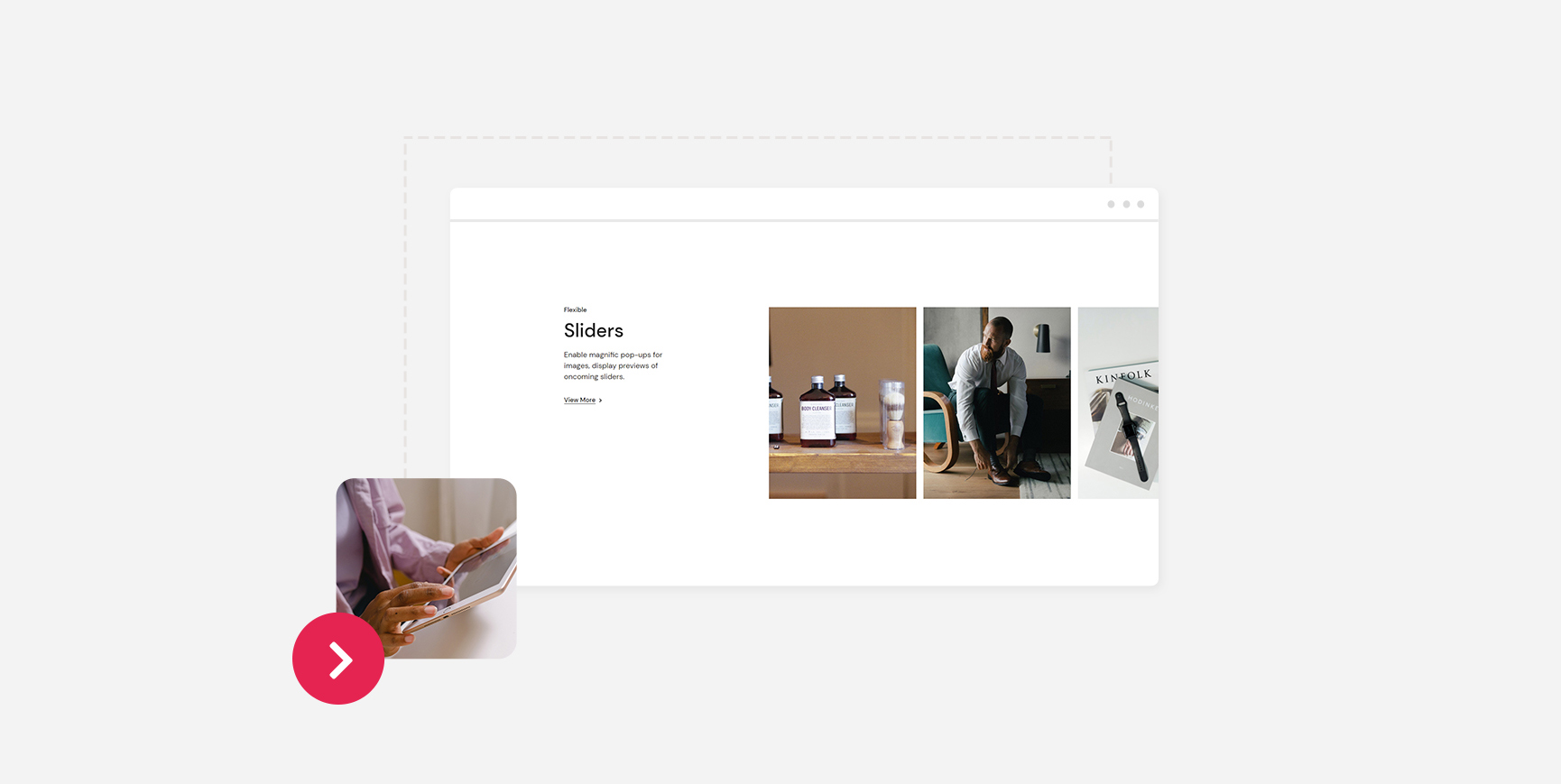
Interactive sliders are becoming more popular. They let users engage with content. Users can swipe, click, or drag. This makes the experience more fun. Kids can easily use these features. Websites are more exciting with interactive sliders. They keep people on the page longer. Designers love using them.
Ai-driven Customizations
AI-driven customizations make sliders smarter. They change based on user actions. If a user likes cats, the slider shows cat images. This makes the website feel personal. It helps users find what they want. AI makes sliders unique for everyone. This is the future of web design.
Integration With Augmented Reality
Augmented Reality (AR) is the next big thing. Sliders can now use AR. Users see 3D models and objects. They can explore products in a new way. This makes shopping online more realistic. AR and sliders make websites more advanced. It’s like bringing a store to your home.
Credit: qodeinteractive.com
Frequently Asked Questions
What Is A WordPress Slider?
A WordPress slider is a tool to display images or content in a rotating format. It enhances your website’s visual appeal by showcasing multiple items in a limited space. Sliders can be customized with animations, transitions, and effects, making them engaging for visitors.
Why Use Sliders On Your WordPress Site?
Sliders enhance user experience by making your website visually appealing and interactive. They allow you to showcase multiple images or content in a compact space. This can help highlight key information, promotions, or products, ultimately improving visitor engagement and retention.
How To Add A Slider In WordPress?
To add a slider in WordPress, use a slider plugin. Popular options include MetaSlider, Smart Slider 3, and Soliloquy. Install and activate your chosen plugin, then create a new slider by uploading images or content. Customize the settings and insert the slider into your desired page or post.
Are WordPress Sliders Mobile-friendly?
Most modern WordPress sliders are mobile-friendly and responsive. They automatically adjust to different screen sizes, ensuring an optimal viewing experience on smartphones and tablets. Choose a slider plugin that specifically mentions mobile responsiveness to guarantee compatibility with various devices.
Conclusion
Sliders in WordPress offer a dynamic way to showcase content. They enhance visual appeal and improve user experience. You can display images, videos, or testimonials effectively. Choosing the right slider plugin is crucial. Consider ease of use and compatibility with your theme.
Many plugins offer customization options. This helps align sliders with your website’s style. Properly configured sliders can boost engagement. Keep them simple and relevant. Avoid overcrowding with too much content. Focus on enhancing your site’s message. A well-designed slider can make a big impact.
Explore and find what works best for your needs.


