
Are you looking to boost your WordPress site’s visibility? Curious about how to make your content shine in search engine results?
A WordPress SEO plugin might be your secret weapon. Imagine effortlessly optimizing your site, attracting more visitors, and ranking higher on Google. Sounds intriguing, right? With the right SEO plugin, you can unlock the potential of your website. This tool simplifies complex SEO tasks, helping you focus on creating amazing content.
Ready to discover how an SEO plugin can transform your WordPress experience? Let’s dive in and explore the magic behind these powerful tools.
What Is A Seo Plugin
A SEO plugin helps your website get found by people. It makes your site better for search engines. Search engines like Google use it to find your site. This plugin checks your content. It helps your pages show up in search results.
You can add keywords with the plugin. Keywords help people find your site. Plugins also help with meta tags. Meta tags are short pieces of text. They tell search engines about your page. These tags are important. They help improve your site’s ranking.
Key Features Of Seo Plugins
SEO plugins help with keyword optimization. They suggest the best keywords for your content. Use the right keywords to get more visitors. Keywords should match what people search for. This helps your website appear in search results. Optimize keywords for each page or post.
Meta tags tell search engines about your page. SEO plugins help manage these tags easily. Write a good meta title and meta description. They should describe your page well. Use keywords in meta tags too. This helps improve your website’s visibility.
XML sitemaps are like maps for search engines. They show all pages on your site. SEO plugins create these sitemaps for you. This helps search engines find your pages. Keep your sitemap updated. It helps with better indexing of your site.
SEO plugins analyze your content. They check if it is easy to read. They also see if your content is well-optimized. Suggestions are given to improve your content. This helps in making your content engaging. Good content can attract more readers.
Popular Seo Plugins For WordPress
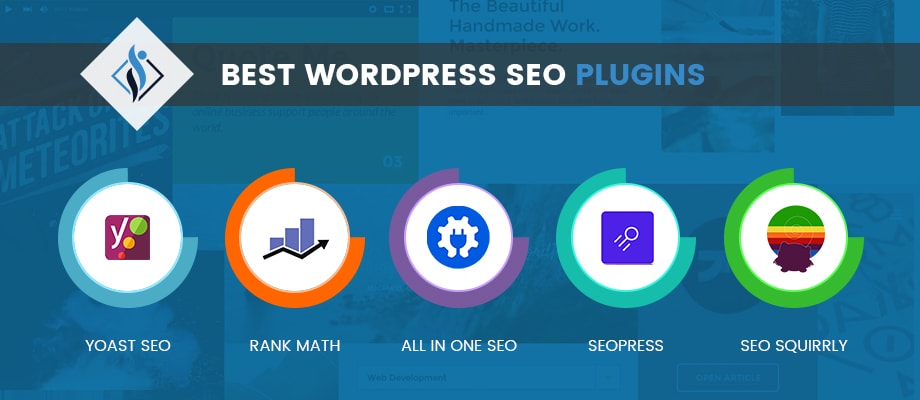
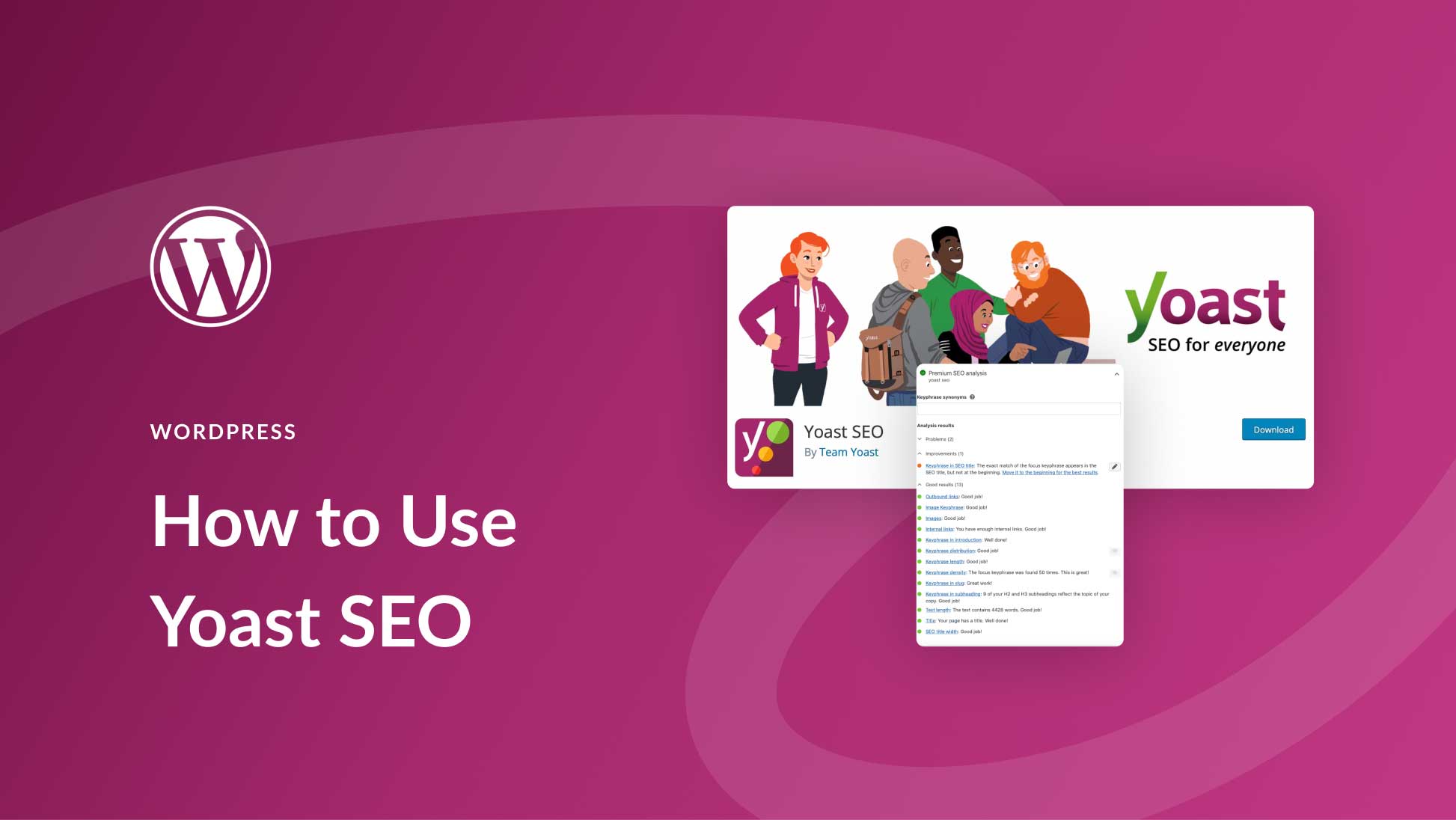
Yoast SEO helps you make your site better. It checks your content. It gives tips to improve it. Keywords are important. Yoast shows where to place them. It also checks readability. Is your text easy to read? Yoast tells you. It also handles meta tags. These help search engines understand your page.
All in One SEO Pack is simple and effective. It does many things. It creates sitemaps for your site. It helps search engines find you. It also supports Google Analytics. You can track how many people visit your site. The plugin is easy to set up. No need for much learning.
Rank Math offers many tools. It helps with SEO tasks. It has a built-in keyword tracker. You know which words are best. It also offers 404 monitoring. This means you can fix broken links. Rank Math is user-friendly. Easy for everyone.
SEOPress is a strong plugin. It helps with titles and meta descriptions. These are important for SEO. It also helps with social media. You can control how your pages look when shared. SEOPress is fast and does not slow your site.

Credit: www.woorank.com
Benefits Of Using Seo Plugins
SEO plugins help websites rank higher. They use keywords smartly. This makes search engines notice your site. As a result, more people find you online.
These plugins make websites easy to use. Visitors find what they need fast. This keeps them happy and on your site longer. Happy visitors might return.
Plugins do tasks for you. They save time by handling SEO tasks automatically. No need to check everything manually. This gives more time for other jobs.
Get data on your website’s performance. Plugins show which pages do well. See what needs improvement. Use this info to make better choices.
How To Install An Seo Plugin
Log in to your WordPress account. Click on the dashboard link. You will see many options here. Look for the plugins tab.
Go to the plugin section. Use the search bar to find your desired plugin. Choose a plugin with good ratings. Read the reviews carefully. Make sure it fits your needs.
Press the install now button. The plugin will start downloading. Wait until it’s done. Once downloaded, it’s ready for use.
Find the activate button next. Click it to activate the plugin. Follow the instructions. The plugin will work right away.
Best Practices For Seo Plugin Use
Regular updates keep your SEO plugin working well. They add new features and fix bugs. Always use the latest version. This helps keep your website safe and fast. Developers release updates for a reason. Do not ignore them.
Too many plugins can slow down your site. Use only the plugins you need. A slow site can hurt your SEO. Choose quality over quantity. Each plugin should serve a clear purpose. This keeps your site running smoothly.
Customize your plugin settings for best results. Default settings may not fit your needs. Look at each option carefully. Make changes that help your site. This makes your SEO efforts more effective. Use settings to match your goals.
Keep an eye on your plugin’s performance. Check how your site is doing. Use tools to track changes. Performance data shows what works and what doesn’t. Adjust settings based on this data. This helps improve your SEO over time.
Common Mistakes With Seo Plugins
SEO plugins in WordPress help optimize websites for search engines. Common mistakes include overloading with plugins, which can slow down site speed, and neglecting to configure them correctly. These errors hinder search engine ranking and user experience.
Ignoring Analytics
Many users ignore analytics after setting up their SEO plugin. This is a big mistake. Analytics show which parts of your site need help. Without this, you can’t see progress. Understanding numbers helps improve your site. Always check your analytics. It’s important.
Over-optimizing Content
Some think more keywords mean better SEO. This is not true. Over-optimizing content makes it hard to read. Your content should be clear and natural. Use keywords wisely. Focus on making sense, not just on keywords.
Neglecting Core Features
SEO plugins have many core features. Many users do not use them. These features help with site speed and mobile use. Ignoring them can hurt your site. Explore all the features. Use them for better results.
Inconsistent Updates
Plugins need regular updates. Old versions may not work well. Inconsistent updates lead to security risks. They also miss out on new features. Always keep your plugin updated. Check for new versions often.
Credit: www.samarpaninfotech.com
Credit: www.elegantthemes.com
Frequently Asked Questions
What Is A WordPress Seo Plugin?
A WordPress SEO plugin helps optimize your website for search engines. It offers tools to improve site structure, meta tags, and keyword usage. These plugins enhance visibility on search engine results pages, driving more organic traffic.
How Do Seo Plugins Improve Site Ranking?
SEO plugins enhance site ranking by optimizing various elements. They help with meta tags, XML sitemaps, and content analysis. These tools ensure your site meets search engine criteria, boosting visibility and performance.
Are Seo Plugins Necessary For WordPress?
SEO plugins are essential for maximizing your site’s potential. They simplify optimization tasks, making it easier to improve search rankings. With their help, you can achieve better online visibility and attract more visitors.
Which Seo Plugin Is Best For WordPress?
Popular SEO plugins include Yoast SEO, All in One SEO, and Rank Math. Each offers unique features tailored for different needs. Choosing the best depends on your specific requirements and preferences.
Conclusion
Exploring SEO plugins for WordPress enhances your site’s performance. These tools simplify optimizing content. They boost search engine visibility, helping you reach more readers. Simple setup ensures easy use for beginners. Plugins provide insights and suggestions. They guide content improvements effectively.
Choose a plugin that suits your needs. Regular updates keep your site fresh and relevant. Improve rankings with minimal effort. Start with popular options for reliable results. Your WordPress site benefits from these smart tools. Embrace SEO plugins to grow your online presence.
Achieve better engagement and traffic effortlessly.


