
Have you ever wondered, “What does WordPress mean?” If you’re planning to build a website or start a blog, understanding WordPress is key to making your online presence shine. Think of WordPress as a powerful tool that helps you create and manage your website easily—no complicated coding required.
Whether you want a simple blog or a full-featured online store, WordPress gives you the flexibility to bring your ideas to life. Keep reading, and you’ll discover exactly what WordPress is, why it’s so popular, and how it can work for your unique needs.
This knowledge will save you time, money, and frustration as you take control of your website’s future.
WordPress Basics
Understanding WordPress basics helps you grasp its power and ease. It is a tool that lets anyone build websites quickly. No deep technical skills needed. WordPress combines simplicity with flexibility. It suits beginners and experts alike.
Below, we explore its origin, main functions, and how it manages content.
Origin And Evolution
WordPress started in 2003 as a simple blogging tool. It grew fast thanks to open-source contributions. Today, it powers millions of websites worldwide. WordPress evolved from a blog platform to a full website builder. Its community constantly adds themes and plugins.
Core Functions
WordPress lets users create and edit web pages easily. It offers tools to add images, text, and videos. You can customize website design without coding. Plugins extend the site’s features, like contact forms or online stores. Regular updates keep WordPress secure and fast.
Content Management System
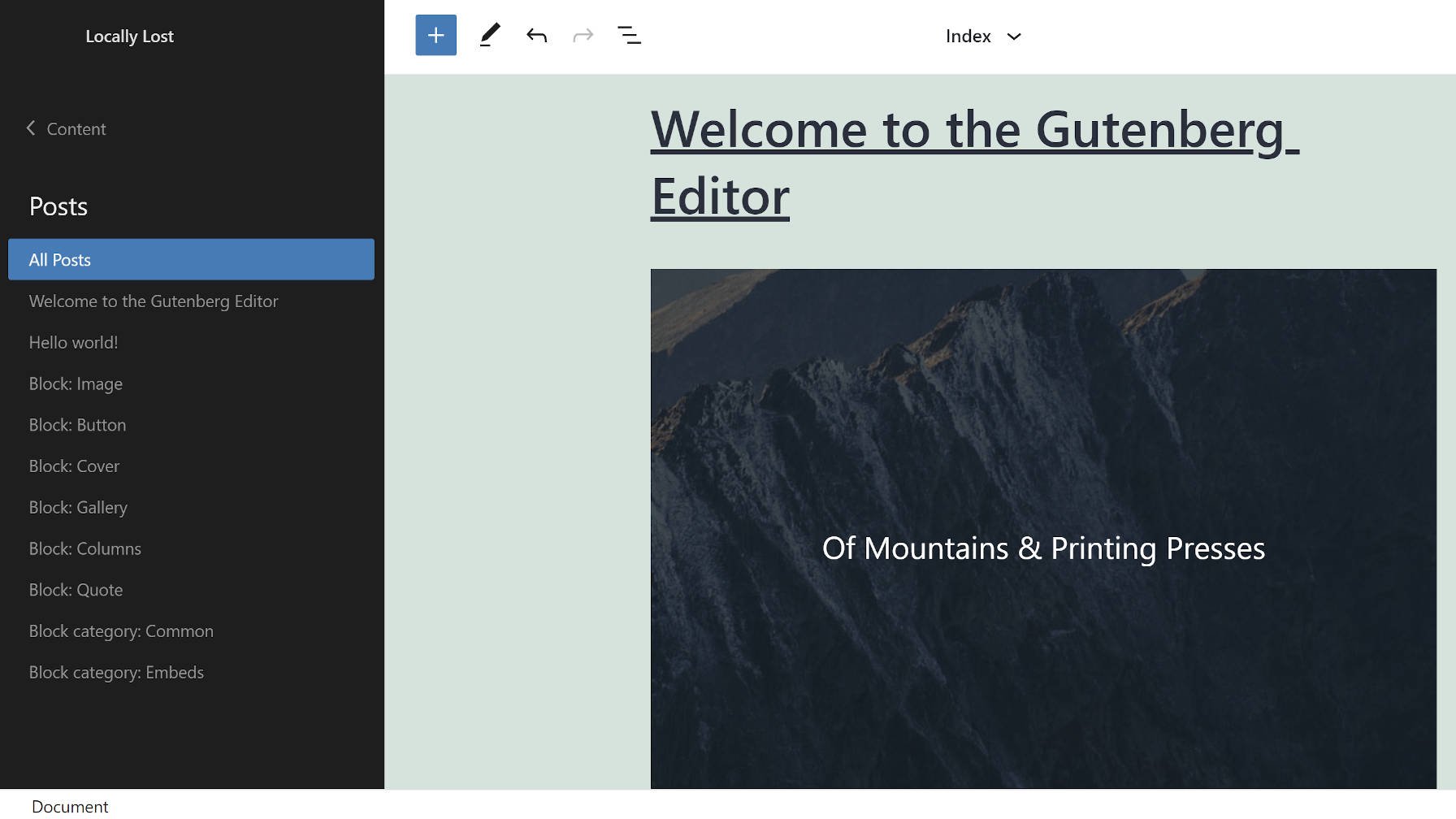
WordPress is a content management system (CMS). It stores all website content in one place. The CMS organizes pages, posts, and media files neatly. Users can manage content via a simple dashboard. It supports multiple users with different roles. This makes teamwork on websites easy.
Credit: www.hostpapa.com
Key Features
WordPress offers many important features that make it popular for website creation. These features help users design, manage, and update websites easily. Understanding these key features helps you see why WordPress is widely used.
Template System
The template system controls how your website looks. It uses themes to change design and layout without changing content. You can pick a theme that fits your style and brand. Themes make your site look professional quickly. Changing templates is simple and does not require coding skills.
Plugin Architecture
Plugins add extra functions to your website. You can install plugins for contact forms, SEO, security, and more. WordPress has thousands of plugins available. This lets you customize your site for different needs. Plugins are easy to add or remove. This keeps your site flexible and powerful.
User Dashboard
The user dashboard is the control center of WordPress. It shows all tools you need to manage your site in one place. You can write posts, upload images, and change settings here. The dashboard is simple and clean, making it easy to use. Beginners can learn to use it quickly without confusion.
Types Of WordPress
WordPress comes in two main types. Each serves different needs and skill levels. Understanding these types helps you choose the right platform for your website or blog. Below, we explain the two forms of WordPress and how they differ.
WordPress.org Explained
WordPress.org offers a self-hosted platform. You download the WordPress software and install it on your own web hosting. This gives full control over your website. You can use any themes and plugins you want. It requires buying a domain name and hosting separately. This type suits users who want flexibility and customization.
WordPress.com Overview
WordPress.com is a hosted service. It manages hosting, updates, and security for you. It offers free and paid plans. The free plan uses a WordPress.com subdomain and shows ads. Paid plans remove ads and offer more features. This type is easier to start but has limits on customization.
Differences Between Both
WordPress.org requires more setup but offers total control. You pick hosting, themes, and plugins freely. WordPress.com handles hosting and maintenance but limits customization on free plans. WordPress.org can be cheaper but needs technical skills. WordPress.com suits beginners who want simplicity. Both platforms can create powerful websites, but your choice depends on your needs.
Credit: wptavern.com
Cost Breakdown
Understanding the cost breakdown of WordPress helps in planning your website budget. WordPress offers two main options: self-hosted and hosted plans. Each comes with different expenses. Knowing these costs lets you choose the best fit for your needs and budget.
Self-hosted Expenses
Self-hosted WordPress requires you to buy hosting services. Hosting costs vary based on speed and storage. You also need a domain name, which is usually paid yearly. Many themes and plugins are free, but premium ones come with fees. Maintenance and security are your responsibility, which might add to costs.
Hosted Plan Pricing
Hosted WordPress plans come with fixed prices. They include hosting, security, and updates. Free plans offer basic features but show WordPress ads and use a subdomain. Paid plans remove ads and allow custom domains. Higher-tier plans add more storage and advanced tools. Prices change based on the features you need.
Factors Influencing Cost
E-commerce features increase costs with payment gateways and plugins. Websites with high traffic need stronger hosting, which costs more. Premium themes and plugins can be one-time or recurring expenses. Hiring developers for maintenance adds monthly fees. Choosing managed hosting can reduce maintenance worries but may cost extra.
Practical Uses
WordPress serves many practical purposes. It helps individuals and businesses build websites easily. The platform supports various website types, catering to different needs. Below are some common uses of WordPress.
Blog Creation
WordPress started as a blogging tool and remains popular for bloggers. It allows users to write, edit, and publish posts quickly. Bloggers can customize the design with themes and add features using plugins. Managing content is simple, even for beginners. WordPress supports comments, helping readers engage with writers.
Business Websites
Businesses use WordPress to build professional websites. It offers many templates suitable for corporate and small business needs. Companies can display their services, team, and contact details clearly. WordPress also supports SEO tools to improve search engine rankings. Updating content or adding new pages takes just a few clicks.
E-commerce Integration
WordPress can turn a site into a full online store. Plugins like WooCommerce add shopping cart features and payment options. Store owners can list products, manage inventory, and handle orders easily. The platform supports various payment gateways and shipping methods. It provides a cost-effective solution for selling online.
Credit: reciteme.com
How WordPress Works
Understanding how WordPress works helps users build and manage websites easily. WordPress combines several components that work together to create a complete website experience. These include the website framework, content management system, and user controls. Each part plays a key role in making website creation simple and accessible.
Website Framework
WordPress uses a website framework that acts like a skeleton for your site. It provides the basic structure and design elements. This framework includes themes and templates that control how your website looks. Users can choose or customize themes to fit their style. The framework also supports plugins to add new features without coding.
Content Management
Content management is the core of WordPress. It allows users to add, edit, and organize website content easily. This includes text, images, videos, and more. The system saves all content in a database, making it easy to update anytime. Users can create pages and blog posts without needing technical skills.
User Controls
WordPress offers user controls to manage who can do what on the site. Different user roles like admin, editor, and subscriber have specific permissions. Admins control all settings, while editors manage content. These controls keep the website secure and organized. Users can also manage comments and moderate discussions efficiently.
Advantages For Users
WordPress offers many benefits for users of all levels. It makes creating and managing websites simple and efficient. Users gain control over content without needing technical skills. The platform supports a wide range of websites, from blogs to online stores. Its features focus on user convenience and flexibility.
Ease Of Use
WordPress has a clear and simple interface. Users can add pages, posts, and images easily. No coding knowledge is required to start a website. The dashboard organizes tools and settings logically. Beginners can publish content quickly without confusion. Regular updates improve the user experience continuously.
Customization Options
Users can change the look and feel of their sites. Thousands of themes allow unique designs for any niche. Plugins add extra features like contact forms or SEO tools. Customization does not need advanced skills or extra costs. It helps users create sites that match their brand or style. Flexibility in design is a key advantage.
Community Support
WordPress has a large and active community worldwide. Users find help through forums, tutorials, and blogs. Developers share free and paid themes and plugins. Community events and meetups provide learning opportunities. This support network helps solve problems fast. Users never feel alone when managing their sites.
Common Challenges
WordPress is easy to use but comes with some common challenges. These issues can affect how well your site runs and how safe it is. Understanding these challenges helps you prepare and handle them better.
Security Concerns
WordPress sites often face attacks from hackers. Plugins and themes can have security flaws. Without updates, vulnerabilities stay open. Strong passwords and security plugins help protect sites. Regular backups keep data safe in case of problems.
Maintenance Needs
WordPress needs regular updates for its core, themes, and plugins. Updates fix bugs and add new features. Ignoring updates can cause errors or crashes. Some updates may break parts of your site. Testing updates on a copy site reduces risk.
Performance Issues
Slow websites drive visitors away. Too many plugins or large images can slow down WordPress. Hosting quality also affects speed. Caching and optimization plugins improve performance. Regularly cleaning your database helps keep the site fast.
Future Trends
The future of WordPress looks promising with continuous growth and innovation. New updates focus on making the platform easier and more powerful. Developers and users both benefit from these future changes. WordPress adapts to new technology and user needs. It stays relevant by adding useful features and expanding its community.
Emerging Features
WordPress is adding tools for better site building. Block editors get more options for layouts and styles. Users can expect easier ways to customize without coding. Accessibility improvements make sites usable for everyone. Security features grow stronger to protect websites.
Technological Advances
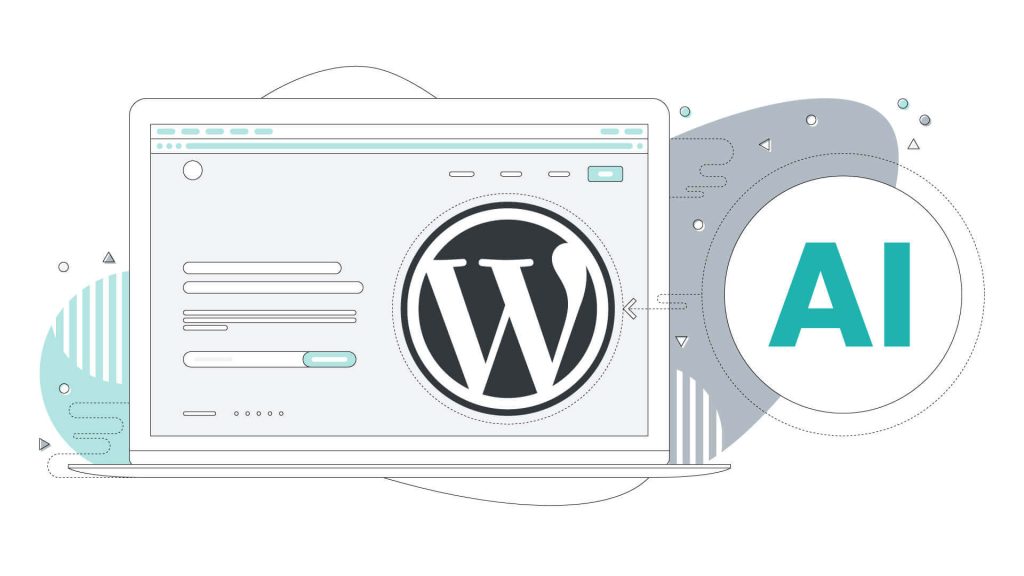
WordPress integrates modern tech like artificial intelligence. AI helps with content creation and site management. Faster loading times come from improved coding and hosting. Mobile optimization is a key focus for future updates. Compatibility with new web standards ensures smooth performance.
Growing Ecosystem
The WordPress community keeps expanding worldwide. More developers create themes and plugins every day. Support forums and tutorials help beginners learn quickly. Businesses build services around WordPress, offering hosting and design. This growing network makes WordPress more flexible and reliable.
Frequently Asked Questions
What Is The Meaning Of WordPress?
WordPress is a free, open-source platform for creating and managing websites or blogs easily. It offers customizable themes and plugins.
What Is WordPress Mostly Used For?
WordPress is mostly used for creating and managing websites and blogs easily. It supports various designs and plugins.
How Much Does WordPress Cost Per Month?
WordPress. com offers free plans with ads and subdomains. Paid plans range from $4 to $45 monthly. Self-hosted WordPress. org costs vary by hosting, domain, themes, and plugins. Additional expenses include premium features, e-commerce, and maintenance. Overall, monthly costs depend on your website’s needs and scale.
How Does WordPress Actually Work?
WordPress works by combining a web server, database, and PHP code to create and display webpages. Users add content via its dashboard. Themes control design, while plugins add features. It processes requests, retrieves content, and generates dynamic pages for visitors instantly.
Conclusion
WordPress means a simple way to build websites and blogs. It lets anyone create content without deep technical skills. You only need hosting and a domain to start. It uses themes and plugins to change how sites look and work.
Many choose WordPress for its ease and flexibility. This platform keeps growing with new tools and features. Understanding WordPress helps you manage your online presence better. It’s a useful tool for beginners and experts alike. Try it to see how easy website building can be.


