
Do you ever wonder who keeps your favorite websites running smoothly? If you’re using WordPress, the magic behind the scenes is often the work of a WordPress Administrator.
Imagine the peace of mind knowing your website is in expert hands, ensuring everything is up-to-date, secure, and functioning perfectly. As a website owner or enthusiast, understanding the role of a WordPress Administrator can empower you to leverage their expertise for maximum site performance.
Dive into this article to discover exactly what a WordPress Administrator does, and why their role is essential for your online success. You’ll soon see how crucial they are to maintaining a seamless and engaging user experience on your site.
Credit: jetpack.com
Role Of A WordPress Administrator
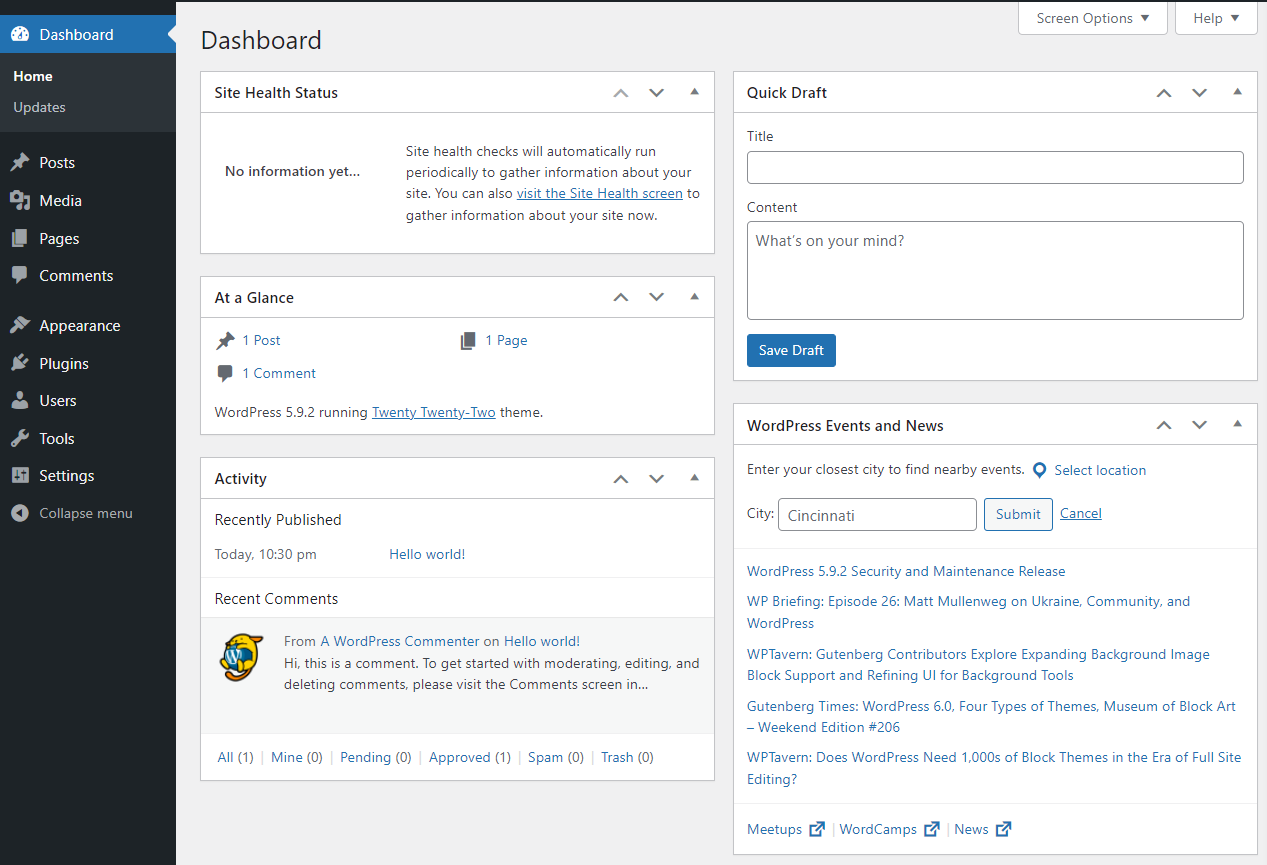
A WordPress Administrator manages the website’s overall settings and performance. They ensure the site runs smoothly. They handle user accounts and permissions. Administrators update the site with new content. They also install and update plugins.
Security is important for administrators. They protect the site from hackers and malware. Regular backups are done to keep data safe. They fix problems when the site goes down. They ensure the website loads fast.
Administrators train team members. They show them how to use WordPress. They answer questions about the site. They make sure everyone knows their tasks. Communication is key for a WordPress Administrator.
Key Responsibilities
A WordPress Administrator keeps the website running smoothly. They update plugins and themes. They fix broken links and errors. They improve site speed and performance. Backups are taken regularly to protect data. Administrators check for updates and apply them. They ensure the site is visually appealing and functional. They make sure the layout is user-friendly.
Administrators handle user accounts. They create new accounts and manage access levels. They assign roles to users like editor or contributor. Password issues are solved by them. They ensure users have the right permissions. User activity is monitored for any unusual behavior. They help users with login problems.
Security is a top priority. Administrators protect the site from hackers. They install security plugins and monitor threats. They set up firewalls and secure connections. Regular security checks are performed. They ensure data is safe and encrypted. They respond quickly to any security alerts.
Essential Skills
A WordPress administrator must know WordPress well. This includes installing plugins and updating themes. They should also be able to troubleshoot issues quickly. Basic knowledge of HTML, CSS, and PHP is useful. Understanding how to manage databases is a plus.
WordPress administrators face technical challenges often. They need to think fast to fix problems. This skill helps keep the website running smoothly. Being creative can help find unique solutions. Attention to detail is also key.
Good communication is crucial for a WordPress administrator. They must explain technical terms in simple words. This helps team members understand the issues. They also need to listen well to feedback. Clear writing is needed for creating guides or reports.
Tools And Plugins
WordPress has many popular plugins. These help make websites better. Yoast SEO helps with search engines. WooCommerce is great for online stores. Elementor makes building pages easy. Jetpack offers many features in one plugin. These plugins are used by many website owners.
Keeping a website safe is very important. Wordfence is a famous security tool. It scans for threats and blocks them. Sucuri helps clean infected websites. iThemes Security adds many safety features. These tools protect websites from hackers and viruses. Without them, a site can be at risk.
Websites need to be fast. WP Rocket makes pages load quicker. Smush reduces image sizes without losing quality. This helps sites run smoothly. Autoptimize improves overall site performance. Faster websites make users happy. They also help in search rankings. Using these tools improves site speed and efficiency.
Common Challenges
Security threats are a big worry for WordPress administrators. Hackers try to steal data. They use malware and viruses to attack websites. An administrator must update plugins and themes often. This helps keep the site safe. Using strong passwords is important. It stops unauthorized access. Security plugins can help protect a site. They act like a shield against threats.
Technical issues can frustrate administrators. Sites may crash or load slowly. Plugins sometimes conflict with each other. This can break the site. Fixing bugs is part of the job. It requires patience. Regular backups are essential. They save data during problems. Updating software is crucial. It prevents glitches and errors.
Managing users is a key task. Administrators must set permissions. This controls what users can do. Some users need to publish posts. Others may only read them. Keeping track of users is vital. It ensures site safety. Admins must monitor user activity. This helps prevent misuse of the site.
Credit: jetpack.com
Best Practices
WordPress needs frequent updates. Updates fix bugs and improve features. Always check for new versions. Install updates regularly to keep things smooth. Themes and plugins need updates too. This keeps your site running well. Use a backup before updating. This saves your work if something goes wrong.
Backups are very important. They save your data. Use automatic backup tools if possible. This makes it easier. Keep copies of your backups. Store them safely. Use cloud storage or external drives. This helps in case of emergency. Regular backups keep your site safe.
Security is key. Protect your site from hackers. Use strong passwords for all accounts. Change them often. Use security plugins. They help block bad traffic. Monitor your site regularly. Look for suspicious activity. These steps keep your site safe and secure.
Career Path And Opportunities
A WordPress administrator can become a project manager or a team leader. They may start as junior administrators. They learn new skills on the job. They can grow into senior roles. These roles involve more responsibility. They oversee bigger projects. They help guide teams. Learning is key. It helps them progress.
Freelancing offers great flexibility. WordPress administrators can work for many clients. They can choose projects. This helps them build a portfolio. It shows their skills. Freelancers set their own hours. They work from anywhere. This makes freelancing very appealing. It offers freedom and variety.
WordPress is very popular. Many websites use WordPress. This increases demand for administrators. They are needed to manage and update sites. They ensure sites run smoothly. Businesses look for skilled administrators. The demand keeps growing. Administrators are important. They keep websites working well. They help businesses succeed online.

Credit: wordpress.org
Frequently Asked Questions
What Are The Duties Of A WordPress Administrator?
A WordPress Administrator manages website content, updates plugins, and ensures site security. They also optimize website performance and troubleshoot issues. Administrators often collaborate with developers and designers to enhance user experience. Their role is crucial for maintaining a functional and user-friendly website.
How Do WordPress Administrators Improve Site Security?
WordPress Administrators improve security by regularly updating plugins and themes. They implement strong passwords and use security plugins. Administrators also monitor for suspicious activity and perform regular backups. Their proactive approach helps protect the website from potential threats and vulnerabilities.
What Skills Are Essential For A WordPress Administrator?
Essential skills for a WordPress Administrator include proficiency in WordPress, HTML, and CSS. They need strong problem-solving abilities and an understanding of SEO practices. Good communication and organizational skills are also important. These skills help administrators manage and enhance website functionality effectively.
How Do WordPress Administrators Manage Website Content?
WordPress Administrators manage content by creating, editing, and scheduling posts and pages. They ensure content is organized and accessible. Administrators also optimize content for search engines and user engagement. Their role is vital for delivering a seamless and informative user experience.
Conclusion
A WordPress administrator plays a vital role. They manage website operations smoothly. From updates to security, their tasks are crucial. They ensure everything runs efficiently. Troubleshooting and maintenance are part of their routine. They also handle user roles and permissions.
Content management is another key duty. Their skills keep the website optimized. Understanding these roles helps in appreciating their importance. Without them, websites might face challenges. So, a WordPress administrator is essential for site success. Their expertise makes a difference every day.


