

Have you ever sent an important email only to receive a confusing error message that says, “550 Recipient Rejected Domain Not Hosted Here”? It can be frustrating and leave you wondering what went wrong.
Understanding this message is key to fixing the problem quickly and making sure your emails reach their destination. You’ll discover exactly what this error means, why it happens, and simple steps you can take to solve it. Keep reading to clear the confusion and get your emails back on track.

Credit: www.inmotionhosting.com
550 Recipient Rejected Error
The 550 Recipient Rejected error is a common message in email systems. It indicates that the recipient’s mail server refuses to accept your email. This error usually means the domain you are sending to is not hosted on that server. Understanding this error helps solve email delivery problems quickly.
This error is part of SMTP (Simple Mail Transfer Protocol) responses. The number 550 signals a permanent failure in email delivery. The phrase “Recipient Rejected” means the recipient’s server won’t accept the email. This often happens when the domain is unknown or not configured on the receiving server.
What Triggers This Error
This error appears when the recipient’s mail server does not recognize the domain. The server checks if it hosts the domain of the recipient’s email address. If the domain is not hosted, the server rejects the email with a 550 error. Incorrect DNS settings or outdated server configurations can also cause this.
Another trigger is sending emails to wrong or misspelled domains. The recipient server cannot find the domain, so it rejects the message. Mail servers may also reject emails if there are security policies blocking unknown domains. This prevents spam or unauthorized emails.
Common Scenarios
One common scenario is sending emails to a domain that no longer exists. The receiving server has no record of the domain, so it rejects the message. Another is when a domain changes hosting providers but DNS records are not updated. The old server rejects emails meant for the new server.
Sometimes, organizations use multiple mail servers. If your email goes to a server not hosting the recipient’s domain, you get the 550 error. This often happens in large companies with complex email setups. Testing the recipient address carefully can avoid this issue.
Role Of Domain Hosting
Domain hosting plays a key role in email communication. It connects your domain name to a server that manages your website and emails. Without proper hosting, emails may not reach their destination. Understanding this helps explain errors like “550 Recipient Rejected Domain Not Hosted Here.”
Your email service needs to verify where your domain is hosted. This ensures that emails are sent and received correctly. If the domain is not hosted on the expected server, the email may be rejected. This protects against spam and unauthorized email use.
How Hosting Affects Email Delivery
Email servers check the domain’s hosting details before accepting messages. If the domain is hosted on a different server, the email may be blocked. This prevents fake or harmful emails from reaching your inbox.
Proper hosting ensures smooth email delivery. It matches the domain in the email address with the server that hosts it. This step confirms the email is legitimate and safe to deliver.
Domain Not Hosted Here Meaning
The error “Domain Not Hosted Here” means the email server does not find your domain on its system. The server expects the domain to be hosted there but cannot locate it.
This error usually occurs when the domain’s DNS settings point to a different host. The email server then rejects the message as it cannot verify the domain.
Fixing this requires updating hosting details or DNS records to match the server handling emails. This alignment helps emails pass through without rejection.
Diagnosing The Issue
Diagnosing the “550 Recipient Rejected Domain Not Hosted Here” error helps fix email delivery problems. This error means the receiving server does not accept emails for the domain. Finding the root cause requires checking key settings on your side.
Look closely at DNS and server configurations. These are the usual sources of the problem. Small mistakes can stop emails from reaching the right inbox.
Checking Dns Settings
DNS settings tell the internet where your domain’s email server lives. Check your domain’s MX records first. They must point to the correct mail server address.
Verify there are no typos or old entries. Incorrect MX records cause the server to reject emails. Use tools like DNS lookup to see the current records.
Also, check SPF records. These help prove your email is not spam. Missing or wrong SPF records can lead to rejection.
Verifying Email Server Configuration
Your email server must accept emails for your domain. Confirm the server hosts your domain. If not, it will reject messages with the 550 error.
Check your server’s settings to ensure it recognizes the domain as local. Look for domain lists or accepted domains in the mail server setup.
Make sure no restrictions block emails from certain sources. Sometimes, security rules cause rejections. Adjust these rules carefully to allow legitimate emails.

Credit: www.allegrow.co
Quick Fixes To Try
The “550 Recipient Rejected Domain Not Hosted Here” error can stop your emails from sending. Fixing it fast helps keep your communication smooth. Try these quick fixes to solve the issue and get your emails working again.
Updating Mx Records
Check your domain’s MX records first. MX records tell the internet where to send your emails. If they point to the wrong server, emails bounce back. Log into your domain registrar and see the MX settings. Update them to the correct mail server address. Save changes and wait a few minutes for updates to spread.
Adjusting Server Settings
Server settings may block your domain from sending emails. Access your hosting control panel and find email or mail server options. Make sure your domain is added and allowed to send mail. Check if any restrictions or filters block outgoing mail. Remove or adjust these limits to fix the error.
Contacting Hosting Provider
Sometimes, the issue needs help from your hosting provider. Contact their support team and explain the error message. They can check server configurations and fix domain hosting problems. Provide them with your domain and email details for faster service. Hosting support often solves this error quickly.
Preventing Future Errors
Preventing the “550 Recipient Rejected Domain Not Hosted Here” error helps keep your emails flowing smoothly. Taking simple steps can reduce this problem. Regular checks and proper setup protect your domain from rejection. These actions save time and improve communication.
Regular Dns Audits
DNS records control where your emails go. Checking them regularly keeps information accurate. Look for outdated or wrong entries. Fix any mistakes found quickly. This helps email servers recognize your domain correctly. Avoid delays or rejections by keeping DNS updated.
Email Authentication Setup
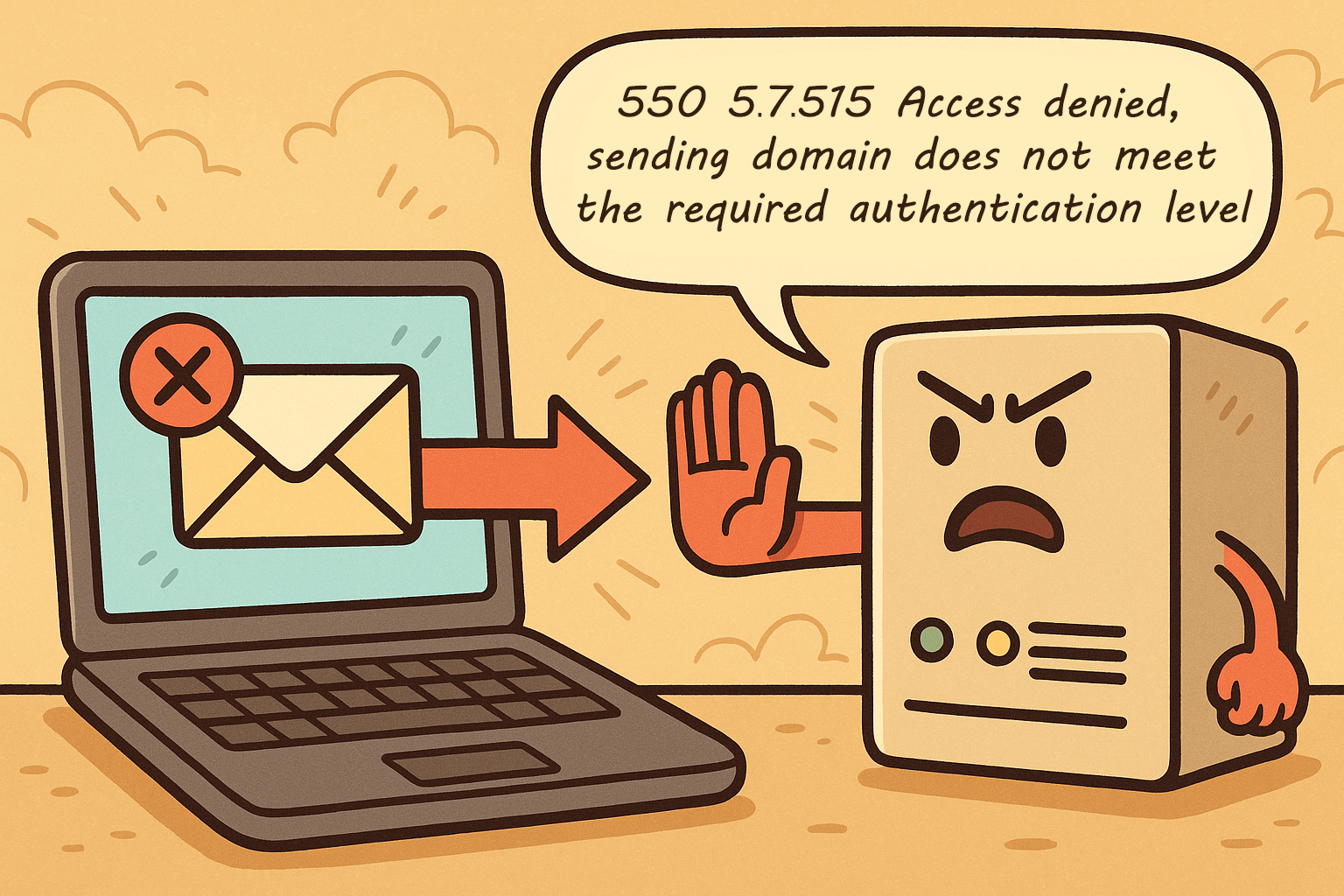
Authentication proves your emails are real and safe. Set up SPF, DKIM, and DMARC for your domain. These records tell receiving servers your messages are legit. They lower the chance of being blocked or marked as spam. Proper setup builds trust and stops errors like 550 rejection.
When To Seek Expert Help
Knowing when to seek expert help can save time and reduce frustration. Some email issues are easy to fix. Others need a deeper look by someone with more knowledge. Recognizing the right moment to ask for help is important. It ensures your email works smoothly and avoids future problems.
Identifying Complex Issues
Errors like “550 Recipient Rejected Domain Not Hosted Here” can have many causes. Simple checks may not fix the problem. Complex issues involve server settings, DNS records, or domain configurations. These require technical skills to understand and solve. If the error continues after basic steps, it is time to get expert help. Experts can quickly find hidden problems and apply the right solution.
Choosing The Right Support
Not all support services are the same. Choose experts with experience in email servers and domain management. Look for clear communication and quick response times. Good support guides you through technical steps in simple words. They help prevent the same issue from happening again. Picking the right help makes the process easier and faster.
Credit: www.uriports.com
Frequently Asked Questions
What Does 550 Recipient Rejected Error Mean?
This error means the recipient’s email domain is not hosted on the server. The server rejects the email because it cannot find the domain. It often occurs when sending emails to wrong or inactive domains.
Why Does “domain Not Hosted Here” Occur?
It happens when the receiving server doesn’t manage the recipient’s domain. The email server checks the domain hosting and rejects emails not linked to it. This protects against unauthorized email delivery attempts.
How Can I Fix 550 Recipient Rejected Error?
Verify the recipient’s email address and domain are correct. Check DNS settings to ensure the domain is hosted on the server. Contact your email provider if problems persist to resolve hosting issues.
Is 550 Recipient Rejected Error Related To Spam?
Not directly. It indicates domain hosting issues, not spam filtering. However, repeated errors may trigger spam flags if emails are sent to invalid domains frequently.
Conclusion
The “550 Recipient Rejected Domain Not Hosted Here” error means the email server does not recognize the domain. This often happens when the sending server is not authorized to send emails for that domain. Fixing it usually involves checking your email settings or contacting your hosting provider.
Understanding this message helps you avoid email delivery problems. Keep your domain and email settings correct to ensure smooth communication. Remember, this error is common and easy to fix with the right steps. Stay patient and follow the guidelines carefully.


