
Have you ever stumbled upon a page that simply reads “404 Error” while navigating through your WordPress site? It’s a frustrating experience, leaving you and your visitors stuck without the information you need.
But don’t worry! Understanding what a 404 error means in WordPress is your first step towards solving this common issue. You’ll discover why these errors occur, how they impact your site’s performance, and most importantly, how you can fix them to ensure a seamless browsing experience for your audience.
Dive in, and let’s clear up the mystery behind those pesky 404 errors once and for all!
The Basics Of 404 Error
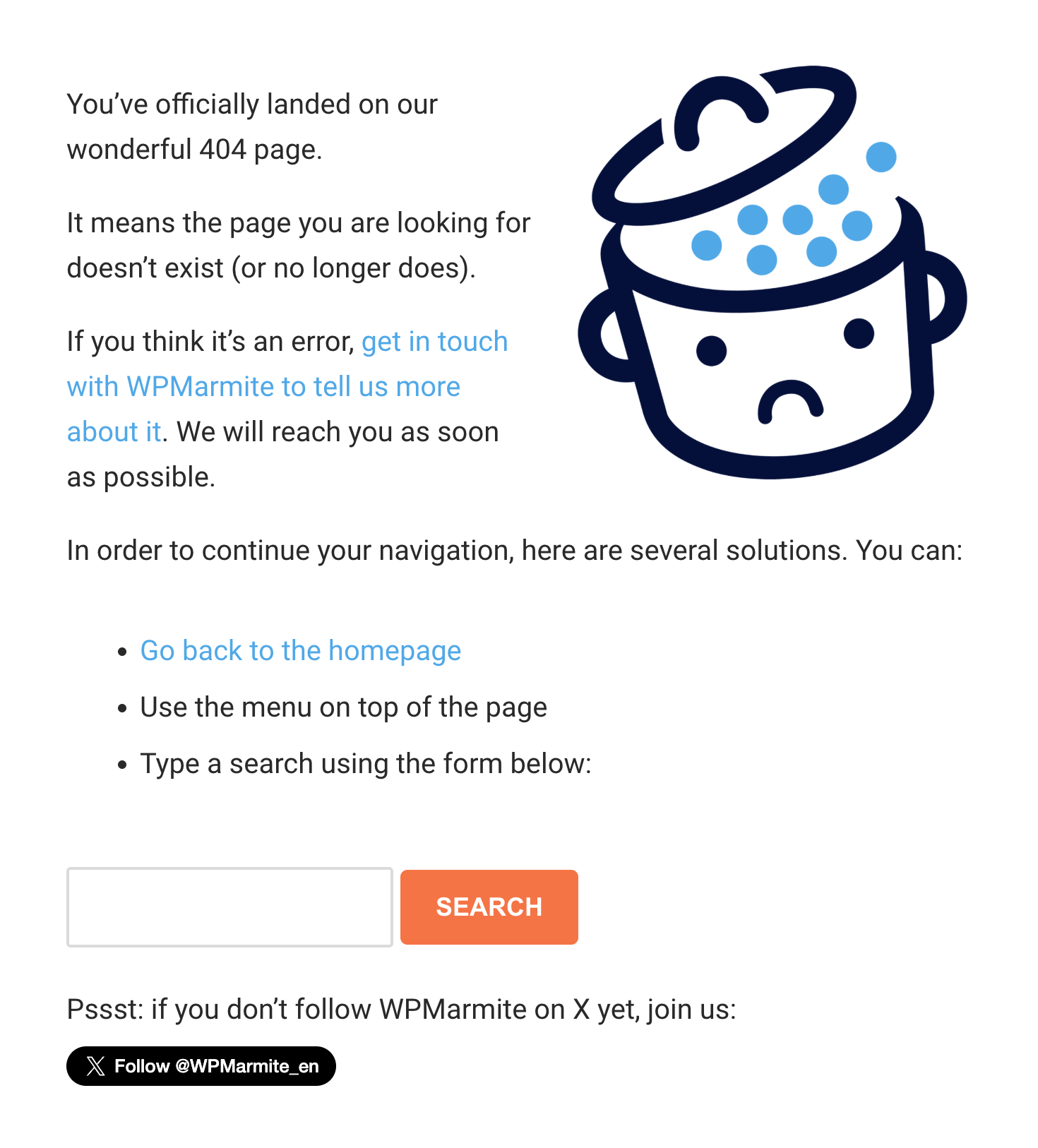
A 404 error shows when a page is missing. It’s like a dead end in a maze. Your browser can’t find the page. This error often means the page was deleted. Or the link is broken. It tells users the content isn’t there.
Links can break if someone changes the URL. A typo in the link can cause an error. Sometimes, plugins mess things up. A page might be removed and not redirected. Server issues can also lead to 404 errors. Webmasters need to fix these problems. It keeps users happy and on the site.
Credit: wpmarmite.com
Impacts On User Experience
A 404 error confuses visitors. They feel lost on your site. They can’t find what they need. This can lead to frustration. Visitors might leave your site quickly. This increases bounce rates. It’s important to fix these errors. Happy visitors stay longer. They might visit other pages too. Keep your site error-free. It helps visitors trust your site.
Search engines notice frequent 404 errors. They might think your site is unreliable. This can impact SEO rankings. Lower rankings mean less visibility. Less visibility means fewer visitors. It’s crucial to fix these errors fast. Redirect broken links. Ensure all pages are working. This improves your site’s reputation. Good reputation helps your site’s SEO improve.
Troubleshooting 404 Errors In WordPress
Permalinks help your site URLs look nice. Sometimes, they cause 404 errors. Go to your WordPress dashboard. Find the Settings menu. Click on Permalinks. Choose your preferred structure. Hit the Save Changes button. This simple step often fixes errors. If not, consider other solutions. But start here first.
Broken links can confuse visitors. They lead to 404 errors. Use a link checker tool. It finds broken links fast. Fix them as soon as possible. Update or remove bad links. Keep your site smooth and user-friendly. Happy visitors mean more traffic. Keep checking links regularly. Stay on top of your site’s health.
Tools For Diagnosing 404 Errors
Encountering a 404 error in WordPress means the page can’t be found. This issue arises from broken links or incorrect URLs. Use tools like Google Search Console and Screaming Frog to diagnose and fix these errors efficiently. Understanding and addressing 404 errors ensures a smooth user experience on your website.
Plugins And Extensions
WordPress plugins can help find 404 errors easily. They scan your site for broken links. Some plugins also fix these errors for you. Popular options include Redirection and Broken Link Checker. These tools are user-friendly and require little technical knowledge. Just install, activate, and follow simple steps to start.
Online Tools
Online tools are another way to find 404 errors. Some tools offer free scans of your website. Popular choices include Google Search Console and Screaming Frog. These tools show a list of all broken links. They are helpful for maintaining a healthy website. Regular checks with these tools keep your site running smoothly. Fixing errors improves user experience and search rankings.
Preventing Future 404 Errors
Regular checks help find broken links. Use tools to scan your site. Fix links quickly. Visitors get frustrated with errors. Keep your website clean. It boosts your site’s SEO. More people will find your site. A site audit can catch problems early.
Set up redirects for missing pages. Redirects guide users to the right place. They stop 404 errors. Use a plugin for easy redirects. Redirects save time and improve user experience. They help keep visitors on your site. Your site stays organized with redirects. Visitors find what they need.
Credit: www.cloudways.com
Customizing 404 Error Pages
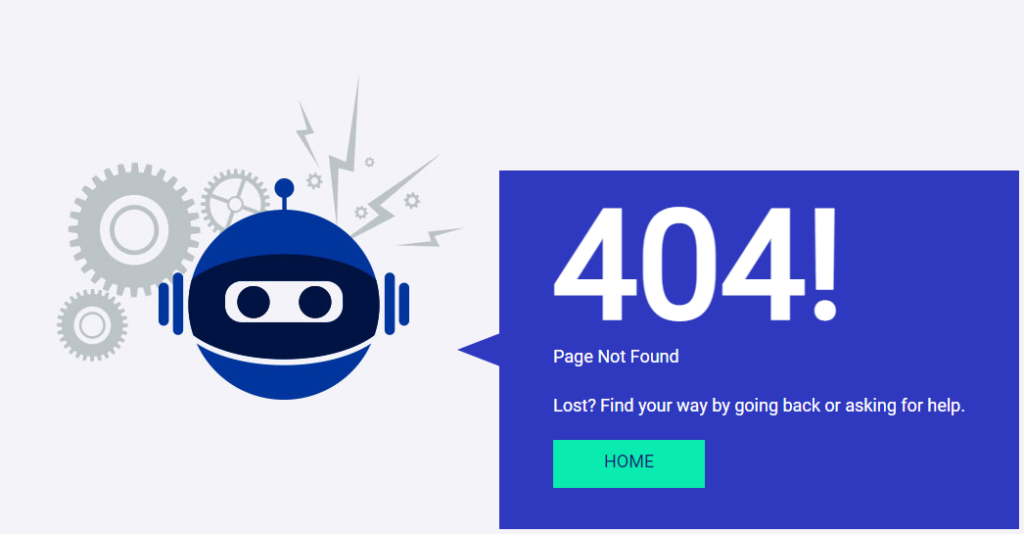
Make the page look friendly and welcoming. Use bright colors. Add a fun image. Keep the design simple. Avoid too much text.
Add a search bar. Users can find what they need. Include navigation links. Guide users back to main pages. Make sure text is easy to read.
Include a helpful message. Tell users the page is missing. Suggest places they can go. Offer a contact option. Let users report broken links.
Add a fun fact or joke. Make users smile. Keep them engaged. Offer related content. Suggest posts or products they might like. Make sure users feel valued and understood.

Credit: colibriwp.com
Frequently Asked Questions
What Is A 404 Error In WordPress?
A 404 error in WordPress means the page you’re trying to access can’t be found. This error often occurs due to broken links, incorrect URLs, or deleted pages. It’s a common issue that can impact user experience and SEO rankings if not resolved promptly.
How Can I Fix A 404 Error?
To fix a 404 error in WordPress, check your permalink settings first. Update or correct any broken links. If the error persists, consider using a 404 error plugin to redirect users to relevant content. Regularly monitoring your site can prevent future errors.
Why Do 404 Errors Occur In WordPress?
404 errors in WordPress occur due to deleted or moved pages, incorrect URLs, or broken links. Sometimes, they result from changes in permalink settings. Regular site maintenance and monitoring can help identify and fix these issues quickly, ensuring better user experience.
Can 404 Errors Affect Seo?
Yes, 404 errors can negatively impact SEO. They lead to a poor user experience and can result in lower search engine rankings. It’s essential to address these errors promptly to maintain your site’s credibility and search engine visibility.
Conclusion
Understanding the 404 error in WordPress is crucial for site health. These errors can affect user experience and site traffic. Regular site checks help catch issues early. Fixing them is usually simple. Use plugins or manual tweaks. Always keep WordPress updated.
This prevents many common errors. A well-maintained site keeps visitors happy. It also boosts your site’s performance. Remember, a smooth user journey is key. Check your links and content regularly. This ensures everything works as it should. With these tips, you can handle 404 errors effectively.
Keep your WordPress site running smoothly.


