
Ever stumbled upon the term “widgets” while exploring WordPress and wondered what they are? You’re not alone.
Widgets might sound techy, but they are actually your secret weapon to enhance your WordPress website effortlessly. Think of them as little building blocks that let you add extra features and functionality to your site without the need for any coding skills.
Imagine having the power to customize your site’s layout and design with just a few clicks. Intrigued? Stick around to discover how these nifty tools can transform your website experience, making it more engaging and user-friendly for your visitors. Unlock the potential of your WordPress site with widgets, and watch your online presence flourish!

Credit: wordpress.org
Widgets Overview
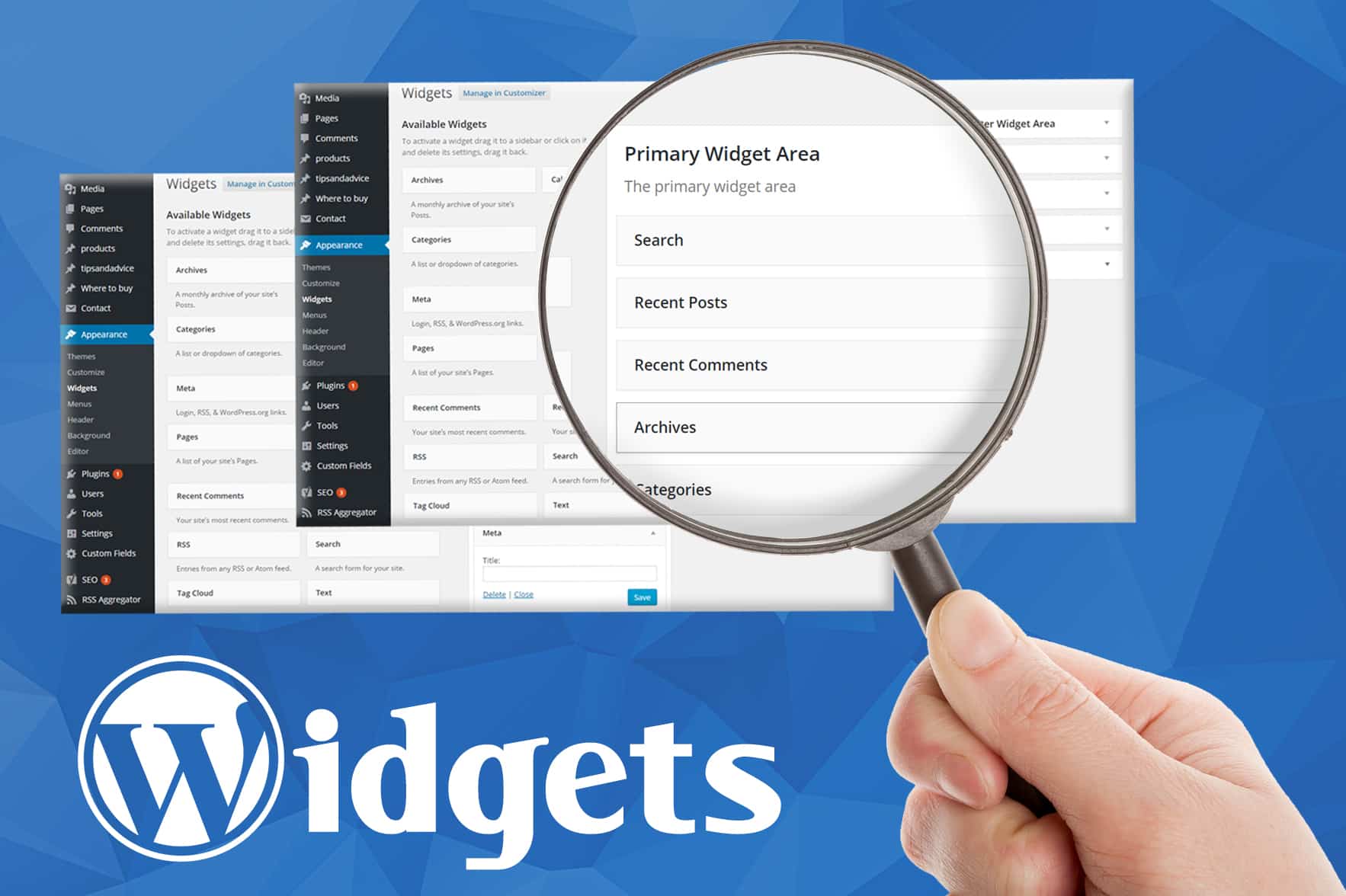
WordPress widgets are small tools. They add features to your site. Think of them like building blocks. Widgets can display recent posts or show a calendar. Some widgets let you add text or images. Others help with social media links. Widgets make your website more interactive. They are easy to use. You don’t need coding skills. Drag and drop them in your WordPress dashboard. Arrange them how you like. Customize your site with widgets. They fit in special areas called sidebars. Sidebars can be on the side or bottom of your page. Every theme has different sidebar spots. Use widgets to make your site unique. Add or remove them anytime. Find them under “Appearance” in your dashboard. Explore and play around. Widgets give your site a personal touch.
Types Of Widgets
Widgets in WordPress are small tools or content blocks. They add functionality to your site. Common types include text, image, calendar, and search widgets. These help enhance user experience by providing useful features on your website.
Default WordPress Widgets
WordPress offers many default widgets for users. These include the search bar, recent posts, and calendar. Each widget serves a unique purpose. The search bar helps find content quickly. Recent posts show the latest blog updates. The calendar displays upcoming events. Users can easily add these widgets to their site. Just drag and drop them. It’s simple and user-friendly. No coding required. Everyone can use these basic tools. They make websites better.
Third-party Widgets
Third-party widgets offer more options. Many are available online. Some are free, others cost money. They provide extra features. Examples include social media feeds and contact forms. Users can add these to enhance their site. They often come with extra settings. This allows customization. It’s easy to install them. Just follow the steps. Many websites use third-party widgets. They improve site functionality and design. They are very popular.
Adding Widgets To Your Site
The Widget Area is a special place on your site. You can add fun and useful tools here. These tools are called widgets. They make your site better and more interesting. You can find the Widget Area in your WordPress dashboard. It’s easy to use and very helpful.
The Drag and Drop method is simple. First, find a widget you like. Click on it and hold. Then, drag it to your widget area. Let go of the click to drop it there. Done! Now your widget is on your site. This method is quick and fun. Try it out today!

Credit: wpmarmite.com
Customizing Widgets
Widgets in WordPress are small blocks. They add extra features to your site. You can change their settings easily. Go to the Appearance menu and click on Widgets. Find the widget you want to change. Click on it to open settings. Change the title or other options you see. Always click Save when done. This makes sure your changes stay.
Widgets can be styled to look nice. Use the Customize option under the Appearance menu. Select Widgets. Pick the widget area you want to style. Change colors or fonts if you like. You can also add custom CSS for more changes. Remember to save your work. This keeps your site looking good.
Benefits Of Using Widgets
Widgets in WordPress simplify website customization. They allow users to easily add features like calendars, search bars, and galleries. With widgets, enhancing functionality becomes straightforward, making websites more interactive and user-friendly.
Enhancing User Experience
Widgets make websites more user-friendly. They help users find information quickly. A search bar widget lets users search for content. A calendar widget shows important dates. These tools make browsing fun and easy. Users stay longer on the site. They find what they need in less time.
Improving Site Functionality
Widgets add extra features to a site. They can show the latest news. Or they display recent posts. Social media widgets link to Facebook or Twitter. This helps visitors share content easily. Some widgets show weather updates or maps. They can also display site stats. All these make the site more useful and interactive.
Common Widget Mistakes
Adding too many widgets can make a page slow. This can confuse visitors. They might miss important details. Each widget should have a clear purpose. Avoid clutter. Focus on essential widgets that serve the page’s goals. This keeps pages clean and user-friendly. A simple page is easier to navigate.
Many people use phones to visit sites. Widgets must work well on mobile. Some widgets look bad on small screens. They can break the layout. Test widgets on different devices. Ensure they are responsive and fit well. A good mobile experience keeps visitors happy. It can also improve your site’s ranking.
Troubleshooting Widget Issues
Widgets might not show if there’s a problem. Themes or plugins can cause this. They might not be compatible. Check if your theme supports widgets. Some themes do not. Deactivate plugins one by one. See if the widget appears. This will help find the problem.
Sometimes, a plugin update causes issues. Revert to an older version. Test your site again. Always keep a backup. This prevents loss of data. Also, ensure you use the latest WordPress version. Updates fix many bugs.
Themes and plugins sometimes clash. This can break widgets. Use themes from trusted sources. They are more likely to work well. Always read plugin reviews. Check their ratings and feedback. This helps ensure compatibility.
Always update themes and plugins. This helps avoid conflicts. Developers fix bugs often. Regular updates improve compatibility. If issues persist, contact support. They can help solve complex problems.
Credit: www.greengeeks.com
Future Of WordPress Widgets
WordPress widgets help make websites better. They are small tools. These tools add functions to a site. Widgets are easy to use. You can put them in sidebars. Or in footers. Many people love using them. They make sites look cool. And useful too.
In the future, widgets will be smarter. They will do more things. Maybe they will be faster. Or more creative. Everyone will enjoy these changes. Developers are working hard. They want to make widgets better. For all users. This is good news. For everyone who uses WordPress.
Frequently Asked Questions
What Are Widgets In WordPress?
Widgets in WordPress are small blocks that add specific functions to your site. They can be placed in widget-ready areas like sidebars and footers. Widgets offer easy ways to add features like search bars, recent posts, or calendars without coding.
They’re a key part of customizing WordPress sites.
How Do Widgets Enhance WordPress Sites?
Widgets enhance WordPress sites by adding functionality and features easily. They allow users to integrate elements like social media feeds, contact forms, or galleries. Widgets improve user experience and site engagement. They help in organizing content efficiently, making your website more interactive and user-friendly.
Can I Customize WordPress Widgets?
Yes, you can customize WordPress widgets to fit your website’s design. WordPress allows you to drag and drop widgets in widget areas. Many themes and plugins offer additional widget customization options. Customizing widgets helps in maintaining brand consistency and improving the overall aesthetics of your site.
Where Can I Find WordPress Widgets?
WordPress widgets are accessible in the WordPress admin panel under Appearance > Widgets. They are also available in the Customizer. You can find additional widgets through plugins in the WordPress Plugin Directory. Some themes may include custom widgets, enhancing your site’s functionality.
Conclusion
Widgets in WordPress enhance website functionality. They simplify tasks for users. Easy to manage, they improve user experience. Widgets help organize site content. They offer flexibility in design and layout. You can add, remove, or customize widgets effortlessly. Perfect for beginners and experts alike.
Widgets ensure your site stands out. They contribute to an efficient, user-friendly site. Explore widgets for better site control. Boost your site’s engagement with effective widget use. Widgets truly transform WordPress into a versatile platform. Your website thrives with well-placed widgets.
Embrace them for a seamless online presence.


