
Imagine unlocking the full potential of your WordPress site with just a few clicks. It’s possible, and the secret lies in choosing the right plugins.
Plugins are the powerhouse tools that add functionality and flair to your website, transforming it from ordinary to extraordinary. Whether you’re looking to boost your site’s performance, enhance its security, or captivate visitors with stunning designs, there’s a plugin for that.
But with thousands to choose from, where do you start? You want to ensure you’re using the best, without overwhelming your site with unnecessary add-ons. This guide cuts through the clutter, highlighting the must-have plugins that can elevate your WordPress site to new heights. Dive in, and discover the essential plugins that could make all the difference in your website’s success.
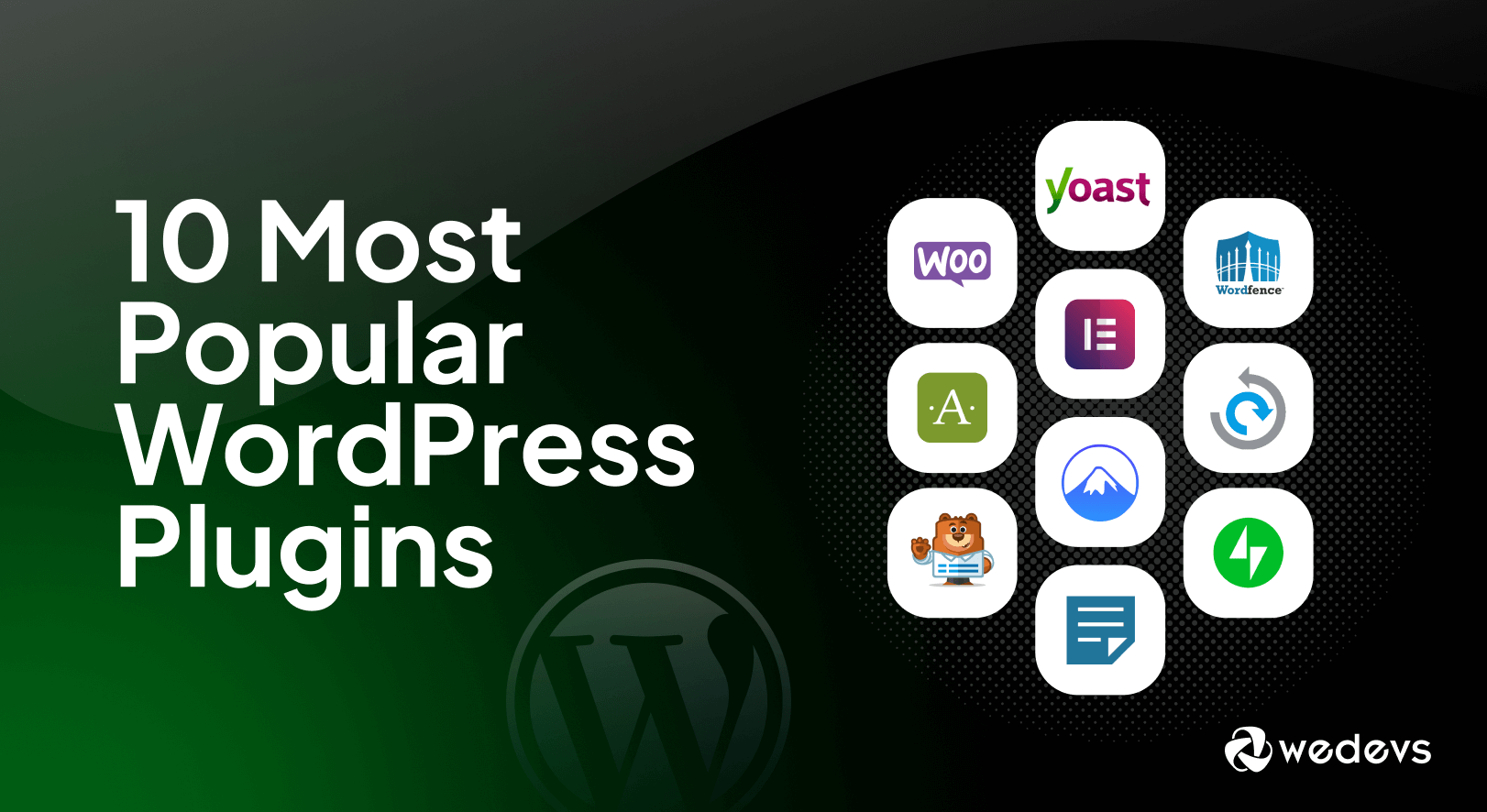
Credit: wedevs.com
Seo Optimization Plugins
Yoast SEO is a popular choice for many users. It helps with keyword optimization. Also, it offers suggestions to improve content readability. Another good plugin is All in One SEO. It supports XML sitemap creation and improves meta tags. Rank Math provides an easy interface. It helps with Google Search Console integration.
Focus on user-friendly interface. Look for plugins that offer analytics and tracking. Ensure they support social media integration. Check if they provide automatic updates. The plugins should be compatible with other tools. Customer support is also essential.
Security Plugins
WordPress security plugins are essential for safeguarding your website. These plugins protect against malware, unauthorized access, and data breaches. Popular choices include Wordfence, Sucuri, and iThemes Security, each offering features like firewall protection, malware scanning, and login security.
Essential Security Features
WordPress sites need strong security. Firewalls are a must-have. They block harmful traffic. Malware scans are important too. They help find bad software. Login protection stops hackers. It limits login attempts. Backups keep your data safe. If things go wrong, you can restore. Update alerts tell you when plugins need updates. This keeps your site secure.
Popular Security Options
Many plugins keep WordPress sites safe. Wordfence is a top choice. It has a strong firewall. Sucuri is another good option. It offers malware scans. iThemes Security is popular too. It gives many features. All In One WP Security is easy to use. It’s great for beginners. Jetpack also offers security tools. It includes backups and scans.
Performance Enhancement Plugins
Fast websites are better. They make users happy. Site speed helps in keeping visitors. A slow site can make users leave quickly. Many plugins can make your site faster. They help by reducing load times. Site speed is also important for search rankings. So, a fast site is good for everyone.
Caching plugins are useful. They save parts of your site. This makes it load faster next time. They reduce the work your site does. Optimization tools help by making images smaller. Smaller images load faster. They also clean up your database. This helps your site run smoother. Using these tools makes your site better.
Credit: kripeshadwani.com
Backup And Restore Plugins
Regular backups are very important. They keep your site safe. If things go wrong, you can fix them quickly. No need to worry about losing data. Backups are like a safety net. They catch you if you fall. Always have a backup plan. It is smart and safe.
Reliable backup solutions protect your data. They work automatically, so you do not forget. UpdraftPlus and BackupBuddy are good choices. They save copies of your site. You can store these copies in the cloud. Use Dropbox or Google Drive. It’s easy and safe. These plugins are a must for every website.
E-commerce Plugins
Boost your WordPress site with essential e-commerce plugins. WooCommerce powers your online store effortlessly. Ensure security with Wordfence. Simplify payments using Stripe. Enhance SEO with Yoast. Optimize images through Smush.
Setting Up An Online Store
WooCommerce helps to build online stores. It is very popular. Many use it for easy store setup. You can sell anything with it. Digital or physical products. The plugin is user-friendly. It has many features. Themes and extensions are available. It is free, but some add-ons cost.
Payment Gateway Integration
Accepting payments is important. Stripe and PayPal are common choices. They help receive money online. WooCommerce supports both. Users can pay securely. Transactions are fast and easy. Many countries accept them. Ensure your site is secure.
Credit: www.wpbeginner.com
Social Media Integration Plugins
Social media plugins boost social engagement. They help to share content easily. Posts reach more people. Likes and shares increase. Comments grow too. Users feel connected. They spend more time on your site. Plugins make sites interactive.
Popular platforms like Facebook, Twitter, and Instagram are key. Each plugin connects to these platforms. You can share content with ease. Updates are automatic. No need to do it manually. Visitors see your latest posts. Traffic increases.
Contact Form Plugins
Easy form builders let you create forms without coding. Many plugins have drag-and-drop features. This makes them simple to use. You can add fields like name, email, and message easily.
Some plugins offer templates. These templates help you start quickly. Change colors and text to fit your style. It’s easy to make a form look unique.
Most plugins provide customization options for your forms. You can set up email notifications for new messages. Some plugins even let you connect with other tools. This makes your website more interactive.
Analytics And Tracking Plugins
Plugins help you see what users do on your site. They track clicks, views, and time spent. This helps you understand what parts users like. You can see which pages they visit most. This information is important. It helps improve your website. Make changes based on real data. Understand what works best.
Google Analytics is a powerful tool. Plugins make it easy to connect your website. You can see reports on your dashboard. No need to switch windows. Check user data and trends easily. Track your goals and conversions. See what brings visitors to your site. This helps in making smart choices.
Page Builder Plugins
Page builder plugins help make websites unique. They allow you to design custom layouts without coding. Custom layouts make your site stand out. It’s like building with blocks. You can move blocks around the page.
Drag-and-drop features are easy to use. You click on an element. Then you move it where you want. It’s fun and simple. These features save time. You can change your site in minutes. Everyone can do it. Even kids can play with it.
Multilingual Plugins
Reaching Global Audiences is easy with the right tools. Multilingual plugins help your site speak many languages. They make your content understandable to everyone. These plugins have translation features. They change words into many languages. Users can choose their language.
These plugins also support Translation Management. This feature organizes translations. It helps you keep track of changes. You can review translations easily. You can edit them too. Some plugins let you hire translators. This means you get professional help.
Multilingual plugins can help your site grow. They reach new people. They make your site friendly to global users. They are a must-have for any site aiming for worldwide reach.
Frequently Asked Questions
What Are Essential Plugins For WordPress?
Essential plugins enhance your WordPress site’s functionality. Popular choices include Yoast SEO, for optimizing content, and WooCommerce, for eCommerce. Jetpack offers security features, while Elementor provides easy design tools. Akismet helps filter spam comments. These plugins are vital for efficient management and improved user experience.
How Do Plugins Affect WordPress Performance?
Plugins can impact site performance positively or negatively. Well-coded plugins improve functionality without slowing down your site. However, using too many or poorly designed plugins can cause slow loading times. Regularly update and review plugins to ensure optimal performance and avoid compatibility issues.
Are Security Plugins Necessary For WordPress?
Security plugins are crucial for protecting WordPress sites from threats. Popular options include Wordfence and Sucuri, which offer firewall protection and malware scanning. They help safeguard your site against hacking attempts. Regular updates and strong passwords also enhance security measures, ensuring your site’s safety.
Can Plugins Help With Seo Optimization?
Plugins like Yoast SEO are essential for optimizing your WordPress site. They assist in improving meta tags, keyword usage, and readability. These tools guide you in structuring content effectively for search engines. With proper optimization, your site can achieve higher rankings and increased visibility.
Conclusion
WordPress plugins enhance your website’s functionality. They simplify tasks and improve performance. Essential plugins boost security, optimize speed, and enhance user experience. Choose plugins that match your site’s needs. Keep them updated for best results. Plugins can transform your WordPress experience.
They make management easier. So, explore various plugins available. Select those that offer real value. Remember, plugins are tools. Use them wisely to improve your site. Your choice affects your website’s success. So, invest time in selecting the right plugins.
The right plugins make a big difference.


