
Have you ever wondered how secure your WordPress site really is? With countless websites falling victim to cyberattacks, it’s crucial to know what default security settings WordPress offers to protect your site from potential threats.
As a website owner, ensuring your site’s safety should be a top priority. But don’t worry, you don’t need to be a tech wizard to understand the basics of WordPress security. We’ll dive into the default security settings that WordPress provides right out of the box.
You’ll discover how these settings work to shield your site and what you can do to enhance them. By the end, you’ll have a clearer picture of how to keep your WordPress site safe and secure, giving you peace of mind and allowing you to focus on what you do best—creating amazing content. Keep reading to empower yourself with the knowledge you need to protect your digital space.
Core Security Features
WordPress offers automatic updates for security. This means your site stays safe. Updates happen for minor changes. You don’t need to click anything. The updates help fix bugs and improve safety. Keeping your site updated is very important.
Login protection is a key feature. WordPress limits login attempts. This protects against hacking. Too many tries mean a lockout. A locked account helps keep bad people out. Always use a strong password. This makes your site even safer.
File Permissions
Protecting your WordPress files is important. The recommended settings for file permissions help keep your site safe. Files should have a permission of 644. This means you can read and write, but others can only read. Folders should have a permission of 755. This allows you to read, write, and execute. Others can read and execute only. These settings prevent unwanted changes to your files.
Incorrect file permissions can lead to security risks. If files have a permission of 777, anyone can change them. This is very dangerous. Hackers can add malicious code easily. Weak permissions can expose your site to attacks. Always check your file settings. Ensure they are set correctly. Regular checks can prevent vulnerabilities.
Database Security
WordPress uses a default table prefix. This prefix is wp_. Changing the prefix can help with security. Hackers often know the default prefix. Use a custom prefix to make it harder for them. A unique prefix adds an extra layer of protection. It makes your database less predictable.
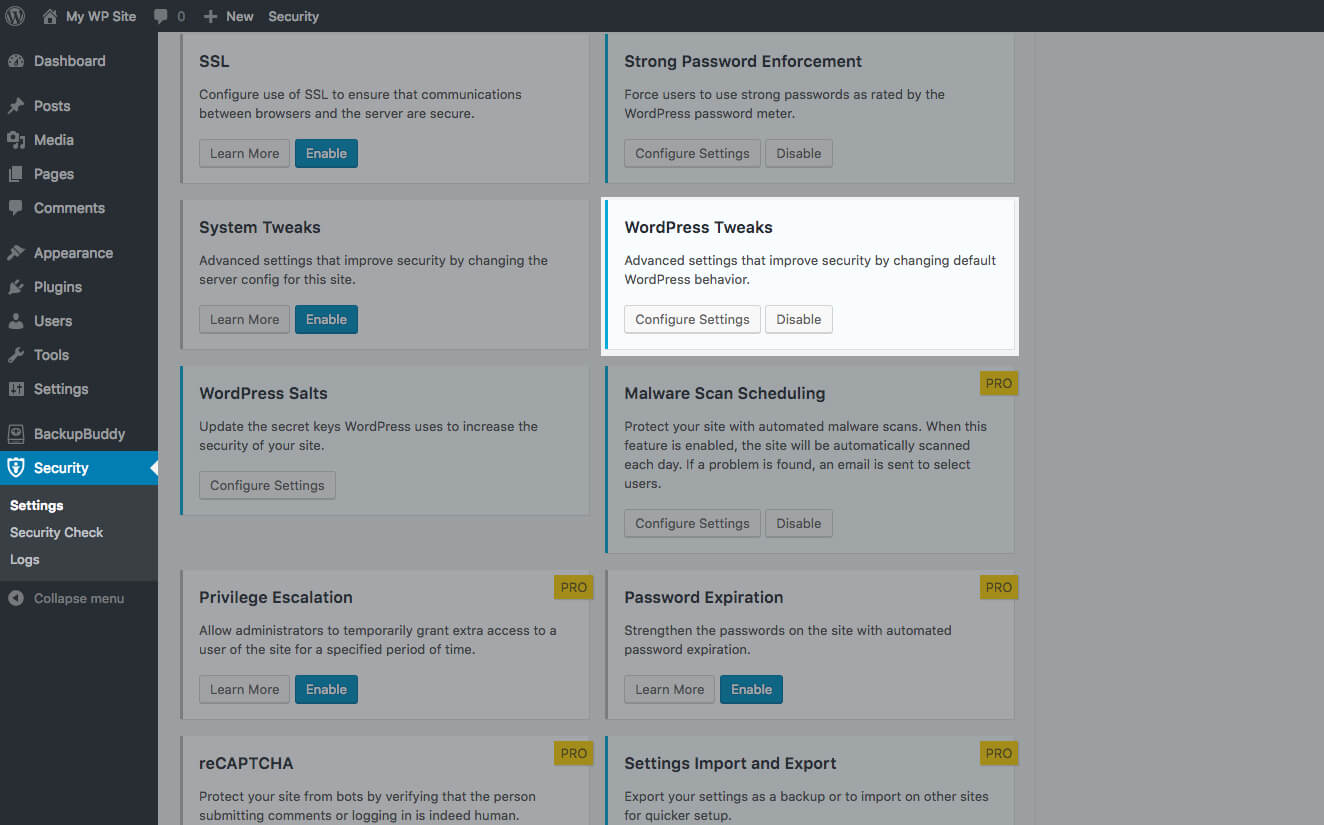
WordPress supports secure connections. These are called SSL connections. SSL keeps data safe. It protects information from hackers. Always use HTTPS instead of HTTP. This ensures data is encrypted. Many web hosts offer free SSL certificates. It’s important to enable SSL for your site. It builds trust with your users. It keeps their data secure.
Credit: solidwp.com
User Roles And Capabilities
WordPress sets default security with specific user roles. These roles define what each user can do on the site. Administrators have full control, while others have limited access, ensuring site safety.
Default Roles
WordPress has default roles for users. These roles help manage website tasks. Each role has different permissions. The main roles are Administrator, Editor, Author, Contributor, and Subscriber. An Administrator can do everything on the site. An Editor can manage and publish posts. Authors can write and publish their own posts. Contributors can write but not publish. Subscribers can only read and comment.
Custom Capabilities
Custom capabilities let you fine-tune user permissions. These are unique actions users can perform. For example, a user can edit posts or upload files. Custom capabilities help you control what each role can do. This way, the site remains secure. You can add or remove capabilities as needed. Always ensure users have the right level of access.
Password Policies
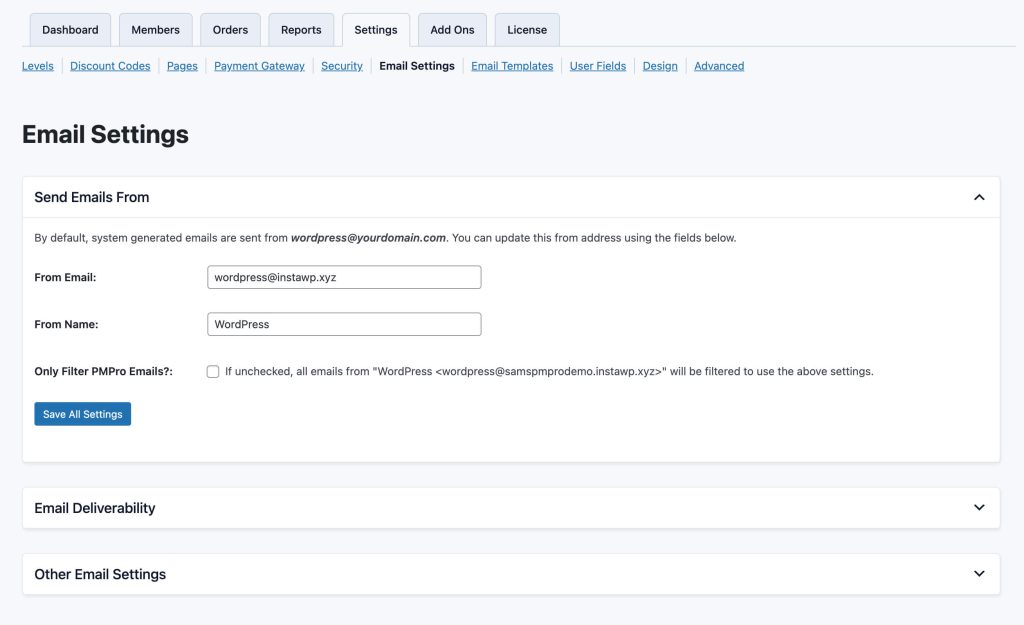
WordPress has some rules for passwords. Passwords must be strong. They should have letters, numbers, and symbols. Using both upper and lower case is good. This makes it hard for bad people to guess passwords. Simple words are not safe. So, use a mix of different characters. This keeps your website safe.
WordPress does not force password changes. But changing passwords often is smart. It helps keep your account secure. Old passwords can be risky. People should set reminders to update them. This way, accounts stay safe from hackers. Always use a new password. Reusing old ones is not safe.
Credit: www.paidmembershipspro.com
Security Plugins
WordPress comes with some security features. These built-in options help keep your site safe. One is the login attempt limit. It stops many tries to guess your password. Another is the two-factor authentication. This adds an extra step when logging in. Auto-updates for plugins and themes also help. These updates fix bugs and holes. WordPress also has a default role system. It controls what users can do on your site. These features are simple but important. They give basic safety to all sites.
Many plugins can boost security. Third-party plugins offer extra tools. They can scan for malware and block bad traffic. Some plugins have firewalls. Firewalls keep out harmful visitors. Others offer backup options. Backups save your site data. If something goes wrong, you can restore it. Some plugins send alerts for suspicious actions. These alerts help you act fast. Choosing the right plugin is important. It makes your site safer. Always check reviews before adding plugins.
Ssl And Https
WordPress uses SSL certificates to keep data safe. This means data between your site and users stays private. Encryption turns information into secret codes. Bad people can’t read it. This is like a lock on your house. Only the right key opens it. Many hosting companies give free SSL. This makes your site use HTTPS. It’s a safer form of HTTP.
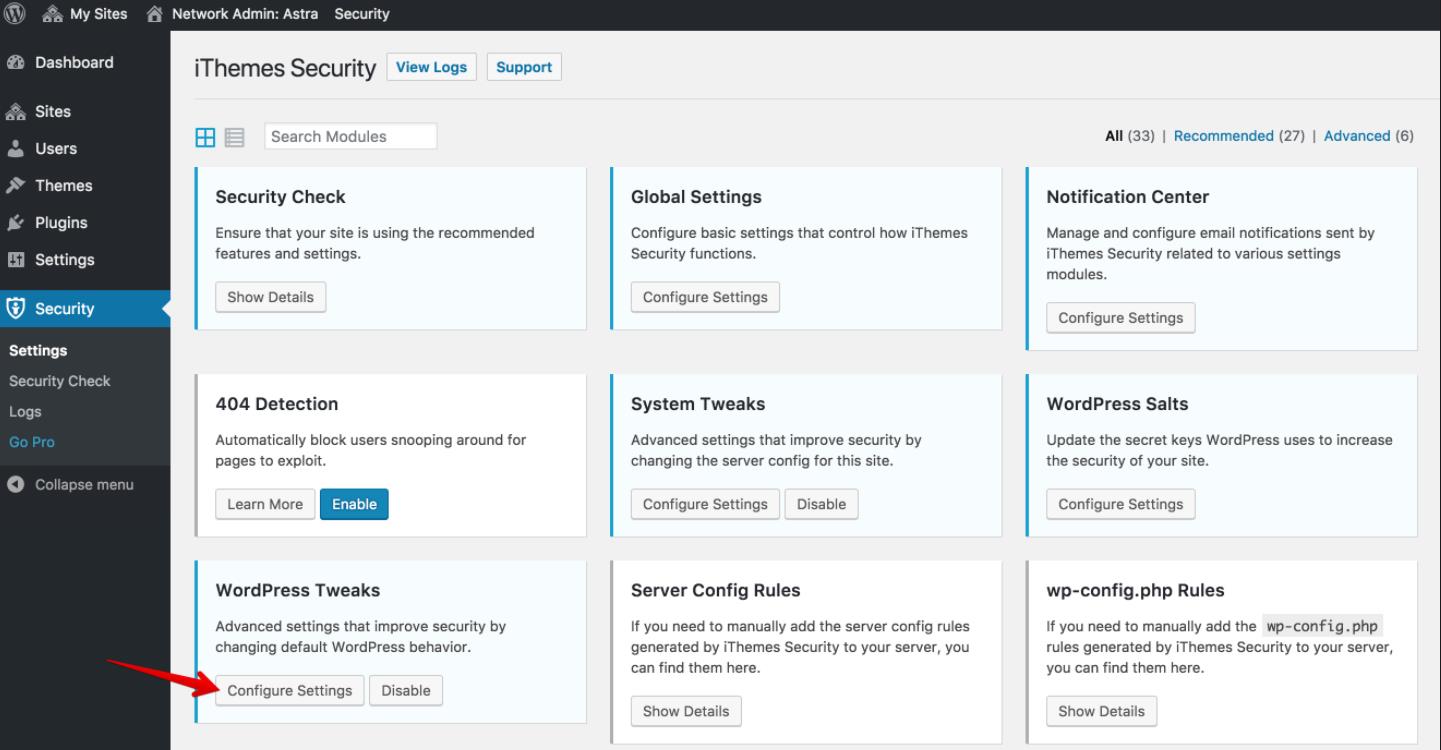
For stronger security, you can change settings. Advanced options let you control SSL better. Some plugins help with this. They offer more features. These include forced HTTPS for every page. This ensures every visitor stays safe. You can also block unsafe connections. This stops bad people from accessing your site. With these tools, your site becomes a safe place for users.
Error Reporting And Debugging
WordPress keeps a log of errors and warnings. This helps in finding problems. Logs are stored in a file called error_log. You can find it on your server. Logs tell what went wrong. It also shows where the problem is. This is useful for fixing issues.
Logging can show important information. Hackers might use this to attack. So, keep your logs safe. Do not show them to everyone. Make sure only trusted people see them. Use strong passwords for your server. This keeps your logs secure. Always update WordPress and plugins. This closes security holes.
Credit: wpportfolio.net
Frequently Asked Questions
What Are WordPress Default Security Settings?
WordPress default settings include strong password enforcement, automatic updates, and basic file permissions. These settings help protect your site from unauthorized access. Regularly updating plugins and themes is crucial for security. Utilizing built-in features and best practices can enhance overall security.
How Does WordPress Handle User Roles Securely?
WordPress assigns roles like Administrator, Editor, and Subscriber to manage access levels securely. Each role has specific permissions to ensure safety. The Administrator has full access, while other roles have limited capabilities. This hierarchy helps prevent unauthorized actions and maintains security integrity.
Are WordPress Updates Automatic?
Yes, WordPress automatically updates minor versions for security. This feature helps protect sites from vulnerabilities. However, major updates require manual intervention. Regular updates are essential for maintaining security and functionality. It’s advisable to check settings to ensure automatic updates are enabled.
Does WordPress Secure Login Attempts?
WordPress secures login attempts by allowing strong passwords and limiting login retries. Plugins can further enhance security by adding captcha or two-factor authentication. These measures protect against brute force attacks. Monitoring login activity helps identify suspicious behavior and maintains site security.
Conclusion
WordPress provides basic security settings out of the box. These settings help protect your site initially. Regular updates are crucial for maintaining security. Strong passwords add an extra layer of safety. Backups ensure you don’t lose data. Installing trusted plugins is important.
They prevent potential security risks. Monitoring your site helps spot issues early. Consider using additional security plugins for enhanced protection. Regular checks and maintenance keep your site secure. Stay informed about the latest security practices. This ensures your WordPress site remains safe and reliable.
Always prioritize your website’s security. It’s essential for a smooth online experience.


