
Are you looking to give your WordPress site a fresh, eye-catching look without breaking the bank? Choosing the right layout is crucial for making a great first impression and keeping your visitors engaged.
But with so many options out there, how do you know which ones are the best? You’re not alone in this quest, and you’re in the right place to find the solution. Imagine having access to stunning, professional-looking layouts that are completely free.
These layouts can elevate your website’s design, enhance user experience, and even boost your online presence. Dive into this article to discover the top free WordPress layouts that can transform your site from ordinary to extraordinary. You’ll be amazed at how easy and effective it can be to revamp your site without spending a dime.
Credit: www.templatemonster.com
Popular Free Layouts
Beginners love simple layouts. They are easy to use. Astra is a top pick. It loads fast. Neve is another choice. It is very flexible. Both have many free features.
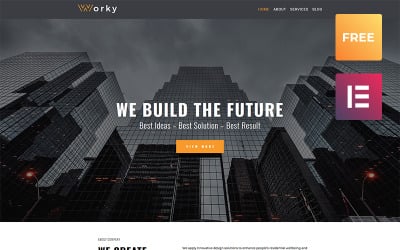
Business sites need a clean look. Sydney is perfect. It has a professional style. Hestia is also popular. It offers a modern touch. Both are easy to customize. They look great on all devices.
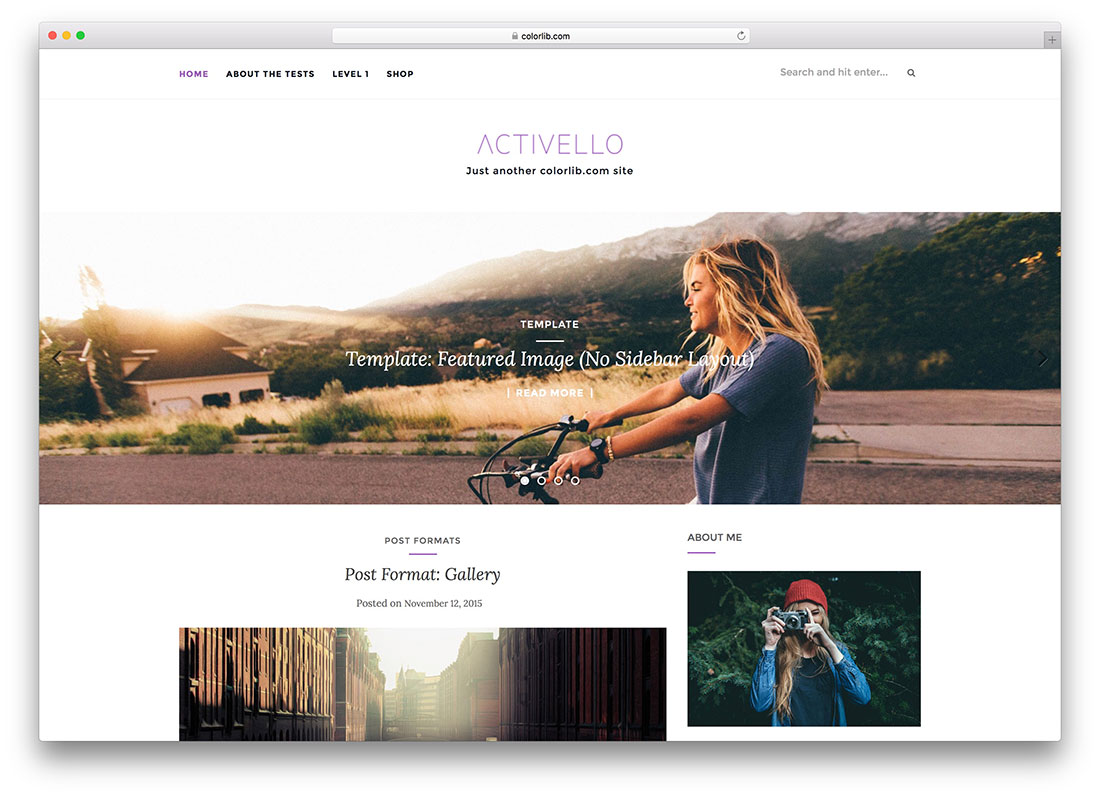
Creative minds need special layouts. OceanWP is a good option. It works well for artists. Zakra is versatile too. It is perfect for blogs. Both offer stylish designs. They help showcase your work beautifully.
Credit: colorlib.com
Responsive Design Features
Your website should look good on any device. Many free layouts offer mobile-friendly designs. These designs fit well on small screens. Users can read content easily. Buttons are easy to click. Images load fast. This keeps visitors happy. They will stay longer on your site.
You can change many things in free layouts. This makes your site unique. Colors, fonts, and images can be customized. This helps your brand stand out. Change layouts to fit your needs. Add your logo and special buttons. Make your site look just like you want.
Good layouts help your site rank high. They have SEO-friendly features. These include clean code and fast speed. This helps search engines find your site. Visitors find your site easily. Your site gets more traffic. This can lead to more success.
Ease Of Use
Drag-and-drop builders make creating websites easy. You move parts where you want. No coding needed. It’s simple for beginners. Just click, drag, and drop. Build your site fast.
WordPress layouts often have user-friendly interfaces. These interfaces are clear and easy to navigate. They help users find options quickly. Clear menus guide users step by step. Everyone can use these without confusion.
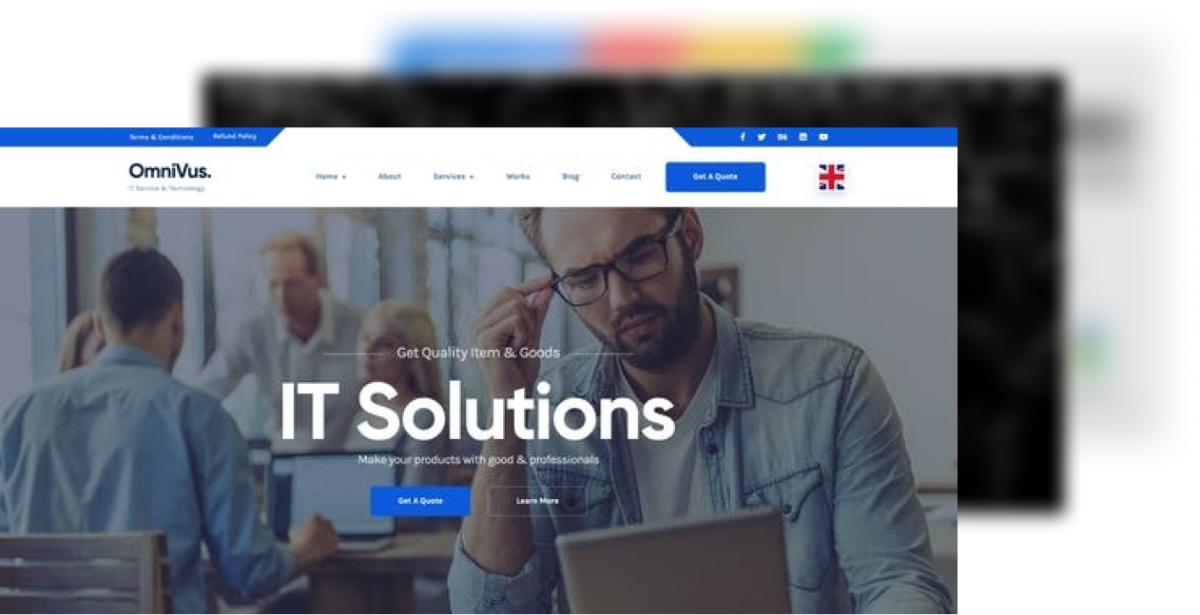
Pre-made templates save time. Choose a template and start building. Templates provide a ready-made design. You don’t need to create from scratch. Pick one and customize it. It’s a fast way to get your site online.
Credit: themeforest.net
Community And Support
Active user forums are a big help. Users talk and share tips. They answer questions and solve problems. These forums make learning fun and easy. Everyone can join and learn together. It’s like a big family helping each other.
Developer resources are handy tools. They guide you to build and fix things. Many free layouts come with these resources. They help you make your site better. Developers share codes and ideas. This makes building a website simple.
Regular updates keep everything fresh. They fix bugs and add new features. Updates are free and easy to install. Your site stays safe and fast with updates. Enjoy new tools and designs often. Keep your website running smoothly.
Integration Capabilities
Many WordPress layouts work well with plugins. This makes websites more useful. Some layouts have special designs for popular plugins. This keeps your site running smoothly. Choose a layout that supports most plugins. It will make your site better.
Social media buttons are important for sharing content. Some free WordPress layouts have these buttons built-in. Others need plugins to add them. Easy social media access helps visitors share your posts. This can bring more people to your website.
Many layouts have e-commerce features for selling online. They support WooCommerce, a popular plugin. This helps set up an online store quickly. Look for layouts with shopping cart and product display features. They make online shopping easy for customers.
Performance And Speed
Fast websites make visitors happy. Optimized loading times are key to this. Some themes load very fast. They use smart code. This helps pages appear quickly. Time matters when users wait.
Many layouts offer caching support. This saves parts of the site. The next visit is faster. No need to load everything again. It saves time for the user.
Lightweight designs are simple. They don’t use heavy graphics. This means faster loading. Users won’t wait long. They see the site content quickly.
Frequently Asked Questions
What Makes A WordPress Layout The Best?
A great WordPress layout is responsive, user-friendly, and customizable. It should enhance site functionality and improve user experience. Look for layouts that offer seamless integration with plugins and have a clean, modern design. The best layouts often come with robust support and frequent updates to ensure compatibility and security.
Are Free WordPress Layouts Customizable?
Yes, many free WordPress layouts are highly customizable. They often offer options for changing colors, fonts, and layouts. Some also allow for widget areas and custom headers. While free layouts might have fewer features than premium ones, they can still be tailored to fit your brand and needs.
How Do I Choose The Right Free Layout?
Choose a layout that aligns with your site’s purpose and audience. Consider the design, features, and ease of use. Check for mobile responsiveness and compatibility with popular plugins. Reading reviews and testing demos can also help you make an informed decision.
Prioritize layouts with good support and updates.
Can Free Layouts Impact Site Speed?
Yes, free layouts can affect site speed. Lightweight, well-coded layouts are preferable as they load faster. Avoid layouts with unnecessary features or excessive scripts. Fast-loading layouts enhance user experience and can improve SEO rankings. Regularly test your site’s speed and optimize images and plugins for better performance.
Conclusion
Exploring free WordPress layouts can enhance your website’s design. You get many options to fit your style and needs. Choose layouts that match your brand and content. Test different designs to find what works best. Keep your audience in mind for better user experience.
Free layouts offer flexibility without cost. Regular updates ensure security and new features. With the right layout, your site looks professional and inviting. Start with a simple design and grow from there. Enjoy building your website with these great tools.


