
Have you ever stumbled upon random folders in your WordPress site and wondered what they are all about? You’re not alone.
These mysterious folders can be perplexing, especially if you’re aiming to keep your site organized and running smoothly. But fear not, because understanding them can lead to a more optimized and efficient website. Imagine a clutter-free digital space where everything is in its rightful place.
Knowing the purpose and function of these random folders not only helps you maintain your site but also ensures that it’s secure and performing at its best. As you dive deeper into this article, you’ll uncover the secrets behind these folders and learn how to manage them effectively. Don’t let random folders disrupt your WordPress experience. By the end of this read, you’ll gain the clarity you need to take control of your site’s structure and functionality, making your online presence stronger and more reliable. Ready to demystify your WordPress site? Let’s get started!
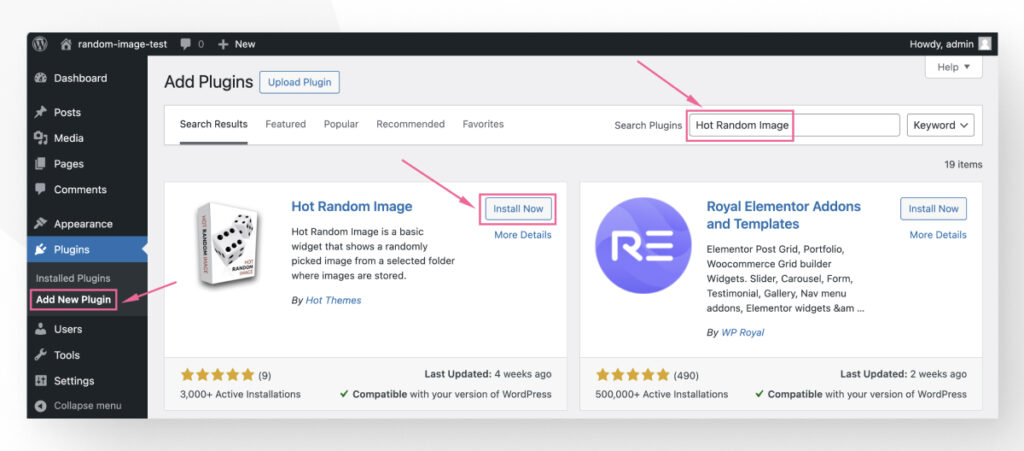
Credit: wcanvas.com
Identifying Random Folders
Random folders in a WordPress site can appear in many places. The wp-content folder is a frequent spot. Here, themes and plugins live. Sometimes, new folders show up inside it. The uploads directory is another common location. Files you add to your site go here. Random folders might appear in wp-includes too. This is where WordPress core files are stored. Always keep an eye on these areas.
Random folders often have strange names. Some might include random letters or numbers. Others may mimic legit folder names. For example, wp-temp or backup123. These can look harmless. But they may hide dangerous files. Always check for names that seem unusual. If the name looks odd, it might be a random folder.
Causes Of Random Folders
Theme and plugin installations can create random folders. Every time you add a new theme, it adds files. These files sometimes end up in different folders. Plugins work the same way. They create folders for their own files. Not all plugins clean up after removing them. This leaves behind unused folders. Regular checks can help in managing these folders.
Updates can lead to extra folders. Every update might need new files. These files get placed in new folders. Backups also create folders. They store copies of your site. These folders can take up space. It’s important to manage backups. Remove old ones to free up space.
Security breaches can cause unwanted folders. Hackers might upload files to your site. These files often hide in new folders. Regular security checks can help. Keep your site safe. Remove any unknown folders. This keeps your site clean and secure.
Impact On Website Performance
Random folders can take up a lot of space. This can lead to storage issues on your server. With less space, your website might run into problems. Important files may not save properly. This can cause frustration for website owners. It’s important to manage these folders. Keeping your storage clean helps your site run better. Regular checks are a good habit. They help find and remove unnecessary files. This keeps storage under control.
Extra folders can slow down your site. Each folder can add to the loading time. This makes your site slower for visitors. A slow site can make people leave. They might not come back. Fast sites keep visitors happy. They find what they need quickly. It’s smart to clean up random folders. This helps your site stay fast. Fast sites are better for everyone. Keep your site speedy and visitors will enjoy it more.

Credit: www.joomunited.com
Methods For Investigation
A file manager helps you see all files and folders. Open your website’s file manager. Look for any folders you don’t remember. Note their names. This tool lets you check each folder. See what’s inside. This helps you find out why it’s there. Delete if it’s not needed. But be careful. Don’t delete important folders.
The WordPress dashboard is a useful place. Go to the dashboard to check tools. Use the tools to find any strange folders. Plugins can create folders. Check the plugins section. Look for new or unknown plugins. Disable them to see if folders disappear. This helps keep your site clean. Always update your plugins. This keeps unwanted folders away.
Steps For Folder Removal
Always create a backup before deleting folders. Use plugins like UpdraftPlus for simple backups. Save backups in a safe place. This prevents data loss. Check the backup files. Make sure they are complete. Test restore the backup. Confirm its reliability.
Identify the random folders first. Use FTP tools like FileZilla. Navigate to the folder location. Ensure it’s not a needed folder. Delete only unnecessary folders. Check for any changes on your site. Make sure everything works fine. If something breaks, use your backup to fix it.
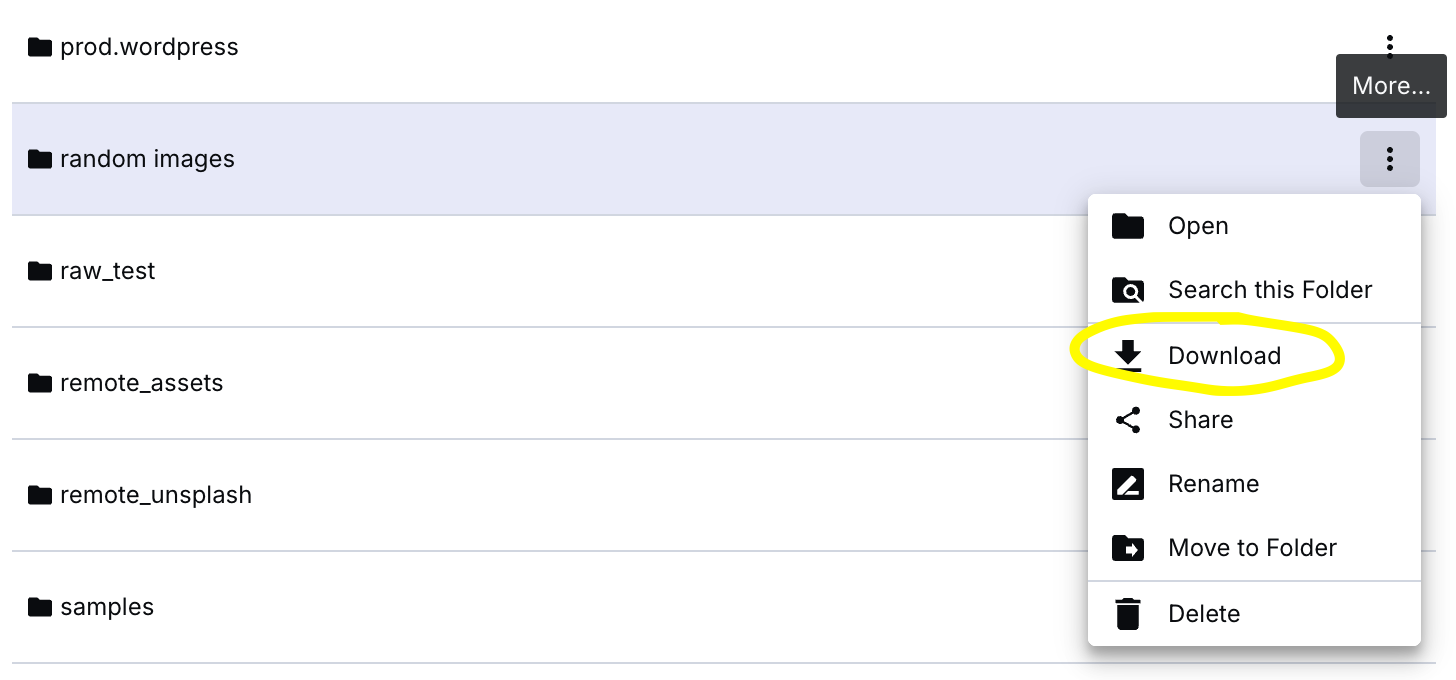
Credit: support.cloudinary.com
Preventing Future Occurrences
Random folders in a WordPress site often appear due to plugin or theme issues. Regular maintenance and careful plugin installation help prevent these occurrences. Keeping your WordPress site clean and organized ensures better performance and security.
Regular Maintenance
Regular maintenance is key for a healthy WordPress site. Always update plugins and themes. This helps fix bugs and close security holes. Don’t forget to remove unused plugins. They might become a security risk later. Regularly back up your site too. Backups save your data if something goes wrong.
Security Enhancements
Enhancing security keeps your site safe. Use strong passwords for all accounts. This makes it hard for hackers to guess them. Install a reliable security plugin. It adds a strong layer of protection. Always keep your WordPress version up to date. New versions fix security issues. Limit login attempts to stop brute-force attacks. This is a simple but effective step. Enable two-factor authentication for extra safety. Two steps mean more security.
Frequently Asked Questions
Why Do Random Folders Appear In WordPress?
Random folders in WordPress can appear due to plugins, themes, or scripts creating temporary files. Sometimes, backups or caching plugins generate these folders. Regularly check your site to identify and remove unnecessary folders. This helps maintain site performance and security.
Are Random Folders Harmful To My Site?
Random folders are usually harmless but can lead to clutter and disorganization. They may slow down your site if they contain large files. Always monitor them to ensure they don’t affect site performance or security. Regular maintenance can help keep your site optimized.
How Can I Find Random Folders In WordPress?
You can find random folders by accessing your WordPress site’s file manager. Use FTP or your hosting control panel to navigate folders. Look for unfamiliar names or locations. Regularly check these folders to ensure your site remains clean and organized.
Should I Delete Random Folders In WordPress?
Deleting random folders depends on their contents and importance. If they’re unnecessary or unused, remove them to free up space. Always back up your site before deleting. This ensures you don’t lose important data or affect site functionality accidentally.
Conclusion
Random folders in WordPress are a common issue. They clutter your site. They may slow it down. Regular checks help find these folders. Deleting unnecessary ones keeps your site clean. Use plugins to manage files. Backup your site before making changes.
This ensures safety. Stay organized. A tidy WordPress site performs better. Your visitors enjoy faster load times. You gain more engagement. A clean site is a happy site. Keep an eye on your folders. Regular maintenance makes a difference. Embrace simplicity for better results.
Your WordPress site will thank you.


