
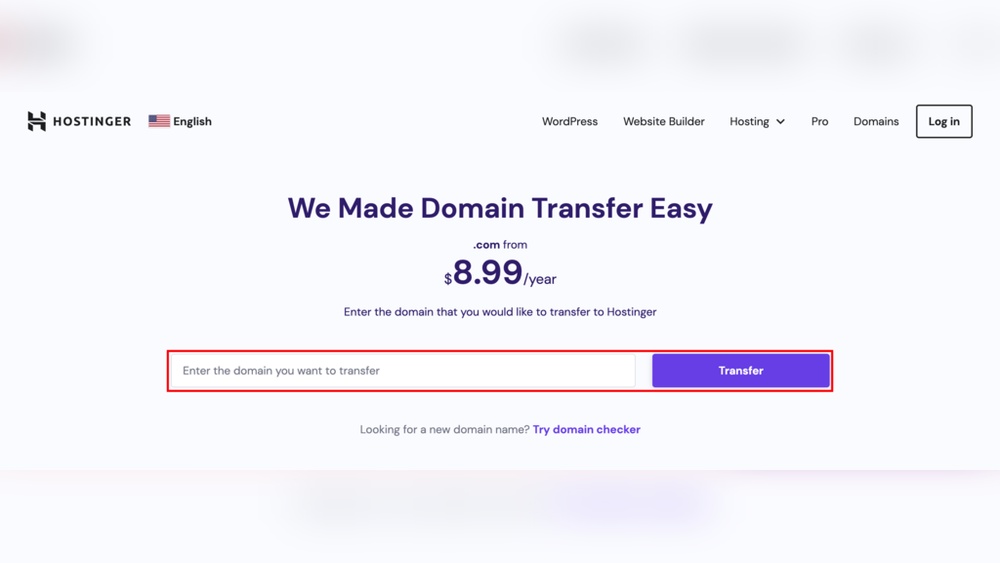
If you’re planning to move your website, you might be wondering: should you transfer your domain registration first or your website hosting first? The order you choose can make a big difference in keeping your site live and avoiding downtime.
You want a smooth switch without losing visitors or emails. You’ll discover the best step-by-step approach to make your website transfer seamless and stress-free. Keep reading to learn exactly what to do and why it matters for your online presence.
Domain Registration Vs Hosting
Understanding the difference between domain registration and website hosting is important. Both are essential for making your website live on the internet. Each serves a unique role, but they work closely together to deliver your site to visitors.
Key Differences
Domain registration is about securing your website’s name. It gives your site a unique address like example.com. This name helps people find your site easily.
Website hosting stores your site’s files and data. It keeps your website content on a server that runs 24/7. Hosting makes your website accessible anytime and anywhere.
How They Work Together
Domain registration points visitors to your website hosting. When someone types your domain name, it connects to the hosting server. The server then shows the website content stored there.
Both must be active for your website to work properly. You can register a domain without hosting, but the site won’t load. Hosting without a domain means visitors must use an IP address, which is hard to remember.
Benefits Of Transferring Domain First
Transferring your domain first gives you full control over your website’s address. You keep the power to decide when and how your domain points to your new hosting.
This step helps avoid confusion during the switch. It creates a clear start for your website’s move to a new host.
Ensuring Domain Control
Moving the domain first ensures you control the domain settings. You can change the DNS records without delay.
This control stops others from changing your domain or causing problems. You stay the boss of your website’s name.
Avoiding Downtime
Transferring the domain first helps prevent website downtime. Your visitors still reach your site without interruptions.
The domain points to the old host until you update it. This keeps your site live while you prepare the new hosting.
Advantages Of Moving Hosting First
Moving your website hosting first has clear benefits. It lets you prepare your site on the new server before changing anything else. This approach reduces risks and keeps your website stable. You get time to fix issues and check everything works well. Let’s look at key advantages of moving hosting first.
Testing Website Stability
Transferring hosting first gives a safe space to test your website. You can check if all pages load correctly. This step finds errors early. It helps avoid downtime for visitors. You can adjust settings without affecting your live site. Testing stability protects your site’s user experience. It also ensures smooth performance after the move.
Easier Migration
Switching hosting first simplifies the migration process. You move your files and databases without rushing. This order avoids confusion between domain and hosting changes. You keep control over your website’s data. It lowers the chance of losing information. Migrating hosting first means the domain still points to your old site. Visitors won’t see a broken site during the switch. This method makes the whole process cleaner and safer.
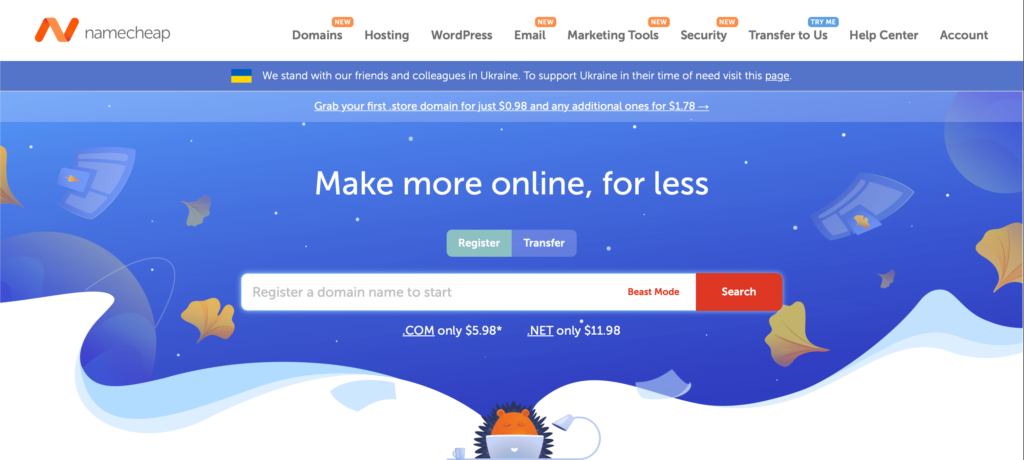
Credit: booklinker.com
Risks Of Transferring Domain First
Transferring your domain registration before moving your website hosting carries some risks. These risks can interrupt your online presence and cause unexpected issues. Knowing these risks helps you plan better.
Potential Email Disruptions
Your email service may stop working during the transfer. Emails might not reach your inbox or get lost. This happens because domain settings control email routing. Changing registrars can pause these settings. Expect some downtime for email until the transfer finishes.
Propagation Delays
After transferring, domain information must update worldwide. This update process is called propagation. It can take hours or even days. During this time, visitors might see an old or broken website. These delays can hurt your business and user experience. Patience is key while waiting for full propagation.
Risks Of Moving Hosting First
Moving your website hosting before transferring your domain registration can lead to problems. This process involves risks that could affect your website’s availability and data safety. Understanding these risks helps you avoid downtime and data loss during the switch.
Temporary Website Inaccessibility
Switching hosting first may cause your website to go offline temporarily. This happens because your domain still points to the old host’s server. Visitors will see errors or broken pages until the domain points to the new hosting server. This downtime can hurt user experience and reduce site traffic.
The time it takes for domain changes to update can vary. Sometimes, it takes hours or even days for the internet to recognize the new hosting. During this period, your website may be unreachable for many users.
Data Loss Concerns
Moving hosting before domain transfer risks losing website data. Files, databases, and emails might not fully copy to the new host at first. If you delete data from the old host too soon, recovery becomes difficult or impossible.
Errors during migration can cause missing pages or broken features. Backups are essential but may not always restore everything perfectly. The safest way is to confirm a full and secure data transfer before making any changes to your domain.

Credit: www.takecontrolbooks.com
Step-by-step Transfer Process
Transferring your domain and website hosting can feel complex. Breaking it down into clear steps makes the process smoother. Follow this step-by-step guide to move your domain and hosting without losing data or time.
Preparing Domain For Transfer
Start by unlocking your domain at your current registrar. This step allows the domain to be transferred. Obtain the authorization code, also called EPP code. You will need this code to approve the transfer with the new registrar. Check that your domain contact details are up to date. This ensures you receive important transfer emails. Disable any privacy protection services temporarily. These can block transfer confirmation messages.
Backing Up Website Data
Create a full backup of your website files. Save databases, images, and all content. Use your hosting control panel or FTP to download files. Export your website database using tools like phpMyAdmin. Store the backup safely on your local device or cloud storage. This protects your site in case of issues during migration.
Executing Hosting Migration
Set up hosting with your new provider. Upload your website files and import databases. Test your site using a temporary URL or staging environment. Check all pages, images, and functions work correctly. Adjust settings like email accounts and SSL certificates. Confirm your website is fully functional before switching the domain.
Completing Domain Transfer
Initiate the domain transfer with your new registrar. Enter the authorization code you got earlier. Approve transfer requests sent to your email. Transfers usually take a few days to complete. Avoid making changes to your domain settings during this time. Once done, update your DNS records if needed. Your domain will now point to the new hosting provider.
Tips To Avoid Downtime
Avoiding downtime is important when transferring domain registration or website hosting. Downtime means your website is not accessible to visitors. This can hurt your business and frustrate users. Planning carefully helps keep your site online during the switch.
Small steps make a big difference. Here are tips to manage the process smoothly and avoid interruptions.
Dns Settings Management
DNS settings tell the internet where your website lives. Changing domain or hosting can affect these settings. Keep your current DNS records active until the new setup works well. This stops visitors from reaching a broken site.
Check TTL (Time to Live) values before starting. Set them low a day before the transfer. Low TTL makes changes update faster. After the transfer, return TTL to a normal value to avoid extra load.
Scheduling Transfers Strategically
Pick a time when your site has less traffic. Night or weekend hours work best. This reduces the impact on users.
Allow enough time for DNS changes to spread worldwide. It can take up to 48 hours. Start the transfer early and test your site from different devices. This helps catch any problems quickly.

Credit: wordpress.com
When To Transfer Both Simultaneously
Transferring domain registration and website hosting at the same time can save effort and time. This process suits certain situations but needs careful planning. Doing both transfers simultaneously reduces downtime and keeps your site running smoothly.
Suitable Scenarios
Simultaneous transfer works well when you change your website provider. It helps keep everything in one place. Also, when you want to update both domain and hosting for better service, this option fits.
This method suits those who want to simplify management. It is useful for people who can handle technical tasks or have support. When your current host and registrar support quick transfers, doing both at once is smart.
Precautions To Take
Backup your website and emails before starting. This step protects your data from loss. Make sure you have the login details for both domain and hosting accounts. Check your new provider’s instructions carefully.
Plan the timing to avoid traffic loss on your site. Keep your old hosting active until the new one works. Confirm the domain transfer does not lock your site. These steps reduce risks during the move.
Common Mistakes To Avoid
Transferring your domain registration and website hosting requires careful planning. Mistakes can cause downtime or loss of data. Avoiding common errors keeps your website safe and online. Here are some key mistakes to watch out for.
Ignoring Expiry Dates
Check the expiration dates of both domain and hosting. Letting either expire can cause your website to go offline. Renew early to avoid interruptions. Never assume automatic renewal is active without confirmation. Keep reminders to stay ahead of deadlines.
Neglecting Backup Procedures
Always backup your website before starting any transfer. Backups protect your data from accidental loss. Save copies of files, databases, and emails. Test your backup to ensure it works properly. Skipping backups risks losing important content forever.
Frequently Asked Questions
Should I Transfer Domain Registration Or Hosting First?
It’s best to transfer website hosting first to avoid downtime. Once your site runs smoothly on the new host, transfer the domain registration. This sequence ensures continuous website availability during the transition.
Can Domain Transfer Affect Website Hosting?
No, domain transfer doesn’t directly affect hosting. Hosting controls where your website files live, while domain registration manages your website address. Proper coordination ensures seamless website access during domain transfer.
How Long Does Domain Transfer Take Compared To Hosting?
Domain transfer usually takes 5-7 days, while hosting migration can be completed in hours. Hosting transfer is quicker but requires careful site setup. Plan accordingly to minimize downtime during both processes.
Will Transferring Domain First Cause Website Downtime?
Transferring the domain first can cause downtime if DNS isn’t updated promptly. It’s safer to move hosting first, then transfer the domain to maintain site accessibility without interruptions.
Conclusion
Choosing whether to transfer your domain registration or website hosting first depends on your needs. Transferring the domain first helps keep your website accessible during hosting changes. Moving hosting first can speed up site updates but may cause downtime. Plan carefully and back up your data before starting.
Take small steps to avoid errors. This way, you keep your site live and secure. Remember, clear planning makes the process smooth and stress-free.


