
Have you ever wondered what’s really inside a WordPress backup? Imagine having a clear window into the heart of your website, where every piece of data, every image, and every line of code is neatly stored.
Understanding your WordPress backup is like unlocking a treasure chest of insights about your website. It’s not just about safeguarding your data; it’s about empowering you to take control. Knowing what’s in your backup can save you time, stress, and even money.
This article will unveil the mysteries of your WordPress backup, showing you exactly what’s inside and why it matters. Prepare to gain confidence in managing your website like never before. Dive in and discover the secrets that can elevate your digital presence.

Credit: developer.wordpress.org
Backup Essentials
The database holds all your important data. This includes posts, pages, and user info. It is like a big book with all your website details. Backing up this data is crucial. It keeps your site safe from loss. Use plugins to make this task easy. They will save your data in a secure place. Check the backup regularly. Ensure it is working fine.
The file system contains all your site files. This includes themes, plugins, and media uploads. These files make your site look nice and work well. Save them in a safe spot. Use a tool to help with this. It will copy all your files quickly. Keep your files organized. This helps when you need them back.
Database Components
Posts and pages are the heart of a WordPress site. They hold your content. Posts are like news articles. They appear on your blog page. Pages are different. They are static, like the “About” page. Both need regular backups. Backups help save your work. They protect against data loss. Always ensure your posts and pages are safe.
Comments allow readers to interact. They add value to your posts. Metadata includes details about your content. It holds information like the author and date. Together, comments and metadata enrich your site. They need protection too. Regular backups ensure they are not lost.
User information includes names, emails, and roles. It helps manage who can access the site. Protecting this data is crucial. Backups keep this information safe. They prevent unauthorized access. Always secure your users’ details with care.
File System Contents
WordPress backups include your themes and plugins. These are essential for your site’s design and function. Each theme gives a unique look. Plugins add special features. They can enhance your site. Custom designs need specific themes. Always backup these to keep your site safe.
The media library stores all images, videos, and files. These files are crucial for your site’s content. Photos make your site attractive. Videos engage visitors. Losing these can harm your site. Backups protect these valuable assets. Always keep media files safe.
Configuration files are vital for site settings. They include wp-config.php. This file connects your site to the database. It stores important site details. Changes here affect how your site runs. Backup these files regularly. They ensure your site works correctly.
Understanding Backup Formats
Zip archives are like digital boxes. They keep files safe. These files can be themes, plugins, and media. Zip files make moving data easy. You unzip them to see all parts. This format is popular for backups. It helps keep websites safe from loss. Many people use it because it is simple.
SQL dumps are like copies of your data. They store your database information. This includes posts, comments, and user info. The data is saved in a text file. It is easy to read and restore. SQL dumps help when something goes wrong. They are important for website safety. They make sure nothing is lost.
Tools For Viewing Backups
Backup plugins are essential for WordPress sites. They help keep data safe. Popular plugins include UpdraftPlus and BackupBuddy. UpdraftPlus is easy to use. It lets you schedule backups. BackupBuddy offers many features. It can restore your site quickly. Both plugins store backups in the cloud. This ensures data safety.
Manual inspection helps check backup files. Use a file manager to open them. Look for key folders like wp-content. Check plugins and themes inside. Make sure databases are complete. Verify all important files exist. Manual checks are simple but effective. They ensure backups are useful.
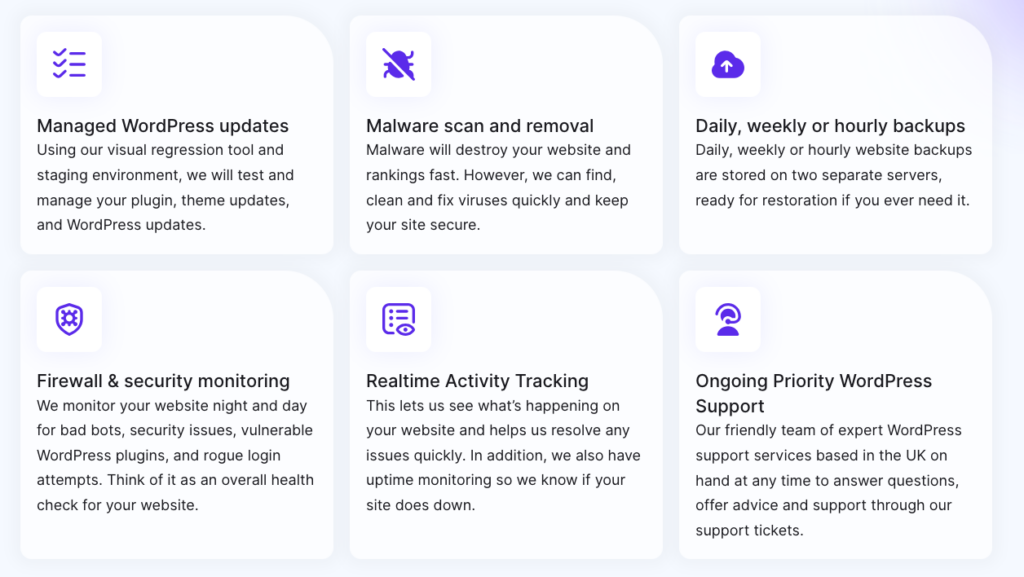
Credit: www.malcare.com
Restoration Process
First, find your database backup file. It might be in SQL format. Use a tool like phpMyAdmin to import it. Log in to phpMyAdmin and select your database. Click the “Import” tab. Choose the backup file from your computer. Start the import process by clicking “Go”. Wait until the process is complete. Check for any error messages. This ensures data is safely restored.
Locate your backup files on your computer. Use an FTP client like FileZilla. Connect to your web server with FTP. Navigate to your WordPress directory. Upload the backup files to the server. Make sure all files are uploaded. This includes themes, plugins, and uploads. Double-check if files are in the right folders. This step is crucial for a smooth restoration.
Troubleshooting Backup Issues
WordPress backups can sometimes lose data. This happens if files are too large. Check if all plugins and themes are included. Double-check the database. Make sure it is complete. Use a reliable backup tool. This helps avoid missing data.
Corrupted files can be a big problem. They make restoring backups difficult. Always scan files for malware. Use antivirus tools to check them. Keep backup software updated. This reduces the risk of corruption. Test your backups often. Ensure they work when needed.

Credit: www.facebook.com
Security Considerations
Exploring a WordPress backup reveals crucial security details. Files, database, and plugins need careful review to prevent vulnerabilities. Regular checks ensure your backup stays secure and reliable.
Protecting Backup Files
Backup files are very important. They keep your site safe. If lost, it can be very bad. So, it’s smart to protect them well. Use strong passwords for your backups. Keep them in safe places. Only a few people should have access. This will help stop hackers from getting in.
Always check your backups. Make sure they are safe and complete. If you find anything wrong, fix it fast. This keeps your site running smooth.
Regular Backup Schedules
Making regular backups is very important. It keeps your site data safe. Every week, plan a backup. This will save all your site information. You can choose to back up every day too. This is even safer. Use a backup plugin to help you. It makes the job easy. You can set a schedule, and it does the rest.
Remember, a backup is like a safety net. If something goes wrong, you can fix it quickly.
Frequently Asked Questions
What Does A WordPress Backup Include?
A WordPress backup typically includes your website’s database and files. This covers themes, plugins, media uploads, and core files. Having a full backup ensures you can restore your site if needed.
How Often Should I Backup My WordPress Site?
It’s recommended to backup your WordPress site regularly. The frequency depends on how often you update content. Daily or weekly backups are ideal for most websites.
Can I Automate WordPress Backups?
Yes, you can automate WordPress backups using plugins. Popular options include UpdraftPlus, BackupBuddy, and Jetpack. These tools schedule regular backups and offer easy restoration options.
How Do I Restore A WordPress Backup?
To restore a WordPress backup, use your backup plugin’s restore feature. Alternatively, manually upload files and import the database. Ensure you have a clean backup to avoid issues.
Conclusion
Understanding your WordPress backup is essential. It keeps your site safe. You know what files and data are stored. You can easily restore your site if anything goes wrong. Regular backups prevent data loss. They offer peace of mind. Remember to check your backup settings often.
Make sure everything is backed up properly. This ensures your site runs smoothly. Your site’s security depends on reliable backups. So, keep them updated. Protect your hard work. Stay informed. Stay secure. Your WordPress backup is your safety net. Use it wisely.


