
Have you ever wondered how long it takes to transfer a domain with Namecheap? You’re not alone.
Transferring domains can feel like navigating a maze, leaving you eager for a clear path and quick answers. Understanding the process is crucial, especially when your online presence hinges on a smooth transition. You might have questions like, “Will my website experience downtime?
” Or “How can I ensure a seamless transfer? ” This article is your guide, designed to ease your concerns and provide you with the essential timeline and steps for transferring your domain efficiently with Namecheap. Stick around to discover how you can make this transition as swift and hassle-free as possible.
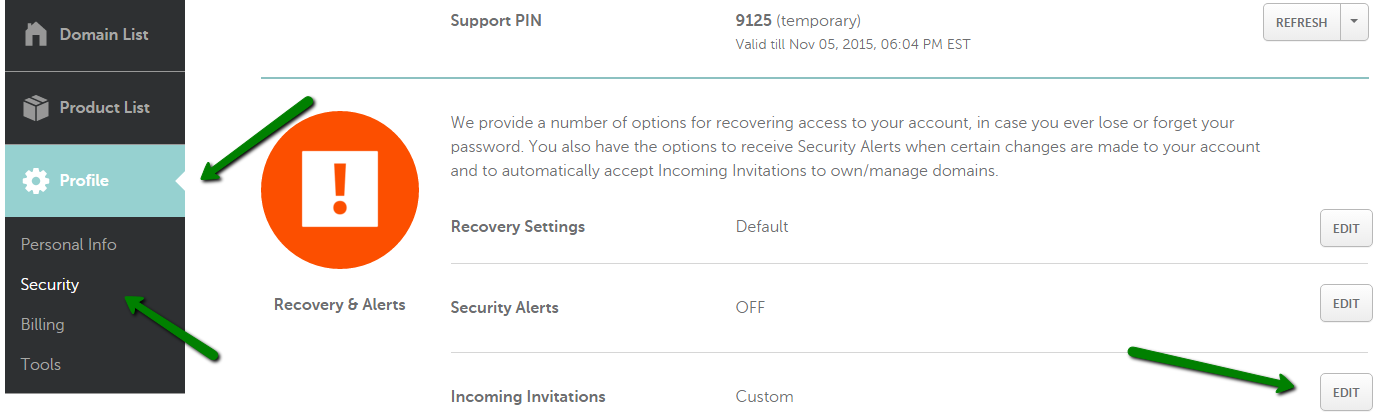
Credit: www.namecheap.com
Domain Transfer Process
Transferring a domain to Namecheap typically takes 5 to 7 days. This period depends on the previous registrar’s release time and the domain owner’s prompt approval. Once initiated, the transfer process involves unlocking the domain and obtaining an authorization code.
Transferring a domain can seem like a daunting task, but understanding the steps involved can make the process smoother and faster. Whether you’re moving to Namecheap for its competitive pricing or stellar customer support, knowing each stage of the domain transfer process will ensure you’re prepared and informed. Let’s break down the process into easy-to-follow steps.Initial Preparation
Preparation is key. Start by ensuring your domain is eligible for transfer. It must be at least 60 days old and not locked. Double-check that your domain’s contact information is up to date. You’ll receive important notifications during the transfer, so accurate details are crucial. Review your current registrar’s policies on domain transfers. Each registrar may have specific requirements or fees. Knowing these details ahead can save you time and prevent unexpected hurdles.Authorization Code Retrieval
The authorization code, also known as an EPP code, is essential for transferring your domain. Think of it like a password that verifies you’re authorized to move your domain. Retrieve this code from your current registrar’s control panel. Sometimes, it may be hidden under advanced settings or security options. If you can’t find it, don’t hesitate to contact your registrar’s support team for assistance. Having this code handy will streamline the next steps.Request Submission
Now that you have your authorization code, it’s time to submit your transfer request to Namecheap. Log into your Namecheap account, navigate to the domain transfer section, and enter your domain name and authorization code. Once submitted, Namecheap will send you a confirmation email. Follow the instructions in the email to approve the transfer. Typically, transfers take five to seven days to complete. But remember, patience pays off. Keep an eye on your email for updates, and don’t forget to check your spam folder. As you reflect on this process, ask yourself—what are the potential benefits of transferring your domain? How does it align with your long-term goals? Understanding the process and its implications can empower you to make informed decisions.Factors Affecting Transfer Time
Transferring a domain to Namecheap can take time. Several factors influence this process. Understanding these can ease any concerns and set clear expectations. Each factor plays a significant role in determining how long the transfer will take.
Registrar Policies
Every registrar has its own policies. These policies can affect transfer times. Some registrars may delay transfers intentionally. Others might process them swiftly. Knowing your current registrar’s policies can help you plan better.
Domain Lock Status
Domains often have a lock feature. This prevents unauthorized transfers. Before transferring, ensure your domain is unlocked. An active lock will halt the transfer process. Always verify the lock status through your registrar’s dashboard.
Domain Age
The age of your domain matters too. Newly registered domains may face transfer restrictions. Usually, a domain must be 60 days old to transfer. Older domains generally transfer without issues. Check your domain’s age to avoid delays.
Estimated Transfer Duration
Transferring a domain with Namecheap typically takes 5 to 7 days. This timeframe depends on the current registrar’s process. Ensure all domain transfer steps are completed for a smooth transition.
When you’re planning to transfer a domain to Namecheap, understanding the estimated transfer duration is crucial for a smooth transition. Knowing how long the process might take helps you manage your expectations and plan accordingly. Transfers can vary, and having a clear idea of the timeline ensures you’re prepared for any unexpected hiccups.Standard Timeframes
Typically, transferring a domain to Namecheap takes 5 to 7 days. This timeframe is fairly standard across most registrars, ensuring a consistent experience. The process begins once you’ve completed all necessary steps, like unlocking your domain and obtaining the EPP code. During this period, your current registrar must approve the transfer, which is a standard security measure.Potential Delays
Despite the standard timeframe, several factors might delay your domain transfer. Have you recently updated your domain’s contact information? If so, ICANN mandates a 60-day transfer lock. Sometimes, domain transfers are delayed due to incorrect EPP codes. Double-check that you’ve entered the right one to avoid unnecessary hold-ups. Moreover, registrar-specific policies can also introduce unexpected delays. It’s wise to review both your current registrar’s and Namecheap’s policies before initiating the transfer. Have you ever experienced a delay in transferring a domain? It can be frustrating, but knowing the potential reasons helps you stay proactive and mitigate issues. Understanding these elements allows you to troubleshoot effectively and ensure your domain transfer proceeds without a hitch.Steps To Expedite Transfer
Transferring a domain to Namecheap can be a straightforward process. Yet, there are steps that can help speed things up. These steps ensure a smoother transition without unnecessary delays. With attention to detail, you can transfer your domain efficiently.
Verifying Information
Ensure all domain details are correct. Double-check your contact information. Your email must be current. Incorrect details can slow down the transfer. Make sure your domain is unlocked. Confirm your domain’s expiration date is not near. Accurate data is crucial for a swift transfer.
Communication With Support
Reach out to Namecheap’s support team. They provide guidance and assistance. Use their live chat or email options. Ask about any specific requirements. Clear communication helps resolve issues quickly. Support can offer tips to avoid common pitfalls. Their expertise is invaluable during the transfer process.
Common Issues And Resolutions
Transferring a domain with Namecheap can be a smooth process, but sometimes things don’t go as planned. Understanding common issues and knowing how to resolve them can save you time and frustration. Let’s dive into some typical hurdles and effective solutions.
Error Codes
Encountering an error code during your domain transfer can be unsettling. However, most error codes come with straightforward solutions. One common error is a “Domain Locked” message. This means your current registrar has locked your domain to prevent unauthorized transfers.
To resolve this, log into your current registrar’s account, locate the domain in question, and unlock it. Always double-check that your domain is eligible for transfer by ensuring it’s at least 60 days old and not in dispute.
Another frequent error is “Authorization Code Incorrect.” This code, also known as EPP code, is crucial for transferring your domain. Ensure you’ve copied it correctly from your current registrar’s dashboard. A simple typo can halt the process.
Pending Transfers
A pending transfer status often leaves users puzzled. This usually happens when the gaining registrar (Namecheap, in this case) is waiting for your current registrar to release the domain. Each registrar has its own timeline, but it typically takes up to seven days.
To speed things up, you can contact your current registrar and request an expedited release. Keep an eye on your email, as you’ll receive notifications that require your confirmation to proceed with the transfer.
If you’ve experienced a pending transfer for longer than expected, check your email spam folder. Sometimes, crucial transfer approval emails land there, delaying the process.
Have you ever felt the frustration of a pending transfer? It’s a test of patience. The key is to stay proactive. Regularly check your email and follow up with both registrars if necessary.
By addressing these issues head-on, you can ensure your domain transfer with Namecheap proceeds without unnecessary delays. What other transfer challenges have you encountered, and how did you tackle them?
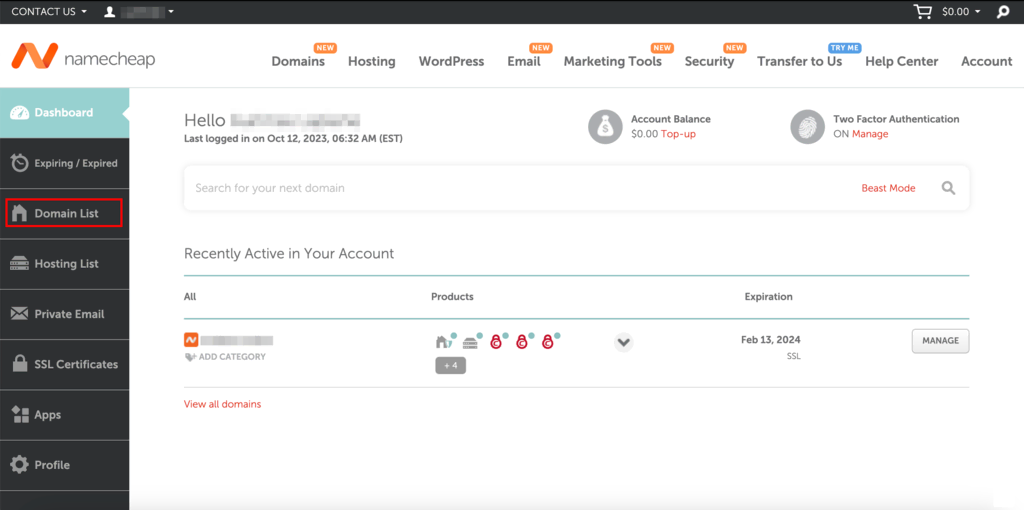
Credit: www.hostinger.com
Benefits Of Transferring To Namecheap
Transferring your domain to Namecheap is simple and efficient. It usually takes 5 to 7 days to complete. Enjoy reliable service and affordable rates, making domain management easy and stress-free.
Transferring your domain to Namecheap can be a decision filled with benefits. If you’re contemplating making the switch, you’re likely seeking more than just a new home for your domain. Namecheap offers a range of advantages that can make the transfer process worthwhile. From saving money to accessing enhanced features, you’ll find compelling reasons to move your domain to Namecheap. Let’s dive into why this could be a beneficial move for you.Cost Efficiency
Are you tired of hefty renewal fees? Namecheap provides a cost-efficient solution. With competitive pricing, you can manage your domain budget better. Imagine saving money every year, allowing you to invest in other areas of your business. Moreover, Namecheap often includes a free year of registration when transferring your domain, which can be a pleasant surprise for your finances. Have you considered how much you could save in the long run?Enhanced Features
The features you gain with Namecheap can significantly enhance your domain management experience. Expect free privacy protection, shielding your personal information from prying eyes. Isn’t it reassuring to know your details are safe? Additionally, Namecheap’s user-friendly control panel simplifies domain management. Even if you’re not tech-savvy, you’ll find it easy to update settings and manage your domain effectively. Can you imagine the peace of mind that comes with seamless control? By choosing Namecheap, you’re opting for a service that prioritizes your needs. If cost efficiency and enhanced features are what you’re seeking, transferring your domain might be the best decision you make today.
Credit: www.namecheap.com
Frequently Asked Questions
How Long Should A Domain Transfer Take?
A domain transfer typically takes 5 to 7 days to complete. This duration depends on the current registrar’s response and the domain’s status. Ensure all transfer requirements are met for a smooth process.
Why Does It Take 5 To 7 Days To Transfer A Domain?
Domain transfers take 5 to 7 days due to verification processes, registrar protocols, and domain lock periods. Ensuring security and compliance requires time. The process involves multiple checks, confirmations, and coordination between registrars, ensuring a secure transfer.
How Long Does It Take To Unlock A Domain For Transfer?
Unlocking a domain for transfer typically takes 24 to 48 hours. Check with your registrar for specific timelines. Ensure your domain is eligible and meets all transfer requirements. Once unlocked, initiate the transfer process promptly. Keep an eye on your email for confirmation and updates from the registrar.
How Long Does It Take For Dns To Transfer?
DNS transfers usually take between 24 to 48 hours to propagate globally. Factors like TTL settings can influence this. Patience is key during this process, as changes may appear gradually. Always check with DNS propagation tools for updates.
Conclusion
Transferring a domain with Namecheap is straightforward. Knowing the time it takes helps plan better. Usually, it takes five to seven days. This period may vary slightly. Factors like domain age and current registrar matter. Ensure all details are correct.
This speeds up the process. Patience is key during this time. Keep an eye on emails for updates. Namecheap provides support if issues arise. A smooth transfer ensures your website stays active. Understanding the timeline helps manage expectations. So, be ready and organized for a hassle-free domain transfer.


