
Feeling limited by your WordPress theme’s functionality? Imagine the possibilities if you could easily add custom content and features wherever you like.
That’s where widgetizing comes into play. By widgetizing your WordPress theme, you unlock the power to personalize your website without diving deep into complicated code. It’s all about making your site work for you, enhancing both aesthetics and usability. Ready to transform your site into a dynamic, engaging experience for your visitors?
Dive into this guide, and you’ll soon discover how simple tweaks can lead to remarkable improvements in your online presence. Stay with us, and let’s elevate your WordPress theme together!
Choosing The Right Theme
Picking the right theme is crucial. Themes should be widget-ready. This means they have widget areas. Check if the theme has many widget areas. More areas mean more places for widgets. Look for themes with a simple layout. Simple designs are easy to work with.
Some themes are free. Others are premium. Free themes are good for beginners. Premium themes have more features. Decide which is best for you. Always read reviews before choosing. Reviews tell you what other users think. They can help you avoid bad themes.

Credit: wordpress.org
Setting Up Your Development Environment
To widgetize a WordPress theme, gather all the necessary tools. You need a text editor like Notepad++ or Sublime Text. These help you write and edit code easily. Install XAMPP or WAMP to create a local server. This lets you test your theme safely. WordPress should be downloaded and installed on your local server. A browser like Chrome or Firefox is needed to view your site.
Having these tools ready makes your work easier. They help you avoid errors. Make sure everything is updated. This ensures you have the latest features.
A child theme is a copy of your main theme. It lets you make changes without breaking the original theme. First, create a new folder in your themes directory. Name it after your theme with “-child” at the end. Inside this folder, make a new file called style.css. Add some basic code to this file. This tells WordPress about your child theme. Next, create a functions.php file. This file will help you add features to your theme.
Activate your child theme in the WordPress dashboard. Now you can start adding widgets!
Understanding Widgets In WordPress
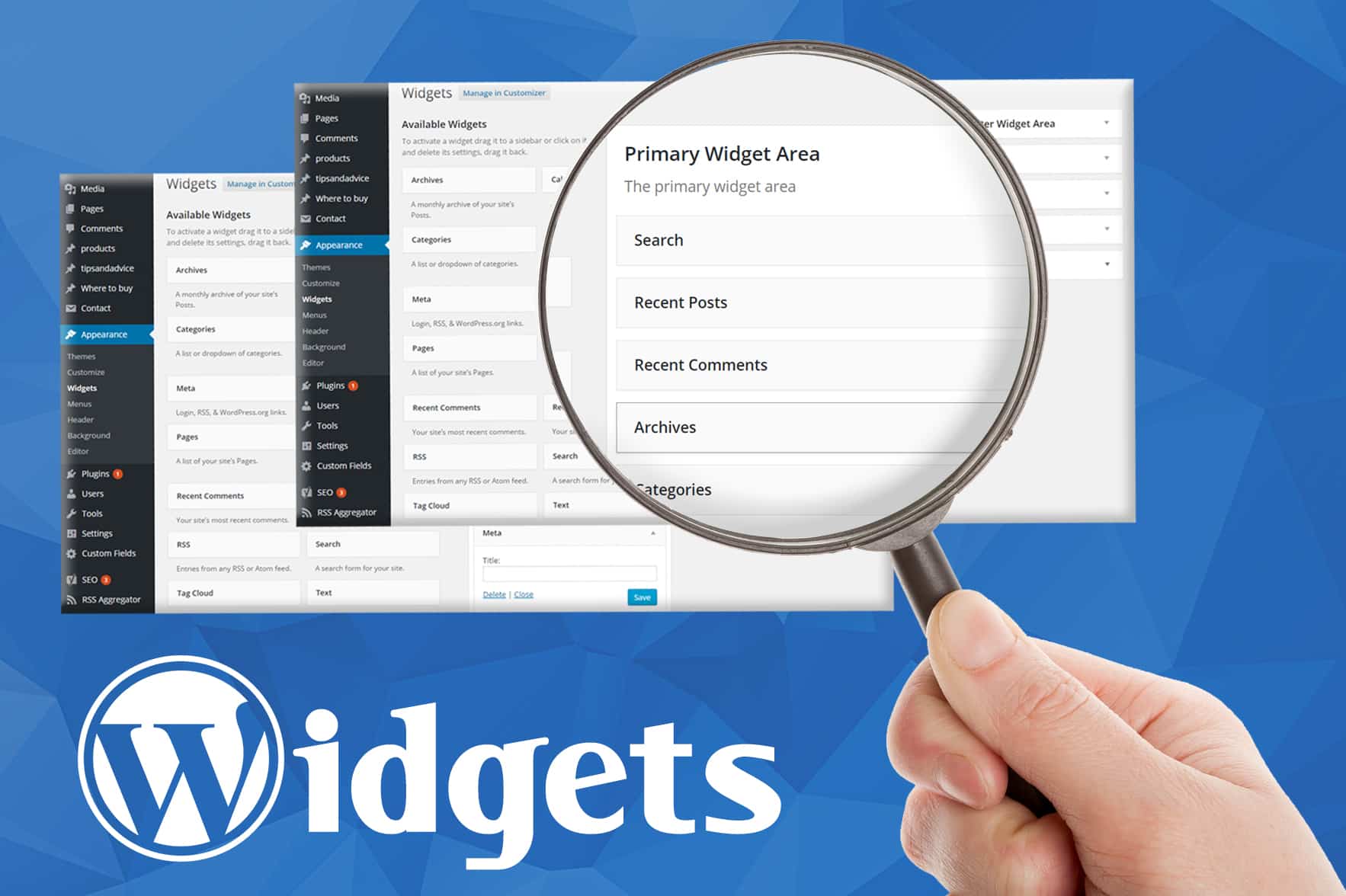
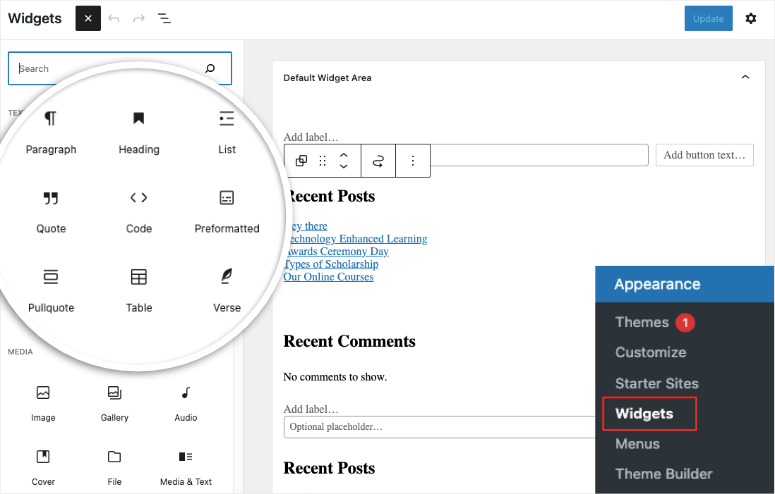
Widgets are small tools on your website. They help make your site better. You can add them to sidebars and footers. Widgets are easy to use. They don’t need any coding. You can drag and drop them where you want. Widgets help to show recent posts or a calendar. Some widgets show your social media links. They make websites look fun and useful.
Many widgets are popular. Some show recent comments. Others display popular posts. You might see a search bar widget. There’s also a tag cloud widget. It shows popular tags in a fun way. Text widgets let you add custom messages. Image widgets display pictures. Using widgets makes your site more interactive.
Credit: www.greengeeks.com
Preparing Theme For Widgets
Look at your WordPress theme. Find places for widgets. Sidebars are common areas. Footers can also hold widgets. Think about using the header. Each area can have different widgets. Plan where each widget will go. This makes your site look neat.
Open your theme files. You need to add code. Find the functions.php file. This file controls how your theme works. Add code to register widget areas. You can copy code from the WordPress site. This code tells WordPress about your widget areas. Save the file when done. Check your site to see changes. Widgets should now work.
Adding Widget Support
Open the functions.php file. It is in your theme folder. This file is important for adding features. Add code to support widgets. Use register_sidebar() function. It tells WordPress about new widget areas. Name your widget areas well. This helps you remember them.
Create spaces for widgets. Use register_sidebar(). Each area needs a unique name. Add description for clarity. Think about where you want widgets. Maybe in the footer or sidebar. Use arrays to define settings. Set ‘before_widget’ and ‘after_widget’ to style them. Make them look nice.
Customizing Widget Areas
Transform your WordPress theme by adding widget areas. Enhance functionality with custom sidebar sections. Personalize your site easily with unique layouts and widgets.
Adding Css Styles
Widgets can look unique with CSS. First, open your WordPress theme editor. Find the style.css file. Add CSS rules for your widget areas. You can change colors, fonts, or sizes. Use classes or IDs to target specific widgets. Test changes on your site. Make sure everything looks good. CSS helps make your site pretty and neat.
Ensuring Responsiveness
Responsive widgets are important. They make your site fit all screen sizes. Use CSS media queries. They adjust widget styles based on screen width. Check widgets on a phone and a computer. All widgets should look nice. The user experience should be smooth. Remember, a good website works everywhere.
Testing And Debugging
Testing and debugging ensure your WordPress theme widgets function smoothly. Identify errors quickly to maintain theme performance. Regular checks and updates enhance user experience, keeping your website efficient and user-friendly.
Checking Widget Functionality
Make sure your widgets work well. Add them to different parts of the page. Check if they show up correctly. Look for any missing parts. Ensure each widget can be moved and resized. Widgets should not break the page design. Test on different devices. Use a phone, tablet, and computer. Check if everything looks good.
Resolving Common Issues
Sometimes, widgets may not appear. Double-check your widget code. See if there are any mistakes. Look at the theme’s widget areas. Ensure they are set up. Widgets might not save changes. Clear your browser cache. This helps to see updates. Contact support if problems persist. They can help you fix it.
Enhancing Widget Functionality
Plugins add new features to your WordPress theme. They help expand widget functions. Many plugins are free and easy to use. Widgets become more useful with plugins. You can find plugins in the WordPress store. Always choose plugins with good ratings. Install them with a few clicks. Most plugins need a simple setup. Follow the instructions to set them up. Try different plugins for different needs.
Create your own widgets for unique needs. Use basic coding skills. This makes your site special. Start by understanding PHP and HTML. WordPress uses these languages. Make a new file in the theme folder. Write your widget code there. Test your widget before using it. Custom widgets need careful testing. This ensures they work well. Ask for help if you need it. Many online guides can help.
Best Practices For Widgetizing
Keeping your code clean is very important. Messy code can cause big problems. Use comments to explain your code. This helps others understand it. Avoid extra spaces and lines. They make your code hard to read. Use a consistent style for writing code. This makes it easier to follow. Clean code is like a neat room. It is easier to work in.
WordPress updates often. Your theme must work with new updates. Test your theme with each update. This helps catch problems early. Use hooks and filters in your code. They keep your theme flexible. Avoid hard coding things. It makes updates harder. Use WordPress functions. They are safer and more reliable. Stay informed about WordPress changes. This helps your theme stay up-to-date.
Credit: www.isitwp.com
Frequently Asked Questions
What Is Widgetizing A WordPress Theme?
Widgetizing a WordPress theme involves adding widget areas. These areas allow users to add dynamic content without coding. It enhances customization by enabling easy content management. You can create widget areas in various theme sections like sidebars or footers. This process is crucial for a flexible website design.
How Do I Add Widget Areas In WordPress?
To add widget areas, edit your theme’s functions. php file. Use the register_sidebar() function to define new widget areas. Specify their name, ID, and description. Then, place the dynamic_sidebar() function in your theme files where you want the widgets to appear.
This allows easy content customization.
Can Any WordPress Theme Be Widgetized?
Almost any WordPress theme can be widgetized. Some themes have built-in widget areas for easy customization. If not, you can manually add widget areas by editing theme files. Widgetizing enhances a theme’s flexibility and functionality, making it adaptable to diverse content needs.
Always backup before making changes.
Why Should I Widgetize My WordPress Theme?
Widgetizing your WordPress theme enhances its flexibility and usability. It allows you to add dynamic content easily, like social media feeds or ads. Widgets improve user experience by offering interactive features. They also enable quick customization without coding, making your site more engaging and functional.
Conclusion
Widgetizing a WordPress theme can enhance its functionality. It makes your site more engaging and user-friendly. By adding widgets, you improve navigation and user experience. Follow our steps to customize your theme effortlessly. Remember, practice makes perfect. Don’t hesitate to experiment with different widgets.
This approach will help you find what fits best. Keep your audience’s needs in mind while customizing. Your site should be easy to use and attractive. With patience and creativity, you can create a dynamic WordPress site. Start widgetizing today and see the benefits for yourself.


