
Ever wondered if you could spice up your WordPress site by using two different themes? You’re not alone.
Many website owners are curious about this possibility. Imagine having a unique look for different sections of your site. It could be a game-changer for your brand, offering your visitors a more tailored experience. You might think this sounds complicated, but it’s simpler than you think.
With the right approach, you can easily implement two themes and keep your site running smoothly. This guide will show you how, step by step. Let’s dive in and explore how you can give your WordPress site the versatile makeover it deserves. Keep reading to unlock the secrets to a more dynamic online presence.
Benefits Of Dual Themes
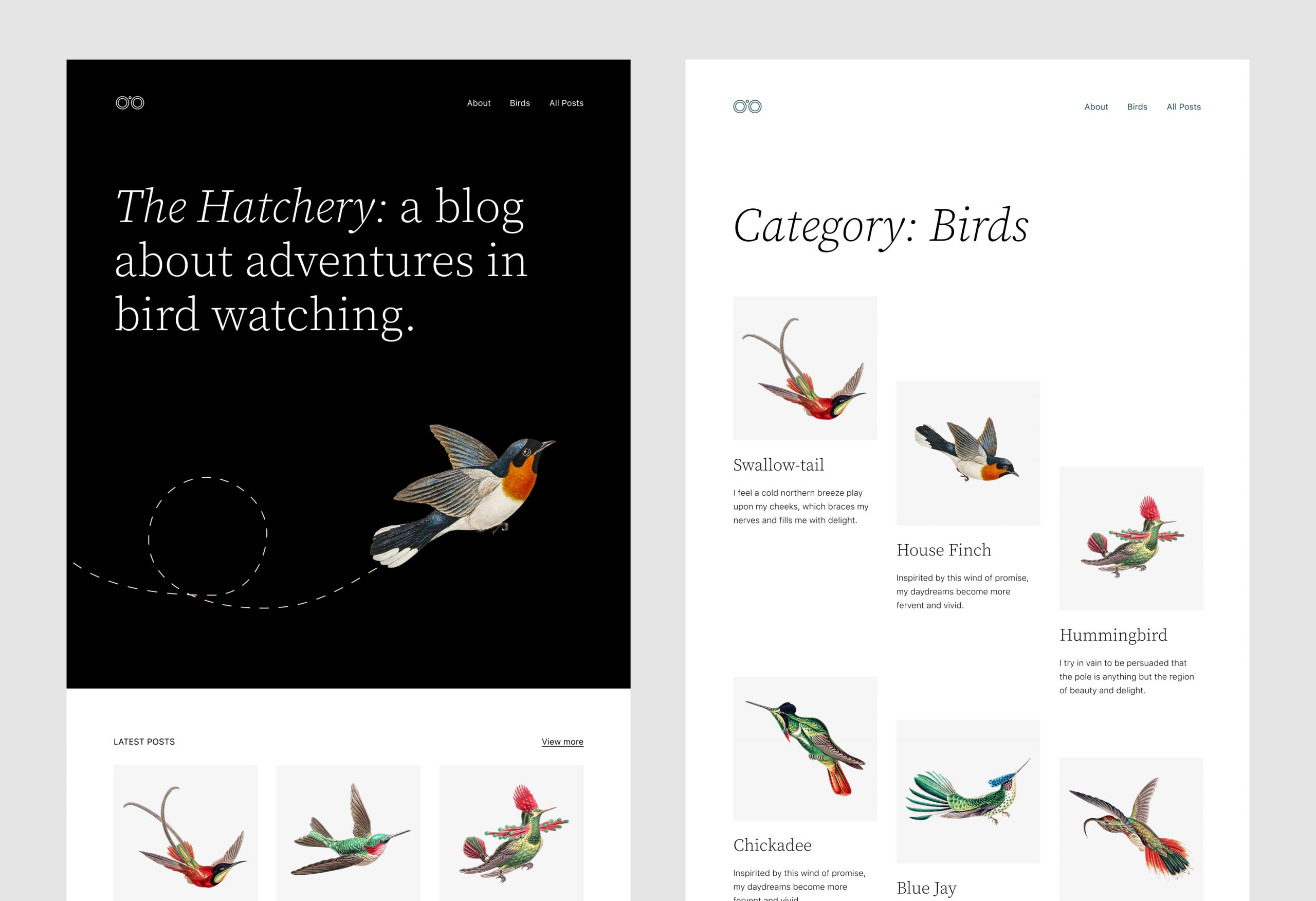
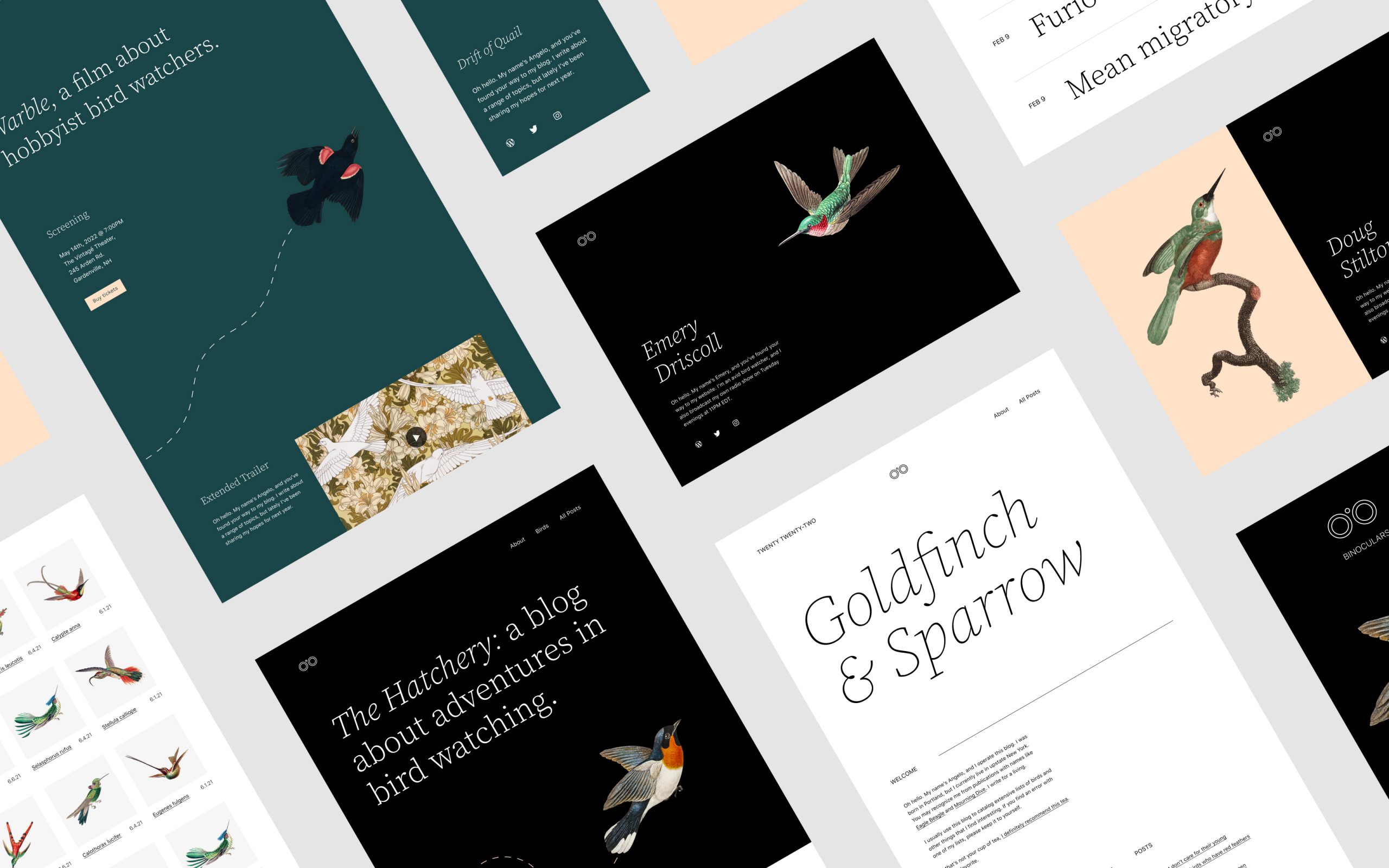
Using two themes gives more design options. One theme for the homepage, another for the blog. Styles can change based on need. This adds a unique look. Visitors see different designs on different pages. This makes your site more interesting.
Different themes can attract different people. One theme might appeal to kids. Another theme might appeal to adults. This helps in engaging more users. People like sites that match their style. More engagement means more visitors stay longer.
Each theme can have its own features. One theme can be fast and simple. Another can have more tools and widgets. This offers better functionality. Users can have a smooth experience. Different pages serve different purposes. This helps in giving the right tools to users.
Credit: wptavern.com
Choosing Compatible Themes
Begin with understanding your website goals. Is it a blog, a store, or a portfolio? Each needs different features. Define what is most important for your site. Design? Speed? Functionality? Make a list. This helps narrow down choices. Clear needs make choosing themes easier.
Not all themes work well together. Check if both themes have similar code structures. This avoids problems. Look for themes with good reviews. They often work better together. Compatibility means fewer errors. Testing before full use is smart. Try on a test site first.
Examine key features of each theme. SEO features help with search rankings. Responsive design is crucial for mobile users. Check for customization options. Can you easily change colors or fonts? Look for support or community help. These features make themes more useful.
Installing Multiple Themes
WordPress allows installing more than one theme. First, go to the WordPress dashboard. Click on Appearance. Then, choose Themes. Here, you can add new themes. Click Add New to select from many options. Each theme has different features.
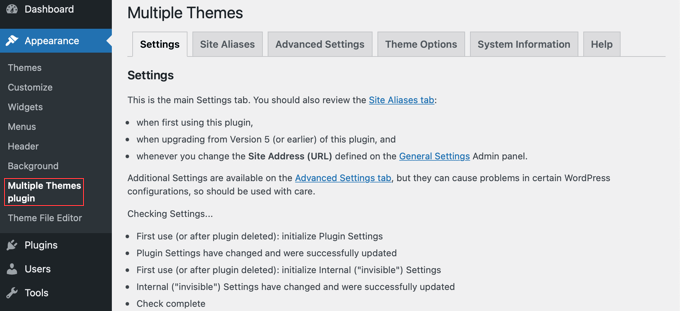
Plugins help use two themes at once. Install a plugin from the WordPress store. Popular plugins include Multiple Themes and JonRadio. These plugins make theme switching easy. Activate the plugin and follow the steps. You can then set different themes for different pages.
After installing, configure settings for each theme. Go to the Customize menu. Adjust colors, fonts, and layouts. Each theme will have its own options. Make sure settings match your site style. Save changes and preview them.
Managing Themes With Plugins
WordPress offers plugins to use two themes. Some plugins are popular. Multiple Themes is one. Theme Switcha is another. These plugins help easily. They are simple to use. You can find them in the plugin store. Install them to get started.
After installing, you must configure settings. Go to the plugin panel. Choose the themes you like. Set the main theme. Then set the second theme. Save your changes. Now, both themes are ready. They will work together.
Test to ensure everything works. Visit your site. Check if both themes show. Try different pages. Look for errors. If you find any, revisit settings. Adjust until all is well. Testing helps ensure a smooth experience.
Customizing Each Theme
Each theme offers unique customization options. These let you change colors, fonts, and layouts. Explore theme settings under the WordPress dashboard. You can tweak header and footer styles. Add widgets to enhance functionality. Experiment with different combinations. This helps create a unique look for each theme. Try adding custom CSS for advanced changes.
Theme Customization Options
Customizing themes is fun and easy. Use the WordPress Customizer tool. Change background colors and images. Adjust the site title and tagline. Set up menus and widgets. Use the live preview to see changes instantly. Save your settings when satisfied. Customization helps make your site unique.
Css And Html Adjustments
CSS and HTML let you change the site’s appearance. Edit the theme files carefully. Add custom styles to change elements. HTML adjustments improve the structure. Check for errors after editing. Wrong code can break the site. Always backup before making major changes. This keeps your site safe.
Ensuring Mobile Responsiveness
Mobile responsiveness is important. Many visitors use phones to browse. Check how your theme looks on mobile devices. Use responsive design features. Adjust font sizes and image widths. Make sure menus are easy to use. Test on different devices. Responsive themes offer a better user experience.
Credit: make.wordpress.org
Seo Considerations
Use the right keywords for your site. This helps search engines find you. Choose simple and clear words. Keep sentences short. This improves readability.
Make sure your site loads fast. Fast sites rank better. Use SEO plugins to help you. Plugins can guide you with SEO tips.
Duplicate content can confuse search engines. It can hurt your ranking. Use the canonical tag to fix this. It tells search engines the main page.
Check your site for repeated content. Remove it. Use tools to help find duplicates.
Check your site’s SEO with tools. Tools like Google Analytics show site performance. They help track visits and clicks.
Look at which pages get views. See where visitors come from. Use this data to improve your site.
Troubleshooting Common Issues
Switching between themes in WordPress can be tricky. Installing a plugin lets you use two themes simultaneously without conflict. Ensure compatibility to avoid issues while maintaining your site’s design and functionality.
Resolving Compatibility Conflicts
Some themes may not work well together. Check each theme’s documentation for known issues. Sometimes, themes clash due to different coding standards. Use a child theme to keep changes safe. Keep all themes and plugins updated. This often fixes many problems. If conflicts continue, consider switching one theme. Always backup your site before making big changes.
Fixing Layout Discrepancies
Different themes may show pages differently. Check theme settings for layout options. Adjust settings if needed. Use custom CSS to fix small issues. Some themes allow layout changes via the customizer. Test layouts on different devices. Mobile and desktop views can differ. If issues persist, look for a more compatible theme. Layout should be clean and easy to read.
Ensuring Plugin Functionality
Plugins sometimes stop working after theme changes. Check plugin settings and compatibility. Make sure plugins are updated. Some plugins need specific themes to work. Try disabling all plugins, then enable one by one. This helps find problem plugins. Use tools to check for errors. Look for plugins designed to work with your theme. Plugins should improve your site, not cause issues.
Credit: www.wpbeginner.com
Frequently Asked Questions
Can I Use Two Themes Simultaneously In WordPress?
Using two themes simultaneously isn’t directly possible in WordPress. However, you can use plugins to create different theme experiences on specific pages. This allows you to mimic using two themes by customizing areas individually without switching themes entirely.
How Can I Install Multiple Themes On WordPress?
You can’t install multiple active themes, but you can use child themes for variations. A child theme lets you modify or add to the functionality of the parent theme without altering its core files.
What Plugins Help Manage Multiple Themes?
Plugins like “Multiple Themes” or “Page Theme” can help manage different themes on specific pages or posts. They allow customization of appearance on particular sections without changing the entire site theme.
Is Using Two Themes Beneficial For Seo?
Using two themes can be beneficial if done correctly. It allows customization of specific pages for better user engagement. Ensure consistent design and functionality to avoid confusing visitors and impacting SEO negatively.
Conclusion
Using two themes in WordPress can enhance your website’s appeal. This approach offers flexibility and customization options for different pages. Users can tailor their site to fit diverse needs. With clear guidance, setting up dual themes becomes manageable. It provides an opportunity to experiment with styles and layouts.
Remember to test thoroughly for consistency in design. Keep an eye on loading speed to ensure smooth performance. By following these steps, you can create a unique and efficient site. Your WordPress site can now stand out with dual themes.
Embrace creativity while maintaining functionality.


