
Are you ready to transform your WordPress site into a stunning, user-friendly masterpiece? The Virtue Theme might be just what you need.
Whether you’re a blogger, an entrepreneur, or someone looking to showcase your portfolio, using the Virtue Theme can be your secret weapon to captivate your audience. But how do you get started? How can you fully leverage its powerful features without getting lost in the details?
In this guide, we’ll dive straight into the essentials of using the Virtue Theme in WordPress. You’ll discover the easy steps to customize it to match your unique style and brand. Plus, we’ll share some insider tips to help you optimize your site for both visual appeal and functionality. By the end of this article, you’ll feel confident in your ability to create an engaging and professional-looking website that keeps visitors coming back for more. Ready to unlock the full potential of your WordPress site with the Virtue Theme? Let’s get started!

Credit: www.youtube.com
Virtue Theme Installation
First, visit the WordPress theme directory. Search for the Virtue Theme. You will see a download button. Click it to download the theme file to your computer. Save it in a place you can easily find.
Open your WordPress dashboard. Find the Appearance menu and click Themes. At the top, there is an Add New button. Click it. Then, click Upload Theme. Choose the Virtue Theme file you downloaded. Press the Install Now button.
Once installed, you will see an Activate button. Click it to use the Virtue Theme on your site. Now your site will have a new look. Check the front-end to see the changes. You can customize it further if you like.
Theme Customization Basics
Discover the ease of customizing your website with the Virtue Theme in WordPress. Change colors, fonts, and layouts effortlessly. Explore options to make your site visually appealing and user-friendly.
Accessing The Customizer
First, go to your WordPress dashboard. Find the Appearance tab. Click on it. Then, select Customize. You now see the customizer panel.
Modifying Site Identity
In the customizer, choose Site Identity. Here, you can change your site title and tagline. Upload a logo if needed. Save changes to see updates.
Adjusting Colors And Fonts
Select the Colors section to change colors. Pick a color for background and text. For fonts, go to the Typography section. Choose from different font styles. Preview changes before saving.
Setting Up Homepage Layout
Pick a template that suits your needs. Go to your WordPress dashboard. Click on Appearance and then Customize. Find the Homepage Settings section. Select a static page for your homepage. Choose a template that looks good.
Widgets make your site look nice. Go to the Widgets area. You can find it under Appearance. Drag and drop widgets to your homepage area. Add text, images, or menus. Make sure they fit well. Check how they look on your site.
Featured content grabs attention. Use the Featured Content option. This is found in the Customizer. Highlight important posts or pages. Make sure the content is relevant. It’s a great way to show your best work. Keep it updated with fresh content.

Credit: wordpress.org
Menu And Navigation Setup
Go to your WordPress dashboard. Find the Appearance tab. Click on Menus. You will see a button that says Create a New Menu. Click it. Give your menu a name. Click Create Menu. Your new menu is ready.
Look at the left side. You will see your Pages. Choose the pages you want. Click Add to Menu. They will appear on the right. Want to add a link? Use the Custom Links section. Enter the URL and link text. Click Add to Menu. Now, it’s in your menu.
Scroll down to Menu Settings. Find Display Location. Choose where you want the menu. It can be in the header or footer. Check the box next to your choice. Click Save Menu. Now, your menu is in the right place.
Utilizing Widgets
Virtue Theme offers many widget options for users. You can find widgets for social media, recent posts, and custom menus. Widgets like image galleries and contact forms are also available. Each widget adds unique functions to your site. Choose the widgets that best suit your needs.
Adding widgets to sidebars is easy. Go to Appearance and then Widgets. Drag the widget you want to the sidebar area. Arrange them in the order you prefer. This helps create a personalized look for your site. Sidebars can hold many widgets.
Customize footer widgets to fit your site’s style. Choose the widgets for the footer and drag them to the footer area. You can change background colors and text styles. Make the footer widgets match your site’s theme. This enhances the overall design of the page.
Integrating Plugins
Yoast SEO helps your site rank better. WooCommerce adds shopping features. With Contact Form 7, you make easy forms. Elementor lets you design pages. Each plugin brings useful tools. They enhance your site’s ability.
Go to the WordPress dashboard. Click on Plugins. Choose Add New. Search for the plugin you want. Press Install. Wait for it to load. Then click Activate. Your plugin is ready.
Each plugin adds special features. They make your site better. With plugins, your theme works smarter. Customizations become easy. Visitors enjoy a smooth experience. Keep plugins updated. This ensures best performance.
Optimizing For Seo
Setting up the Virtue Theme is easy. Start with the SEO Settings in WordPress. Use clear titles for your pages. Make sure to add meta descriptions. These help search engines find your site. Use keywords that match your content. They improve your site’s search ranking.
SEO plugins are tools that help your site. Yoast SEO is a popular choice. It guides you on making your site better. Plugins check your content for keyword usage. They also suggest ways to improve. Installing them is simple. Just go to the plugins menu. Then, click ‘Add New’ and search.
Site speed is important. It affects how users see your site. Use plugins like WP Super Cache. They help make your site faster. Compress your images too. Smaller images load quicker. Fast sites keep visitors happy. They also rank better in search engines.
Credit: www.kadencewp.com
Responsive Design Features
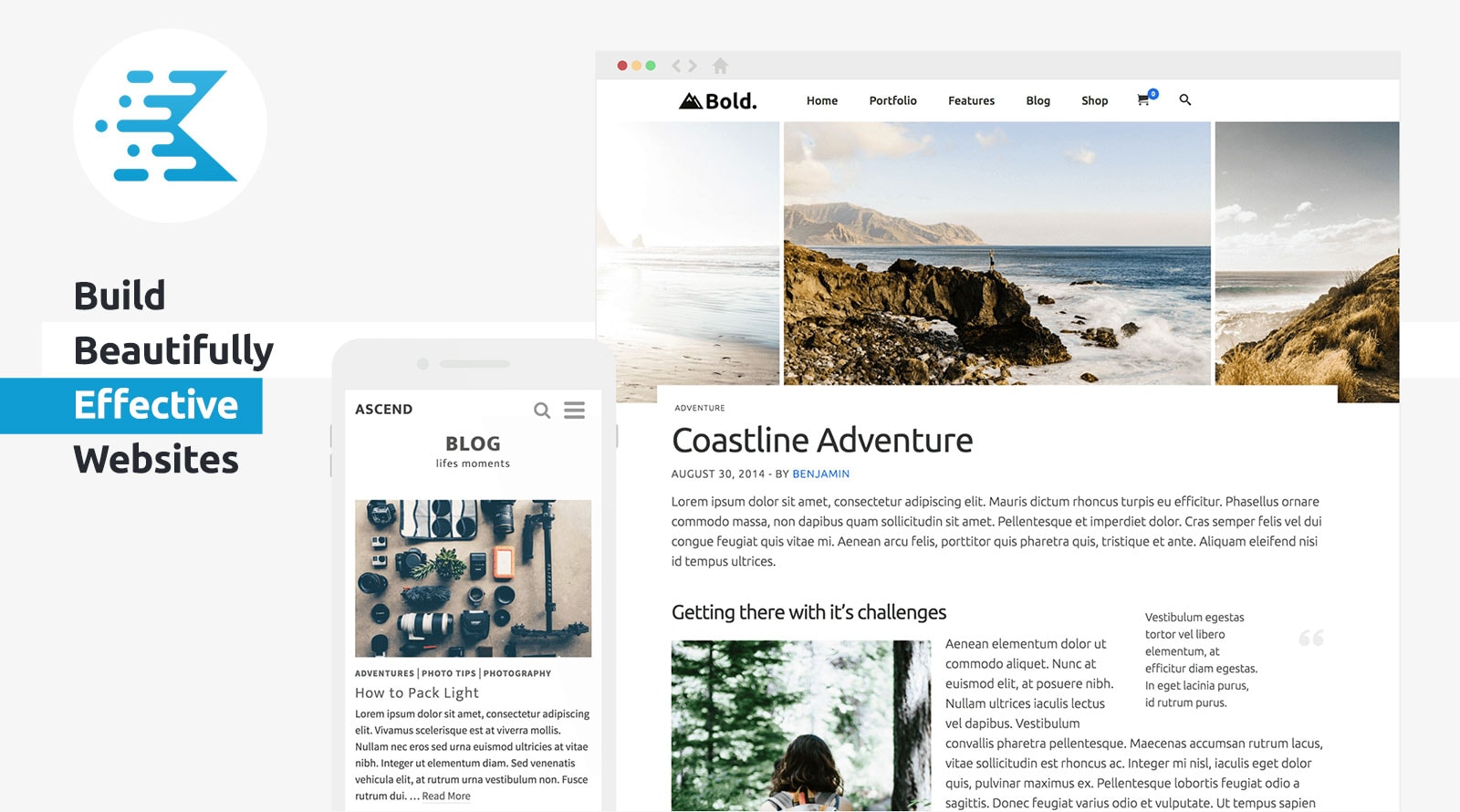
Virtue Theme makes websites look good on phones. It adjusts content for smaller screens. Users can easily read and navigate. No more squinting or zooming. Buttons and links are easy to click. Images and text fit nicely on the screen.
Always check how your site looks on different devices. Use tablets, phones, and computers. This helps find any display issues. Virtue Theme helps ensure your site is consistent everywhere. Adjust settings if needed. Make your site look good for all users.
Troubleshooting Common Issues
Discover effective ways to troubleshoot common issues while using the Virtue Theme in WordPress. Fix layout problems by checking theme settings and updating plugins. Resolve slow loading times by optimizing images and disabling unnecessary features.
Resolving Installation Errors
Installation errors can be frustrating. Check your WordPress version first. It should be up-to-date. Ensure your server meets all requirements. Clear your browser cache and try again. Sometimes, a simple refresh fixes it. If the problem persists, contact your hosting provider. They may assist you further.
Fixing Display Problems
Display issues may arise often. Verify your theme settings to ensure everything is correct. Disable any conflicting plugins. They might cause layout issues. You can also try switching to a default theme. Then, switch back to Virtue. This may fix the problem. If not, check your custom CSS. It may have errors.
Getting Support
Need help with the Virtue theme? Visit the support forums for assistance. Many users share their solutions there. You can also check the theme’s documentation. It provides step-by-step guides. For further help, contact the theme developer. They are often willing to assist. Make sure to provide details of your issue. This helps in troubleshooting.
Frequently Asked Questions
How To Install Virtue Theme In WordPress?
To install the Virtue Theme, navigate to your WordPress dashboard. Click on ‘Appearance’ and then ‘Themes’. Search for “Virtue” in the search bar. Click ‘Install’ and then ‘Activate’. Your theme is now ready to customize with various options available in the theme’s settings.
What Are Virtue Theme’s Customization Options?
Virtue Theme offers extensive customization options. You can change colors, fonts, and layouts using the WordPress Customizer. It also supports custom widgets and menus. The theme is compatible with popular plugins, enhancing functionality. You can easily adjust settings to match your site’s style and requirements.
Is Virtue Theme Responsive?
Yes, Virtue Theme is fully responsive. It automatically adjusts its layout to fit any screen size. This ensures a seamless user experience on desktops, tablets, and smartphones. Responsive design is essential for improving SEO and user engagement, making your site accessible to all visitors.
Can I Use Virtue Theme With Woocommerce?
Virtue Theme is compatible with WooCommerce. It integrates seamlessly to create a professional online store. You can customize product pages and checkout options. This theme supports WooCommerce’s features, helping you manage products, payments, and shipping effectively for a successful e-commerce experience.
Conclusion
Mastering the Virtue Theme in WordPress is simple and rewarding. It’s an excellent choice for creating appealing websites. You can easily customize the layout and design. This theme helps you make your site look professional. It supports responsive design, which is essential today.
Explore its features to enhance user experience. The Virtue Theme offers flexibility and style. With practice, your site will stand out beautifully. Keep experimenting and learning for better results. Happy website building!


