

Are you looking to host multiple domains without slowing down your website or breaking the bank? Using a GoDaddy Dedicated Server can be your game-changer.
Imagine having full control, powerful performance, and the freedom to manage all your websites in one place. You’ll discover simple steps to set up and optimize your GoDaddy Dedicated Server for multiple domains. By the end, you’ll feel confident in handling your hosting needs like a pro.
Let’s dive in and unlock the full potential of your server!
Choosing The Right Dedicated Server
Choosing the right dedicated server is the first step to host multiple domains smoothly. A good server handles traffic, storage, and speed without issues. It ensures all your websites run fast and stay online. Picking the right server saves money and avoids future problems.
Consider your current needs and future growth. Think about how many domains you want to host. Also, check the type of content on your sites. These factors help decide the server size and power.
Server Specifications For Multi-domain Hosting
RAM is important for running many websites at once. More RAM helps your server manage more visitors. Aim for at least 16GB for multiple domains. CPU power affects how fast your server processes requests. A multi-core processor improves performance. Storage type also matters. SSDs give faster loading times than HDDs. Choose enough space for all your files and backups. Bandwidth limits affect how much data your sites can send. Pick a plan with high or unlimited bandwidth to avoid slowdowns.
Comparing Godaddy Plans
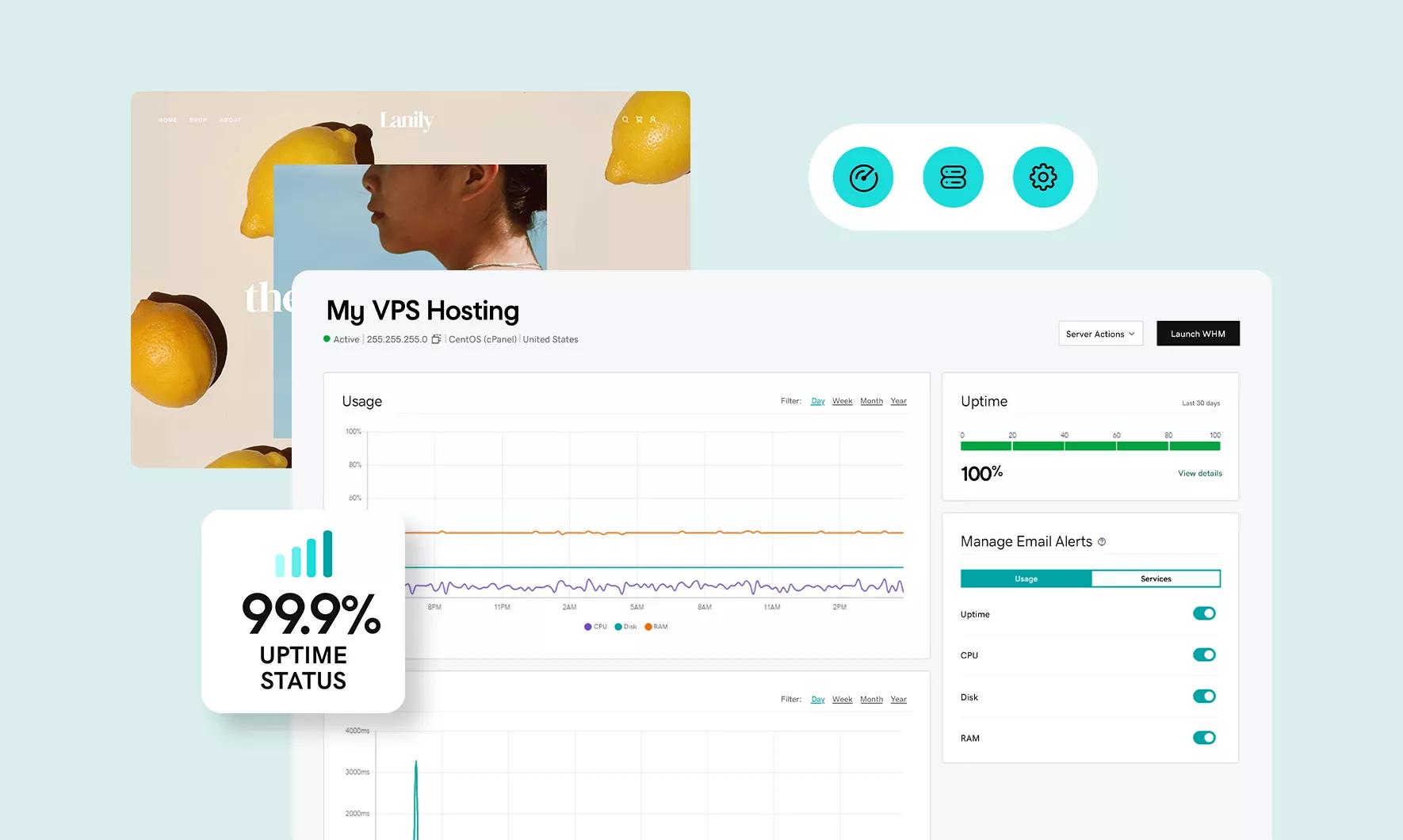
GoDaddy offers several dedicated server plans. Each plan has different CPU, RAM, and storage. Check the specs against your hosting needs. Some plans include managed services to help with server tasks. Managed plans reduce your work but cost more. Unmanaged plans require you to handle all server maintenance. Look at the bandwidth and storage limits carefully. Some plans allow easy upgrades as your websites grow. Choose the plan that fits your budget and needs best.
Credit: www.godaddy.com
Setting Up Your Dedicated Server
Setting up your GoDaddy dedicated server is the first step to hosting multiple domains smoothly. It requires careful configuration to ensure stability and security. Proper setup helps your websites run fast and stay online without interruptions.
This section guides you through the initial server setup and installing control panel software. Both steps are essential for easy server management and domain hosting.
Initial Server Configuration
Start by logging into your server using SSH or your GoDaddy account. Change the default root password to a strong one. Update the server’s operating system to the latest version. This step improves security and performance.
Set your server’s timezone and hostname. Configure firewall rules to allow only necessary traffic. Disable unused services to reduce security risks. Create user accounts with limited permissions for daily tasks. Regular backups are crucial. Set up automatic backups to protect your data.
Installing Control Panel Software
A control panel makes managing multiple domains easier. Popular options include cPanel, Plesk, and Webmin. Choose one based on your budget and needs. Download the installer from the official website.
Run the installation script on your server. Follow the on-screen instructions carefully. After installation, access the control panel via your server’s IP address or domain. Use it to add domains, manage files, and set email accounts. This software simplifies server and website management.
Configuring Dns For Multiple Domains
Configuring DNS for multiple domains on a GoDaddy dedicated server is a key step. It directs visitors to the right website hosted on your server. You must set up DNS records carefully for each domain. This ensures all domains work smoothly and reach the correct files.
Each domain has its own DNS settings. Managing them correctly helps avoid errors and downtime. You can control these records from your GoDaddy account or your server’s control panel. Let’s explore how to manage DNS records and point domains to your server.
Managing Dns Records
DNS records store information about your domain. Common types include A, CNAME, MX, and TXT records. The A record links your domain to your server’s IP address. CNAME records point one domain to another domain. MX records handle email routing. TXT records verify ownership or add security.
Check each domain’s DNS settings in your GoDaddy account. Edit the records to match your server details. Make sure the A record uses your dedicated server’s IP. Keep email records unchanged unless you change mail hosting. Save changes and wait for DNS propagation, which can take a few hours.
Pointing Domains To Your Server
Pointing a domain means connecting it to your dedicated server. Use the server’s IP address for the A record. This makes the domain load the website files hosted on your server. You can add multiple domains by repeating this step.
Log in to your GoDaddy DNS manager. Select the domain you want to point. Find the A record and update it with your server’s IP. Save the changes. Check your server’s hosting control panel to add the domain there too. This links the domain with the right website folder on your server.

Credit: elementor.com
Hosting Multiple Domains On One Server
Hosting multiple domains on one server saves money and simplifies management. You can run several websites using a single GoDaddy dedicated server. This approach allows better use of server resources. It also makes it easier to update and maintain your sites.
Setting up multiple domains involves configuring your server correctly. Each domain must point to its own website files. This keeps sites separate and organized. The process mainly includes creating virtual hosts and assigning domains to directories.
Creating Virtual Hosts
Virtual hosts tell the server how to handle different domains. Each domain gets a unique virtual host entry. This defines the domain name and the path to its files. On GoDaddy servers, you edit the Apache or Nginx config file. Add a new virtual host block for each domain. Use the domain name as the ServerName or server_name. This setup directs traffic to the right website.
Assigning Domains To Directories
Each domain must have its own directory on the server. This directory holds all the website files. When creating virtual hosts, link each domain to its folder. For example, domain1.com points to /var/www/domain1. Domain2.com points to /var/www/domain2. Keeping files separate avoids conflicts. It also improves security and organization.
Securing Your Dedicated Server
Securing your dedicated server is key to protecting your websites and data. A secure server stops hackers and keeps your domains safe. It also helps maintain fast and reliable service for your visitors. Simple security steps make a big difference.
Implementing Ssl Certificates
SSL certificates encrypt data sent between your server and users. This protects passwords, credit card info, and other sensitive data. To add SSL, buy or get free certificates from providers like Let’s Encrypt. Install them on each domain hosted on your server. Visitors see a padlock icon, which builds trust and improves SEO rankings.
Setting Up Firewalls And Security Tools
Firewalls control incoming and outgoing traffic to your server. They block unauthorized access and harmful requests. Use software firewalls like CSF or hardware firewalls if available. Combine firewalls with security tools that scan for malware and suspicious activity. Regularly update these tools to keep your server safe from new threats.

Credit: www.youtube.com
Optimizing Performance For Multi-domain Hosting
Hosting multiple domains on a single GoDaddy dedicated server requires careful planning. Optimizing performance helps keep all websites fast and reliable. Proper resource use and smart server settings improve user experience and reduce downtime.
Server Resource Allocation
Each domain needs enough server resources like CPU, RAM, and storage. Divide these resources based on the traffic and size of each website. Assign more power to busy sites to avoid slowdowns. Monitor usage regularly to adjust resources as needed. This balance prevents one domain from using all the server power.
Caching And Load Balancing
Caching stores copies of your web pages to serve visitors quickly. Enable caching on your server to reduce load times for all domains. Use load balancing to spread traffic evenly across your server. This stops overloads and keeps websites running smoothly. Together, caching and load balancing keep your multi-domain hosting efficient and fast.
Managing And Monitoring Your Server
Managing and monitoring your GoDaddy dedicated server is key to hosting multiple domains successfully. Regular checks keep your server running smoothly and secure. Proper management avoids downtime and keeps your websites fast. Monitoring helps spot problems early and fix them quickly. This section explains how to use GoDaddy tools and other server monitoring options.
Using Godaddy Control Panel
The GoDaddy Control Panel offers easy server management. You can add or remove domains with a few clicks. It provides access to server settings, backups, and security options. The panel shows your server’s resource usage like CPU and memory. It also helps you manage databases and email accounts. The interface is simple, designed for users with basic technical skills.
Server Monitoring Tools
Server monitoring tools track your server’s performance in real-time. They alert you if your server slows down or faces issues. Tools can monitor uptime, traffic, and resource use. Some popular options include Nagios, Zabbix, and PRTG. These tools give detailed reports and graphs to understand your server’s health. Regular monitoring prevents crashes and improves website reliability.
Troubleshooting Common Issues
Troubleshooting common issues is important for a smooth hosting experience. Problems can affect your websites and visitors. Quickly fixing these issues keeps your domains online and reliable.
Domain Resolution Problems
Domain resolution issues happen when your domain does not point to the server correctly. This stops visitors from reaching your site. Check your DNS settings in GoDaddy’s control panel. Make sure the A record points to your dedicated server’s IP address. Also, verify the nameservers are correct. Use online tools like “DNS Checker” to see if your domain resolves worldwide.
Clear your browser cache and try accessing the domain again. Sometimes DNS changes take time to spread, up to 48 hours. If problems continue, contact GoDaddy support for help with DNS settings.
Server Downtime And Errors
Server downtime means your websites become unavailable. This may happen due to hardware issues, maintenance, or overload. Monitor your server status regularly using GoDaddy’s dashboard or third-party tools.
Check error logs on your server to find causes of issues. Common errors include 500 Internal Server Error or 503 Service Unavailable. Restart your server services like Apache or Nginx to fix temporary glitches. Keep your server software updated to avoid security problems.
Plan for backups to restore sites quickly if data loss occurs. Contact GoDaddy support if downtime persists or you need help with server settings.
Frequently Asked Questions
How Do I Host Multiple Domains On Godaddy Dedicated Server?
You can host multiple domains by configuring each domain’s DNS settings and creating separate virtual hosts on your server. Use cPanel or server control panel to add domains and assign directories for each website.
Can I Manage Multiple Websites From One Godaddy Server?
Yes, GoDaddy dedicated servers support hosting and managing multiple websites. You just need to set up domain pointers and separate website folders for easy management.
What Are The Benefits Of Using Godaddy Dedicated Server For Multiple Domains?
Using a dedicated server ensures high performance, security, and full control over hosting multiple domains. It provides better resource allocation and scalability compared to shared hosting.
Is It Necessary To Configure Dns For Each Domain On Dedicated Server?
Yes, each domain must have proper DNS records pointing to your dedicated server’s IP address to function correctly and direct traffic to the right website.
Conclusion
Using a GoDaddy dedicated server to host multiple domains saves time and money. It gives you control over your websites and improves performance. Managing domains becomes easier with the right setup. Stay organized, update settings regularly, and monitor server health.
This helps your websites run smoothly and stay secure. Start small, learn as you go, and grow your online presence confidently. Hosting multiple domains on one server is practical and efficient. It fits well for businesses and individuals alike.


