Training your employees on a knowledge base platform can transform the way your team accesses and shares information. But how do you ensure that everyone not only uses the platform but also benefits from it?
You want your employees to feel confident navigating the system, finding answers quickly, and contributing valuable insights. You’ll discover simple, effective strategies to train your staff on your knowledge base platform. By following these steps, you’ll boost productivity, reduce frustration, and create a culture where knowledge flows freely.
Ready to make your employee training seamless and impactful? Keep reading to learn how.
Set Clear Goals
Setting clear goals is crucial before training employees on a knowledge base platform. It guides the entire training process and ensures the platform meets its intended purpose. Without clear goals, training can become unfocused and less effective.
Clear goals also help measure the success of the training program. Employees understand what is expected and can work toward specific outcomes. This approach improves user adoption and the overall value of the knowledge base.
Define Knowledge Base Purpose
Start by defining the main purpose of the knowledge base. Is it for onboarding new hires, solving common problems, or supporting sales teams? Knowing this helps shape the content and training focus. It ensures the platform serves a real business need.
Be specific about what the knowledge base should achieve. Clear purpose prevents confusion during training. It also helps decide which features and tools to highlight for employees.
Identify User Needs
Next, identify the needs of the users who will access the knowledge base. Talk to employees from different departments. Ask what information they need and what challenges they face.
Understanding user needs helps create relevant training materials. It also makes the knowledge base more useful and user-friendly. Tailoring training this way increases employee engagement and platform effectiveness.
Choose The Right Tool
Choosing the right tool is crucial for effective employee training on a knowledge base platform. The tool you select shapes how easily employees can access and use information. It also affects how well the platform grows with your company and protects sensitive data. Focus on finding software that fits your current needs and future plans. This step creates a strong foundation for successful training and knowledge sharing.
Evaluate Software Options
Start by listing knowledge base software that suits your company size and industry. Test each option for user-friendliness and features. Check if it supports multimedia content like videos and images. Look for tools with easy search functions and clear navigation. Read reviews and ask for demos to understand real user experience. Choose software that helps employees find answers quickly and reduces training time.
Consider Scalability And Security
Pick a tool that grows with your business needs. It should handle more users and larger data without slowing down. Ensure it offers strong security measures like encryption and access controls. Protecting company information is vital to maintain trust and comply with regulations. Check if the software regularly updates to fix bugs and improve safety. A scalable, secure platform keeps your knowledge base reliable and safe for everyone.
Organize Content Effectively
Organizing content effectively is key to training employees on a knowledge base platform. Clear organization helps users find information quickly. It reduces frustration and boosts learning speed. Properly arranged content makes the knowledge base more useful and engaging.
Create Logical Structure
Start by arranging content in a logical order. Group related topics together for easier navigation. Use simple headings and subheadings to break down information. Keep sections consistent in format and style. A clear structure helps employees understand and remember content better.
Use Categories And Tags
Categories group similar articles under broad topics. Tags highlight specific details or keywords. Use both to improve searchability and filtering. Categories should be limited and broad enough to cover main areas. Tags can be more detailed and flexible. This system guides users to find answers fast and reduces confusion.
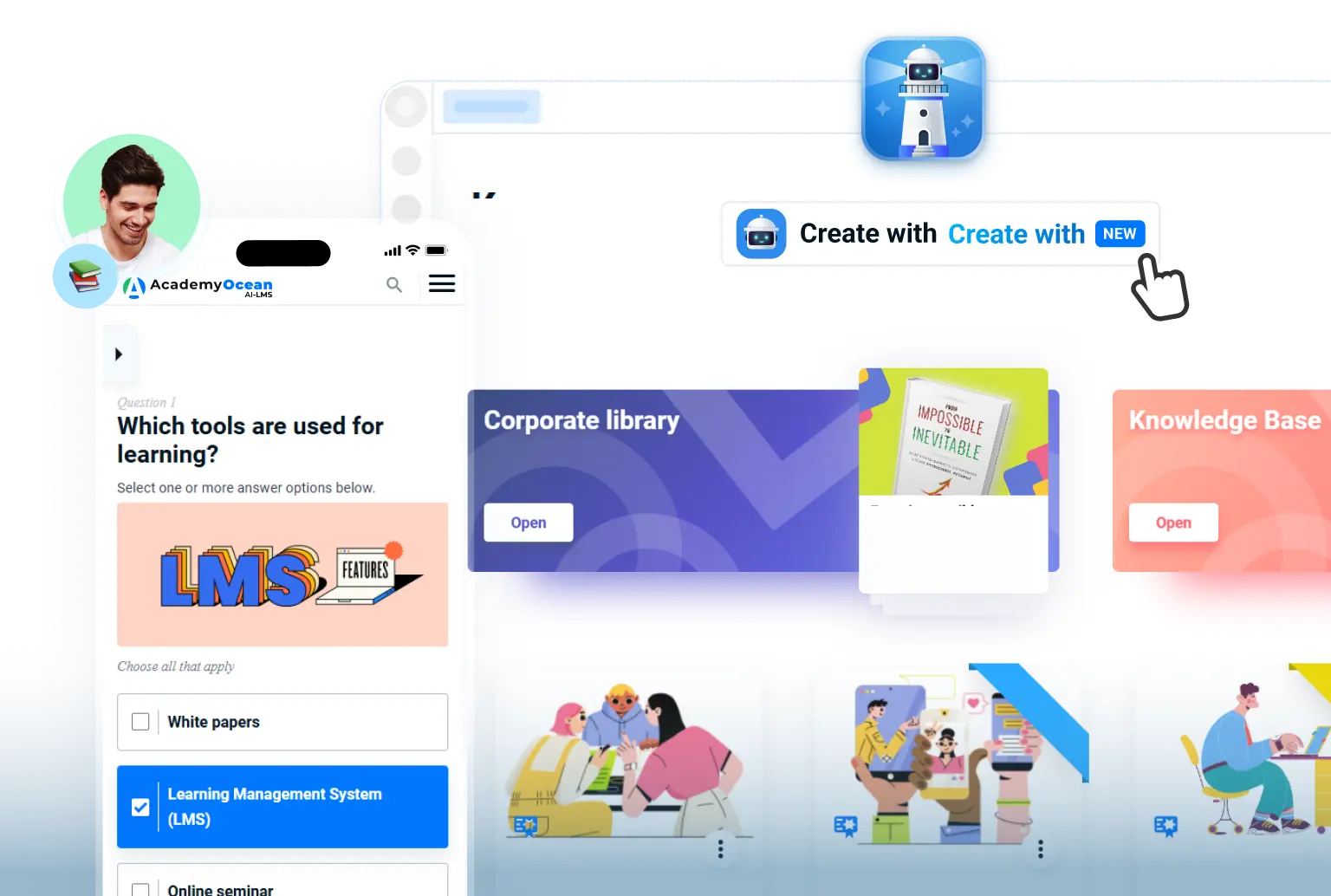
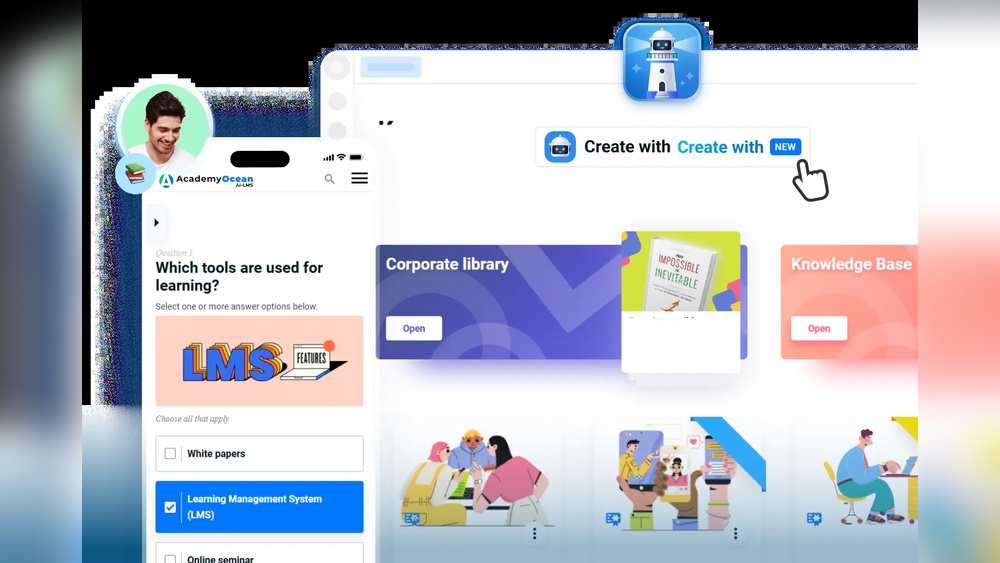
Credit: academyocean.com
Develop Quality Content
Developing quality content is essential for effective employee training on a knowledge base platform. Clear, accurate, and well-organized content helps employees find answers quickly. It also builds confidence in using the platform regularly. Quality content reduces confusion and training time.
Focus on creating content that is easy to read and understand. Use simple language and break down complex topics. Keep articles focused on one subject to improve clarity. Consistent quality content supports better learning and knowledge sharing.
Gather Information From Experts
Start by collecting information from subject matter experts. These experts hold valuable knowledge about processes, tools, and best practices. Interview them or ask for existing documents. Verify facts to ensure accuracy. Expert input creates reliable and trustworthy content for employees.
Write Clear And Concise Articles
Write articles using short sentences and simple words. Avoid jargon or technical terms that confuse readers. Use bullet points and numbered lists to organize ideas. Include examples to explain difficult concepts. Clear and concise writing helps employees understand content faster and better.
Set Content Guidelines
Create guidelines to maintain content quality and consistency. Define tone, style, and format rules for all writers. Specify how to handle updates and corrections. Guidelines ensure all articles look and feel the same. This consistency makes the knowledge base easier to navigate and trust.
Populate The Knowledge Base
Populating the knowledge base is a vital step in training employees on this platform. It involves gathering and organizing essential information that employees will use daily. A well-filled knowledge base helps staff find answers quickly and work more efficiently.
Start by collecting key documents, guides, and FAQs. Then arrange them clearly to avoid confusion. The goal is to build a reliable resource that supports learning and problem-solving.
Add Key Resources
Include all important materials related to your business processes. This may include manuals, policy documents, and troubleshooting steps. Make sure these resources cover the most common questions and tasks employees face.
Use simple language and clear headings. This helps employees understand the content fast. Update resources regularly to keep information accurate and relevant.
Ensure Consistency
Consistency in content style and format improves readability. Use a uniform tone and structure across all articles. This helps employees navigate the knowledge base without confusion.
Set guidelines for writing and formatting content. Train contributors to follow these rules. Consistent entries build trust and make the knowledge base easier to use.
Promote Knowledge Sharing
Managing access and security is a vital part of training employees on a knowledge base platform. It ensures that the right people see the right information. It also protects your company’s data from unauthorized users. Clear rules about access help maintain trust and efficiency.
Set Access Controls
Begin by defining user roles and permissions. Assign different levels of access based on job duties. For example, some employees may only read content. Others might edit or create new articles. Use your knowledge base’s built-in tools to set these rules. Regularly review and update access rights as roles change. This keeps your knowledge base secure and organized.
Protect Sensitive Data
Identify sensitive information within your knowledge base. This could include financial data, personal details, or trade secrets. Use encryption and secure login methods to guard this data. Limit access to sensitive sections strictly to authorized users. Train employees on the importance of data privacy and security. Encourage reporting of any suspicious activity. Protecting sensitive data avoids breaches and builds confidence in your system.
Manage Access And Security
Maintaining and updating content on a knowledge base platform is crucial for keeping information accurate and useful. Outdated content can confuse employees and reduce trust in the system. Regular updates ensure the knowledge base stays relevant and supports employee learning effectively.
Schedule Regular Reviews
Set a clear timetable for reviewing all knowledge base articles. This could be monthly, quarterly, or biannually, depending on the content type. Regular reviews help spot outdated or incorrect information quickly. Encourage employees to suggest updates during these reviews. Use reminders or calendar tools to keep the review process consistent.
Assign Maintenance Roles
Designate specific team members to manage content updates. Assign roles like content editors, reviewers, and approvers. Clear responsibilities ensure accountability and faster content refreshes. Train these employees on how to update the platform properly. Having dedicated roles prevents content from becoming stale and improves overall quality.
Credit: blog.marketresearch.com

Credit: knowmax.ai
Frequently Asked Questions
What Are The 5 C’s Of Knowledge Management?
The 5 C’s of knowledge management are Capture, Curate, Connect, Collaborate, and Create. They help organize and share knowledge effectively.
What Are The 5 Steps In A Good Employee Training Program?
A good employee training program includes these five steps: identify goals, assess skill gaps, design a training plan, deliver training effectively, and evaluate results for improvement.
What Are The 4 C’s Of Knowledge Management?
The 4 C’s of knowledge management are Capture, Curate, Connect, and Collaborate. They help organize and share knowledge effectively.
How To Create A Knowledge Base For Employees?
Define goals and scope, choose suitable software, and organize content logically. Gather and write clear articles, set guidelines, and control access. Promote usage and update regularly using feedback and analytics.
Conclusion
Training employees on a knowledge base platform improves teamwork and efficiency. Clear instructions help users navigate and use the system confidently. Regular practice and feedback keep skills sharp and content relevant. Encourage questions to solve doubts quickly and boost learning.
Tracking progress shows where extra support might be needed. A well-trained team handles tasks faster and shares knowledge easily. This creates a stronger, more informed workplace. Keep training ongoing to adapt to new updates and needs. Success comes from consistent effort and good communication.