
Are you ready to take your website live? Setting up your domain on a web host is a crucial step towards establishing your online presence.
Imagine having your unique corner of the internet where your ideas, business, or portfolio can thrive. By learning how to set up your domain, you’re not just connecting dots; you’re laying the foundation for your digital identity. In this guide, you’ll discover simple, step-by-step instructions to seamlessly link your domain with your chosen web host.
Whether you’re a seasoned tech enthusiast or a complete beginner, this process can be smooth and straightforward. Picture the satisfaction of seeing your website accessible to the world, with just a few clicks. You’re about to unlock the gateway to your digital dreams. Let’s dive in and make your domain setup a breeze, ensuring your website is ready to welcome visitors and make an impact.
Credit: www.godaddy.com
Choosing A Domain Name
Pick a name that sticks. Short names are easy to remember. Use simple words. Avoid complex terms. Think about your brand. Your domain should reflect it. Make it catchy. People should recall it easily. A good domain boosts recognition. Choose wisely. It matters.
Verify if the name is free. Use domain search tools. Many options online. Check for similar names. Avoid duplicates. Unique names stand out. Confirm availability before deciding. It’s essential. Secure your domain early. Don’t wait.
SEO helps your site rank. Include keywords in your domain. They improve search results. Avoid keyword stuffing. Keep it natural. Use relevant terms. This attracts more visitors. SEO-friendly names are valuable. Enhance visibility with smart choices.
Registering Your Domain
Setting up a domain on a web host involves a few simple steps. First, choose your domain name carefully. Then, register it through a trusted domain registrar. Finally, connect the domain to your web host by updating DNS settings.
Domain Registration Process
Begin by selecting a unique domain name. Check if your desired name is available. Use tools or websites for this. Once available, proceed to register. Pay the registration fee. Registration secures your name for a period. Usually one year. You can renew it later. Keep track of expiry dates.
Choosing A Domain Registrar
Select a reliable registrar. Compare prices and services. Choose registrars with good reviews. Look for support options. Some offer 24/7 help. Others may have limited support. Check for added features. Privacy protection is often included. This keeps your details safe. Choose wisely.
Securing Your Domain
Protect your domain from theft. Enable domain lock features. This prevents unauthorized transfers. Use strong passwords. Change them regularly. Consider privacy protection. Hide your contact details. Avoid unwanted spam. Monitor your domain status regularly. Make sure it remains secure.
Selecting A Web Host
Web hosting comes in different types. There is shared hosting. It’s cheap and easy to use. Then, there’s VPS hosting. It offers more control and power. For big websites, dedicated hosting is best. It provides a server just for you. Cloud hosting is also popular. It uses many servers for reliability. Choose based on your needs.
Many companies offer web hosting. Compare their prices and features. Look at their customer support options. Good support can solve problems fast. Check their uptime guarantees. This shows how often their service works. Read reviews from other users. They tell you about real experiences. Choose a provider with a good reputation.
Hosting features vary by provider. Look for a user-friendly control panel. It makes management simple. Check if SSL certificates are included. They keep websites secure. Look for backup options. Backups protect your data. See if they offer unlimited bandwidth. This allows more visitors to your site. Consider your specific needs before deciding.
Connecting Domain To Host
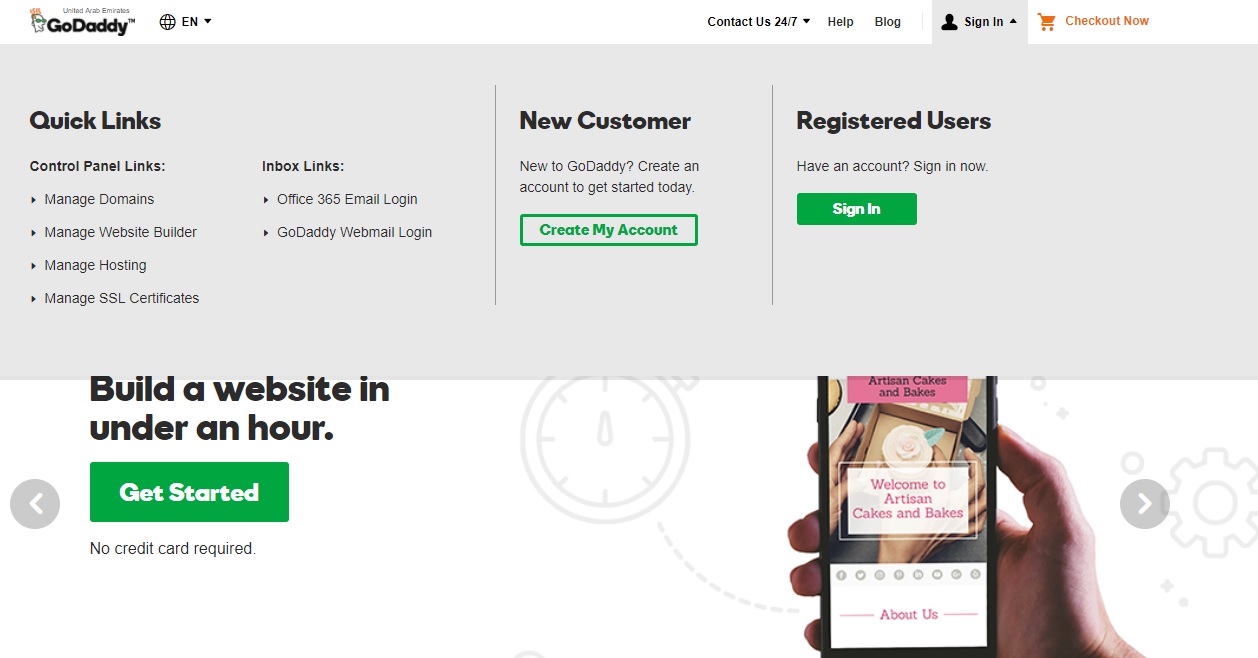
Access your domain management panel. Log in to your domain provider’s site. Find the section called Domain Management or DNS Settings. This is where you will make changes.
Locate the DNS settings in your panel. Enter the name servers from your web host. Click save to update the settings. This connects your domain to your host.
Changes may take some time to work. This is known as propagation. It can take up to 48 hours. During this time, your website might not be visible. Be patient while the changes take effect.
Configuring Web Host Settings
First, create a hosting account with your chosen provider. This is where your website will live. Fill in your details carefully. Make sure to choose the right plan. Some plans offer more space and features. Choose what fits your needs. After signing up, check your email. You will find important account information there. Save it securely.
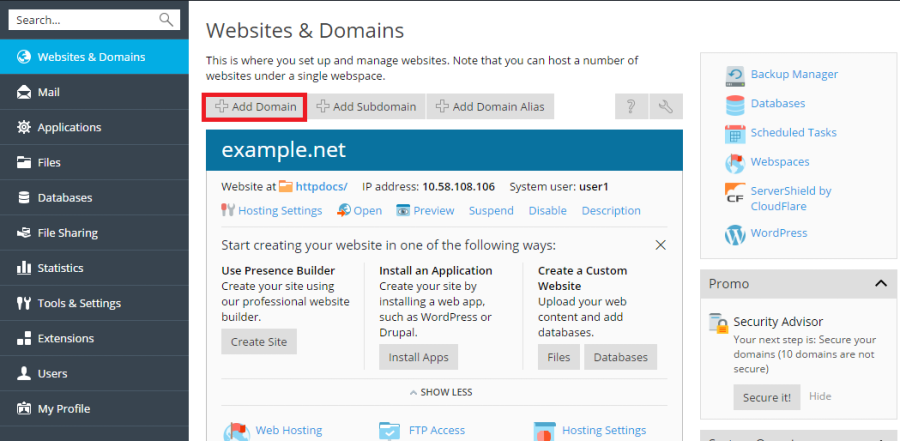
Log in to your hosting account. Go to the domain settings. You need to enter your domain name here. Find the DNS settings. Update them with your hosting provider’s details. This links your domain to your hosting. Sometimes, it takes a few hours. Be patient. Once done, check if your domain is linked.
Open your web browser. Type your domain in the address bar. Press enter. Your website should appear. If not, check your settings again. It might take time for changes to appear. Look for errors or messages. Fix them if needed. Keep testing until your site loads correctly.
Credit: docs.plesk.com
Ssl Certificate Setup
SSL certificates keep your data safe. They make sure no one can steal it. Websites with SSL show a padlock icon. This means they are secure. Users feel safe on these sites. Search engines like Google prefer SSL sites. This can help your site rank better.
First, check if your host offers free SSL. Many hosts do. You can also buy SSL from a trusted company. They give you a special file. This file is your certificate. Keep it safe. You will need it later.
Log in to your web host account. Find the SSL settings. Upload your SSL certificate file. Follow the steps on the screen. After this, your domain should have SSL. Check by looking for the padlock icon.
Troubleshooting Common Issues
Setting up a domain on a web host often poses challenges. Issues like DNS configuration or incorrect name servers can arise. Ensure all settings are correct to avoid downtime and connectivity problems.
Dns Resolution Problems
DNS issues can stop your domain from working. One common cause is wrong DNS records. Check these in your web host’s panel. Make sure they match your domain registrar. Incorrect DNS settings might cause a delay. Always give it a few hours to update. Some changes might take up to 48 hours. Clear your computer’s DNS cache. This can sometimes solve simple problems.
Domain Not Propagating
Propagation means spreading DNS changes worldwide. Sometimes, this takes longer than expected. Check your DNS settings for errors. Contact your web host if it takes too long. They can check for hidden issues. Your ISP’s cache might also cause delays. Try using a different network. Or wait a bit longer. Patience is key here.
Ssl Configuration Errors
SSL errors can be scary. They often mean your site is not secure. Check if your SSL certificate is installed. It should be active and not expired. Ensure it matches your domain name. Sometimes, a simple refresh can help. Always use HTTPS in your URLs. This ensures SSL is active. Contact support if problems persist. They can help with deeper issues.

Credit: www.hostinger.com
Frequently Asked Questions
How To Connect Domain To Web Host?
Update domain’s DNS settings to point to your web host’s nameservers. Access domain registrar account, find DNS settings, and enter nameservers provided by your web hosting service. Changes may take up to 48 hours to propagate. Once done, your domain will be connected to your web host.
How To Host A Website If You Have A Domain?
Choose a reliable hosting provider. Connect your domain to the host’s nameservers. Upload website files via FTP or a control panel. Ensure your website is optimized for performance and security. Regularly update and maintain your site for best results.
How To Self Host A Website With A Domain?
To self-host a website, purchase a domain from a registrar. Choose a hosting provider and select a plan. Configure DNS settings to link your domain to the server. Upload your website files to the server using FTP. Ensure security measures are in place to protect your site.
How Do I Point A Domain To Another Host?
To point a domain to another host, update your domain’s DNS settings. Change the nameservers to those provided by your new hosting provider. Ensure you save changes. It may take up to 48 hours for DNS propagation. Test by entering the domain in a browser to confirm it points correctly.
Conclusion
Setting up a domain on your web host is simple. Follow the steps carefully. Choose the right domain name. Connect it to your web host. Check the settings twice. Ensure everything works smoothly. Double-check DNS configurations for accuracy. Troubleshoot any issues promptly.
Remember, practice makes perfect. With time, you’ll get better at it. Online resources can guide you. Don’t hesitate to seek help if needed. It’s important for your website’s success. Keep learning and improving your skills. Happy hosting!


