
Have you ever stumbled upon a WordPress site and thought, “Wow, these fonts are amazing!”? You’re not alone.
Fonts play a crucial role in shaping the look and feel of a website. They can evoke emotions, convey professionalism, and even guide your site’s visitors towards taking action. If you’re looking to enhance your website or simply satisfy your curiosity, you might be wondering how to uncover the fonts that make other sites stand out.
Fortunately, it’s easier than you might think. You’ll discover simple methods to identify the fonts used on any WordPress site, empowering you to elevate your own site’s design. Ready to unlock the secrets of stunning typography? Let’s dive in!

Credit: wordpress.com
Inspecting Fonts With Browser Tools
To see fonts on a WordPress site, use browser tools. Right-click on the page and select “Inspect”. This opens the Developer Tools. Find the “Elements” tab. This tab shows the HTML of the page.
Hover over the text you want to inspect. CSS styles will appear on the right. Look for the font-family property. It shows the font name used. Sometimes multiple fonts are listed. The browser picks the first one it finds.
In the “Computed” tab, you can see more details. This tab shows final styles applied to elements. Font size, font weight, and line height are easy to find here. Check other tabs for extra info.
Fonts can change by device or browser. Use different tools to check responsive fonts. Google Fonts is common for WordPress sites. It adds web fonts easily. Developer Tools help find fonts fast.
Using Online Font Identifiers
Discovering the fonts used on a WordPress site is easy. Use popular tools like WhatFont and Font Squirrel. These tools are simple and quick. You don’t need to be an expert to use them. Just visit the site and point to the text. The tool will show the font name instantly. Most tools work in the browser. This means no need to download anything. You can use them on any device. It’s fast and safe. You can find the font in seconds.
First, open the website with the font you want. Next, activate the font tool in your browser. Then, move the cursor over the text. The tool will display the font name. Write down the font name if needed. This way, you can remember it later. Repeat these steps for any website.
Exploring WordPress Theme Files
WordPress theme files hold the key to website styles. You can find the fonts used here. First, access your WordPress dashboard. Then, navigate to Appearance > Theme Editor. Select the stylesheet file, often named style.css. This file contains all the styling details, including fonts. Look for the @font-face rule or any font-family declarations.
Inside the stylesheet, search for font names. Use the browser’s search function. Press Ctrl + F on Windows or Cmd + F on Mac. Type in font-family to locate font declarations. Check the names of fonts listed. These are the fonts used on the site. Sometimes, fonts are imported from external sources. Look for @import or url() in the file. This will show if the site uses web fonts.
Utilizing WordPress Plugins
WhatFont and Font Finder are popular plugins for discovering fonts. These tools help identify fonts on WordPress sites. They save time and effort in font searching. Easy to install and use.
First, find the plugin in the WordPress store. Click the install button. Wait for it to download. Next, click activate. Now, the plugin is ready.
To use, visit a page. Click the plugin icon. Hover over text to see font details. Check size, style, and more. This is simple and quick.
Checking Font Libraries And Services
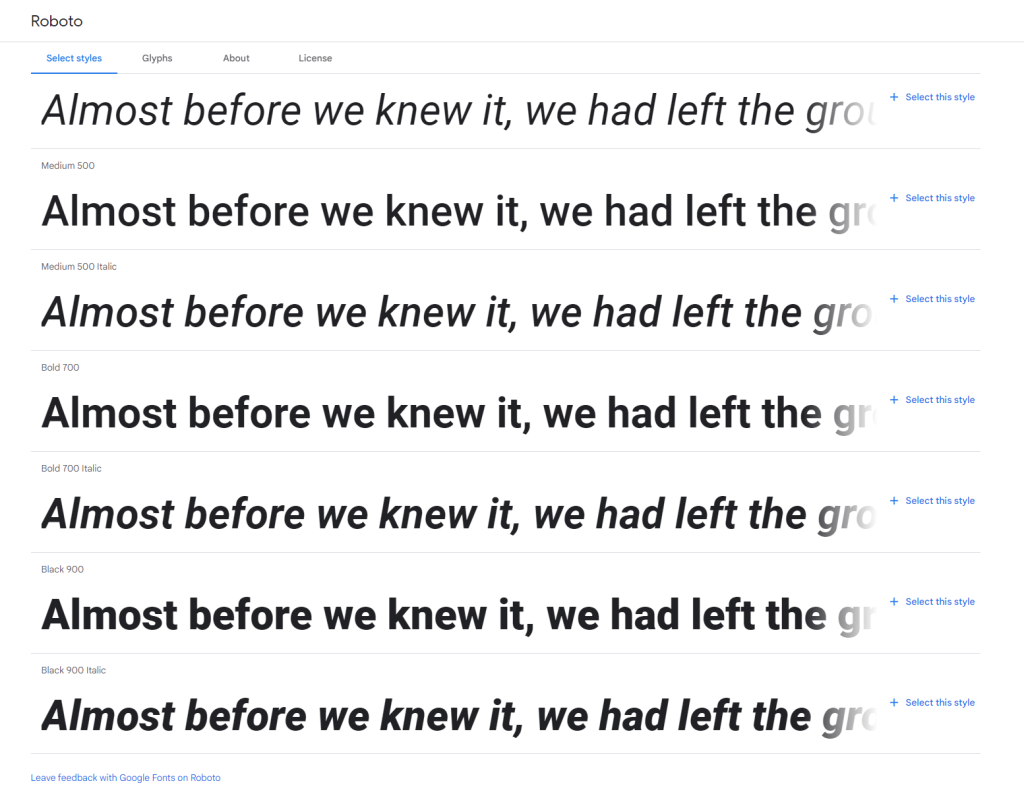
Google Fonts are popular and easy to spot. Right-click on a webpage and select “Inspect”. Look for the “Network” tab. Then, refresh the page. Search for URLs with “fonts.googleapis”. These URLs point to Google Fonts. They show what fonts are in use. This method is simple and quick.
Adobe Fonts, once Typekit, are common too. Inspect the page source code. Look for links with “use.typekit”. These links show Adobe Fonts are in use. You might also see “adobefonts” in the URL. This check is useful to find Adobe Fonts.
Credit: wordify.com
Tips For Accurate Font Identification
Identifying fonts can be tricky. Common fonts often look alike. Mistakes happen easily. Arial and Helvetica confuse many. They seem alike at first. But small details differ them. Serif and Sans-serif fonts are another example. Serif has tiny strokes at ends. Sans-serif is smooth and modern. Look closely at each letter. Pay attention to the shape and style. This helps in spotting differences. Tools can assist too. Font detector extensions are useful. They are simple and fast. But sometimes they miss details. Manual inspection is often better.
Ensuring Accuracy in Font Detection requires patience. Don’t rush the process. Take time to check each font. Compare them with known examples. Practice helps in becoming better. Always double-check your findings. Share with others for feedback. Mistakes are normal. They help improve your skills. Keep learning about fonts. Knowledge grows with experience. Accuracy improves over time.

Credit: wordpress.com
Frequently Asked Questions
How Can I Check Fonts On WordPress Sites?
To check fonts on WordPress sites, use browser developer tools. Right-click on the page and select “Inspect. ” Navigate to the “Computed” tab and look for font-family under the “Styles” section. Alternatively, use online tools like WhatFont or Fontface Ninja for quick font identification.
Which Tools Can Identify WordPress Fonts?
Tools like WhatFont, Fontface Ninja, and Typewolf can identify WordPress fonts. These browser extensions allow you to hover over text and view font details instantly. They provide information on font family, size, and weight, enhancing the ease of font identification on any website.
Can Plugins Reveal WordPress Site Fonts?
Yes, plugins can reveal fonts on WordPress sites. Plugins like Font Finder allow users to inspect and identify fonts directly from the WordPress dashboard. They offer detailed font information, including font family, style, and weight, making font identification straightforward and convenient.
Is It Possible To See Custom Fonts Used?
Yes, you can see custom fonts used on WordPress sites. Browser tools like “Inspect” reveal CSS files where custom fonts are defined. Additionally, online tools and plugins can identify custom fonts, providing information on font sources and usage, aiding in comprehensive font analysis.
Conclusion
Finding fonts on a WordPress site is simple. Just use browser tools. Inspect elements to discover the fonts used. Plugins can also help identify fonts quickly. These methods are easy and effective. You can enhance your own site’s design with this knowledge.
Experiment with different fonts to find the perfect match. Remember to keep your audience in mind. A well-chosen font improves readability and engagement. Explore, learn, and apply these techniques to enhance your website’s appeal. Happy designing and font hunting!


