
Are you ready to take your first step into the digital world? Purchasing a web hosting service and domain name is crucial for establishing your online presence, whether you’re starting a blog, launching a business, or creating a portfolio.
But with so many options out there, the process can feel overwhelming. Don’t worry—this guide is designed just for you. We’ll break down each step, providing easy-to-follow instructions and tips to help you make informed decisions. By the end of this article, you’ll be equipped with the knowledge to confidently purchase the right web hosting and domain for your needs.
Let’s get started, and turn your online vision into reality!
Credit: www.greengeeks.com
Choosing The Right Web Hosting
Web hosting comes in different types. Each has its own benefits. The common ones include shared, dedicated, and cloud hosting. Knowing the differences helps you decide better. Let’s look at each type.
Shared Vs. Dedicated Hosting
Shared hosting is like sharing a room. You share resources with others. It’s cheaper but can be slower. On the other hand, dedicated hosting is like having your own room. Faster and more private. But it costs more.
Cloud Hosting Advantages
Cloud hosting uses many servers. This makes it very reliable. If one server fails, others help. It also scales easily. Pay for what you use. This can save money.
Selecting A Domain Name
Choosing the right domain name is crucial for your website’s identity. Reflect your brand and keep it simple and memorable. Once decided, purchasing web hosting and domain together ensures smooth website setup and management.
Importance Of A Good Domain
A good domain is like your online address. It helps people find your site. It should be easy to remember. A short name is often better. Make sure it relates to your content. This helps users trust you more. A memorable name can help your site grow. Avoid using hard words or symbols.
Domain Name Extensions
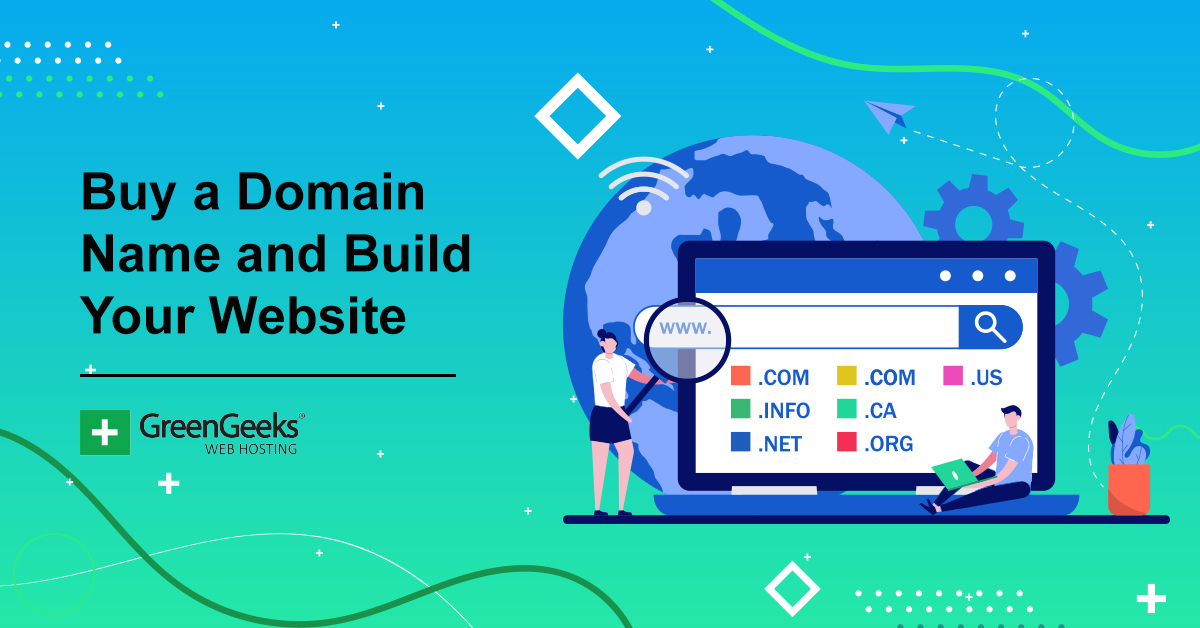
Extensions are the end of your domain. Common ones include .com, .net, and .org. Each has a different use. .com is the most popular. It is great for businesses. .org is often for non-profits. Choose an extension that suits your purpose.
Tips For Choosing A Domain
Keep it short and simple. Try to use keywords. This helps with search engines. Avoid numbers and hyphens. They can confuse people. Check if the domain is available. You can use online tools for this. Think about your brand. Make sure it aligns with your goals.
Comparing Hosting Providers
Consider the uptime guarantee. It shows how reliable the hosting is. Check for storage space and bandwidth. This tells how much data you can use. Security features are important. They keep your website safe. Look for SSL certificates. They protect data on your site.
Look at the monthly cost. Some plans might be cheap but have hidden fees. Compare the features included in each plan. More expensive plans often offer more features. Check if there are money-back guarantees. This lets you try the service risk-free.
24/7 support is very helpful. Problems can happen anytime. Check if they offer live chat or phone support. It’s faster than email. Read customer reviews. They tell you how good the support is. A good support team helps fix issues quickly.
Registering Your Domain
Domain Registration Process can be simple. First, think of a good name. It should be easy to remember. Then, check if it is available. You can do this on registrar websites. If it is available, you can buy it. The process is quick. Often, it takes only a few minutes.
Choosing a Registrar is important. Many companies offer domain services. Compare prices and features. Some popular ones are GoDaddy, Namecheap, and Bluehost. Look for good customer support. This can help if you have problems.
Domain Privacy Options keep your info safe. Your details are public when you register a domain. Privacy options hide your name and address. This stops unwanted emails and calls. Many registrars offer this service for a small fee.
Setting Up Your Web Hosting
Many websites use a Content Management System (CMS). Popular choices are WordPress and Joomla. These systems make managing your website easy. First, download the CMS files. Upload them to your web hosting. Follow the installation guide. This will help you set up the CMS quickly.
DNS settings connect your domain to your hosting. Log into your domain provider. Find the DNS settings section. Enter the nameservers given by your host. This will link your domain to your website. It might take some time to update.
Use a tool like FTP to upload files. FTP stands for File Transfer Protocol. Programs like FileZilla can help. Connect to your hosting server. Upload all your website files to the server. Check that all files are in the correct folders. This ensures your site works well.

Credit: www.shoutmeloud.com
Maintaining Your Hosting And Domain
Choosing web hosting and a domain is crucial for your website’s success. Start by researching providers for reliability and cost-effectiveness. Ensure the domain name aligns with your brand and is easy to remember.
Renewal And Billing
Pay bills on time to keep your website active. Missing payments can lead to account suspension. Use auto-renewal to avoid missing payments. Check billing details regularly for errors. Update payment methods if cards expire. Set reminders for billing dates. This helps in avoiding surprises.
Security Measures
Keep your website safe from threats. Use strong passwords for all accounts. Enable two-factor authentication for added security. Regularly update your software and plugins. This helps in fixing security holes. Back up your data often. This protects against data loss. Use SSL certificates to secure your site. This keeps user data safe.
Monitoring Website Performance
Check how fast your site loads. Slow sites can lose visitors. Use tools to monitor site speed. Fix issues that cause delays. Check for broken links often. These can frustrate users. Track user visits and behavior. This helps in improving site content. Keep an eye on server uptime. Downtime can affect your business.

Credit: www.godaddy.com
Frequently Asked Questions
How Much Does It Cost For Domain Name And Hosting?
Domain names typically cost $10-$20 per year. Hosting prices vary from $3 to $25 monthly, depending on the plan. Opt for basic shared hosting for cheaper rates. Consider factors like bandwidth, storage, and support to find the best deal. Prices fluctuate based on provider and features.
Does Buying A Domain Come With Hosting?
Buying a domain usually does not include hosting. Domains and hosting are separate services. Check with your provider for bundled offers. Always verify what services are included before purchasing.
Should I Buy Domain And Hosting Separately?
Buying domain and hosting separately offers flexibility and often better pricing. It allows choosing providers based on specific needs, such as features or customer support. Separate purchases can enhance control over renewal terms and ensure compatibility with future upgrades or changes.
How To Buy A Website Domain Permanently?
You can’t buy a domain permanently; domains are leased. Renew it periodically through a registrar to maintain ownership. Choose a reputable registrar, search for available domains, and purchase one. Set auto-renewal to avoid losing ownership. Ensure your contact details are updated to receive renewal notifications.
Conclusion
Choosing web hosting and a domain doesn’t need to be complicated. Start by deciding what your website needs. Then, compare hosting services. Look for reliability and support. Select a domain name that fits your brand. Keep it short and memorable.
Ensure it’s easy to spell. Afterward, purchase your chosen hosting plan and domain. Follow the setup instructions. Your website will be ready to launch. Remember, a strong online foundation is key. With the right choices, your website can grow. Happy building!


