
Are you tired of spending countless hours trying to create the perfect WordPress theme? Imagine being able to design stunning themes in half the time.
Sounds like a dream, right? Well, it’s not just a dream. You can actually speed up your theme development process without compromising on quality. In this guide, we’re going to reveal powerful techniques that can help you craft WordPress themes quicker and more efficiently.
Whether you’re a seasoned developer or just starting out, these tips are sure to make your workflow smoother. So, if you’re ready to save time and boost your productivity, keep reading. Your next great theme is just a few steps away!
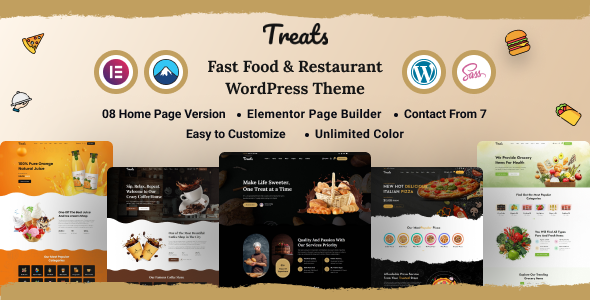
Credit: themeforest.net
Theme Design Principles
Less is more. A simple design helps in faster loading. Use fewer colors and fonts. Minimalism makes the theme look clean. It also reduces clutter. Efficiency ensures quick performance. Small images load faster. Optimize them for speed. Choose a lightweight framework. It helps the theme run smoothly. Every second counts. Keep the design simple and smart.
Every device needs a good view. Responsive design makes this happen. Use flexible layouts. They adjust to screen sizes. Test the theme on phones and tablets. All elements must fit well. Images should resize automatically. Text should be readable on small screens. Media queries help in creating responsive designs. They ensure themes look great everywhere. Users enjoy seamless experiences. Happy users visit more often.
Using Starter Themes
Starter themes help build websites faster. They have basic features. Underscores is a well-known choice. It offers clean code. Sage is another option. It uses modern tools. Bones is lightweight and simple. Each theme saves time. They reduce the need for coding.
Starter templates are easy to change. They allow unique designs. Use CSS to change colors. Add plugins for extra features. HTML helps to change layouts. These templates offer flexibility. They are a good start for beginners. Personalize them to fit your brand. Change fonts and images easily. Make your website stand out.
Leveraging Theme Frameworks
Theme frameworks help build WordPress themes fast. They offer pre-built designs and tools. This saves time and effort. Frameworks have clean code. This makes themes run smoother. Developers can focus on design and function. Less time on coding means faster results. Frameworks are easy to update. They keep your theme secure and fresh. Using frameworks is smart for quick theme building.
| Framework | Key Features |
|---|---|
| Genesis | Lightweight and SEO-friendly |
| Bootstrap | Responsive and mobile-first design |
| Underscores | Starter theme with simple templates |
Effective Use Of Page Builders
Crafting WordPress themes can be faster with effective page builders. These tools simplify the design process, letting you build pages effortlessly. Save time and boost productivity by using intuitive drag-and-drop features.
Choosing The Right Page Builder
Choosing a good page builder is crucial. Select a builder that is easy to use. It should have many features. A popular choice is Elementor. It is known for its speed. Another option is WPBakery. It is known for its flexibility. Both have a user-friendly interface. They help create pages quickly. Research before deciding. Read reviews. Check compatibility with your theme. This ensures smooth operation. Choose wisely for better performance.
Optimizing Page Builder Performance
Optimizing performance is essential. Start by disabling unused elements. This helps speed up your site. Use lightweight images. Heavy images slow down loading. Minimize plugins usage. Too many plugins can cause slowness. Regularly update your page builder. Updates often bring speed improvements. Check for conflicts with other tools. Resolve them immediately. Keep your builder running efficiently. This ensures quick theme loading. Fast loading improves user experience.
Code Optimization Techniques
Many themes have extra code that slows them down. Remove unused code and keep only what is necessary. This helps make the theme faster. Clean code is key to quick performance.
Small CSS and JavaScript files load faster. Use minification to reduce file size. This removes spaces and comments. Combine files for fewer requests. A single file is faster than many small ones.
Use async or defer for JavaScript. This loads it after the page shows up. Users see content quickly. Fast loading makes users happy.
Credit: themeforest.net
Utilizing Automation Tools
Task runners help with repetitive tasks. They make work faster. Tools like Gulp and Grunt are popular. They automate tasks like minifying CSS or optimizing images. Build tools like Webpack bundle your JavaScript. This improves performance. These tools save time. They also reduce errors.
Automated testing finds bugs early. Tools like Jest and Mocha are useful. They test code automatically. This makes the code more reliable. Debugging tools like Chrome DevTools help fix issues fast. They show errors clearly. This helps in finding solutions quickly.
Streamlining Workflow
Speed up WordPress theme creation by organizing your tools and resources. Implement shortcuts and templates to simplify repetitive tasks. Focus on efficient coding practices to ensure quicker theme development.
Effective Use Of Git
Git helps in managing code easily. It saves time and avoids errors. Developers can track changes with Git. Using Git, teams can work together smoothly. It keeps everyone updated about the latest changes. This reduces confusion and improves productivity.
Collaborative Tools And Practices
Working together is important. Tools like Slack and Trello help teams communicate. These tools make sharing ideas simple. Teams can plan and execute tasks effectively. Using these tools, everyone knows their roles. Clear communication speeds up project completion.
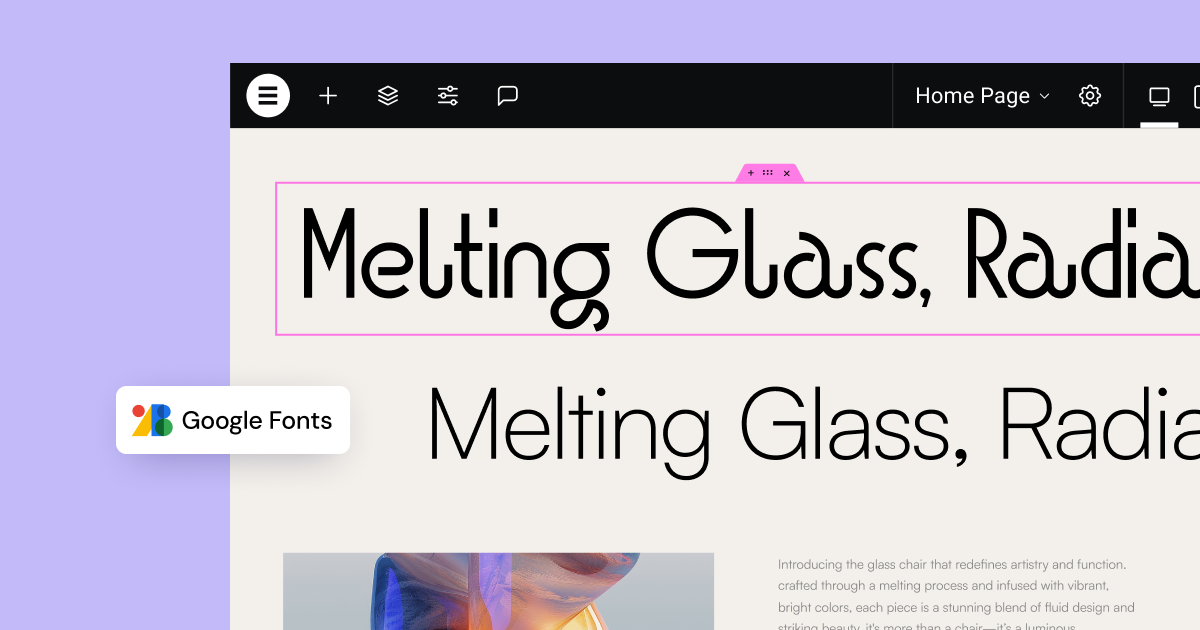
Credit: elementor.com
Frequently Asked Questions
How Can I Speed Up WordPress Theme Development?
To speed up WordPress theme development, use starter themes and frameworks. Leverage tools like Gulp and Sass for automation. Modularize your code for reusability. Optimize images and scripts. Test frequently across devices and browsers. Utilize plugins wisely to enhance functionality without slowing down performance.
What Tools Help In Faster WordPress Theme Creation?
Tools like Underscores, Sage, and Bootstrap accelerate theme creation. They provide pre-built structures and components. Gulp and Grunt automate tasks, while Sass offers efficient styling. Use browser developer tools for testing and debugging. These resources streamline workflows, reducing development time significantly.
Are Starter Themes Beneficial For Quick Development?
Yes, starter themes are highly beneficial for quick development. They offer a robust foundation, saving time on setup. They include essential functionalities and follow best practices. Customizing them is faster than building from scratch. They minimize repetitive tasks, allowing developers to focus on unique features.
How Do Frameworks Assist In Theme Development Speed?
Frameworks provide pre-designed components and structures, reducing development time. They ensure consistency across themes and improve code quality. Developers can focus on customization rather than basic setup. Popular frameworks like Genesis offer built-in SEO and security features, making development quicker and more efficient.
Conclusion
Speeding up WordPress theme creation is achievable. Focus on essentials first. Use efficient tools and shortcuts. Stay organized with a clear plan. Keep code clean and simple. Test regularly to catch issues early. Collaborate if possible to share ideas. Learn from mistakes and improve.
Stay updated with new techniques and tools. Aim for simplicity and clarity. Practice consistently for better results. Remember, patience and persistence are key. With dedication, your theme creation process will get quicker and smoother. Happy designing!


