
Have you ever wondered what it takes to host your own website? Creating your own server for web hosting might sound daunting, but it can be a straightforward process when broken down into simple steps.
Imagine having complete control over your online space, customizing it to your heart’s content, and saving money in the long run. By following this guide, you’ll learn how to set up a server tailored to your needs and discover the secrets of efficient web hosting.
Whether you’re a tech enthusiast or a curious beginner, this article will walk you through the essentials, ensuring that you have the knowledge and confidence to get your server up and running. Let’s dive into the world of web hosting and unlock the potential for your own digital empire.
Choosing Hardware
Choosing the right server type is very important. A dedicated server gives you full control. It’s great for big websites. A VPS shares resources but costs less. It’s good for medium sites. A shared server is the cheapest. It’s for small websites with low traffic.
RAM affects how fast the server works. More RAM is better. At least 8GB is good for most tasks. Storage should be fast and reliable. SSDs are quicker than HDDs. At least 500GB is needed for most websites.
A strong network connection is key. It keeps your site online. A fast internet speed helps with loading times. Aim for at least 100 Mbps. A good bandwidth ensures many visitors can access your site. Always check your ISP for good services.
Operating System Options
Choosing the right operating system is key for a server. Linux is open-source and cost-effective. It is known for its strong security and stability. Windows is user-friendly and offers great support. It is ideal for those familiar with Windows software. Both systems have unique advantages. Make sure to choose the best fit for your needs.
Some software works only on specific systems. Linux supports a wide range of open-source applications. Windows runs many popular business tools. Think about your software needs first. This will help make the best choice.
Installing Linux can be complex for beginners. It requires some technical knowledge. Many guides are available to help. Windows installation is often easier. It has a step-by-step wizard. This can guide users through the process. Always read instructions carefully.
Software Setup
Creating a server for web hosting involves choosing the right hardware and software. Configure settings to ensure security and performance. Follow step-by-step guides for setting up operating systems and web server applications.
Web Server Software
Choose the right web server software for your needs. Options include Apache, Nginx, and LiteSpeed. These tools help serve your web pages. Apache is common and widely used. Nginx is fast and good for high traffic. LiteSpeed offers speed and efficiency. Install the software on your server. Follow the instructions provided by the software. Make sure to configure settings correctly. This ensures everything runs smoothly.
Database Management
A database stores your website’s data. Choose a database management system. Popular choices are MySQL and PostgreSQL. MySQL is user-friendly and powerful. PostgreSQL is reliable and secure. Install your chosen database on your server. Set up the database with care. Protect your data with strong passwords. Regularly back up your database. This keeps your data safe and sound.
Security Tools
Protect your server with security tools. Install a firewall to block threats. Use SSL certificates for data encryption. This keeps user data safe. Regularly update your software. Updates fix security issues. Use strong, unique passwords for access. Consider using a security plugin. These tools offer extra protection. Monitor your server for any unusual activity. Stay alert to keep your server secure.

Credit: www.hostinger.com
Domain And Dns Configuration
A domain name is your website’s address. It should be unique and easy to remember. Choose a name that fits your site. Many sites can help you register your domain. Some popular ones are GoDaddy and Namecheap. Check if your desired name is available. If it is, you can buy it. Registration usually lasts for one year. You can renew it later. Costs vary but are often low. Ensure your domain name is simple and clear.
DNS records connect your domain to your server. They tell the internet where your site lives. Start by accessing your domain registrar’s DNS settings. You will see options like A records, CNAME, and MX records. A record points your domain to your server’s IP address. CNAME can link subdomains to your main domain. MX records handle email routing. Ensure records are correct for smooth connection. Changes can take some time to update. Check back to confirm they work.
Network Security
A firewall blocks unwanted traffic. It keeps your server safe. You must set rules for the firewall. This helps control what enters and leaves. Always check and update these rules. This keeps your server protected. A strong firewall is like a gatekeeper.
SSL Certificates make your site secure. They protect data. People trust sites with SSL. It shows a lock icon in browsers. This means data is safe. Install an SSL certificate on your server. It encrypts information. This keeps it safe from hackers.
Updates fix bugs and improve security. They are very important. Always update your server software. This keeps it secure from threats. Check for updates regularly. Do not ignore them. They help keep your server running well. Regular updates are key to security.
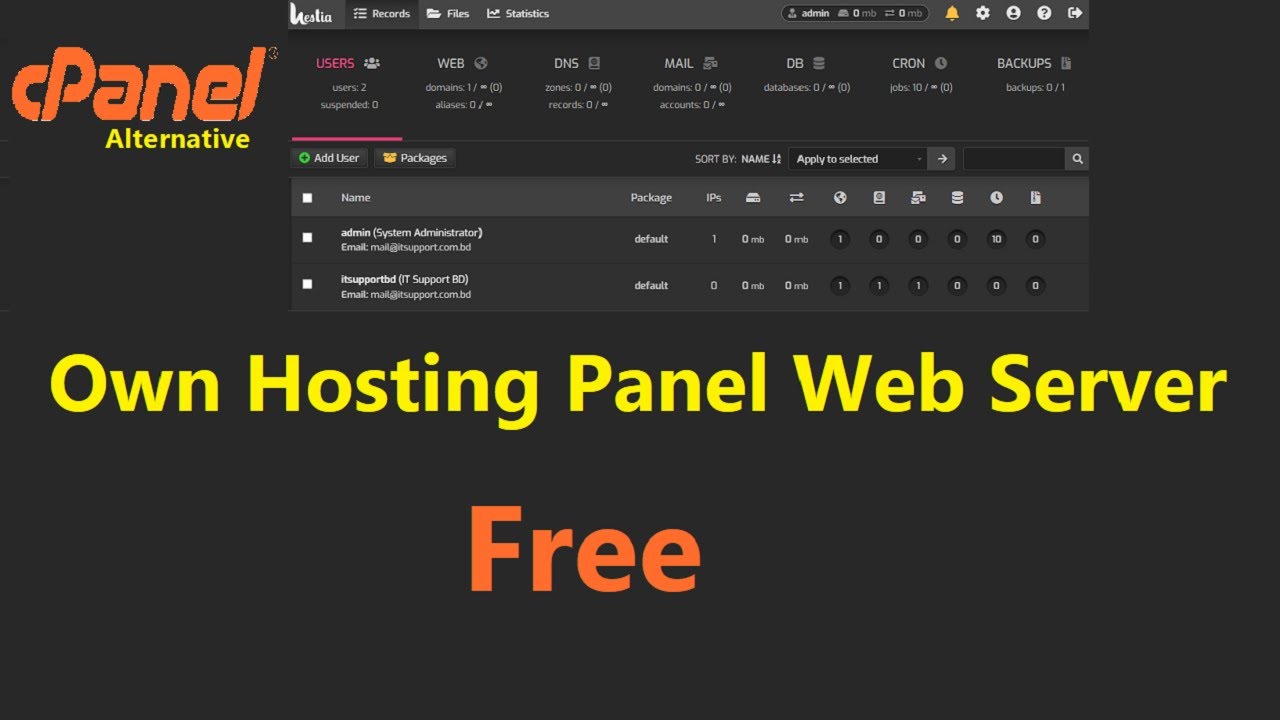
Credit: www.youtube.com
Performance Optimization
Load balancing helps your server run smoothly. It shares work among many servers. Traffic is split to avoid slowdowns. This makes sure every user gets a fast page. Round-robin is a simple load balancing method. It sends each new request to the next server in line. Least connection method checks which server has the least work. Then it sends the new task there. Both methods help in balancing server load.
Caching saves copies of web pages. This makes loading faster. Browser caching keeps copies on a user’s computer. Server caching keeps copies on the server. This reduces the time to load a page. Content Delivery Networks (CDNs) are also helpful. They store copies of pages in many places. This brings content closer to users. Caching reduces the work for servers and speeds up websites.
Monitoring tools check your server’s health. They alert you about problems. Pingdom and Nagios are popular tools. They help find issues quickly. Uptime Robot checks if your server is online. New Relic shows how apps work on your server. These tools help keep servers running well. They ensure a fast and reliable website.
Backup And Recovery
Data Backup Solutions are important for keeping information safe. Use cloud storage for easy access. It keeps data secure and can be accessed from anywhere. Local backups are also helpful. They provide an extra layer of safety. Both methods ensure data is protected. Regularly check backups to ensure they work. This helps avoid losing important files.
Disaster Recovery Plans help when problems occur. A good plan reduces downtime. Make sure to test the plan often. This ensures it works well during emergencies. Quick recovery is vital for business continuity. Prepare a checklist for recovery steps. This makes the process easier. Keep copies of important documents in multiple locations. This adds extra security.

Credit: www.siteuptime.com
Troubleshooting Common Issues
Setting up a server for web hosting often faces challenges like connectivity issues and software conflicts. Solving these requires checking network settings and ensuring all software is properly installed and updated. Regular maintenance and monitoring can help prevent future problems, ensuring smooth operation of your web hosting server.
Error Logs Analysis
Error logs are important. They show what went wrong. Check them often. Find patterns in the errors. Look for repeated issues. Fix those first. Use the error codes for help. They guide you to solutions. Logs help keep the server healthy.
Connectivity Problems
Connectivity problems are frustrating. Users can’t reach your site. Check the network settings. Ensure everything is connected. Look at the cables. Test the connection speed. Restart the router if needed. Contact your service provider. They can help fix the issue.
Server Downtime Solutions
Server downtime is bad for business. Users leave when the server is down. Monitor uptime with tools. Use alerts to know when downtime occurs. Implement backups. They help restore data quickly. Choose a reliable hosting service. They provide better uptime.
Frequently Asked Questions
Do You Need A Server For Web Hosting?
Yes, web hosting requires a server to store website files and data. Servers provide resources for site accessibility. Choose between shared, dedicated, or cloud servers based on your needs. A reliable server ensures faster load times and improved user experience.
Can I Host My Website On My Home Server?
Yes, you can host your website on a home server. Ensure you have a stable internet connection and sufficient bandwidth. Set up a static IP address and configure your router. Be cautious about security and backup data regularly. Consider professional hosting for better reliability and support.
Can You Host A Server Yourself?
Yes, you can host a server yourself using your computer. Ensure you have a stable internet connection, sufficient hardware, and software. Consider security measures to protect your data. Home hosting might affect your internet speed, so evaluate your needs carefully before proceeding.
What Is The Cheapest Way To Host A Website?
Use shared hosting for the cheapest website hosting. Providers like Hostinger or Bluehost offer budget-friendly plans. These plans include essential features suitable for small websites. Compare prices and features to find the best deal. Always check for discounts or promotional offers to save money.
Conclusion
Building a server for web hosting is simpler than it seems. By following these steps, you can host your own website. Start by choosing reliable hardware and software. Ensure your server is secure and updated regularly. Don’t forget to back up your data often.
With patience and practice, your server will run smoothly. Troubleshoot issues promptly to keep things running. Always learn and adapt to new technologies. Hosting your own server can be rewarding. You gain control and flexibility over your site. Enjoy the process and growth as you manage your server.


