
Are you tired of slow website performance and unexpected crashes? You might be dealing with high memory usage on your web hosting.
This can be frustrating, but don’t worry—it’s a common issue that has simple solutions. Lowering memory usage not only speeds up your website but also saves you money. Imagine a smoother, faster site that keeps visitors happy and engaged. In this guide, you’ll discover practical steps to optimize your web hosting memory usage.
Get ready to transform your website into a lean, efficient machine. Keep reading to unlock the secrets of boosting your site’s performance today!
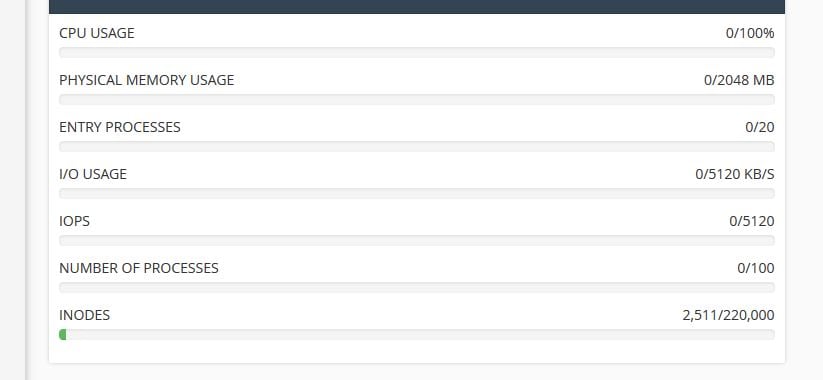
Credit: www.veerotech.net
Optimize Code
Small scripts use less memory. Remove unnecessary scripts. It helps a lot. Limit the number of libraries. They take up space. Keep scripts simple and short. Less code, more speed.
Make queries efficient. Retrieve only needed data. It saves memory. Use indexes for faster access. They boost speed. Avoid heavy queries. They slow down the server. Clean up old data. It frees up space.
Light frameworks use less memory. They run faster. Choose simple frameworks. They are easier to manage. Avoid large frameworks. They can be heavy. Lightweight frameworks help speed up your site.
Manage Plugins And Extensions
Unused plugins take up space. They use extra memory. Remove them to free up space. This helps your site run faster. Check for plugins not needed. Delete them quickly.
Old plugins can slow your site. Update them often. New updates fix bugs. They make plugins work better. Keep your plugins up-to-date. This saves memory.
Heavy plugins use more memory. Choose lightweight ones for better speed. They are faster. They use less space. Find plugins that suit your needs. Pick ones that are simple. This helps save memory.
Implement Caching
Browser caching stores web page files on a visitor’s computer. This means the browser doesn’t download the same files again. It helps in loading web pages faster. This reduces server load and saves bandwidth. Set expiry dates for files like images and scripts. Use the `.htaccess` file for this purpose. It’s simple and effective.
Server-side caching keeps data stored on the server. It helps in reducing the need to process the same data again. This speeds up web page delivery. Use tools like Memcached or Redis. They are popular for server-side caching. They help reduce database load.
Content Delivery Networks (CDNs) distribute your content globally. They store copies of your files on various servers worldwide. This results in faster load times for users. CDNs reduce server strain and improve website speed. Popular CDN providers include Cloudflare and Akamai. They help in saving server resources.
Optimize Images
Reduce image sizes with compression tools. Smaller images use less memory. Tools like TinyPNG can help. They make images smaller without losing quality. Your website will load faster. Users will have a better experience.
Select the right image format. JPEG is great for photos. PNG is best for graphics. WebP is a good choice too. It has both quality and small size. Proper formats help save memory.
Use lazy loading for images. This means images load only when needed. This technique saves memory. It speeds up page load times. Users will see the page quickly. More websites use this technique now.
Monitor Memory Usage
Using monitoring tools helps in tracking memory usage. These tools can show detailed reports. Reports tell you how much memory each application uses. You can see spikes in memory usage. Such tools are often free or come with hosting plans. They are easy to set up. Most tools have simple dashboards. Dashboards show data in charts or graphs. This makes it easy to understand.
Checking usage patterns is important. You can see which times memory usage is high. Is it during peak traffic hours? Is it when certain apps run? Knowing patterns helps plan better. You can adjust settings based on these patterns. This can lower memory usage.
Adjusting resources is key. Increase or decrease resources based on needs. Add more RAM if needed. Reduce background apps running. Limit how many users access at one time. Ensure resources match usage needs. This keeps memory usage low.
Limit Simultaneous Connections
Servers can handle many users at once. Too many connections can slow them down. Adjust server settings to limit users. This helps keep memory use low.
Rate limiting controls how often users connect. It stops too many requests at once. This reduces memory load. It keeps servers fast and efficient.
Load balancers spread user requests over servers. This prevents one server from overloading. It helps manage memory better. Servers stay quick and responsive.
Optimize Database Performance
Reduce memory usage on web hosting by optimizing database performance. Utilize efficient indexing and remove unnecessary data. Regularly update software and monitor queries to ensure smooth operations.
Regular Maintenance
Databases need regular clean-ups. Remove unwanted data often. This reduces memory use. Backup important data first. Keep backups safe. Regular checks help find problems early. Fixing problems early saves time and effort. Clean databases run faster.
Indexing Strategies
Good indexes speed up data searches. Choose the right fields to index. Too many indexes slow things down. Plan your index strategy well. Keep indexes updated. Outdated indexes can cause trouble. Review and refine your indexes often. This keeps your database efficient.
Use Query Optimization
Queries ask for data. Write smart queries to save memory. Simple queries work faster. Avoid complex queries if possible. Use filters to get only needed data. This reduces load on the server. Regular query reviews are helpful. Optimize queries for better speed and performance.

Credit: www.siteground.com
Reduce Third-party Requests
Hosting files locally can reduce memory usage. It avoids unnecessary third-party requests. Websites load faster when files are nearby. Use local storage for images and scripts. This keeps memory use down and speeds up access.
API calls can use a lot of memory. Limit these calls to save resources. Use caching to store data temporarily. It helps in reducing the number of calls. This saves memory and makes websites run better.
Asynchronous loading helps in managing resource use. Load parts of your site when needed. This method saves memory and improves speed. Visitors will experience faster access. It makes websites efficient and memory-friendly.
Utilize Efficient Hosting Plans
Picking the right hosting plan is key. Memory usage depends on this choice. Small websites need less resources. Big websites need more. Look at your website’s needs. This helps in choosing the best plan.
Plans with scalable resources are great. They grow with your website. No need to change plans often. Scalability saves time and money. It’s smart to pick plans that adjust easily. This helps keep memory usage low.
Not all hosting providers are equal. Some offer better memory management. Check reviews before choosing. Look at their support services. Good providers help manage memory well. This keeps your website smooth and fast.
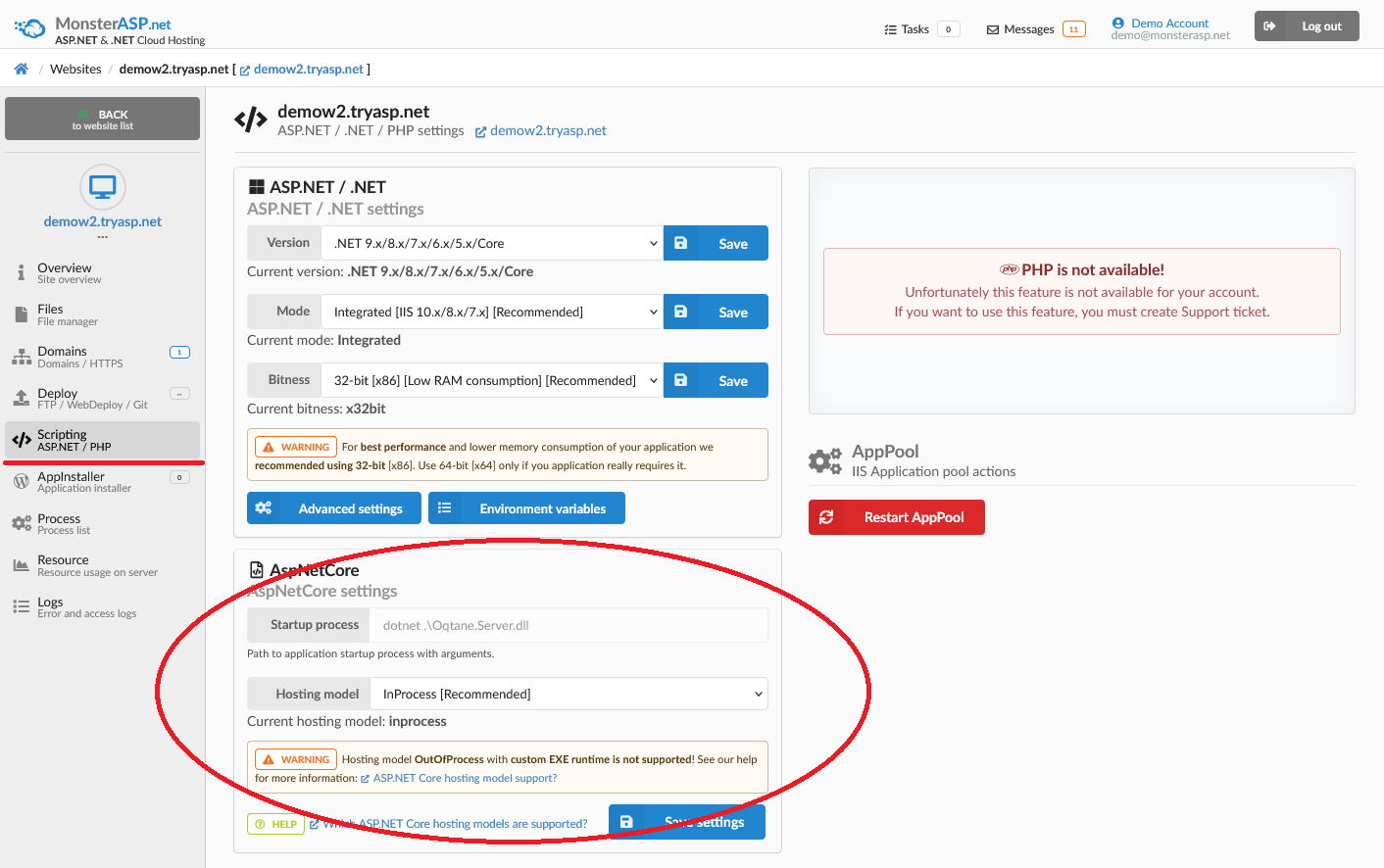
Credit: help.monsterasp.net
Frequently Asked Questions
How Do I Lower My Memory Usage?
Close unused applications and tabs to free up memory. Regularly clear cache and temporary files. Disable unnecessary startup programs. Upgrade RAM if possible. Use task manager to monitor and manage memory usage efficiently. Consider using lightweight software alternatives.
How Do I Fix 80% Memory Usage?
Close unused programs and browser tabs to free up memory. Disable startup programs via Task Manager. Scan for malware using antivirus software. Increase virtual memory in system settings. Consider upgrading RAM if the problem persists.
How To Reduce Physical Memory Usage In Cpanel?
Optimize memory usage in cPanel by disabling unused plugins. Limit simultaneous processes and use caching tools. Regularly update software and scripts. Monitor resource usage using cPanel’s built-in tools. Adjust PHP memory limits if necessary.
How Do I Reduce Virtual Memory Usage?
Close unnecessary programs to free up virtual memory. Increase RAM for better performance. Adjust virtual memory settings under system properties. Regularly update software to optimize memory usage. Clean up disk space to minimize virtual memory load.
Conclusion
Lowering memory usage is crucial for efficient web hosting. Start by optimizing images. Use compression tools to reduce file sizes. Choose lightweight themes and plugins. They consume less memory. Regularly update your software. Updates often fix memory issues. Monitor your server resources.
Identify and fix high-memory processes. Consider a caching solution. It reduces server load significantly. With these steps, you can improve your hosting performance. Your website will run smoothly. Visitors will have a better experience. Keep your hosting efficient and responsive.
This ensures long-term success.


