
Are you ready to give your WordPress site a fresh look? Choosing the right theme can be the magic ingredient that transforms your website from ordinary to extraordinary.
But with countless options out there, how do you find the perfect one? This article will guide you through the process of exploring different themes in WordPress, helping you make informed choices without feeling overwhelmed. Imagine the satisfaction of a website that not only looks great but also captivates your visitors.
Let’s dive in and make your site shine with the ideal theme tailored to your needs!
Choosing A Theme
First, think about the purpose of your website. Is it a blog, a shop, or a portfolio? Different themes serve different needs. Make a list of must-have features. Do you need a photo gallery, a contact form, or a shopping cart? Your list will guide your choices. Consider the user experience. The theme should be easy to navigate. It should load fast and look good on phones and computers. Good themes help visitors find what they need. Remember, a simple theme can be better than a fancy one. Simple themes are often easier to set up and manage.
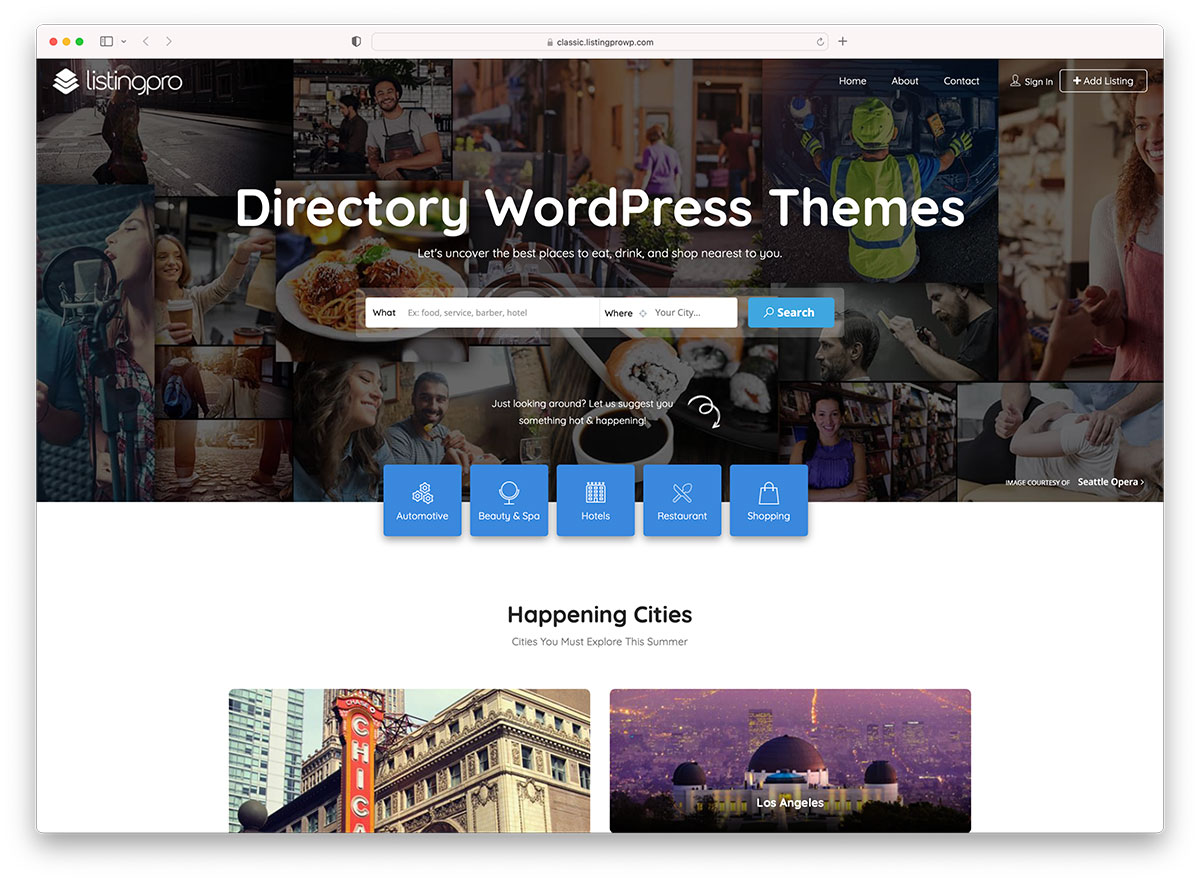
There are many types of themes in WordPress. Free themes are great for beginners. They cost nothing and are easy to use. Premium themes cost money but offer more features. You get better support and updates. Custom themes are made just for you. They fit your needs exactly. They can be costly but are unique. Choose a theme that fits your budget and skills. Think about your site’s growth. You might need more features later. A flexible theme can grow with your needs.
Credit: colorlib.com
Exploring Theme Features
WordPress themes offer many customization choices. You can change colors, fonts, and layouts. Some themes even let you customize the header and footer. These options help make your site unique. Customization is fun and easy.
A responsive design works on all devices. It looks good on phones, tablets, and computers. Themes with this feature adjust to screen size. This makes your site user-friendly. Everyone can enjoy it, no matter their device.
SEO-friendly themes help your site rank better. They are built with clean code. Search engines like this. They also support fast loading speeds. A fast site makes users happy. Choose themes that mention SEO features. They can help your site grow.
Theme Sources
The WordPress Repository offers free themes. Users can find many designs there. Each theme is checked for quality. Themes are easy to install. Updates are frequent and secure. This is the best place for beginners.
Premium marketplaces sell themes. These themes have unique designs. They often have more features. Prices vary from cheap to expensive. Users pay for quality and support. This is ideal for advanced users.
Custom themes are made for specific needs. Designers create these themes. They are unique to each site. This option costs the most money. Users can get exactly what they want. Perfect for special projects.
Evaluating Theme Quality
User reviews tell a lot about a theme’s reliability. Many positive reviews mean users are happy. Always check the latest reviews. They show if the theme works well now. Look for themes with at least 4-star ratings. This means users like it. Negative reviews help too. They highlight any problems. Never ignore them.
Theme performance affects your website’s speed. A fast theme keeps visitors happy. Use online tools to check speed. These tools show load times. Faster themes are better. Slow themes can drive visitors away. Choose themes with good speed scores.
Regular updates keep themes safe and secure. Updated themes work well with the latest WordPress versions. Check the last update date. Recent updates mean the theme is maintained. Themes without updates may have bugs. Always choose themes with regular updates.
Installing And Previewing
Many themes offer a live demo on their site. This feature lets you see the theme in action. Click the demo link and explore. Pay attention to the layout and design. Check if it fits your needs. Look at the colors and fonts. Notice the menu and navigation. These demos help in making decisions.
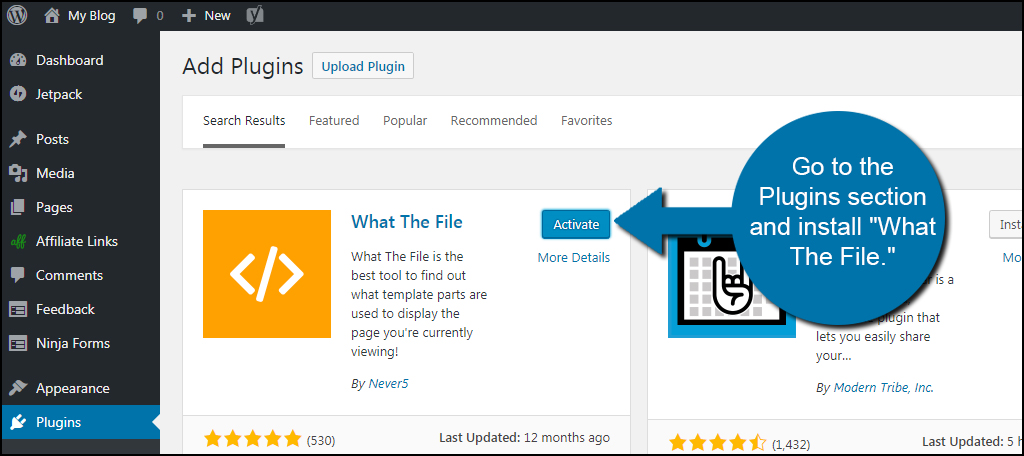
Begin by going to your WordPress dashboard. Click on “Appearance”, then “Themes”. You can search for new themes here. Once you find a theme, click “Install”. Installing is fast and easy. After installation, click “Activate”. Your new theme is now live on your site.
Before activating, you can preview a theme. Click on “Appearance”, then “Themes”. Hover over the theme you want. Click “Live Preview”. This shows how your site will look. Check if the theme meets your needs. You see the layout and design. Make sure everything looks good. Previewing helps avoid surprises.
Comparing Themes
Themes have different features. Some offer more options. Others keep it simple. Customizable features are important. They let you change colors and fonts. Some themes have built-in SEO tools. These tools help your site rank better. Always check for responsive design. It makes your site look good on phones.
The look of a theme matters a lot. Some themes are modern. Others feel classic. You should pick a theme that fits your style. Check if the theme supports images well. Images can make your site look nice. Some themes are easy to read. Others use fancy fonts.
Themes can be free or paid. Free themes cost nothing. But they may have fewer features. Paid themes often offer more options. They can cost a little or a lot. Always check what you get for the price. Look for updates and support. They help keep your site running well.
Making The Final Decision
Themes should fit your brand’s look and feel. Colors must align with your logo. Fonts need to be easy to read. Pictures should match your products or services. This helps in building trust. People recognize your brand quickly. Consistency is key to success.
Choose a theme that’s easy to update. Check if the theme gets regular updates. This keeps your site secure. Updates also bring new features. Make sure it works with new plugins. Your site stays fresh. This saves you time and effort in the long run.
A strong community around a theme is helpful. They share tips and tricks. You get answers to questions quickly. Look for active forums. Check if people write reviews. Reviews tell you about other users’ experiences. Support makes theme management easier.
Credit: www.greengeeks.com

Credit: webkul.com
Frequently Asked Questions
How Do I Find Themes In WordPress?
To find themes in WordPress, navigate to your dashboard. Go to “Appearance” and select “Themes. ” Click “Add New” to explore available options. You can filter themes by features, popularity, or latest additions. Once you find a theme you like, click “Install” and then “Activate.
“
Can I Preview WordPress Themes Before Installing?
Yes, you can preview WordPress themes before installing them. In the “Themes” section, hover over a theme and click “Live Preview. ” This allows you to see how the theme looks with your content. You can explore different aspects of the theme before making a decision.
Are WordPress Themes Customizable?
Yes, WordPress themes are highly customizable. Most themes offer customization options through the WordPress Customizer. You can change colors, fonts, layouts, and more. Some themes also provide additional settings in their own theme options panel. Always check theme documentation for customization possibilities.
How Do I Switch Themes In WordPress?
To switch themes, go to “Appearance” and then “Themes. ” Find the theme you want to use and click “Activate. ” It’s important to preview your site after switching to ensure everything displays correctly. Some content and settings may need adjustments after changing themes.
Conclusion
Exploring WordPress themes can transform your website’s look. Different themes offer unique styles and functions. Choose one that fits your brand and needs. Always preview themes before applying them. This helps you see how it looks on your site. Check reviews and ratings for user experiences.
They guide you to reliable options. Remember, the right theme enhances user experience and engagement. Take your time to find the best match. Experiment and enjoy the creative process. Your perfect theme is out there waiting for discovery. Happy designing!


