
Have you ever stumbled upon a website and wondered who’s behind the curtain hosting it? You’re not alone.
Knowing the web host of a website can be crucial, whether you’re benchmarking competitors, troubleshooting issues, or considering a switch for your own site. But how do you discover this valuable piece of information without spending hours combing through technical jargon?
This article will guide you through simple, effective steps to uncover the web host of any website. By the end, you’ll feel empowered to make informed decisions about your own web hosting needs, helping you stay ahead in the digital landscape. Ready to uncover the mystery? Let’s dive in!

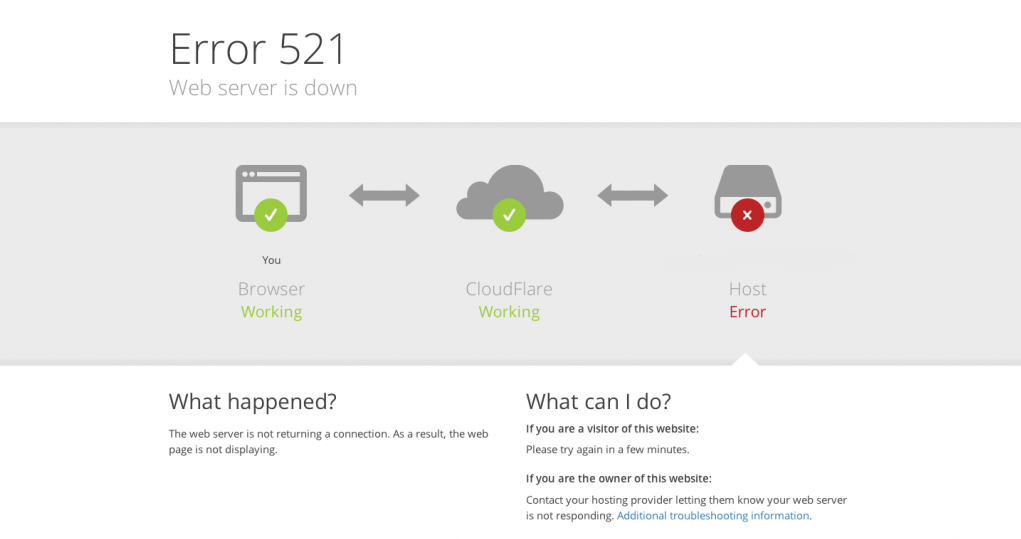
Credit: community.cloudflare.com
Finding Website’s Ip Address
Online tools help find a website’s IP address. These tools are simple to use. Enter the website URL in the tool. Click the search or find button. The tool shows the IP address in seconds. Some tools also show hosting details. Whois Lookup is a popular tool. WhatIsMyIPAddress is another option. Both are free to use.
Command line is a powerful way to find IP addresses. Open the command prompt on your computer. Type “ping” followed by the website name. Press enter. The IP address will appear on the screen. This method is fast and easy. It works on both Windows and Mac. Ping is a trusted command. It helps check website connection too.
Checking Domain Registration Details
Many websites offer WHOIS lookup services. This helps find domain details. These services show who owns a domain. Also, they reveal when a domain was registered. With a WHOIS lookup, you learn about the domain’s host. It is easy to use these services online. Just type the website name. Then, you will get the details fast. Some websites offering this are very popular. They are free too. This makes them easy to try.
Domain registration data shows important info. You can see the registrar’s name. Also, the registration date is visible. Even the expiration date is shown. This data helps you know more about the website. It is like a small history of the domain. You will see if the domain is new or old. This info is vital. It can help make smart decisions.
Exploring Website’s Source Code
Open the website in your browser. Right-click and choose “View Page Source.” This shows the website’s code. Look for keywords like “server” or “host.” These words help find the hosting provider. Check the comment lines. Sometimes, there are clues about hosting. This method is simple and quick.
Meta tags are part of the website’s code. They provide information about the site. Find meta tags by viewing the source code. Search for lines that contain “meta.” Some meta tags might mention the host. This helps in identifying the hosting provider. It’s like finding clues in a puzzle.
Utilizing Hosting Checker Tools
Many tools help find a website’s host. Some popular ones include WhoIsHostingThis, HostAdvice, and Site24x7. Each tool offers a simple interface. Enter the website’s URL. The tool will display the host’s name. These tools are often free. They are easy to use. Even beginners find them helpful.
Results show the hosting provider’s name. Sometimes, more details are given. Server location might be included. Some tools show the IP address too. Understanding this data is key. It helps verify the website’s host. If unsure, try multiple tools. Compare their results. Consistent results confirm accuracy.
Consulting Web Hosting Forums
Forums are great places to learn. Many people share their experiences. Experts often give advice. You can ask questions and get answers. Community members help each other. They share what works for them. You might find tips on popular hosts. Reviews are also common in forums. People talk about their favorite services. They discuss costs and features. Many forum members have tried different hosts. They compare what they like and dislike. Reading these discussions can be helpful. You can learn about hidden fees or bad customer service. Finding a good host becomes easier.
Experts often share their secrets. They know a lot about web hosting. Some experts write guides. Others answer questions. Listening to experts can save time. They help you avoid mistakes. Many experts have tested different hosts. They understand what makes a host good or bad. Advice from experts is valuable. They know how to find reliable hosts. Experts might also know about discounts. They can tell which hosts are trustworthy. Following their tips can lead you to the right host.
Contacting Website Administrators
Asking questions can help find answers. Email the website’s admin. Most sites have a contact form. Use it to ask who hosts the site. Be polite and clear. Sometimes, admins reply fast. Other times, it takes a while. Be patient.
Make friends with web experts. They know lots about hosting. Join online groups. Talk and ask questions. People often share helpful tips. Being part of a group makes learning fun. It also helps find web host info faster. Always thank those who help you.
Decoding Server Headers
Discovering a website’s web host involves examining server headers. These headers reveal vital hosting details. Understanding them provides insights into the hosting service supporting the site.
Header Analysis
Server headers give important clues about a website’s host. They are part of the HTTP response. Headers include details like server type and software. Use online tools to view headers easily. Enter the website URL in a tool. The tool will show header information. Look for lines starting with “Server” or “X-Powered-By”. These lines may reveal the hosting provider. Some headers show the server type, like Apache or Nginx. Others might show a specific hosting company. Remember, not all headers show hosting info clearly. But they can guide you to find more.
Identifying Hosting Provider
Find a website’s host using tools. Online tools can help. Enter the website’s URL. The tool checks the server headers. It looks for hosting details. Hosting providers often leave clues in headers. Look for names like “Cloudflare” or “Amazon AWS”. These names help identify the host. Sometimes, headers show server software too. Software names like “Apache” or “Nginx” might appear. They show what powers the website. Use header info to find hosting clues. But some headers don’t always show host names. They just show software details.
Credit: www.hostinger.com
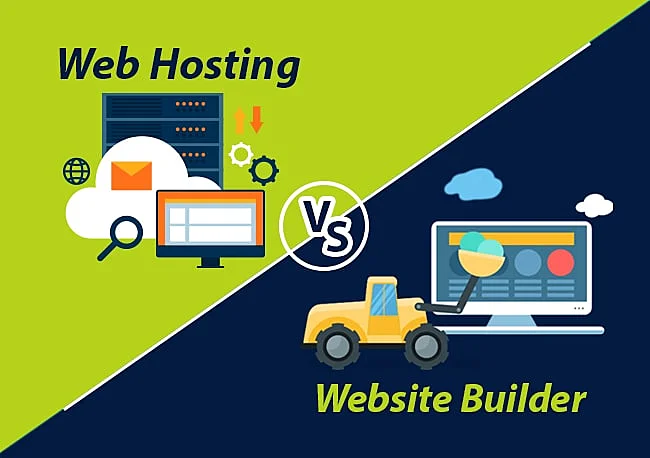
Credit: www.hostitsmart.com
Frequently Asked Questions
How Do I Know The Host Of A Website?
Use a WHOIS lookup tool to find a website’s host. Enter the domain name to see hosting details. For more information, try online services like ICANN WHOIS, WhoIs. net, or DomainTools. These tools reveal the registrar and hosting provider of the website.
How Do I Know The Web Server Of A Website?
Use online tools like Netcraft or BuiltWith to identify a website’s web server. Enter the website URL, and these tools will provide detailed server information. You can also check the HTTP headers using browser developer tools for server details.
What Is A Host For Your Website?
A host provides the technology and services needed for your website to be viewed online. It stores your website’s files on its servers, ensuring accessibility to users. Reliable hosting enhances website performance and security. Choose a host based on your site’s needs and expected traffic.
Which Hosts A Web Page?
A web hosting provider hosts a web page. They store your website’s files on their servers, making it accessible online. Popular hosting companies include Bluehost, SiteGround, and HostGator. Choose a host based on your website’s needs, like bandwidth, storage, and support.
Conclusion
Discovering a website’s host is easier than you think. With simple tools, you can find hosting information quickly. This knowledge helps in understanding website performance. You can make informed choices for your own site. Different hosts offer different benefits. Knowing your host can improve your site’s reliability.
Remember, a good host is crucial for online success. Utilize these tips to pinpoint a site’s host. Regular checks ensure your site runs smoothly. Keep learning to enhance your web skills. Stay curious, and your website will thrive. Happy hosting!


