
Are you ready to transform your Twitch streaming experience with a website that captivates your audience? Imagine having an online presence that seamlessly integrates your Twitch channel, showcasing your content with flair and functionality.
If you’ve been searching for the perfect way to bridge your gaming world with a polished, professional site, then you’re in the right place. Installing the Good Game Twitch Integrated WordPress Theme might just be the solution you’ve been looking for.
This theme is designed to enhance your engagement, making it easier for your fans to connect with your streams, videos, and updates all in one place. By the end of this article, you’ll know exactly how to set up this theme to elevate your Twitch channel and website to new heights. Let’s get started and make your online gaming hub as dynamic and engaging as your streams!
Choosing A Reliable Hosting Provider
Picking a good hosting provider is very important. The provider must offer strong security and fast speed. Check if they give 24/7 support. This helps when something goes wrong. Look at the customer reviews online. Happy users mean good service. Compare prices and plans. Find one that fits your budget. Some providers offer easy WordPress installation. This saves time. Storage space is important too. You need enough for your site. Don’t forget about bandwidth. More bandwidth means your site can handle more visitors. Make sure the provider has backup options. This protects your data. Choose wisely. Your theme needs a strong base.
Setting Up Your WordPress Site
First, download the WordPress software from its official website. Make sure to choose the latest version. Unzip the downloaded file on your computer. Next, open your web hosting control panel. Find the file manager or FTP option. Upload the unzipped WordPress files to your hosting account.
After uploading, go to your website. You will see the WordPress installation page. Follow the steps shown on the screen. You need to enter some details. These include your database name, username, and password.
Log in to your new WordPress site. Go to the settings menu. You can set your site title and tagline here. Choose a timezone that fits your location. Enable or disable comments under the discussion settings. Save changes after configuring each setting.
Now, your WordPress site has basic settings. You can start adding content. Remember to update your WordPress regularly for security.
Downloading The Good Game Theme
Discover how to install the Good Game Twitch Integrated WordPress Theme easily. Download the theme, navigate to your WordPress dashboard, select ‘Themes’, and upload the file. Activate the theme to start customizing your Twitch experience.
Purchasing The Theme
First, visit the theme store. Find the Good Game theme. Check its features and reviews. Decide if it’s right for you. Click the purchase button. Enter payment details carefully. Once payment is done, you will get a confirmation email. Save this email for future reference. It contains important information about your purchase.
Accessing The Theme Files
After purchasing, log into your account. Go to the downloads section. You will find your theme files there. Click the download button. Wait for the download to complete. The files are usually in a zip format. Store them in a safe place on your computer. You will need them for installation. Make sure not to delete or lose them.
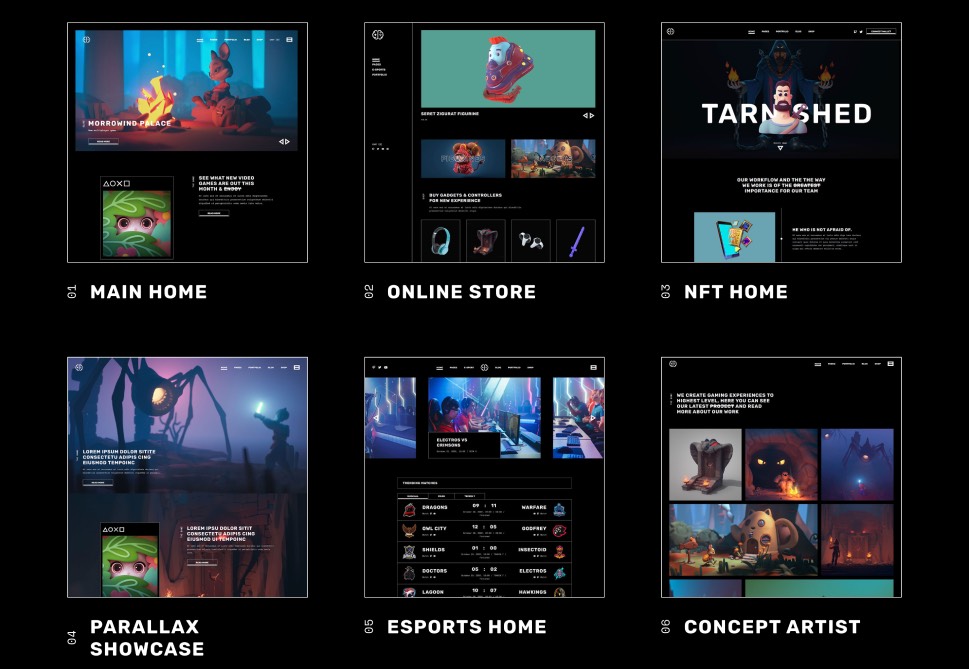
Credit: qodeinteractive.com
Uploading The Theme To WordPress
First, go to the WordPress dashboard. Click on the Appearance tab. Select Themes from the menu. Click on the Add New button. Then choose Upload Theme. Click on Choose File and find your theme file. Ensure it is in .zip format. Click Install Now. After installation, click Activate to use the theme.
First, download an FTP client like FileZilla. Open the client and connect to your server. Enter the server’s FTP details. Navigate to the wp-content/themes folder. Extract your theme’s .zip file on your computer. Upload the extracted theme folder to the server. Go back to the WordPress dashboard. Go to Appearance and then Themes. Find your uploaded theme and click Activate.
Activating The Good Game Theme
Open the WordPress dashboard. Look for Appearance on the left side. Click on it. A menu will appear. Choose Themes from the list. You will see all installed themes.
Find the Good Game theme. Click on it. A preview window will open. Look for the Activate button. Click this button. The theme will become active. Your site will now use the Good Game theme.

Credit: www.greengeeks.com
Customizing Theme Settings
Customize theme settings easily by installing the Good Game Twitch integrated WordPress theme. Start by accessing your WordPress dashboard, navigating to “Themes,” and clicking “Add New. ” Follow prompts to upload and activate the Good Game theme, then explore its built-in Twitch features for seamless streaming integration.
Adjusting Layout Options
Change the layout to fit your needs. Choose from different styles. Make sure it looks good on all screens. Try different options. You can find these in the theme settings. Spend time to explore each choice. This will make your site unique.
Personalizing Color Schemes
Select colors that suit your brand. Bright colors can be fun. Soft colors are calming. Match colors with your logo. This makes your site look professional. Use the color picker tool. It helps you choose the right shades. Test different colors to see what works best.
Setting Up Widgets
Widgets add features to your site. Drag and drop them into place. Use widgets for social media links. Add a search bar for easy navigation. Place widgets in the sidebar or footer. This helps users find what they need. Explore different widgets to enhance your site.
Integrating Twitch Features
Installing the Good Game Twitch Integrated WordPress theme enhances your site with Twitch features effortlessly. Customize your gaming website by integrating Twitch streams, profiles, and chat functionalities directly into WordPress. This theme offers a seamless setup for gamers seeking interactive and engaging content.
Linking Your Twitch Account
Start by linking your Twitch account. Go to your WordPress dashboard. Find the Twitch settings. Enter your Twitch login details. This links your account. It helps your website show Twitch features. Twitch account linking is easy. It connects your streams to your site.
Adding Twitch Streams
Adding Twitch streams is simple. Use a Twitch widget or plugin. Install it on your WordPress site. Choose the stream you want to display. Embed the stream on your page. It will show live Twitch content. Visitors can see your latest streams. Updating streams is fast. Keep your content fresh and engaging.
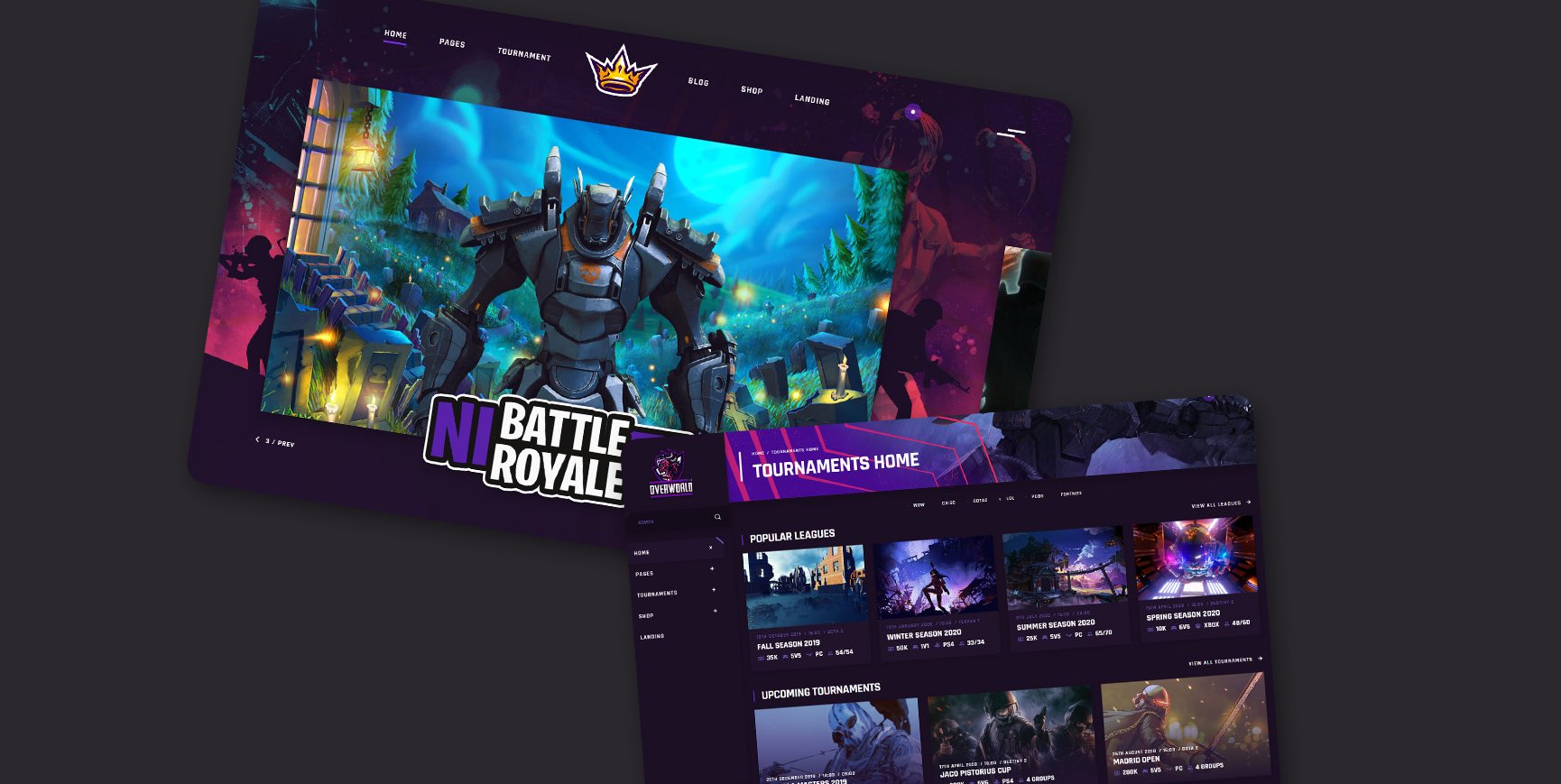
Credit: qodeinteractive.com
Installing Essential Plugins
Plugins make your site better. They add features. Some plugins are important. Install Yoast SEO for search help. Use W3 Total Cache for speed. Akismet stops spam comments. WPForms helps with forms. Pick plugins wisely. Too many slow down your site. Choose what you need. Keep your site fast and clean.
Compatibility matters for themes and plugins. Check plugin reviews. Make sure they work with Good Game theme. Always update plugins. New versions fix bugs. They add new features. Test plugins before going live. Use staging sites first. This avoids problems on your main site. Be careful. Your site’s health depends on it.
Testing Your Website Functionality
Ensure your website looks good on all devices. Use different screen sizes for testing. Check how images and text display. Make sure buttons are easy to click. Test on phones, tablets, and computers. Fix any layout issues quickly. A responsive site keeps visitors happy.
Speed matters. Slow sites lose visitors. Use tools to check load time. Optimize images and scripts. Reduce server requests. Minimize CSS and JavaScript. Fast sites rank better on search engines. Keep the site quick and smooth. Your visitors will thank you.
Frequently Asked Questions
What Are The Steps To Install The Theme?
To install the Good Game Twitch Integrated WordPress theme, first download the theme files. Upload them to your WordPress dashboard under “Themes. ” Activate the theme, then configure your Twitch integration settings. Follow the theme’s documentation for detailed setup instructions and customize as needed for your streaming content.
Is The Theme Compatible With WordPress?
Yes, the Good Game theme is fully compatible with WordPress. It is designed to integrate seamlessly with WordPress, providing a smooth user experience. Ensure you have the latest WordPress version for optimal performance and access to the theme’s full features, including Twitch integration.
Does The Theme Support Twitch Integration?
Absolutely, the theme is specifically built for Twitch integration. It offers features like live stream embedding, Twitch follower count, and chat display. These features help streamers engage with their audience directly on their WordPress site, enhancing viewer interaction and providing a complete streaming experience.
Can I Customize The Theme Easily?
Yes, the Good Game theme is highly customizable. You can easily change colors, layouts, and widgets through the WordPress Customizer. This flexibility allows you to tailor the theme to suit your branding and streaming style, creating a unique and engaging website for your audience.
Conclusion
Installing the Good Game Twitch theme is straightforward. Follow the steps carefully. Ensure your WordPress is updated. Download the theme from a trusted source. Use the WordPress dashboard for installation. Activate it to see changes immediately. Customize to suit your needs.
Check your site’s performance. Make adjustments as necessary. Remember, a good theme enhances user experience. Keep your audience in mind. Regular updates maintain functionality. Enjoy your newly styled site. Share your gaming content confidently. Your viewers will appreciate the effort.
Keep exploring new features. Always aim for an engaging website.


