
Have you ever wondered how to host your own web server at home? Imagine having complete control over your website, without relying on third-party services.
Setting up a web server in your own living space might sound daunting, but it’s more attainable than you think. Whether you want to host a personal blog, a portfolio, or even a small business site, running your own server gives you unparalleled flexibility and learning opportunities.
This guide will walk you through the essential steps, breaking down complex tech jargon into simple terms. You’ll discover how to transform your home computer into a powerful hosting machine, while ensuring everything is secure and efficient. Ready to unlock a new level of digital independence and mastery? Let’s dive into the world of home web hosting and turn your tech curiosity into reality.

Credit: webhostinggeeks.com
Choosing The Right Hardware
Selecting suitable hardware is crucial for hosting your own web server. Opt for a powerful processor and ample RAM to handle traffic efficiently. Ensure sufficient storage space to accommodate all your website data securely.
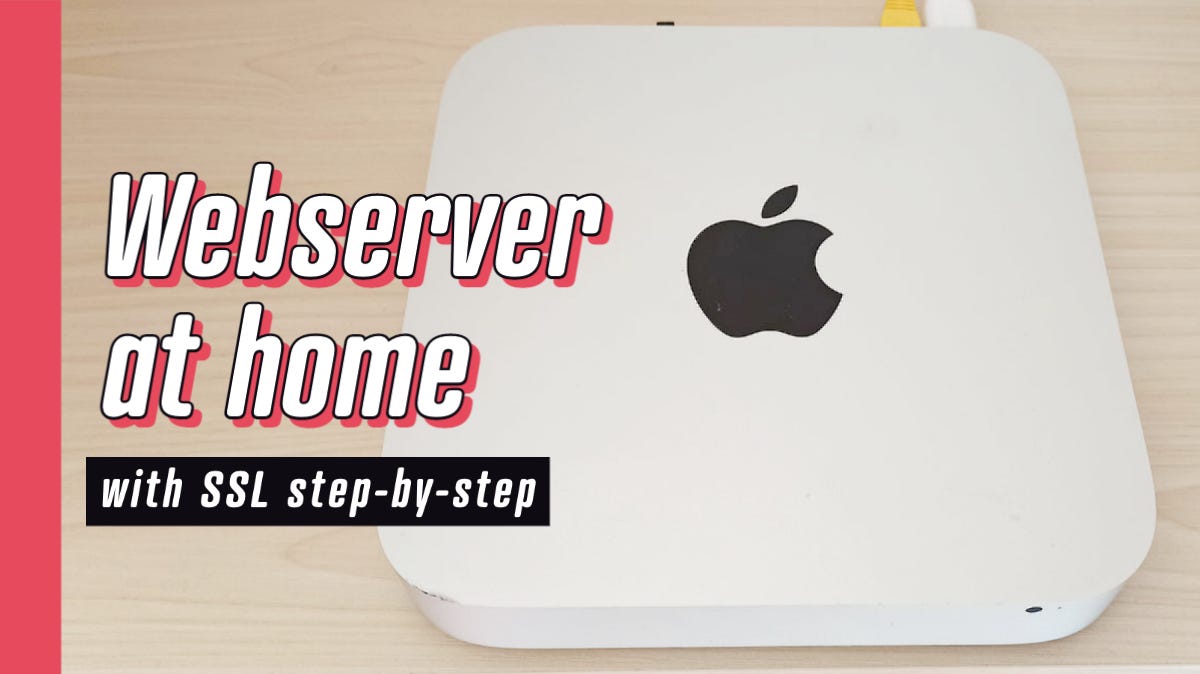
Desktop Vs. Dedicated Server
A desktop can be a cheap option for hosting. It can handle small tasks. A dedicated server is better for more traffic. It is built to run all day. It has better cooling and power. Choose based on your needs. Think about cost and usage.
Processor And Ram Considerations
Fast processors make servers quick. Choose a processor with many cores. This helps run many tasks. RAM is also important. More RAM means smoother performance. 8GB is a good start. For heavy tasks, consider 16GB or more.
Storage Needs
Storage holds all your data. SSDs are fast and reliable. They cost more than HDDs but are worth it. HDDs are cheaper and offer more space. Choose based on what you store. For websites, SSDs are better. For large files, consider HDDs.
Credit: medium.com
Selecting The Operating System
Choosing between Linux and Windows can be tricky. Linux is popular for web servers. It is free and open-source. You can find many support forums online. Windows is user-friendly. It has a familiar interface. You might prefer it if you use Windows at home.
Installing Linux is straightforward. You can use distributions like Ubuntu. Download and create a bootable USB. For Windows, use the installation CD. Follow on-screen instructions. Both systems need updates after installation. Keep your server secure.
Network Configuration
First, connect your computer to the router. Open a web browser. Type the router’s IP address in the address bar. Login with the admin username and password. This information is usually on the router label. Find the network settings. Change the IP address to a static IP. A static IP doesn’t change. This is important for hosting a server.
Port forwarding directs traffic to your server. Locate the port forwarding section in your router settings. Enter the static IP of your server. Specify the ports your server will use. For web servers, use port 80 for HTTP and port 443 for HTTPS. Save the changes. This allows outside computers to reach your server.
Sometimes, your IP address changes. Dynamic DNS helps by giving you a fixed domain name. Register with a dynamic DNS provider. Enter your chosen domain name. Configure your router with the dynamic DNS settings. This way, people use the domain name to visit your server. It’s easier than remembering numbers.

Credit: www.youtube.com
Installing Web Server Software
Apache and Nginx are popular web server software. Apache is easy to set up. It is great for beginners. Nginx is fast and uses fewer resources. It works well for high-traffic sites. Both have strengths and weaknesses.
Apache supports many features. It has modules that add more functions. Nginx is known for handling many requests at once. It is efficient and reliable. The choice depends on your needs. Consider the size of your website.
Always keep your server updated. This helps with security. Choose good passwords to protect your server. Back up your data often. This prevents loss. Use a firewall to block unwanted access. These steps ensure a safe server.
Securing Your Web Server
Hosting your own web server at home requires careful security measures. Protect sensitive data by using strong passwords and enabling firewalls. Regular software updates and monitoring help safeguard your server from potential threats.
Firewall Setup
A firewall is like a shield for your web server. It blocks harmful traffic. Set it up to allow only necessary connections. Keep the rules simple. This helps to stop threats. Always check and update your firewall settings. Safety first.
Ssl/tls Certificates
SSL/TLS certificates protect data between your server and users. They encrypt the information. This keeps it safe from hackers. Get a certificate from a trusted source. Install it on your server. Secure the connection. Users will feel safe when visiting your site.
Regular Updates
Updating your server is crucial. New updates fix security gaps. They improve performance too. Check for updates regularly. Apply them as soon as possible. This keeps your server safe. A secure server is a happy server.
Managing And Monitoring
Set up your home web server by managing software updates and security settings efficiently. Regularly monitor server performance to ensure seamless operation. Stay alert for potential issues and address them promptly to maintain a reliable server environment.
Remote Access Tools
Remote access tools help connect to your web server from afar. These tools are often easy to use. They allow you to control your server from different places. Popular choices include SSH and Remote Desktop. SSH is safe and secure for accessing servers. Remote Desktop offers a user-friendly interface. Choose the right tool for your needs. Ensure your connection is always secure. This keeps your server safe from threats.
Performance Monitoring
Monitoring server performance is crucial. It helps ensure your server runs smoothly. Tools like Nagios and Zabbix are useful here. They track server health and notify of issues. Simple graphs show usage and speed. Alerts warn if something goes wrong. Regular checks keep your server in top shape. Good monitoring avoids downtime. Protect your server from unexpected problems.
Backing Up Your Data
Automated backups keep your files safe. These backups happen without you doing anything. You can use software to set up these backups. This software works on a schedule. Choose how often you want to back up. Daily backups are a good choice. Weekly backups work too. Make sure to check if the backups are working. Automated solutions save time. They help protect against data loss.
Cloud storage saves your files online. You can access them anywhere. This is useful if you travel a lot. Local storage means saving files on a hard drive. You keep these drives at home. Local storage can be faster. But it needs more space. Cloud storage needs internet. Choose what works best for you. Some people use both. It gives extra safety.
Troubleshooting Common Issues
Setting up a web server at home can lead to common issues like network errors or software conflicts. Check your internet connection and firewall settings to resolve these problems. Ensure your server software is up-to-date and correctly configured for smooth operation.
Connectivity Problems
Internet connection problems can affect your server. Check your modem and router first. Reset them to see if it helps. Ensure cables are properly connected. Sometimes, the issue is with your IP address. Use a static IP for your server. A dynamic IP can change, causing problems. Also, check your network firewall settings. They might block server access. Open necessary ports in the firewall. Contact your Internet Service Provider if issues persist. They can offer more help.
Software Conflicts
Software conflicts can cause server issues. Check your server logs for errors. Logs can show what went wrong. Update all software regularly. Old versions might not work well. Antivirus software can block server access sometimes. Check its settings. Disable it temporarily to see if things improve. Compatibility issues can arise with different software. Ensure all software works well together. Test new installations carefully. They might bring unexpected problems. Always keep backup copies of important files. Restore them if software fails.
Frequently Asked Questions
Can I Host My Own Website Server?
Yes, you can host your own website server. Ensure you have a reliable internet connection, necessary hardware, and technical skills. Consider security measures and regular maintenance for optimal performance.
Can I Run My Own Server From Home?
Yes, you can run your own server from home. Ensure you have reliable internet and proper hardware. Check local regulations and ISP policies. Running a home server requires technical knowledge and regular maintenance. Consider security measures to protect your data.
How Do I Create My Own Web Server?
To create a web server, install server software like Apache or Nginx on your computer. Configure settings to allow access. Use a domain name or IP address for access. Ensure security measures are in place. Test the server to verify functionality.
Can I Host My Website By Myself?
Yes, you can host your website on your own server. You’ll need a stable internet connection, technical skills, and reliable hardware. Self-hosting offers control but requires managing security and maintenance. Consider professional hosting if you’re unfamiliar with these tasks.
Conclusion
Setting up a web server at home is achievable. With patience, anyone can do it. Begin with basic equipment. Follow clear instructions. Tackle each step one by one. Troubleshooting is key. Learn from mistakes. Gain hands-on experience. Security is vital.
Regularly update software. Protect your data. Hosting your server brings freedom. Control your content. Customize features as needed. It’s rewarding. A personal project worth pursuing. Start small. Grow over time. Enjoy the process. Share your knowledge. Help others learn. Hosting at home opens new opportunities.
A journey worth taking.


