
Imagine having the power to showcase two distinct web pages on a single website without the hassle of managing multiple platforms. That’s exactly what you can achieve with Amazon Lightsail, a user-friendly cloud service designed for simplicity and efficiency.
If you’re looking to maximize your website’s potential, host different content, or simply explore new avenues without the stress of complicated setups, you’re in the right place. This guide will walk you through the steps to effortlessly host two web pages on one website using Lightsail.
By the end of this post, you’ll be equipped with the knowledge to enhance your online presence, captivate your audience, and streamline your web management. Stay with us, and let’s unlock the full potential of your website together.

Credit: m.youtube.com
Setting Up Lightsail
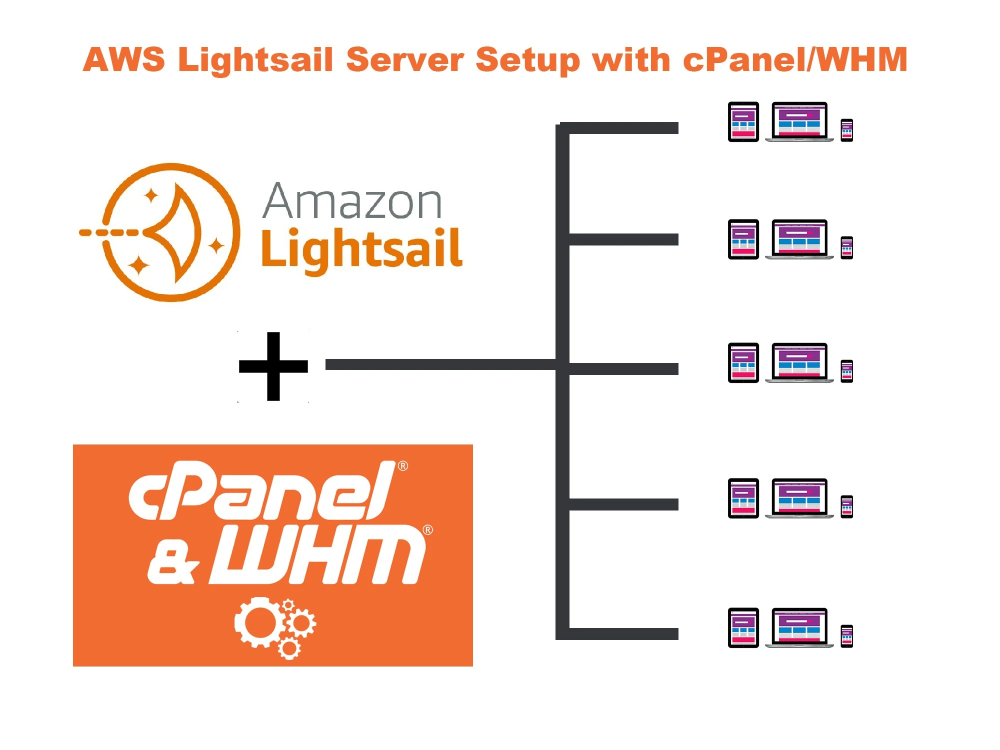
Start by logging into your Lightsail account. Click on the “Create Instance” button. Choose your preferred region and availability zone. Select the operating system you want. For most users, Linux is a good choice. Pick an instance plan that fits your needs. You can always upgrade later. Give your instance a name so you can find it easily. Click Create to finish. Your instance is now ready!
First, go to the Networking tab. Here, you can set up a static IP. This makes sure your website address stays the same. Next, configure the firewall settings. Open ports for HTTP and HTTPS traffic. This allows users to visit your site. Finally, check the SSH key settings. Ensure you can access your instance securely. Save your changes and your settings are complete.
Credit: www.upwork.com
Installing A Web Server
Apache and Nginx are popular web servers. Both can serve web pages. Apache is known for flexibility. Nginx is known for speed.
Apache uses more memory. It is suitable for complex sites. Nginx uses less memory. It handles many connections better. Consider your site’s needs. Choose based on performance and resource usage.
Install Apache with a simple command. Type sudo apt-get install apache2. For Nginx, use sudo apt-get install nginx. Wait for the process. It takes a few minutes.
Check your server status. For Apache, type sudo systemctl status apache2. For Nginx, type sudo systemctl status nginx. Ensure it is running. If not, start it with sudo systemctl start. Your web server is now ready.
Configuring Domain Names
To start, you need a domain name. This is like your website’s address. You can buy one from a domain registrar. Some popular choices are Namecheap and GoDaddy. Choose a name that is easy to remember. It should fit your website’s purpose. After buying, you own the domain. This means you control it now.
Make sure to keep your login details safe. You will need these to manage your domain. Always use a strong password for your account. This keeps it safe from hackers.
Now, connect your domain to Amazon Lightsail. This links your website’s address to the server. First, log in to your Lightsail account. Find the DNS settings section. Here, you will add your domain name.
Add a DNS record. This helps direct traffic to your website. Use the IP address from your Lightsail instance. Save these changes. It can take some time to update. Be patient and check back later.
Setting Up Virtual Hosts
Virtual hosts let a single server host multiple sites. This means you can run two web pages on one website. Each site gets its own folder on the server. This keeps files organized and separate. You need a unique IP or domain name for each virtual host. The web server software, like Apache or Nginx, handles this. It directs traffic based on the domain name. The server reads configuration files to know which site to show. This setup makes managing sites easier. It also saves resources.
Configuration involves editing server files. These files tell the server how to handle requests. Start by creating separate folders for each site. Next, edit the configuration files. Each virtual host needs its own entry. Specify the domain name and folder path. Restart the web server after changes. Check each site to ensure it’s working. Use logs to troubleshoot any issues. This setup helps in managing different sites efficiently. It ensures each site operates smoothly.
Deploying Web Pages
Upload files to your server using the Lightsail console. Use the file manager for easy access. Click on the upload button to add your first web page. Wait for the file to upload. Now, add the second web page. Ensure both pages are in the same directory. This will make accessing them easier. Double-check file names. They should not have spaces. Keep file names short and clear. This helps with easy navigation.
After uploading, test if your web pages are live. Open a web browser. Type the URL of your website. Add the file name of the first page. Hit enter. Check if the page loads. Do the same for the second page. If the pages show up, they are live. If not, check the file paths. Errors might be in the file names or paths. Fix them to make your pages accessible.
Managing Dns Settings
It’s important to update DNS records to host two web pages. These records tell the internet where to find your website. Start by accessing your Lightsail console. There, locate the Networking tab. You will see a list of options. Choose the DNS zone for your website. This is where you can make changes.
You must add new records for each web page. These include A records and CNAME records. Ensure they point to the correct IP addresses. Double-check each entry to avoid mistakes. A small error can cause big problems. Finally, save your changes. Now, your DNS settings are up to date.
Verify that your changes work. Use a DNS lookup tool. This tool checks if the new records are active. Enter your domain name and see the results. If everything is correct, your web pages should load fine. Sometimes, it takes time for changes to update. Be patient if you don’t see changes right away. Check again after a few hours.
Troubleshooting Common Issues
Server errors can be frustrating. They stop your website from working. First, check your server logs. Logs show error messages. Look for strange codes or messages. Sometimes, errors happen because of wrong settings. Double-check your server settings. Make sure they are correct. If you find nothing, restart your server. Restarting can fix many issues. If errors persist, contact your hosting provider. They can help solve complex problems.
Domain issues affect website access. Ensure your domain name points to the correct IP address. Check DNS settings. DNS settings link your domain to your server. Incorrect DNS can cause access issues. Update DNS settings if needed. Look at your domain registration. Make sure it is up-to-date. Expired domains prevent website access. For help, contact your domain registrar. They assist with configuration issues.
Credit: www.ryansmithphotography.com
Frequently Asked Questions
Can I Host Two Websites On One Hosting Account?
Yes, you can host two websites on one hosting account. Use a hosting plan that supports multiple domains. Check with your hosting provider for specific features and instructions. This option helps save costs and streamline management of your websites.
Is Lightsail Better Than Ec2?
Lightsail is simpler and cost-effective for small projects. EC2 offers more flexibility and scalability for complex applications. Choose based on your project needs.
Is Aws Lightsail Good For WordPress?
AWS Lightsail is suitable for WordPress hosting. It offers simplicity, scalability, and cost-effective solutions for small to medium websites. With pre-configured templates, easy management, and robust security features, Lightsail provides a seamless experience for WordPress users seeking reliable cloud hosting.
How Can I Host Multiple Web Pages On Lightsail?
To host multiple web pages on Lightsail, configure your server to handle different routes. Use Apache or Nginx for efficient routing. Ensure your domain points to Lightsail’s IP. Create separate directories for each web page to maintain organization and easy access.
Conclusion
Hosting two web pages on one Lightsail website is simple. Follow the steps carefully. Ensure both pages connect well with your site. Test each page after setup. This guarantees everything works smoothly. Lightsail offers flexibility and control. Perfect for small businesses or personal projects.
Manage resources easily without extra costs. Your website can grow with your needs. Remember to keep your content fresh. Engage visitors with relevant information. Regular updates can enhance user experience. Stay focused and organized. With Lightsail, expand your site confidently.
Enjoy the benefits of efficient web hosting.


